

From my experience with AI Blaze, I found it excels at simplifying complex study materials through AI-powered summarization and flashcard generation. The tool’s automation features help reduce repetitive tasks, allowing me to focus more on actual learning. It’s particularly well-suited for students and lifelong learners who want to optimize their study sessions without getting overwhelmed. However, the lack of a dedicated mobile app and limited language support might be a drawback for some users. Overall, if you need an AI assistant to streamline your study workflow and improve retention, AI Blaze delivers practical and accessible solutions.
AI Blaze Study Tool for Efficient Learning and Knowledge Retention
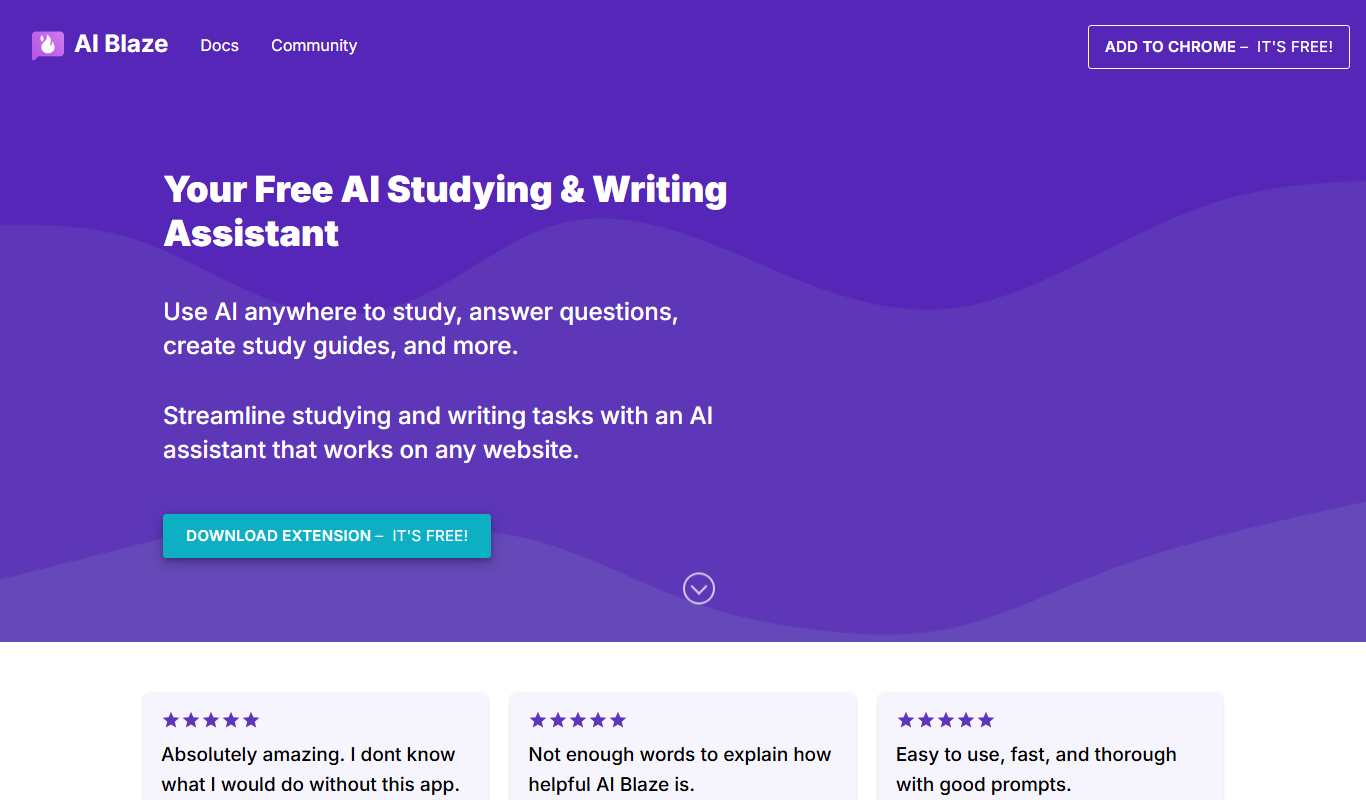
AI Blaze is an AI-driven study tool that helps users summarize study materials, generate flashcards, and automate study tasks to improve learning efficiency and retention.
- Best for
- Efficient Study Sessions
- Key capability
- AI Summarization

Do you recommend this tool?
What is AI Blaze?
AI Blaze is an AI-powered study assistant designed to enhance learning efficiency and knowledge retention. It integrates with users’ study routines to help break down complex information, automate note-taking, and optimize study sessions. The tool is accessible via a web platform and a Chrome extension, making it convenient for students and lifelong learners.
Key features of AI Blaze
AI Blaze offers features such as AI-driven summarization, task automation, customizable study workflows, and integration with popular browsers to streamline the learning process.
AI Summarization
Automatically condenses large texts into concise summaries for quicker review.
Flashcard Generation
Creates flashcards from study material to aid memorization.
Task Automation
Automates repetitive study tasks to save time and maintain focus.
Customizable Workflows
Allows users to tailor study processes according to their preferences.
Browser Integration
Seamlessly integrates with Chrome for easy access during online study sessions.
Pros and cons of AI Blaze
Pros
- Simplifies complex study materials with AI summarization
- Automates repetitive tasks to save time
- Customizable workflows adapt to individual study styles
- Accessible via browser extension for convenience
- Supports knowledge retention with flashcards
Cons
- Limited language support (English only)
- Some advanced features require paid subscription
- No dedicated mobile app currently
Key use cases for AI Blaze
Efficient Study Sessions
Helps users organize and optimize study time by breaking down complex topics into manageable parts.
Knowledge Retention
Uses AI to assist in memorizing and recalling information effectively.
Note Taking and Summarization
Enables users to create concise notes and summaries from study materials.
Task Automation
Automates repetitive study tasks to increase productivity and focus.
How AI Blaze works
- 1
Install and Setup
Users install the Chrome extension or access the web platform and create an account.
- 2
Input Study Material
Users input or upload study content such as text, articles, or notes.
- 3
AI Processing
The AI analyzes the material to generate summaries, flashcards, or study prompts.
- 4
Review and Customize
Users review AI-generated content and customize it to fit their study needs.
- 5
Study and Retain
Users engage with the optimized study materials to improve retention and understanding.
Who is using AI Blaze
Students at all levels
Lifelong learners
Educators and tutors
Content creators needing study aids
Professionals preparing for certifications
AI Blaze pricing
Free
$0/month
Basic access with limited features and usage caps.
Pro
$9.99/month
Full feature access including advanced AI capabilities and higher usage limits.
Plans and prices are as published by the vendor and can change. Check the official site before you buy. Open the pricing page (opens in a new tab)
Frequently asked questions about AI Blaze
AI Blaze offers a free plan with limited features and a Pro subscription for full access.
AI Blaze is available as a web platform and a Chrome extension.
Yes, it generates flashcards and study prompts to improve knowledge retention.
AI Blaze follows standard security practices to protect user data, though users should review their privacy policy for details.
It depends on your specific needs and how you plan to use the tool. The official website and documentation are the best sources for the latest details.
It depends on your specific needs and how you plan to use the tool. The official website and documentation are the best sources for the latest details.
It depends on your specific needs and how you plan to use the tool. The official website and documentation are the best sources for the latest details.
Sign in to review this tool.
Sign In to ReviewNo reviews yet
Be the first to share how this tool worked for you.
Ask about pricing, limits, or how it compares — or answer someone else.
Sign In to AskNo questions yet
Have a question about using or paying for this tool? Be the first to ask.
Featured on TiorAI



Alternative Tools
Explore similar AI tools that might fit your needs

Free
Anki
Anki is an open-source spaced repetition flashcard program that helps users memorize information efficiently by scheduling reviews at optimal intervals to enhance long-term retention.
More AI Education & Learning Tools tools
Other tools in the same category, for when this one is not quite the fit.

Free
bentolingo
BentoLingo is an AI-driven language learning platform that provides personalized speaking practice and real-time feedback to help users improve fluency in multiple languages.

Free Trial
Testnut
Testnut is an online exam platform that enables secure, scalable assessments with remote proctoring, automated grading, and detailed analytics, suitable for education and corporate use.

Freemium
Testbook.ai
Testbook.ai is an AI-driven platform offering personalized study plans, mock tests, and live classes to help students prepare effectively for competitive exams.

Free
AICamp
AICamp is an AI education platform offering project-based learning to teach AI, machine learning, and data science through hands-on projects and community mentorship.
Free
KidTales
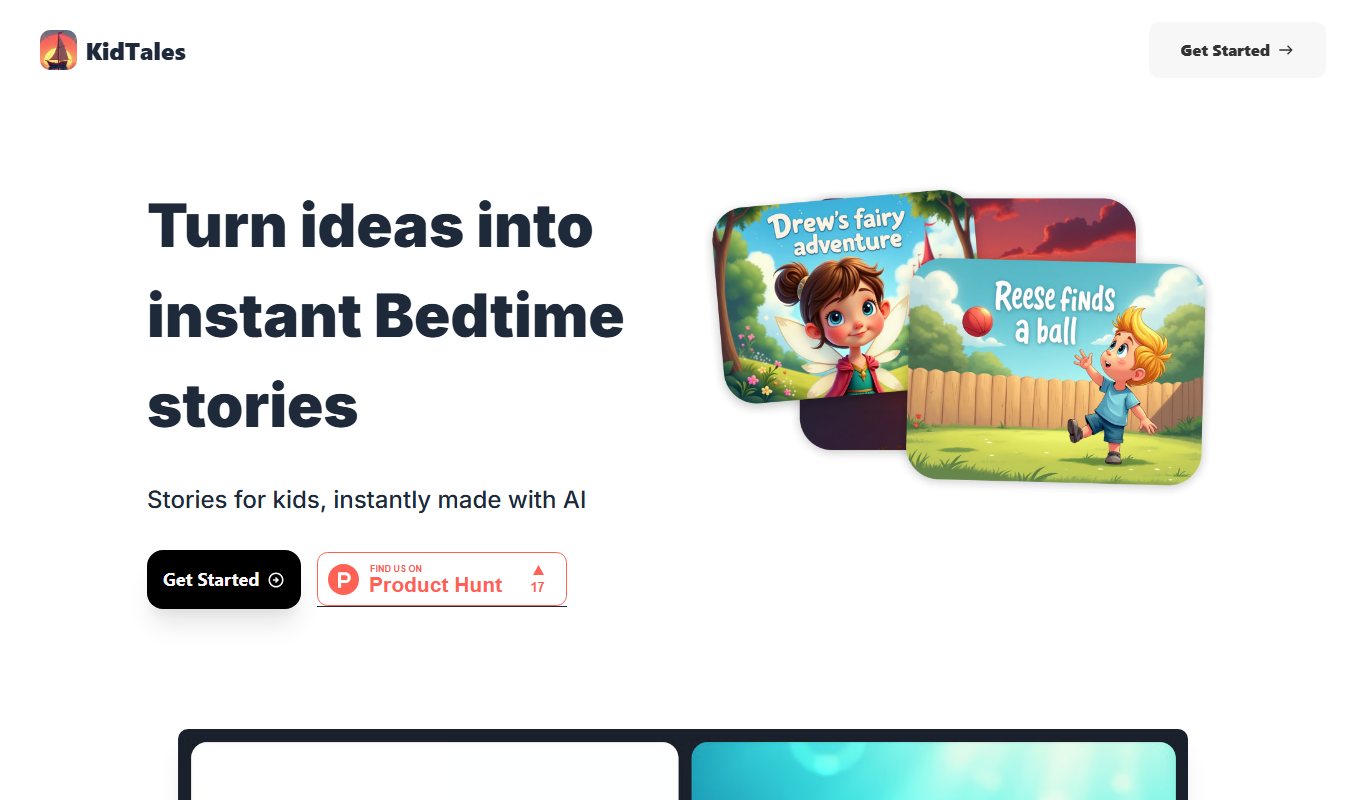
KidTales AI is an online tool that generates personalized, age-appropriate stories for children to support creativity and learning.

Freemium
Mi Cuento Digital
Mi Cuento Digital is an online platform that lets you create personalized digital storybooks for children by adding names, photos, and custom details to engage young readers.

Free
Kidgeni
Kidgeni is an AI-powered tutoring platform designed to provide personalized learning and homework help for children, focusing on core subjects like math and reading through interactive sessions.

Freemium
flAI
flAI is an AI-driven language learning app that provides personalized speaking and writing practice with real-time feedback to help users improve fluency and confidence in multiple languages.