

From my experience with Aftershoot, I found it excels at drastically reducing the tedious task of photo culling by leveraging AI to identify sharp, well-exposed, and expressive images. Spending time with the software revealed it is particularly well-suited for professional photographers handling large volumes of photos, such as wedding or event shooters. However, the desktop-only availability and English-only interface may limit accessibility for some users. Overall, if you need to speed up your photo selection process without sacrificing accuracy, Aftershoot delivers reliable and efficient results.
Aftershoot AI Photo Culling Software for Faster Image Selection
Aftershoot is an AI-powered desktop software that automates photo culling by analyzing sharpness, exposure, and facial expressions to help photographers quickly select the best images.
- Best for
- Professional Photography Workflow
- Key capability
- AI-Powered Culling
Your actions
Save Aftershoot, follow its updates and vote on it — everything stays in your account.
Sign in or create a free account
What is Aftershoot?
Aftershoot is an AI-powered photo culling software designed to help photographers quickly and accurately select the best images from large photo shoots. It uses machine learning algorithms to analyze photos for sharpness, exposure, facial expressions, and other quality factors, significantly reducing the time spent on manual sorting.
Key features of Aftershoot
Aftershoot offers automated photo culling, facial recognition, duplicate detection, and customizable culling criteria to accelerate the post-shoot workflow. It integrates seamlessly with popular photo editing software, enabling photographers to focus more on creative editing.
AI-Powered Culling
Automatically identifies sharp, well-exposed, and expressive photos to speed up selection.
Facial Expression Detection
Detects smiles, blinks, and other expressions to help choose the best portraits.
Duplicate Detection
Finds and groups similar photos to avoid redundant selections.
Customizable Culling Criteria
Allows users to set preferences for sharpness, exposure, and other parameters.
Integration with Editing Software
Exports selected photos to Lightroom, Capture One, and other popular editors.
Pros and cons of Aftershoot
Pros
- Significantly reduces time spent on photo culling
- Accurate AI detection of sharpness and facial expressions
- Customizable settings to fit different photography styles
- Supports integration with major photo editing software
- User-friendly desktop application
Cons
- Desktop-only, no mobile or web app available
- Limited language support (English only)
- Subscription pricing may be costly for casual photographers
Key use cases for Aftershoot
Professional Photography Workflow
Streamline the photo selection process by automatically identifying the best images from large shoots.
Wedding and Event Photography
Quickly cull thousands of photos to find sharp, well-exposed, and expressive shots for client delivery.
Portrait and Commercial Photography
Save time by letting AI detect focus, exposure, and facial expressions to shortlist images for editing.
Photo Editing Preparation
Organize and reduce photo libraries before detailed retouching and color grading.
How Aftershoot works
- 1
Import Photos
Upload your photo shoot images into Aftershoot’s desktop application.
- 2
AI Analysis
The software automatically analyzes each photo for sharpness, exposure, facial expressions, and duplicates.
- 3
Review Suggestions
Aftershoot presents a curated selection of the best photos based on AI scoring.
- 4
Customize and Export
Adjust culling criteria if needed, then export selected photos or send them directly to editing software.
Who is using Aftershoot
Professional photographers
Wedding and event photographers
Portrait and commercial photographers
Photography studios
Photo editors and retouchers
Aftershoot pricing
Free Trial
$0
Limited number of photos for testing the software features.
Monthly Subscription
$19/month
Full access with unlimited photo culling and updates.
Annual Subscription
$190/year
Discounted yearly plan with full features and priority support.
Plans and prices are as published by the vendor and can change. Check the official site before you buy. Open the pricing page (opens in a new tab)
Frequently asked questions about Aftershoot
Aftershoot is optimized for portrait, wedding, event, and commercial photography where large volumes of images require quick culling.
Yes, Aftershoot allows you to adjust parameters like sharpness threshold, exposure levels, and facial expression preferences.
Yes, Aftershoot supports exporting selected photos directly to Adobe Lightroom and other popular photo editors.
Aftershoot offers a free trial with limited photo culling to test the software before subscribing.
It depends on your specific needs and how you plan to use the tool. The official website and documentation are the best sources for the latest details.
Yes, it can help with that use case depending on how you configure it and what features are available. You’ll get the best results with clear inputs and a defined goal.
It depends on your specific needs and how you plan to use the tool. The official website and documentation are the best sources for the latest details.
Pricing depends on the plan and included features. For the most accurate and up-to-date details, check the official pricing page.
Sign in to review this tool.
Sign In to ReviewNo reviews yet
Be the first to share how this tool worked for you.
Ask about pricing, limits, or how it compares — or answer someone else.
Sign In to AskNo questions yet
Have a question about using or paying for this tool? Be the first to ask.
Featured on TiorAI



Alternative Tools
Explore similar AI tools that might fit your needs
Free Trial
Excire Foto
Excire Foto is an AI-powered desktop software that analyzes and organizes photo collections by generating keywords and enabling content-based search, integrating with Lightroom Classic for enhanced photo management.
More AI Artificial Intelligence Tools tools
Other tools in the same category, for when this one is not quite the fit.

Custom Pricing
artivatic.ai
Artivatic.ai is an AI platform specializing in automating insurance and healthcare processes like underwriting and fraud detection through machine learning.
Custom Pricing
Vic.ai
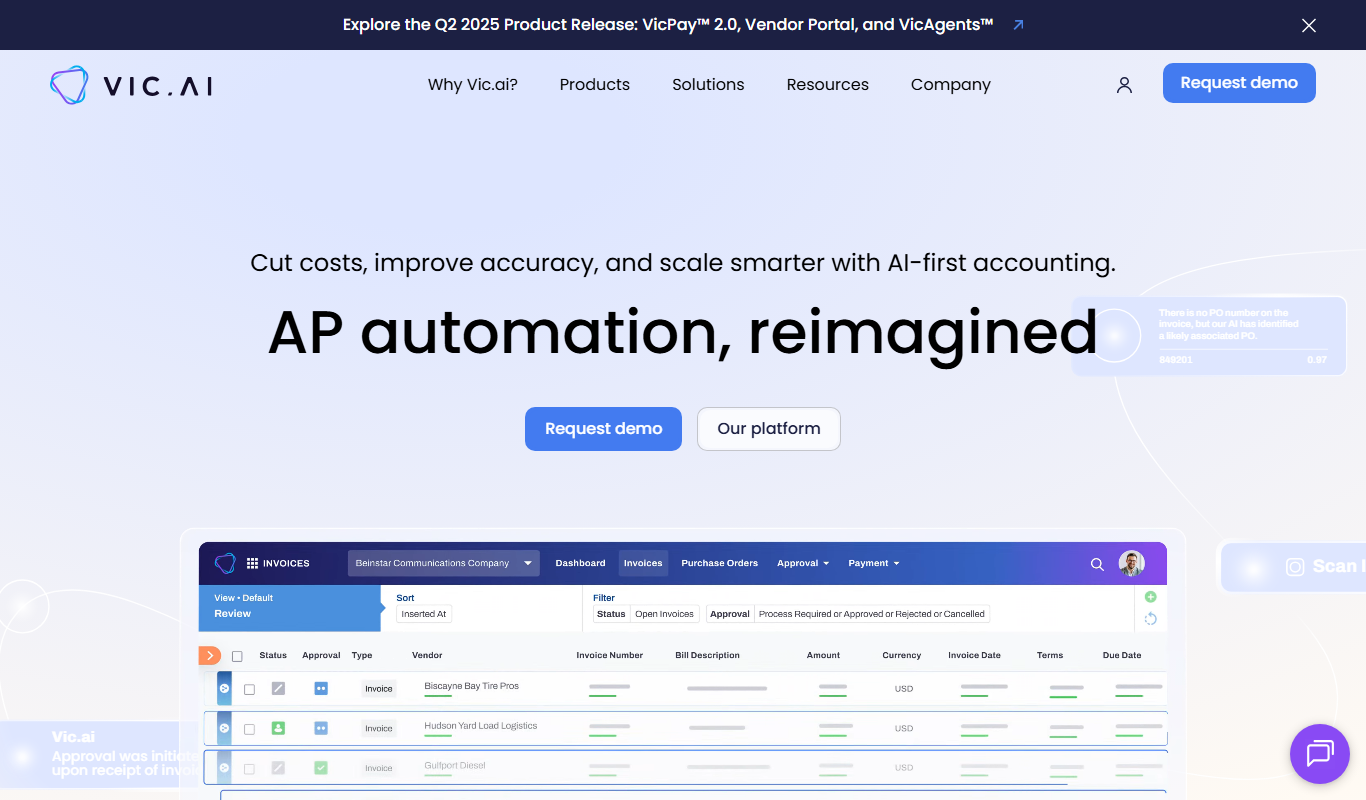
Vic.ai is an AI-powered accounting automation platform that automates invoice processing, coding, and approvals to streamline accounts payable workflows and improve accuracy.
Free
DeepAI
DeepAI is an AI platform providing APIs and web tools for image generation, text analysis, and other machine learning tasks, suitable for developers and content creators.

Custom Pricing
berkshiregrey.com
Berkshire Grey provides AI-driven robotic automation systems designed to optimize warehouse and supply chain operations through intelligent picking, packing, and sorting.

Free
Semantic Scholar
Semantic Scholar is a free, AI-driven academic search engine developed by the Allen Institute for AI that helps users find, summarize, and analyze scientific research papers and citations.

Free
EasyNoteAI
EasyNoteAI is an AI-driven tool that automates note taking and summarization, helping users quickly capture and organize information from meetings, lectures, and content.

Free Trial
Low-Code Development and AI
Amoga's Low-Code Development and AI platform enables rapid application building with drag-and-drop tools and AI automation, suitable for users with minimal coding skills.
Free
AI World Today
AI World Today is a free online platform providing daily news, expert analysis, and research updates on artificial intelligence.