

From my experience with Aesty, I found it excels at quickly generating unique, high-quality images from simple text prompts without requiring design skills. The platform’s intuitive interface and customizable styles make it particularly well-suited for marketers and content creators who need fast, creative visuals for campaigns and social media. However, the free plan’s limited usage and lack of mobile or desktop apps mean it might not fit heavy users or those wanting offline access. Overall, if you need an accessible AI image generator for creative projects, Aesty delivers solid, user-friendly results.
Aesty AI Image Generator for Creative Visual Content and Design
Aesty is a web-based AI image generator that creates unique, high-quality images from text prompts, ideal for creatives and marketers seeking fast, customizable visuals.
- Best for
- Creative Visual Content
- Key capability
- Text-to-Image Generation
Your actions
Save Aesty, follow its updates and vote on it — everything stays in your account.
Sign in or create a free account
What is Aesty?
Aesty is a web-based AI-powered image generation platform that enables users to create unique, high-quality visuals by leveraging artificial intelligence. It is designed to assist creatives, marketers, and designers in producing custom images quickly without requiring advanced graphic design skills.
Key features of Aesty
Aesty offers an intuitive interface for generating images from text prompts, customizable styles, and various output options. It supports rapid image creation for diverse creative needs, including marketing, content creation, and design inspiration.
Text-to-Image Generation
Create images from descriptive text prompts using advanced AI models.
Customizable Styles
Choose from various artistic styles to influence the look and feel of generated images.
High-Resolution Outputs
Generate images in high resolution suitable for professional use.
User-Friendly Interface
Simple and intuitive platform design for easy image creation without technical expertise.
Fast Processing
Quick image generation to support rapid creative workflows.
Pros and cons of Aesty
Pros
- Easy to use with no design skills required
- Fast image generation speeds
- Supports high-resolution image outputs
- Offers customizable artistic styles
- Free plan available for testing
Cons
- Limited free usage quota
- No desktop or mobile app versions currently
Key use cases for Aesty
Creative Visual Content
Generate unique images for marketing, social media, and branding purposes.
Graphic Design Assistance
Support designers by providing AI-generated image concepts and inspiration.
Content Creation
Enhance blog posts, articles, and presentations with custom AI-generated visuals.
Advertising
Create eye-catching visuals for ad campaigns quickly and efficiently.
Prototyping and Concept Art
Use AI-generated images to prototype ideas and visualize concepts early in the design process.
How Aesty works
- 1
Access the Platform
Visit the Aesty website and create a free account to start generating images.
- 2
Enter Text Prompts
Describe the desired image using text prompts to guide the AI in generating visuals.
- 3
Customize Settings
Adjust style, resolution, and other parameters to tailor the output to your needs.
- 4
Generate Images
Submit your prompt and receive AI-generated images within seconds.
- 5
Download and Use
Download the generated images for use in your projects or marketing materials.
Who is using Aesty
Content creators
Marketing professionals
Graphic designers
Social media managers
Small business owners
Aesty pricing
Free
$0/month
Limited number of image generations per month with basic features.
Pro
$19/month
Increased generation limits, higher resolution images, and priority processing.
Plans and prices are as published by the vendor and can change. Check the official site before you buy. Open the pricing page (opens in a new tab)
Frequently asked questions about Aesty
Aesty is used to generate unique images from text prompts for creative projects, marketing, and design.
No, Aesty is designed to be user-friendly and does not require prior design experience.
Yes, images generated with Aesty can be used commercially, but users should review the terms of service for details.
Yes, Aesty offers a free plan with limited image generation to try the service.
It depends on your specific needs and how you plan to use the tool. The official website and documentation are the best sources for the latest details.
Yes, it can help with that use case depending on how you configure it and what features are available. You’ll get the best results with clear inputs and a defined goal.
Some tools offer a free plan or trial with limited features. Availability can vary, so confirm on the official website.
Yes, it can help with that use case depending on how you configure it and what features are available. You’ll get the best results with clear inputs and a defined goal.
Sign in to review this tool.
Sign In to ReviewNo reviews yet
Be the first to share how this tool worked for you.
Ask about pricing, limits, or how it compares — or answer someone else.
Sign In to AskNo questions yet
Have a question about using or paying for this tool? Be the first to ask.
Featured on TiorAI



More AI Clothing Generator tools
Other tools in the same category, for when this one is not quite the fit.
Custom Pricing
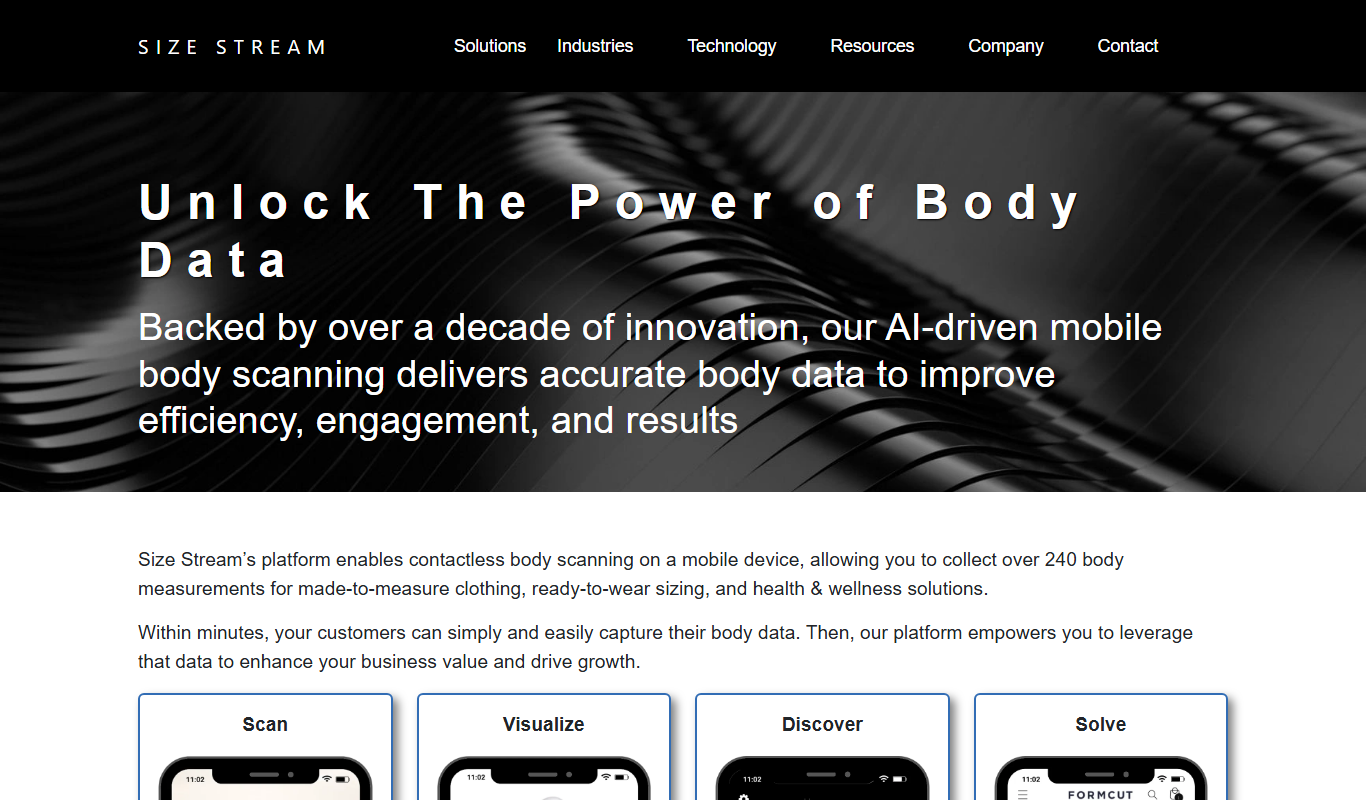
Size Stream
Size Stream is a 3D body scanning platform that captures precise body measurements and creates digital avatars for apparel fitting, health tracking, and virtual try-on applications.
Free
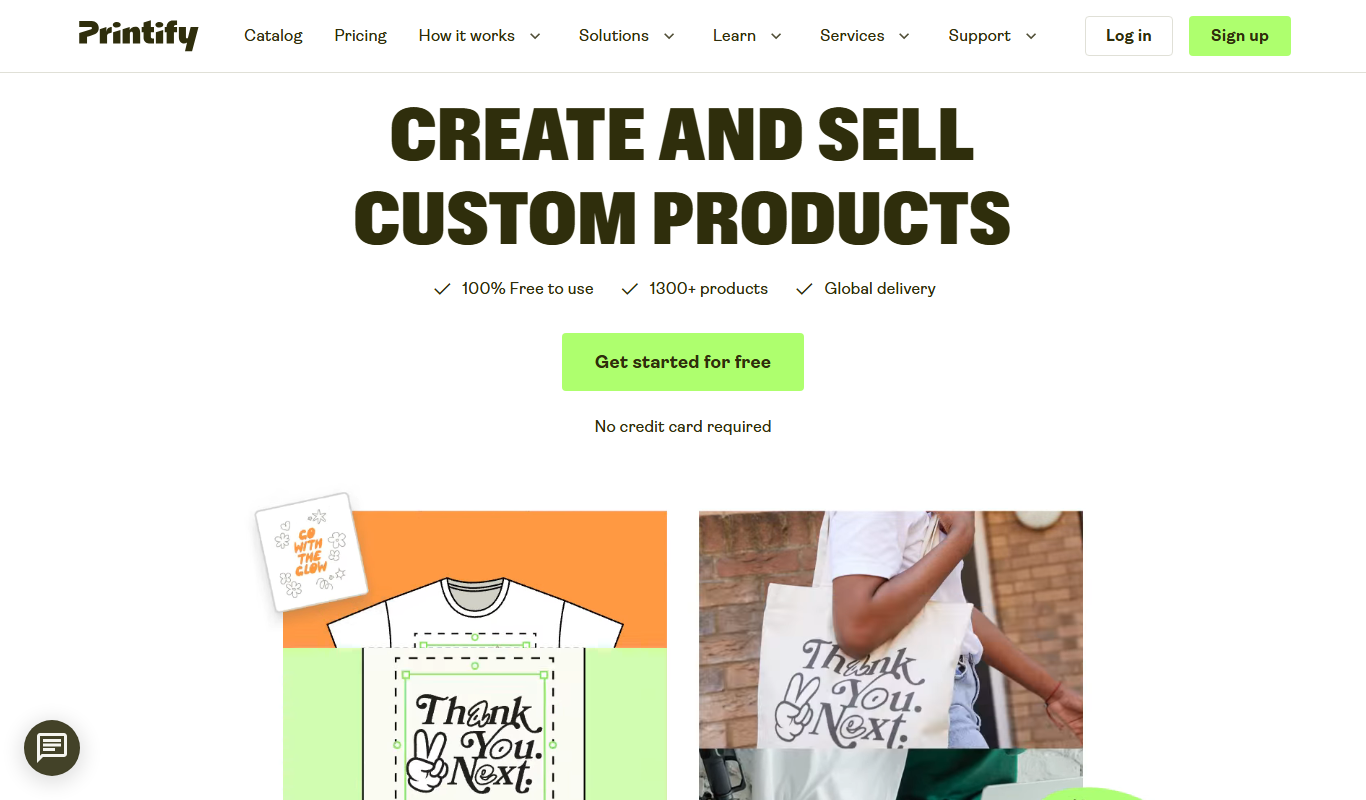
Printify
Printify is a print-on-demand platform that enables users to design custom products and sell them online with automated printing and shipping handled by global print providers.

Free
Gifts Genie
Gifts Genie is a free online platform that helps users find personalized gift ideas by answering a few questions about the recipient and occasion, providing curated recommendations to simplify gift shopping.
Free
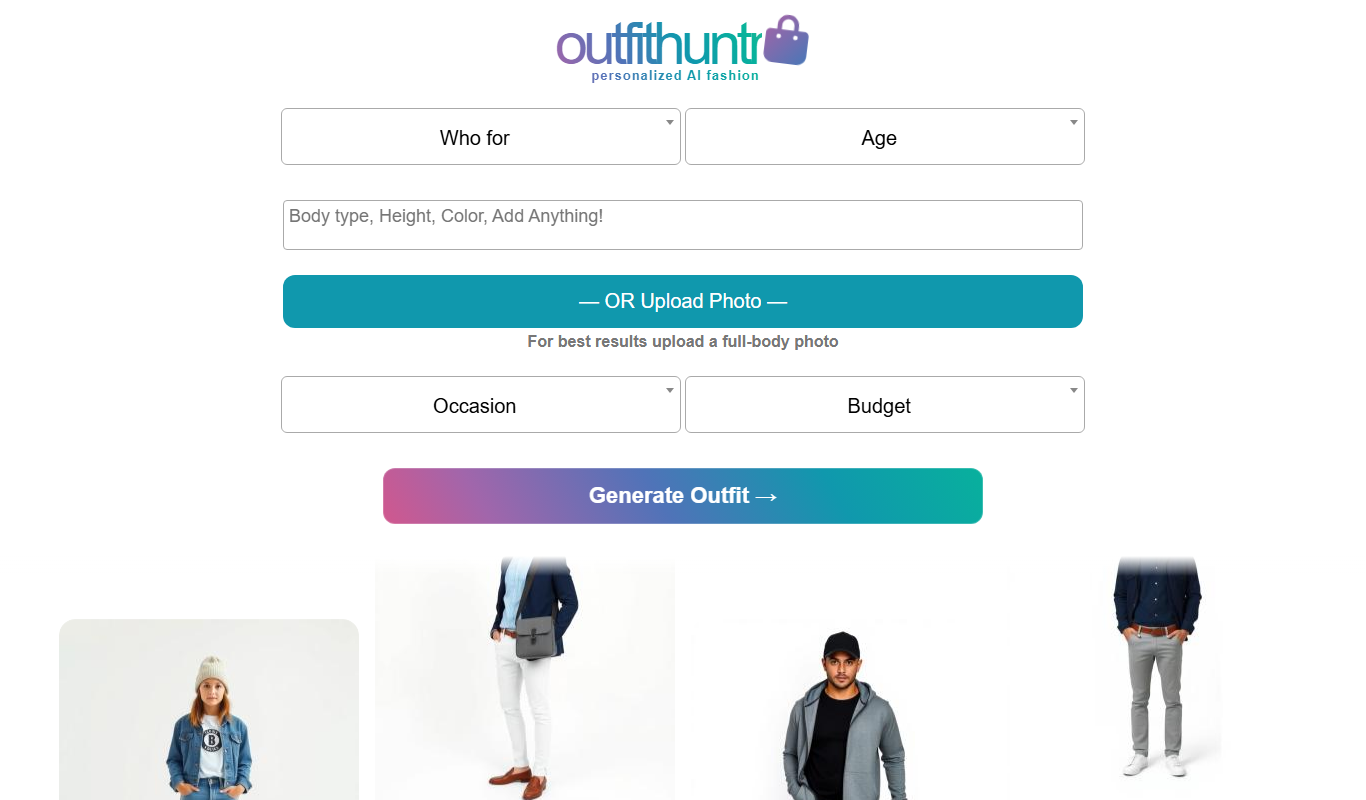
OutfitHuntr.com: AI Style & Shop
OutfitHuntr is an AI-powered fashion assistant that provides personalized outfit suggestions and shopping recommendations based on your style preferences and sizes.

Free
Larry the Elf
Larry the Elf is a free AI gift recommendation tool that provides personalized gift ideas based on recipient details and occasion through an interactive chat interface.

Custom Pricing
Zugara
Zugara is an AR company offering a Virtual Dressing Room for events and stores.

Pay-per-item
Stitch Fix
Stitch Fix is an online personal styling service that uses AI and professional stylists to curate personalized clothing boxes shipped to your home, allowing you to try on and keep what you like.
Subscription
Lookiero
Lookiero is an online personal styling platform that uses AI and human stylists to deliver personalized clothing selections to your home, allowing convenient fashion discovery and purchase.