

Sales Tax Calculator
Compute sales tax and total price from price + tax rate, or extract pre-tax price from total.
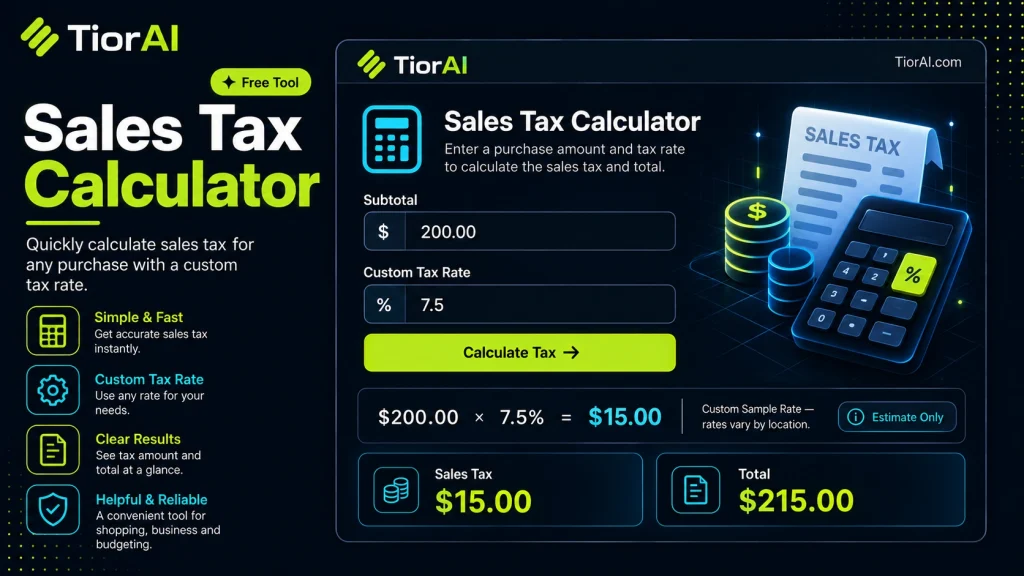
How to use it
- Enter Your Values Input your numbers or parameters into the Sales Tax Calculator. Fill in all required fields for an accurate calculation.
- Calculate Results Click the calculate button to process your inputs. The Sales Tax Calculator delivers instant, accurate results.
- Review and Use Review your calculated results, explore the breakdown, and copy or share the output for your needs.
Tip Share your Sales Tax Calculator results by copying the output — great for reports, homework, or team discussions.
Understanding Sales Tax Calculation
Sales tax is a percentage added to the price of goods or services at the point of sale. It is collected by the seller and passed on to the government. The basic formula to calculate sales tax is:
Sales Tax = Purchase Price × Tax Rate
Here, Purchase Price is the cost of the item before tax, and Tax Rate is the sales tax percentage expressed as a decimal (for example, 7.5% becomes 0.075).
Once you calculate the sales tax amount, you can find the total price by adding the sales tax to the original purchase price:
Total Price = Purchase Price + Sales Tax
This calculation is important because it ensures that consumers know the full cost they will pay, and businesses collect the correct tax amount to remit to tax authorities.
In real-world contexts, sales tax rates vary by state, county, and sometimes city, making it essential to know the correct local rate. For example, a $100 item in a state with a 6% sales tax will cost $106 total. However, in a city with an additional 2% local tax, the total tax rate becomes 8%, and the total price is $108.
Some regions use inclusive tax, where the listed price already includes sales tax, while others use exclusive tax, where tax is added at checkout. Understanding this distinction helps in correctly calculating the tax amount.
What is Sales Tax and How is it Calculated?
Sales tax is a government-imposed charge on the sale of goods and services. It is calculated by multiplying the purchase price by the applicable tax rate. This tax rate is usually expressed as a percentage and varies depending on the location of the sale.
The formula is straightforward: Sales Tax = Purchase Price × Tax Rate. For example, if you buy an item priced at $100 and the sales tax rate is 7%, the sales tax is $7, making the total cost $107.
Sales tax is important because it funds public services and infrastructure. For consumers, knowing how to calculate sales tax helps in budgeting and understanding the final price they pay. For businesses, accurate calculation ensures compliance with tax regulations.
When to Use a Sales Tax Calculator
- When you want to know the total cost of a purchase including tax.
- When a business needs to determine how much tax to collect from customers.
- When comparing prices across different regions with varying tax rates.
- When estimating tax on multiple items before checkout.
- When preparing financial records that separate sales and tax amounts.
Common Mistakes to Avoid
- Using the tax rate as a whole number instead of a decimal (e.g., 7.5 instead of 0.075).
- Applying the tax rate to the total price including tax instead of the pre-tax price.
- Using outdated or incorrect local tax rates.
- Failing to account for multiple tax jurisdictions when applicable.
Understanding these concepts and using accurate rates ensures correct sales tax calculation, which is essential for both consumers and businesses.
Common use cases
- Calculating sales tax on a single item
- Total price including sales tax
- Calculating tax for multiple items
Frequently asked questions
Reviews and questions
Whether this tool gave people the answer they needed, and what they asked about it.
Sign in to review this tool.
Sign In to ReviewNo reviews yet
Be the first to say whether this tool gave you what you needed.
Ask how to read the result, or what the tool does with an edge case — or answer someone else.
Sign In to AskNo questions yet
Not sure how to read a result? Be the first to ask.
AI tools related to this topic
Tools from the TiorAI directory that work on the same kind of job.

AI Consulting for Finance Teams
GenFinance AI provides specialized AI consulting services designed to help finance teams improve financial analysis, forecasting, risk management, and automation through tailored AI solutions.

Ain Finance
Ain Finance is a decentralized finance platform that allows users to earn rewards through yield farming, token staking, and liquidity mining, with governance features for token holders.