


How to use it
- Upload Your Image Upload or drag and drop your image into the Reverse Image Search. Supports PNG, JPG, WebP, and other common formats.
- Process the Image Configure your desired settings and click process. The tool applies changes to your image in seconds.
- Download the Result Preview the processed image and download it in your preferred format, ready for use.
Tip The Reverse Image Search preserves image quality while optimizing — your photos stay sharp even after processing.
What is Reverse Image Search?
Reverse image search is a technology that allows users to search the internet using an image file instead of text keywords. Instead of typing a description, you upload or provide a URL of an image, and the search engine analyzes its visual content to find matching or similar images across the web.
Why is it needed? Traditional text-based searches rely on keywords, which can be limiting if you don’t know the exact terms to describe an image. Reverse image search helps identify unknown objects, verify the authenticity of images, find higher resolution versions, or discover the original source. It is widely used in journalism, e-commerce, research, and digital forensics.
How does it work? The technology uses computer vision algorithms to extract features from the image, such as shapes, colors, textures, and patterns. These features are then compared against a large database of indexed images to find matches or visually similar results.
Common use cases include:
- Checking if an image is being used elsewhere on the internet
- Finding the original creator or source of an image
- Detecting image plagiarism or copyright infringement
- Identifying objects, landmarks, or products in a photo
- Verifying the authenticity of images in news or social media
Understanding Reverse Image Search
Reverse image search is a method of searching the internet using an image instead of text. This technology analyzes the visual content of an image—such as shapes, colors, and patterns—to find matching or similar images online. It is particularly useful when you don’t have the right keywords to describe what you’re looking for.
People use reverse image search to find the original source of an image, verify its authenticity, or discover higher resolution versions. For example, journalists use it to fact-check photos, while shoppers might use it to find where to buy a product seen in a picture.
When to Use Reverse Image Search
- To identify the creator or original source of an image you found online
- To verify if an image is genuine or has been altered
- To recognize unknown objects, landmarks, or products in a photo
- To check if your own images are being used without permission
- To find higher quality or different versions of an image
Common Mistakes to Avoid
- Uploading low-quality or heavily edited images, which can reduce the accuracy of results
- Expecting exact matches when the image has been cropped or altered
- Using reverse image search on very generic images, which may return too many irrelevant results
Understanding how reverse image search works and when to use it can help you get the most accurate and useful results. This tool leverages computer vision technology to analyze images and connect you with related content across the web, making it a valuable resource for research, verification, and discovery.
Frequently asked questions
Reviews and questions
Whether this tool gave people the answer they needed, and what they asked about it.
Sign in to review this tool.
Sign In to ReviewNo reviews yet
Be the first to say whether this tool gave you what you needed.
Ask how to read the result, or what the tool does with an edge case — or answer someone else.
Sign In to AskNo questions yet
Not sure how to read a result? Be the first to ask.
AI tools related to this topic
Tools from the TiorAI directory that work on the same kind of job.
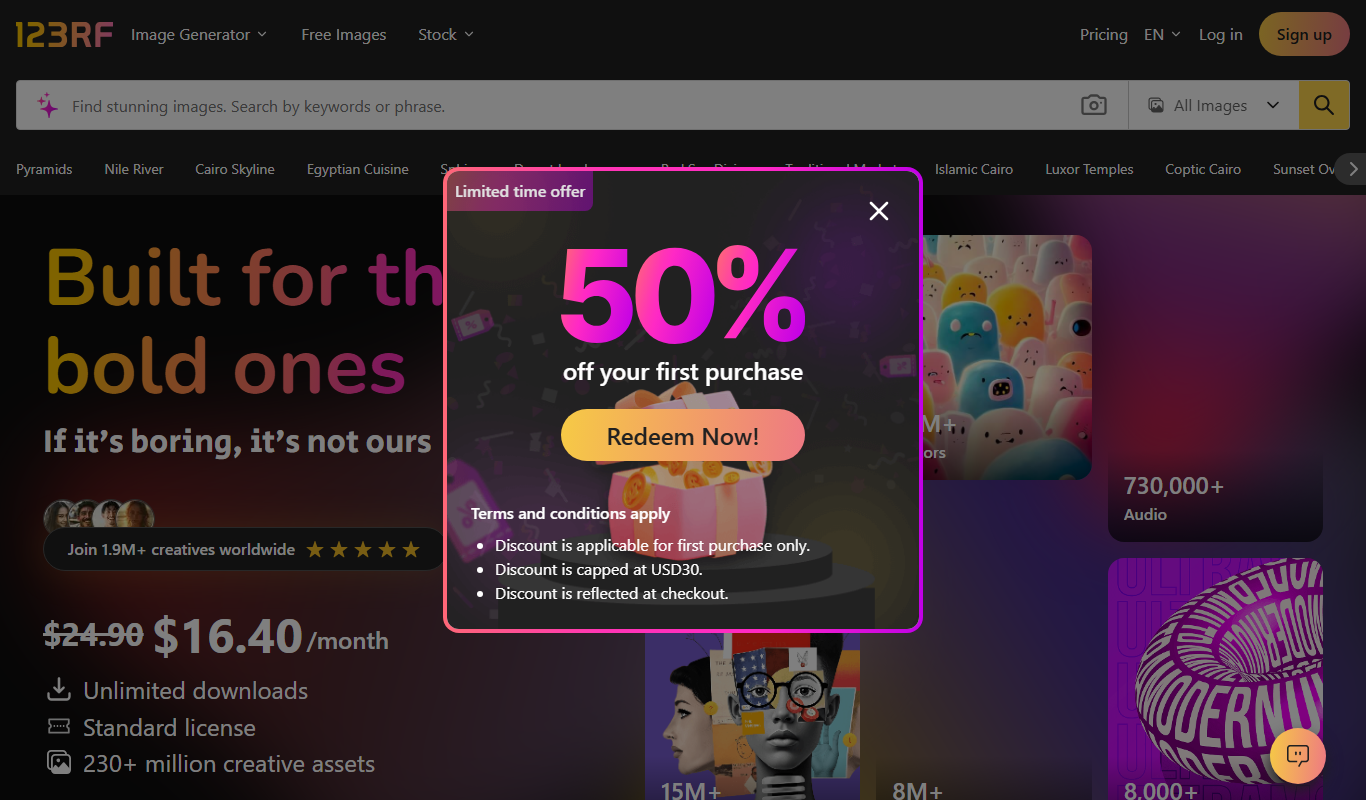
123RF AI Search Engine
123RF AI Search Engine is an AI-powered tool that enables users to find relevant stock photos by keyword or image upload, improving search accuracy and speed.

Adbot – Your Search Ads Specialist
Adbot is an AI-driven platform that automates search ad campaign management, optimizing bids, keywords, and budgets to improve PPC performance.

AI Image Generator/Search
AI Image Generator/Search is a web platform that allows users to generate images from text prompts and search a database of AI-created images for creative and commercial use.