

Margin Calculator
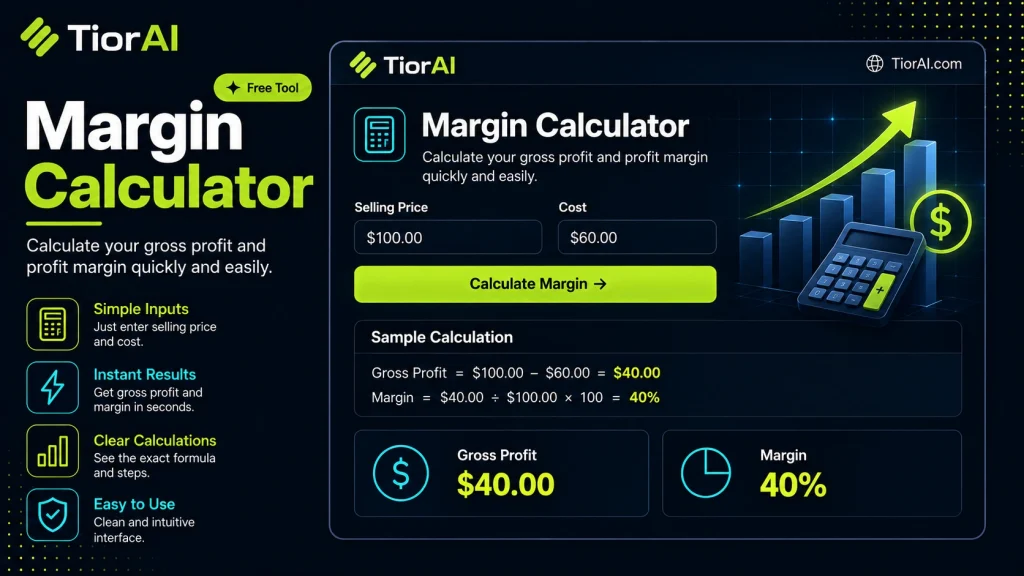
Compute profit, gross margin %, and markup % from cost and revenue.
How to use it
- Enter Your Values Input your numbers or parameters into the Margin Calculator. Fill in all required fields for an accurate calculation.
- Calculate Results Click the calculate button to process your inputs. The Margin Calculator delivers instant, accurate results.
- Review and Use Review your calculated results, explore the breakdown, and copy or share the output for your needs.
Tip Bookmark the Margin Calculator page for quick access whenever you need to run calculations on the go.
Understanding Margin Calculation
Margin is a key financial metric that represents the difference between the selling price of a product or service and its cost, expressed as a percentage of the selling price. It helps businesses understand profitability and pricing strategies.
The formula for calculating margin is:
Margin (%) = ((Selling Price - Cost) / Selling Price) × 100
Where:
- Selling Price is the amount at which the product or service is sold to customers.
- Cost is the expense incurred to produce or acquire the product or service.
This calculation is important because it shows how much of the selling price is profit before other expenses are considered. A higher margin means more profit per sale, which is crucial for covering fixed costs and generating net profit.
In real-world contexts, margin calculation is commonly used in retail, manufacturing, and service industries to set prices, evaluate product performance, and make informed business decisions. For example, a retailer needs to know the margin to ensure that the price covers costs and contributes to overall profitability.
What is Margin and Why It Matters
Margin is a fundamental financial metric that shows the percentage of the selling price that is profit before accounting for other expenses. It is calculated by subtracting the cost of a product or service from its selling price, then dividing by the selling price and multiplying by 100 to get a percentage.
This calculation helps businesses understand how much money they keep from each sale to cover fixed costs and generate net profit. For example, if a product sells for $100 and costs $60 to make, the margin is 40%, meaning 40% of the selling price is profit.
When to Use a Margin Calculator
- Setting prices to ensure products or services are profitable.
- Comparing profitability across different items or services.
- Preparing financial reports that require gross margin figures.
- Analyzing how changes in cost affect overall profitability.
- Budgeting and forecasting expected profits based on sales.
Common Mistakes to Avoid
- Mixing up margin and markup, which can lead to incorrect pricing.
- Using cost instead of selling price as the denominator in the margin formula.
- Overlooking additional costs such as shipping or taxes when calculating total cost.
Understanding margin and using a margin calculator correctly allows businesses to make informed pricing decisions, maintain profitability, and adjust strategies as market conditions change.
Common use cases
- Retail Product Pricing
- Service Pricing Analysis
- Manufacturing Cost Impact
Frequently asked questions
Reviews and questions
Whether this tool gave people the answer they needed, and what they asked about it.
Sign in to review this tool.
Sign In to ReviewNo reviews yet
Be the first to say whether this tool gave you what you needed.
Ask how to read the result, or what the tool does with an edge case — or answer someone else.
Sign In to AskNo questions yet
Not sure how to read a result? Be the first to ask.
AI tools related to this topic
Tools from the TiorAI directory that work on the same kind of job.

Seabiscuit Business GPTs – Start Your Business Legacy
Seabiscuit Business GPTs is an AI platform that helps entrepreneurs plan, research, and grow their businesses using specialized GPT assistants focused on business legacy building.

Math.now: Free Math AI Solver powered by math GPT
Math.now is a free web-based AI math solver that uses GPT technology to provide instant, detailed solutions and explanations for a wide range of math problems.

AI Math Solver Powered by Math GPT Free Online
AI Math Solver Powered by Math GPT is a free online tool that instantly solves math problems across various topics with detailed step-by-step explanations, accessible via web browser without registration.
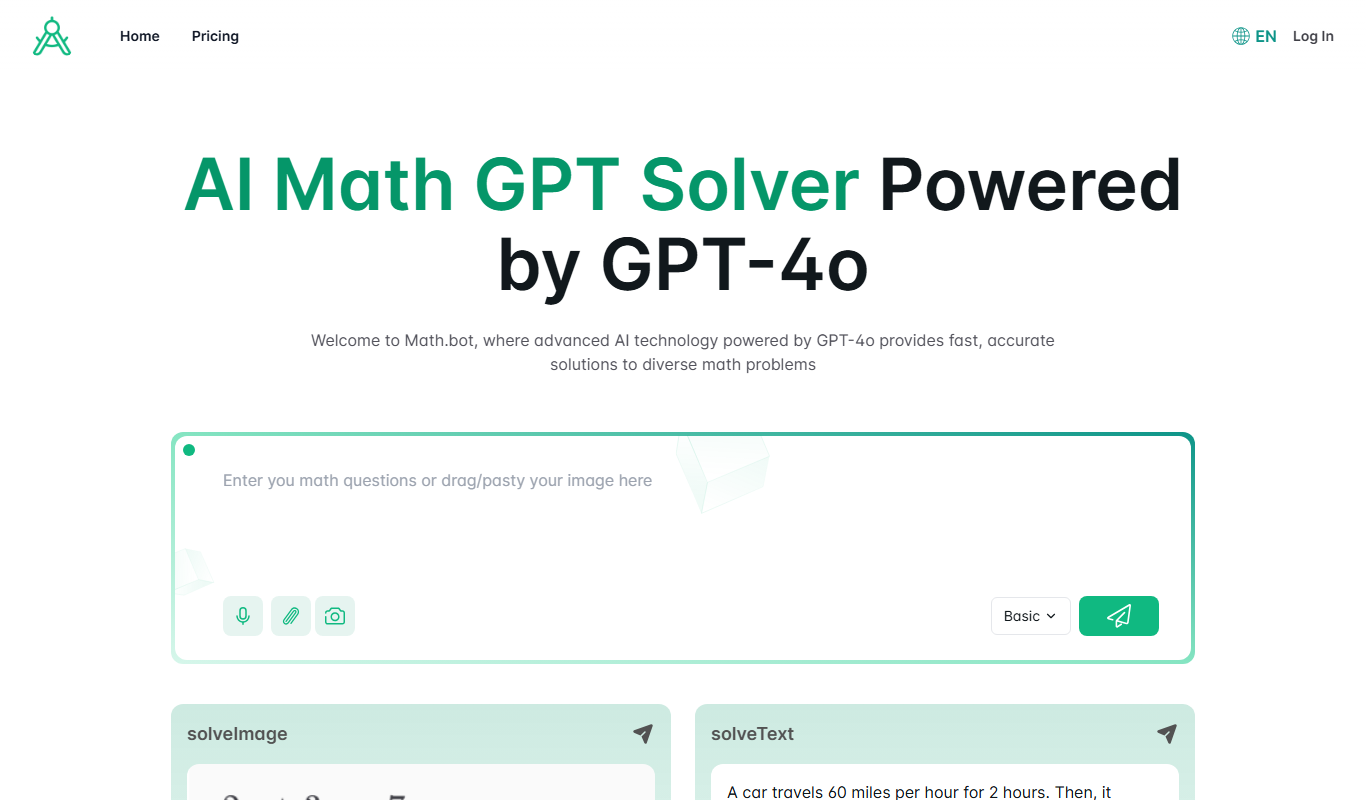
Math.bot: AI Math Solver by GPT-4o
Math.bot is an AI-powered math solver using GPT-4o that provides detailed step-by-step solutions to a wide range of math problems via a web interface.

200+ ChatGPT Mega-Prompts for Business
200+ ChatGPT Mega-Prompts for Business is a free online collection of over 200 ready-to-use prompts designed to help businesses generate content, strategies, and operational tools using ChatGPT.