

JavaScript Obfuscator
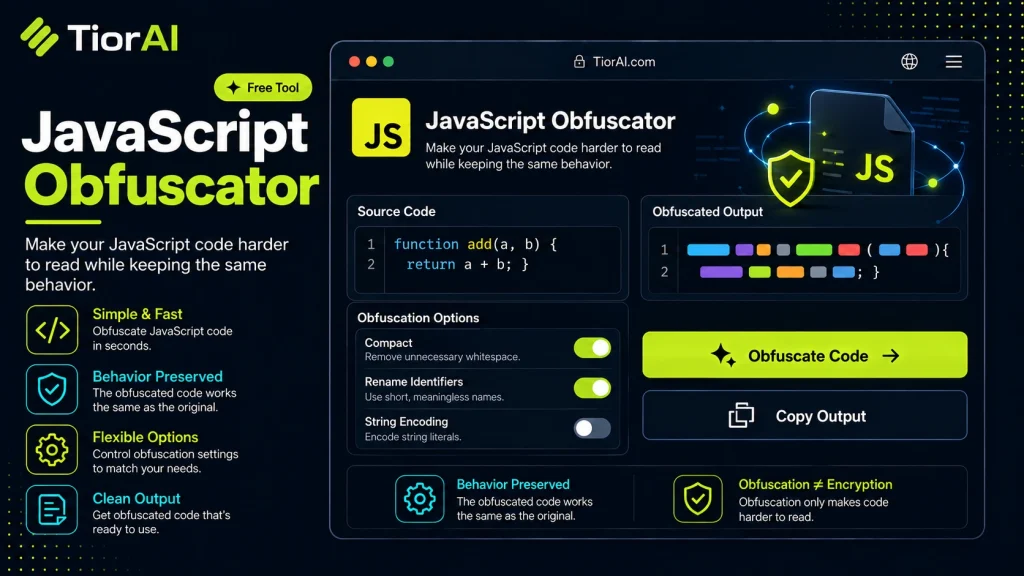
Basic JavaScript code obfuscation: rename variables, encode strings, and compact whitespace.
How to use it
- Paste Your Input Paste your code or data into the Javascript Obfuscator. The tool accepts standard input formats and validates your entry.
- Process and Transform Click the action button to process your input. Results are generated instantly with proper formatting.
- Export the Output Copy the processed output to your clipboard or download it for use in your development workflow.
Tip Speed up debugging by using the Javascript Obfuscator to isolate and test specific code fragments outside your IDE.
Understanding JavaScript Obfuscation
JavaScript obfuscation is a technique used to transform readable JavaScript source code into a version that is difficult for humans to understand while preserving its original functionality. This process helps protect intellectual property, reduce the risk of code tampering, and make reverse engineering more challenging.
At its core, obfuscation modifies variable names, function names, and control flow structures without changing the program’s behavior. For example, meaningful variable names like userCount might be replaced with short, meaningless names like a or _0x12f. Additionally, string literals can be encoded or split, and control flow can be altered by inserting opaque predicates or redundant code paths.
JavaScript obfuscation is not a security measure in the cryptographic sense but rather a deterrent against casual inspection and copying. It is widely used in commercial web applications, libraries, and frameworks to protect source code distributed to clients.
Obfuscation tools often comply with ECMAScript standards, ensuring that the transformed code remains valid JavaScript executable in all standard-compliant environments. However, obfuscation can sometimes introduce compatibility issues if the code relies on dynamic features like eval() or certain debugging hooks.
Developers integrate obfuscation into their build or deployment pipelines, especially when delivering client-side code that must remain confidential or proprietary. It is common to combine obfuscation with minification, which reduces file size by removing whitespace and shortening identifiers, but obfuscation goes further by actively disguising the code’s logic.
In summary, JavaScript obfuscation transforms source code into a form that is functionally equivalent but much harder to read or reverse engineer, helping developers protect their code in environments where the source is exposed.
What is JavaScript Obfuscation?
JavaScript obfuscation is a method of transforming source code into a version that is functionally identical but difficult for humans to read or understand. This technique is commonly used to protect intellectual property and reduce the risk of unauthorized code copying or tampering in client-side applications.
Obfuscation works by renaming variables and functions to meaningless identifiers, encoding strings, and altering the control flow of the program. Unlike minification, which primarily focuses on reducing file size, obfuscation aims to disguise the code’s logic and structure.
Because JavaScript is an interpreted language executed in the browser, the source code is inherently exposed to users. Obfuscation helps mitigate this exposure by making the code less accessible to casual inspection or reverse engineering.
When to Use JavaScript Obfuscation
- When you need to distribute JavaScript code but want to protect your intellectual property from easy copying or modification.
- In commercial web applications where client-side code confidentiality is important but full encryption is impractical.
- To reduce the risk of casual tampering or unauthorized changes to your scripts.
- When deploying customized third-party libraries that you want to protect from reverse engineering.
Common Mistakes with JavaScript Obfuscation
- Assuming obfuscation provides strong security. It only deters casual inspection and does not prevent determined attackers from reverse engineering the code.
- Obfuscating code that relies heavily on dynamic features such as
eval()or runtime reflection, which can break after obfuscation.
Technical Context
JavaScript obfuscators typically produce code that complies with ECMAScript standards, ensuring compatibility across browsers and environments. However, some obfuscation techniques, like control flow flattening or string encoding, can increase code size or slightly impact performance.
Developers usually integrate obfuscation into their build or deployment pipelines, combining it with minification and bundling tools. Testing after obfuscation is critical to confirm that the transformed code behaves as expected.
While obfuscation complicates reverse engineering, it is not a substitute for secure coding practices or server-side protections. Sensitive operations and data validation should always be handled on the server to maintain security.
Common use cases
- Simple variable renaming
- String encoding and control flow flattening
Frequently asked questions
eval(), with, or certain debugging constructs, obfuscation can cause runtime errors. Testing after obfuscation is essential to ensure functionality remains intact.Reviews and questions
Whether this tool gave people the answer they needed, and what they asked about it.
Sign in to review this tool.
Sign In to ReviewNo reviews yet
Be the first to say whether this tool gave you what you needed.
Ask how to read the result, or what the tool does with an edge case — or answer someone else.
Sign In to AskNo questions yet
Not sure how to read a result? Be the first to ask.