

EXIF Data Viewer
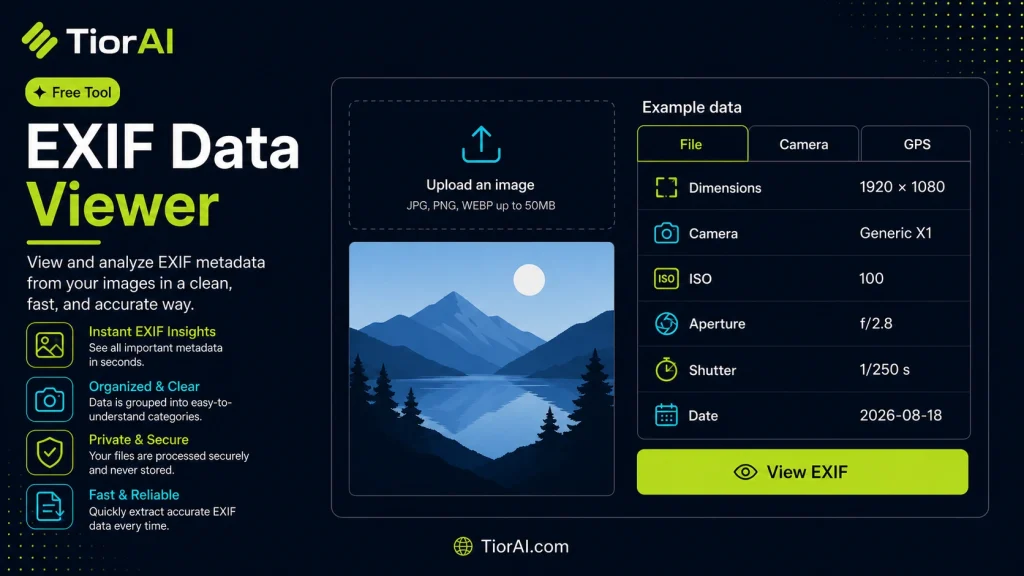
Read the camera, exposure, and GPS metadata stored inside a JPEG or TIFF. The image is parsed in your browser and never uploaded.
No EXIF data found in this image.
| Property | Value |
|---|
About EXIF Data
Cameras and phones embed EXIF metadata in every photo they save: the device model, exposure settings, the moment the shot was taken, and often the exact GPS coordinates. That data travels with the file when you share it. Use the EXIF Data Remover to strip it before publishing an image.
How to use it
- Upload Your Image Upload or drag and drop your image into the Exif Data Viewer. Supports PNG, JPG, WebP, and other common formats.
- Process the Image Configure your desired settings and click process. The tool applies changes to your image in seconds.
- Download the Result Preview the processed image and download it in your preferred format, ready for use.
Tip Batch process multiple images with the Exif Data Viewer by uploading them one after another for consistent results.
Understanding EXIF Data
EXIF stands for Exchangeable Image File Format. It is metadata embedded within image files, primarily JPEG and TIFF formats, that stores information about the image and the conditions under which it was captured. This data includes camera settings like aperture, shutter speed, ISO, date and time, and sometimes GPS coordinates.
EXIF data is generated automatically by digital cameras and smartphones when a photo is taken. It helps photographers and editors understand the technical details behind an image, which can be useful for troubleshooting, replicating settings, or organizing photos.
Common situations where EXIF data is useful include:
- Verifying the authenticity or origin of a photo.
- Checking camera settings to improve photography skills.
- Recovering lost information about when and where a photo was taken.
- Ensuring privacy by detecting and removing location data before sharing images online.
Because EXIF data is embedded in the image file, it can be viewed or edited using specialized software or online tools called EXIF data viewers. These tools extract and display the metadata in a human-readable format.
What is EXIF Data?
EXIF data is metadata embedded in image files that records technical details about how and when a photo was taken. This includes camera settings like aperture, shutter speed, ISO, date and time, and sometimes GPS location. It is automatically generated by digital cameras and smartphones.
When to Use an EXIF Data Viewer
Use an EXIF data viewer when you want to analyze the technical details of a photo, verify its authenticity, or check the timestamp. It is also useful for photographers learning from their camera settings or for anyone wanting to ensure privacy by detecting and removing location data before sharing images online.
Common Mistakes to Avoid
- Assuming every image contains EXIF data; some images may have this data removed during editing or uploading.
- Overlooking that EXIF data can contain sensitive information like GPS coordinates, which can expose your location if shared publicly.
Understanding EXIF data helps you make better use of your photos, whether for improving photography skills, organizing images, or protecting your privacy. Online EXIF data viewers provide a quick and easy way to access this information without installing software.
Frequently asked questions
Reviews and questions
Whether this tool gave people the answer they needed, and what they asked about it.
Sign in to review this tool.
Sign In to ReviewNo reviews yet
Be the first to say whether this tool gave you what you needed.
Ask how to read the result, or what the tool does with an edge case — or answer someone else.
Sign In to AskNo questions yet
Not sure how to read a result? Be the first to ask.
AI tools related to this topic
Tools from the TiorAI directory that work on the same kind of job.

3D Viewer by ModelViewer
3D Viewer by ModelViewer is an open-source web component that allows developers to embed interactive 3D models on websites with support for glTF files, built-in controls, and augmented reality features.

RadiAnt DICOM Viewer
RadiAnt DICOM Viewer is a Windows application designed for fast and efficient viewing, analysis, and 3D reconstruction of medical images in DICOM format, widely used by radiologists and medical professionals.