

Dummy Image Placeholder Generator
Build a placeholder image at any size, colour, pattern and format — generated in your browser, never uploaded.
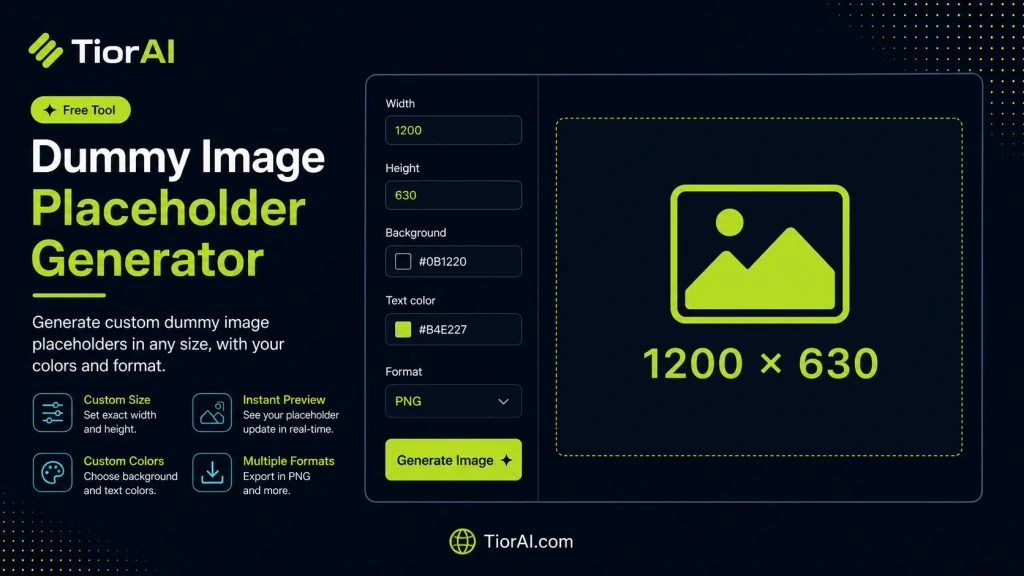
Dummy Image Placeholder Generator
Dimensions
Renders at multiplied pixels while keeping the layout size — same idea as the @2x suffix on hosted placeholder services.
Appearance
Used by the pattern, the gradient end stop and the border.
Text
Leave empty to print the image dimensions. Use \n for a line break.
Output
Preview
Hosted Image Link
A live link you can drop straight into any website — it renders the image on demand, so nothing needs uploading.
Image Details
| Layout size | — |
|---|---|
| Actual pixels | — |
| Aspect ratio | — |
| Format | — |
| File size | — |
Embed code
How It Works
The image is drawn in your browser on a canvas element (or written as SVG markup for the vector format), then encoded locally. Nothing is uploaded and no external placeholder service is contacted, so the generator keeps working offline and the output is yours to use without attribution.
- Pixel density
- A 2× or 3× render multiplies the real pixel count while the embed code keeps the layout size, which is what a high-DPI screen needs.
- Transparency
- PNG, WebP, AVIF, GIF and SVG keep an alpha channel. JPEG and BMP cannot, so a transparent background is flattened to white for those two.
- Quality
- Only the lossy formats (JPEG, WebP, AVIF) use the quality slider; PNG, GIF, BMP and SVG ignore it.
- SVG output
- Vector output scales to any size from a file of a few hundred bytes, and the pixel-density setting does not apply to it.
How to use it
- Upload Your Image Upload or drag and drop your image into the Dummy Image Placeholder Generator. Supports PNG, JPG, WebP, and other common formats.
- Process the Image Configure your desired settings and click process. The tool applies changes to your image in seconds.
- Download the Result Preview the processed image and download it in your preferred format, ready for use.
Tip Use the Dummy Image Placeholder Generator to prepare images for the web — optimized files load faster and improve Core Web Vitals.
Understanding Dummy Image Placeholder Generation
A dummy image placeholder generator creates temporary images that stand in for real images during web or app development. These placeholders are typically simple graphics with specified dimensions, colors, and sometimes text, used to reserve space where final images will eventually appear.
Why is this needed? When building layouts, developers often do not have the final images ready. Using dummy placeholders helps maintain the design structure and visual flow without waiting for actual content. This approach ensures that spacing, alignment, and responsiveness can be tested early in the development process.
Common use cases include:
- Web designers testing page layouts before final images are available.
- Developers creating prototypes or wireframes that require image slots.
- Content management systems that need to display image containers before content upload.
Dummy image placeholders can be customized by size, background color, and text to match the intended final image’s aspect ratio and style, making them versatile for various development needs.
What is a Dummy Image Placeholder Generator?
A dummy image placeholder generator produces simple images that temporarily fill the space where real images will eventually appear in a design. These placeholders help developers and designers maintain layout integrity and test visual structure without needing final image assets.
When to Use Dummy Image Placeholders
- During early design phases when actual images are not yet available.
- For prototyping and wireframing to visualize image placement.
- When testing responsive layouts to ensure image containers behave correctly.
- In content management systems to reserve image slots before content upload.
Common Mistakes to Avoid
- Using placeholders with incorrect dimensions, causing layout shifts when replaced.
- Forgetting to replace dummy images before going live, resulting in broken or irrelevant visuals.
Dummy image placeholders are a practical utility in web and app development, enabling smoother workflows by allowing early testing and visualization of image spaces. They are customizable in size and appearance, making them adaptable to various design requirements. However, it is important to replace them with actual images before deployment to ensure a polished and accessible user experience.
Frequently asked questions
Reviews and questions
Whether this tool gave people the answer they needed, and what they asked about it.
Sign in to review this tool.
Sign In to ReviewNo reviews yet
Be the first to say whether this tool gave you what you needed.
Ask how to read the result, or what the tool does with an edge case — or answer someone else.
Sign In to AskNo questions yet
Not sure how to read a result? Be the first to ask.