

Barcode Reader
A barcode reader is a tool that converts the visual patterns of a barcode into readable data. Barcodes encode information such as product IDs or tracking numbers using a series of bars and spaces. The reader analyzes these patterns and translates them into text or…
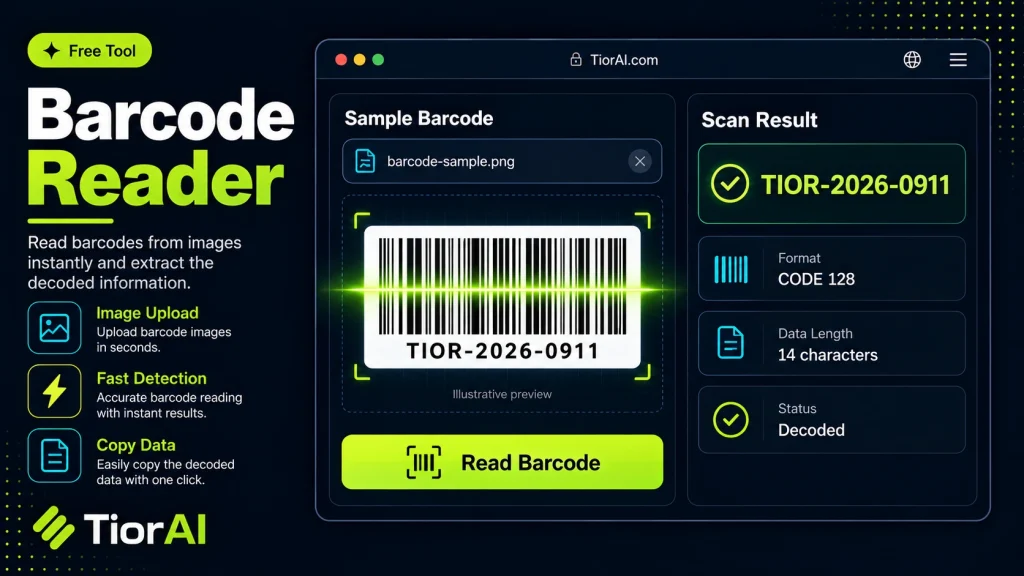
Upload an image containing a barcode or QR code. Detection depends on the browser BarcodeDetector API.
How to use it
- Upload Your Image Upload or drag and drop your image into the Barcode Reader. Supports PNG, JPG, WebP, and other common formats.
- Process the Image Configure your desired settings and click process. The tool applies changes to your image in seconds.
- Download the Result Preview the processed image and download it in your preferred format, ready for use.
Tip Use the Barcode Reader to prepare images for the web — optimized files load faster and improve Core Web Vitals.
Understanding Barcode Reading Technology
A barcode reader is a tool that interprets the visual patterns of bars and spaces in a barcode image and converts them into readable data. Barcodes encode information such as product numbers, serial codes, or tracking IDs in a machine-readable format. The process involves capturing an image of the barcode and then decoding the pattern using algorithms that recognize the specific symbology.
Barcodes come in various types, including UPC, EAN, Code 39, QR codes, and others. Each type has a unique pattern and encoding method. Barcode readers must support these formats to accurately extract the embedded data.
This technology is essential in retail, logistics, inventory management, and many other fields where quick and accurate data entry is required. Online barcode readers allow users to upload images or use webcams to scan barcodes without specialized hardware, making it accessible for casual or remote use.
Common situations for using barcode readers include verifying product information, tracking shipments, managing stock levels, and automating data entry tasks. The ability to decode barcodes from images simplifies workflows and reduces human error.
What is a Barcode Reader?
A barcode reader is a tool that converts the visual patterns of a barcode into readable data. Barcodes encode information such as product IDs or tracking numbers using a series of bars and spaces. The reader analyzes these patterns and translates them into text or numbers that can be used for inventory, sales, or tracking purposes.
When to Use an Online Barcode Reader
- When you need to extract information from a barcode image without specialized hardware.
- To verify product details from photos taken with a smartphone or camera.
- Managing shipments or stock remotely using barcode images.
- Testing barcode decoding during software development.
Common Mistakes to Avoid
- Uploading blurry or low-resolution images that the reader cannot interpret.
- Attempting to scan damaged or partially obscured barcodes.
- Using unsupported barcode types expecting a successful scan.
Technical Context
Barcodes come in various formats, each with unique encoding rules. Online barcode readers use image processing and decoding algorithms to identify and interpret these formats. The quality of the input image greatly affects decoding success. Clear, well-lit images with proper orientation yield the best results. While online readers are convenient and accessible, they may not match the speed and accuracy of dedicated hardware scanners in professional environments.
Frequently asked questions
Reviews and questions
Whether this tool gave people the answer they needed, and what they asked about it.
Sign in to review this tool.
Sign In to ReviewNo reviews yet
Be the first to say whether this tool gave you what you needed.
Ask how to read the result, or what the tool does with an edge case — or answer someone else.
Sign In to AskNo questions yet
Not sure how to read a result? Be the first to ask.