

Best List
The Best AI SEO Writing Tools in 2026 (Reviewed)
We tested the top AI SEO Writing Tools and ranked them by quality, pricing, and workflow fit.
- Tools
- 7
- Free to start
- 7 of 7
At a glance
| Tool | Best for | Pricing | Profile |
|---|---|---|---|
 Frase
Frase
| SEO Content Creation |
| View |
| Clearscope | SEO Content Optimization |
| View |
| MarketMuse | SEO Content Planning |
| View |
 KeywordSearch.com
| Keyword Research |
| View |
 Gemini & Gemini Advanced
| Conversational AI Assistant |
| View |
 Grammarly
| Grammar and Spell Checking |
| View |
 Wordtune
| Content Rewriting |
| View |
All 7 tools on this list
Number 1: Frase
AI Content Generator Free Trial Subscription

- Best for
- SEO Content Creation
Frase is an AI-driven SEO content platform that generates content briefs, assists with writing, and optimizes articles to improve search engine rankings.
Key features of Frase
-
Content Brief Builder
Automatically generate comprehensive content briefs based on SERP data and keyword research.
-
AI Writing Assistant
Leverage AI to write, expand, or rewrite content sections efficiently.
-
SERP Analysis
Analyze top-ranking pages to identify content gaps and optimization opportunities.
-
Real-Time Content Optimization
Receive live feedback and SEO scoring as you write or edit content.
-
Integrations
Connect with CMS platforms like WordPress for seamless publishing workflows.
Pros and cons of Frase
Pros
- Comprehensive SEO-focused content briefs
- User-friendly AI writing assistance
- Real-time optimization feedback
- Strong SERP competitor analysis
Cons
- Limited language support beyond English
- AI content generation may require human editing
- Pricing can be high for small teams
Best use cases for Frase
-
Content Optimization
Analyze existing content and suggest improvements based on top-ranking pages.
-
Competitive Research
Perform SERP analysis to understand competitor strategies and keyword opportunities.
-
Content Brief Generation
Create detailed content briefs that guide writers with relevant topics and questions.
Pricing
| Plan | Price |
|---|---|
| Solo | $15/month |
| Basic | $45/month |
| Team | $115/month |
Number 2: Clearscope
AI SEO Tools Free Trial Subscription

- Best for
- SEO Content Optimization
Clearscope is a web-based SEO content optimization tool that helps marketers and writers improve content relevance and ranking by providing keyword research, content grading, and detailed briefs.
Key features of Clearscope
-
Keyword Research and Suggestions
Provides comprehensive keyword data and related terms to target for SEO optimization.
-
Content Grading System
Scores content based on keyword usage, relevance, and comprehensiveness.
-
Content Brief Generation
Creates detailed briefs outlining keywords, questions, and topics to cover.
-
Competitor Content Analysis
Analyzes top-ranking pages to identify content gaps and opportunities.
-
Collaboration Tools
Supports team workflows with shared projects and access controls.
Pros and cons of Clearscope
Pros
- Accurate and actionable keyword insights
- Easy-to-use interface for content optimization
- Supports collaboration for content teams
- Generates detailed content briefs
Cons
- Pricing may be high for small businesses
- Limited language support (English only)
- No mobile app available
Best use cases for Clearscope
-
Keyword Research
Discover and analyze keywords and related terms to target in content creation for better search visibility.
-
Content Brief Creation
Generate detailed content briefs that guide writers on what topics, keywords, and structure to include.
-
Content Performance Analysis
Evaluate how well content is optimized and identify opportunities for improvement.
Pricing
| Plan | Price |
|---|---|
| Essentials | $170/month |
| Professional | $350/month |
| Enterprise | Custom pricing |
Number 3: MarketMuse
AI SEO Tools Freemium Subscription
- Best for
- SEO Content Planning
MarketMuse is an AI-driven platform that helps optimize SEO content by analyzing topical relevance, generating content briefs, and providing keyword insights to improve search rankings.
Key features of MarketMuse
-
AI Content Audit
Automatically assess content quality and identify gaps.
-
Topic Modeling
Discover related subtopics and keywords to cover comprehensively.
-
Content Brief Generator
Create detailed outlines to guide writers on essential topics.
-
Competitive Content Analysis
Benchmark your content against top-ranking competitors.
-
Optimization Recommendations
Receive actionable suggestions to improve keyword usage and content depth.
Pros and cons of MarketMuse
Pros
- Comprehensive AI-driven content analysis
- Detailed content briefs for writers
- Competitive content benchmarking
- User-friendly web platform
Cons
- Primarily supports English language content
- Pricing may be high for small businesses
- No mobile app available
Best use cases for MarketMuse
-
Content Optimization
Users can optimize existing content with AI-driven recommendations to improve search rankings and topical authority.
-
Keyword Research
The platform provides keyword insights and suggestions to target high-value search terms effectively.
-
Content Brief Creation
MarketMuse generates detailed content briefs outlining key topics and subtopics to cover for comprehensive articles.
Pricing
| Plan | Price |
|---|---|
| Free | $0/month |
| Standard | $149/month |
| Premium | Custom pricing |
Number 4: KeywordSearch.com
AI Advertising Assistant Free Freemium

- Best for
- Keyword Research
KeywordSearch.com is a web-based SEO tool that helps users discover relevant keywords, analyze competitor keywords, and plan content strategies using search volume and difficulty data.
Key features of KeywordSearch.com
-
Keyword Suggestions
Generate extensive lists of related keywords to expand your SEO reach.
-
Search Volume Data
Access monthly search volume estimates to prioritize keywords.
-
Keyword Difficulty Scores
Evaluate how competitive a keyword is to rank for in search engines.
-
Competitor Keyword Analysis
Discover which keywords your competitors rank for and identify gaps.
-
Content Planning Tools
Organize keywords and topics to streamline content creation.
Pros and cons of KeywordSearch.com
Pros
- User-friendly interface suitable for beginners
- Comprehensive keyword and competitor data
- Affordable pricing tiers
- Useful content planning features
Cons
- Limited language support (English only)
- No mobile app available
- Search volume data may vary from other tools
Best use cases for KeywordSearch.com
-
Competitor Analysis
Analyze competitor websites to identify top-performing keywords and content strategies.
-
Content Planning
Plan content topics based on keyword trends and search intent insights.
-
SEO Performance Tracking
Monitor keyword rankings and adjust strategies accordingly.
Pricing
| Plan | Price |
|---|---|
| Free | $0/month |
| Pro | $29/month |
| Business | $79/month |
Number 5: Gemini & Gemini Advanced
AI Assistant Freemium

- Best for
- Conversational AI Assistant
Gemini and Gemini Advanced are Google’s advanced AI language models designed for conversational AI, content generation, and coding assistance, supporting multiple languages and accessible via web and API.
Key features of Gemini & Gemini Advanced
-
Advanced Conversational Abilities
Engages in multi-turn conversations with context retention and natural responses.
-
High-Quality Content Generation
Produces coherent, relevant, and creative text for various content needs.
-
Multilingual Support
Supports multiple languages for diverse global applications.
-
Coding Assistance
Generates, explains, and debugs code snippets across popular programming languages.
-
Integration via API
Allows developers to embed Gemini capabilities into their own applications.
Pros and cons of Gemini & Gemini Advanced
Pros
- Strong conversational AI with context awareness
- High-quality, versatile content generation
- Multilingual support for global users
- Developer-friendly API integration
Cons
- Advanced features require contacting sales and may be costly
- Limited offline or desktop support
- Some outputs may require human review for accuracy
Best use cases for Gemini & Gemini Advanced
-
Content Generation
Generate high-quality written content including articles, marketing copy, and creative writing.
-
Code Assistance
Help developers with code generation, explanation, and debugging support.
-
Research and Summarization
Summarize complex documents and provide concise insights for business or academic research.
Pricing
| Plan | Price |
|---|---|
| Free | $0/month |
| Google AI Pro | $19.99/month |
| Google AI Ultra | $249.99/month |
Number 6: Grammarly
AI Assistant Free Freemium

- Best for
- Grammar and Spell Checking
Grammarly is an AI-based writing assistant that provides real-time grammar, spelling, punctuation, style, and tone suggestions to improve written communication across web, desktop, and mobile platforms.
Key features of Grammarly
-
Real-Time Grammar and Spell Check
Detects and corrects grammar, spelling, punctuation, and syntax errors as you write.
-
Tone Detection
Analyzes the tone of your message to ensure it matches your intended audience and purpose.
-
Plagiarism Checker
Compares your text against billions of web pages to detect unoriginal content.
-
Writing Style Customization
Set goals based on audience, formality, domain, and intent to receive tailored suggestions.
-
Vocabulary Enhancement
Offers synonym suggestions and word choice improvements to enrich your writing.
Pros and cons of Grammarly
Pros
- Accurate and comprehensive grammar and style checking
- Easy integration with multiple platforms and apps
- Helpful explanations for suggested corrections
- Customizable writing goals for different contexts
Cons
- Premium features require subscription
- Internet connection needed for real-time suggestions
- Limited support for languages other than English
Best use cases for Grammarly
-
Writing Style Enhancement
Improve clarity, tone, and style of writing with suggestions tailored to different writing goals.
-
Plagiarism Detection
Scan text against billions of web pages to identify potential plagiarism and ensure originality.
-
Professional Communication
Enhance emails, reports, and business documents to maintain professionalism and clear communication.
Pricing
| Plan | Price |
|---|---|
| Free | $0/month |
| Pro (monthly) | $30/month |
| Pro (annual) | $12/month (billed $144/year) |
Number 7: Wordtune
AI Assistant Free Subscription

- Best for
- Content Rewriting
Wordtune is an AI writing assistant that helps users rewrite, rephrase, and improve text clarity and tone using real-time suggestions.
Key features of Wordtune
-
Multiple Rewrite Modes
Offers various ways to rephrase sentences, including casual, formal, and shortened versions.
-
Tone Control
Adjust the tone of your writing to be more formal, friendly, or confident.
-
Contextual Suggestions
Provides AI-driven suggestions that fit the context and intent of your writing.
-
Browser Integration
Chrome extension allows in-line rewriting on websites, emails, and social media.
-
API Access
Developers can integrate Wordtune’s rewriting capabilities into their own applications.
Pros and cons of Wordtune
Pros
- Easy to use with intuitive interface
- Multiple rewriting options for flexibility
- Tone adjustment enhances communication style
- Seamless browser integration
Cons
- Supports only English language
- Free plan has limited daily usage
- No desktop or mobile app beyond browser extension
Best use cases for Wordtune
-
Writing Assistance
Generate suggestions to enhance sentence structure, vocabulary, and overall flow for various writing tasks.
-
Email and Professional Communication
Craft polished and clear emails or professional messages with tone adjustments.
-
Creative Writing Support
Help writers explore alternative phrasings and ideas to boost creativity and overcome writer’s block.
Pricing
| Plan | Price |
|---|---|
| Free | $0/month |
| Plus | $13.99/month |
| Unlimited | $19.99/month |
How we chose these tools
- Hand-picked, then orderedThe 7 tools on this page were selected by a TiorAI editor from the directory and placed in the positions you see them in. Nothing on this list is generated automatically or ordered by an algorithm.
- Facts come from each tool's profilePricing, categories, features and the pros and cons below are read from the tool's own TiorAI profile rather than retyped here, so one page is never out of step with the other. Follow any tool name to read the full profile.
- What we do not publishYou will not find star ratings or review scores on this page. TiorAI does not hold verified user reviews for these tools, and printing a number without them behind it would tell you nothing.
Related AI tool lists
Other round-ups that recommend some of the same tools, most overlapping first.
Best AI Tools for SEO Agencies for 2026 (Full Breakdown)
Compare the best AI Tools for SEO Agencies in 2026 — features, pricing, and which delivers the most value.
Frase, Clearscope, MarketMuse and 4 moreThe Best AI SERP Analysis Tools in 2026 (Reviewed)
We tested the top AI SERP Analysis Tools and ranked them by quality, pricing, and workflow fit.
Frase, Clearscope, MarketMuse and 4 moreBest Free AI SEO Tools — Compared & Ranked
Explore the best Free AI SEO Tools — ranked by performance, pricing, and features to help you choose right.
Frase, Clearscope, MarketMuse and 4 moreBest AI On-Page SEO Tools: Expert Picks 2026
Not sure which AI On-Page SEO Tools to choose? Compare the top options by features, pricing, and real results.
Frase, Clearscope, MarketMuse and 4 moreTop 10 Content Optimization Tools for 2026
We reviewed the top Content Optimization Tools — compare features, pricing, and use cases to find the right tool.
Frase, Clearscope, MarketMuse and 4 moreBest AI Keyword Research Tools in 2026 — Top Picks
Looking for the best AI Keyword Research Tools? Compare top tools by features, pricing, and real-world performance.
Frase, Clearscope, MarketMuse and 4 more
More tools in this area
Tools that share more than one category with the ones on this list, and are not already on it.
 Free
FreeSmallSEOTools
SmallSEOTools is an online platform offering a wide range of free and premium SEO and content optimization tools such as plagiarism checkers, backlink analyzers, keyword trackers, and grammar checkers to help improve website ranking and content quality.
- Free
Headline Studio
Headline Studio is an online tool by CoSchedule that analyzes and scores headlines based on SEO, emotional impact, and word balance to help content creators improve engagement and search rankings.
- Freemium
Textmetrics
Textmetrics is an AI-powered writing assistant that helps optimize content for SEO, readability, and tone across multiple languages, providing real-time suggestions to improve writing quality and search engine rankings.
- Free
Portent Title Maker
Portent Title Maker is a free online tool that generates creative and SEO-optimized titles for blog posts and marketing content by entering a keyword or topic.
- Free
Prepostseo Paraphrasing Tool
Prepostseo Paraphrasing Tool is an online service that rewrites text to create unique content by changing words and sentence structures while preserving meaning, helping users avoid plagiarism and improve SEO.
- Freemium
WordLift
WordLift is an AI-driven WordPress plugin that improves SEO by adding semantic analysis, knowledge graphs, and automatic schema markup to website content.
- Free
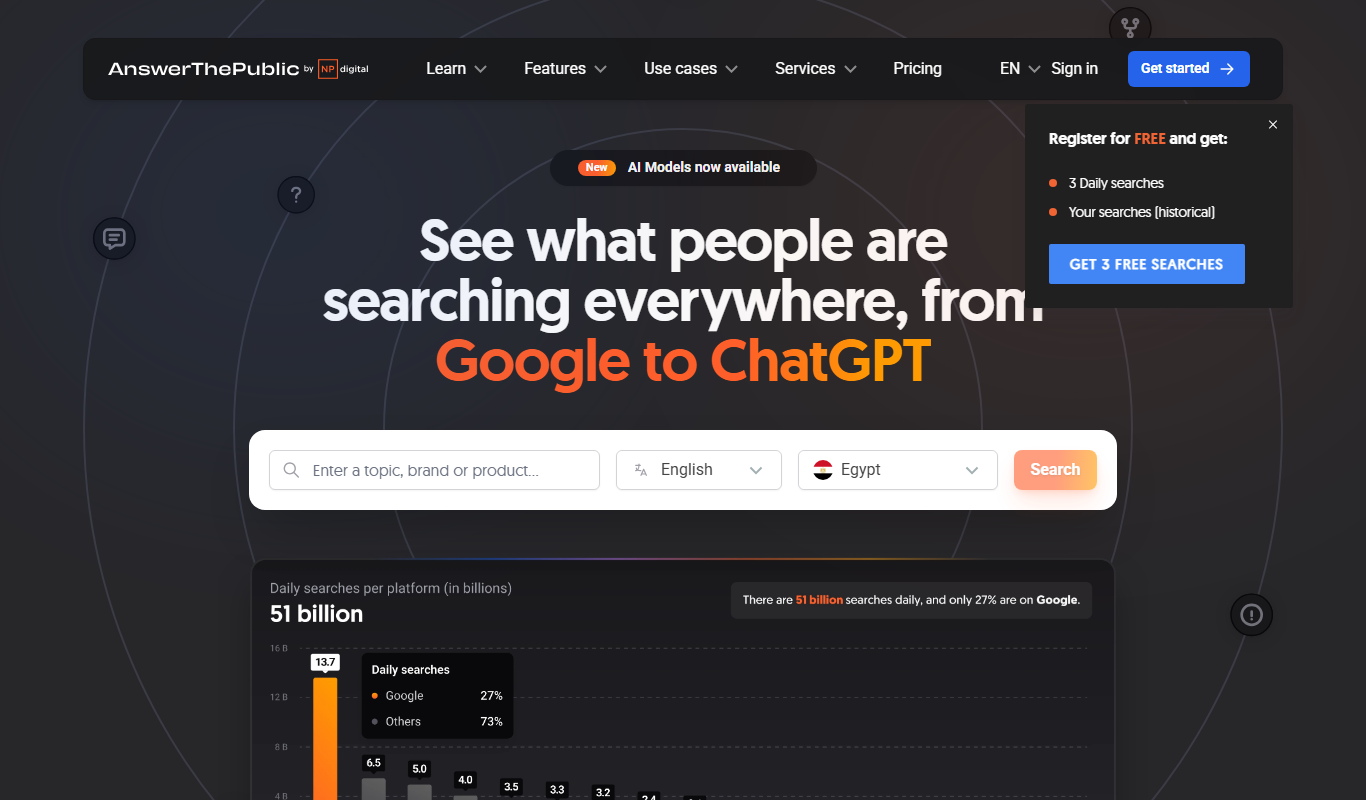
AnswerThePublic
AnswerThePublic is a keyword research tool that visualizes search queries and questions from users to help marketers and content creators generate SEO-friendly content ideas.
- Free
MobileMonkey
MobileMonkey is an AI-powered chatbot platform that enables businesses to automate marketing, lead generation, and customer support conversations across multiple messaging channels including Facebook Messenger, Instagram, SMS, and web chat.


Compare these tools head to head
Published pages that put tools from this list against one other tool, side by side on pricing, features and use cases.

Frase vs Clearscope: Brand Voice, SEO & Pricing Compared
Frase vs Clearscope — compare brand voice controls, SEO features, content quality, and pricing for content teams.
-
Frase vs Marketmuse: Which Writes Better Content in 2026?
We tested Frase and Marketmuse on blog posts, ad copy, and long-form content — compare quality, pricing, and workflow fit.
-
Grammarly vs Wordtune: Writing Quality, Plagiarism & Features
See how Grammarly and Wordtune compare on writing fluency, plagiarism detection, template variety, and pricing.
-
Wordtune vs Grammarly: For Marketing Teams: Features & Workflow
Wordtune or Grammarly for marketing? Compare content templates, brand voice, workflow automation, and pricing.
copy.ai vs Frase: For Marketing Teams: Features & Workflow
Copy.ai or Frase for marketing? Compare content templates, brand voice, workflow automation, and pricing.
copy.ai vs Grammarly: Pricing, Output Quality & Use Cases
Copy.ai vs Grammarly — compare output quality, pricing tiers, best use cases, and which delivers more value in 2026.
Frase Free vs Paid: Free vs Paid Compared
Compare the free and paid tiers of Frase Free and Paid — features, usage limits, and which plan is worth paying for.
-
Frase vs Jasper AI: For Marketing Teams: Features & Workflow
Frase or Jasper AI for marketing? Compare content templates, brand voice, workflow automation, and pricing.
Looking to switch?
Alternatives guides written about tools on this list, for readers already using one of them.
- Alternatives to Gemini & Gemini Advanced
10 Best Gemini & Gemini Advanced Alternatives in 2026 (Free & Paid)
Looking for the best Gemini & Gemini Advanced alternatives in 2026? We compared the top options to find the right ai assistant tool for your needs.
ChatGPT, Claude, Perplexity AI and 6 more - Alternatives to Grammarly
10 Best Grammarly Alternatives in 2026 (Free & Paid)
Looking for the best Grammarly alternatives in 2026? We compared the top options to find the right ai writing assistant tool for your needs.
ProWritingAid, Wordtune, QuillBot and 4 more - Alternatives to Wordtune
10 Best Wordtune Alternatives You Should Try in 2026
Switching from Wordtune? Compare the top alternatives by features, pricing, and use case to find the best ai assistant tool for you.
Grammarly, QuillBot, Jasper AI and 3 more - Alternatives to Frase
Best Frase Alternatives in 2026 (Free & Paid)
Looking for Frase alternatives? Compare the top options by features, pricing, and use case to find the best ai content generator tool for your workflow.
Scalenut, Clearscope, MarketMuse and 3 more



