

WordLift SEO Plugin for WordPress with AI Content Optimization Tools
WordLift is an AI SEO platform that builds knowledge graphs and adds structured data and schema markup to website content.
- Best for
- SEO Content Optimization
- Key capability
- Semantic Content Analysis
Save WordLift, follow its updates and vote on it — everything stays in your account.
Sign in or create a free account
What is WordLift?
WordLift is an AI SEO platform for visibility, knowledge graphs and agents that analyzes and enriches website content with structured data; it is not only a plugin limited to WordPress.
Key features of WordLift
WordLift offers AI-driven content analysis, automatic schema markup generation, knowledge graph creation, internal linking suggestions, and content enrichment tools. It integrates seamlessly with WordPress to help website owners optimize their SEO strategy with minimal manual effort.
Semantic Content Analysis
Uses AI to understand the meaning and context of your content beyond keywords.
Automatic Schema Markup
Generates JSON-LD structured data to help search engines better interpret your pages.
Knowledge Graph Builder
Creates a graph of interconnected entities to improve content discoverability and relevance.
Internal Linking Suggestions
Recommends relevant internal links to enhance site navigation and SEO.
Content Enrichment Tools
Adds rich metadata, images, and links to make content more engaging and SEO-friendly.
Pros and cons of WordLift
Pros
- Automates complex SEO tasks with AI
- Integrates seamlessly with WordPress
- Improves content discoverability via knowledge graphs
- Supports multiple languages
- User-friendly interface for non-technical users
Cons
- Pricing may be high for small websites
- Limited to WordPress platform
- Advanced features require subscription
Key use cases for WordLift
SEO Content Optimization
Enhance website content with AI-powered semantic analysis and structured data to improve search engine rankings.
Knowledge Graph Creation
Automatically generate and manage a knowledge graph to connect and organize website content for better discoverability.
Content Enrichment
Add rich metadata, internal links, and schema markup to existing content to boost SEO performance.
Content Marketing Strategy
Use AI insights to plan and execute content marketing campaigns that target relevant topics and keywords.
Website Schema Markup
Implement structured data standards like JSON-LD to help search engines understand website content context.
How WordLift works
- 1
Install and Activate Plugin
Add WordLift to your WordPress site by installing the plugin and activating it from the dashboard.
- 2
Connect Your Account
Sign up or log in to WordLift’s platform to connect your website and access AI-powered features.
- 3
Analyze Content
WordLift scans your existing content to identify key entities, topics, and relationships.
- 4
Generate Knowledge Graph
The tool builds a semantic knowledge graph that links your content and provides structured data.
- 5
Optimize and Enrich
Receive recommendations for internal linking, metadata enhancements, and schema markup to improve SEO.
Who is using WordLift
WordLift pricing
Business+
EUR 799 or EUR 999 per month; EUR 799 applies with annual billing
All AI tools plus dedicated strategic support from the SEO team to build and execute the strategy; includes 2,500 URLs and monthly smart credits.
Enterprise
Custom
Everything in Business+ as a bespoke solution co-created with senior strategists and developers; priced by quote.
Plans and prices are as published by the vendor and can change. Check the official site before you buy. Open the pricing page (opens in a new tab)
Frequently asked questions about WordLift
Yes, WordLift works with most WordPress themes as it operates primarily through content analysis and metadata injection.
No, WordLift is designed for users without technical expertise, providing an intuitive interface and automated SEO enhancements.
By adding structured data and semantic SEO, WordLift helps search engines better understand your content, which can positively impact rankings.
Yes, WordLift supports several languages including English, Italian, French, German, and Spanish.
It depends on your specific needs and how you plan to use the tool. The official website and documentation are the best sources for the latest details.
It depends on your specific needs and how you plan to use the tool. The official website and documentation are the best sources for the latest details.
Pricing depends on the plan and included features. For the most accurate and up-to-date details, check the official pricing page.
Conclusion
Content is the starting point, since the platform scans existing pages to identify key entities, topics and relationships and then builds a semantic knowledge graph that links the content and provides structured data. JSON-LD structured data is generated automatically, and recommendations cover internal linking, metadata enhancements and schema markup. WordPress sites can add it as a plugin, but the product now reaches beyond a WordPress plugin into an AI SEO platform for visibility, knowledge graphs and agents.
The platform addresses SEO professionals, content marketers and digital marketing agencies. Supported content languages include English, Italian, French, German and Spanish. Business+ costs EUR 799 or EUR 999 per month, with EUR 799 applying on annual billing, and Enterprise pricing is custom.
Sources
Sign in to review this tool.
Sign In to ReviewNo reviews yet
Be the first to share how this tool worked for you.
Ask about pricing, limits, or how it compares — or answer someone else.
Sign In to AskNo questions yet
Have a question about using or paying for this tool? Be the first to ask.
Featured on TiorAI



More AI SEO Tools tools
Other tools in the same category, for when this one is not quite the fit.

Exploding Topics
Exploding Topics is a trend research platform that identifies rapidly growing topics and niches early, helping marketers and businesses capitalize on emerging opportunities.

Rank Math
Rank Math is a WordPress SEO plugin that helps optimize website content, perform SEO audits, add schema markup, and track SEO performance to improve search engine rankings.
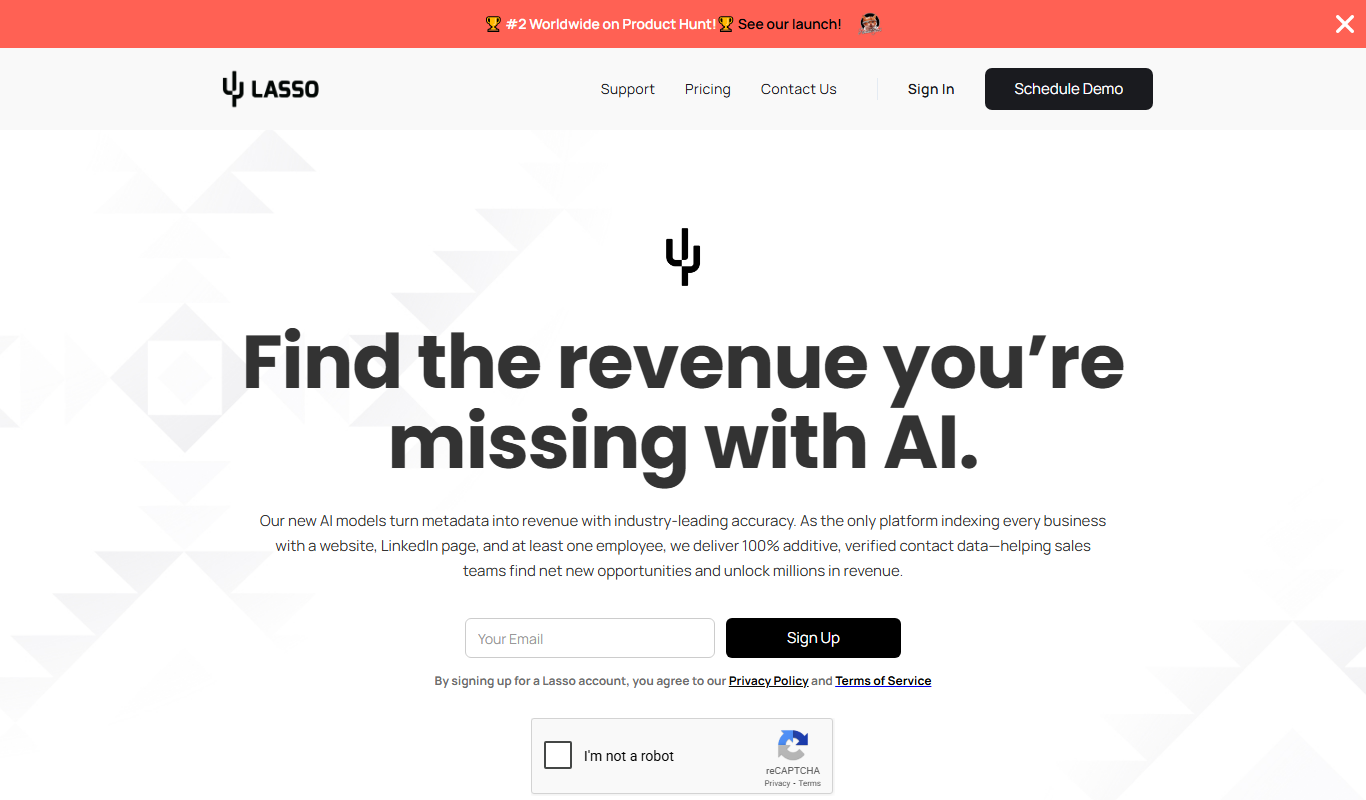
Lasso
Lasso is an AI-powered affiliate link management tool that helps bloggers and marketers organize, cloak, and track affiliate links to improve SEO and increase monetization.

Siteimprove Accessibility Checker
Siteimprove Accessibility Checker is a tool that automates website accessibility audits to help organizations comply with WCAG and ADA standards by identifying and reporting accessibility issues.

WebFX
WebFX is a full-service digital marketing agency offering SEO, PPC, content marketing, web design, and analytics services to help businesses grow online.

BestReviews
BestReviews is a free online platform offering unbiased product reviews and buying guides to help consumers make informed purchasing decisions.
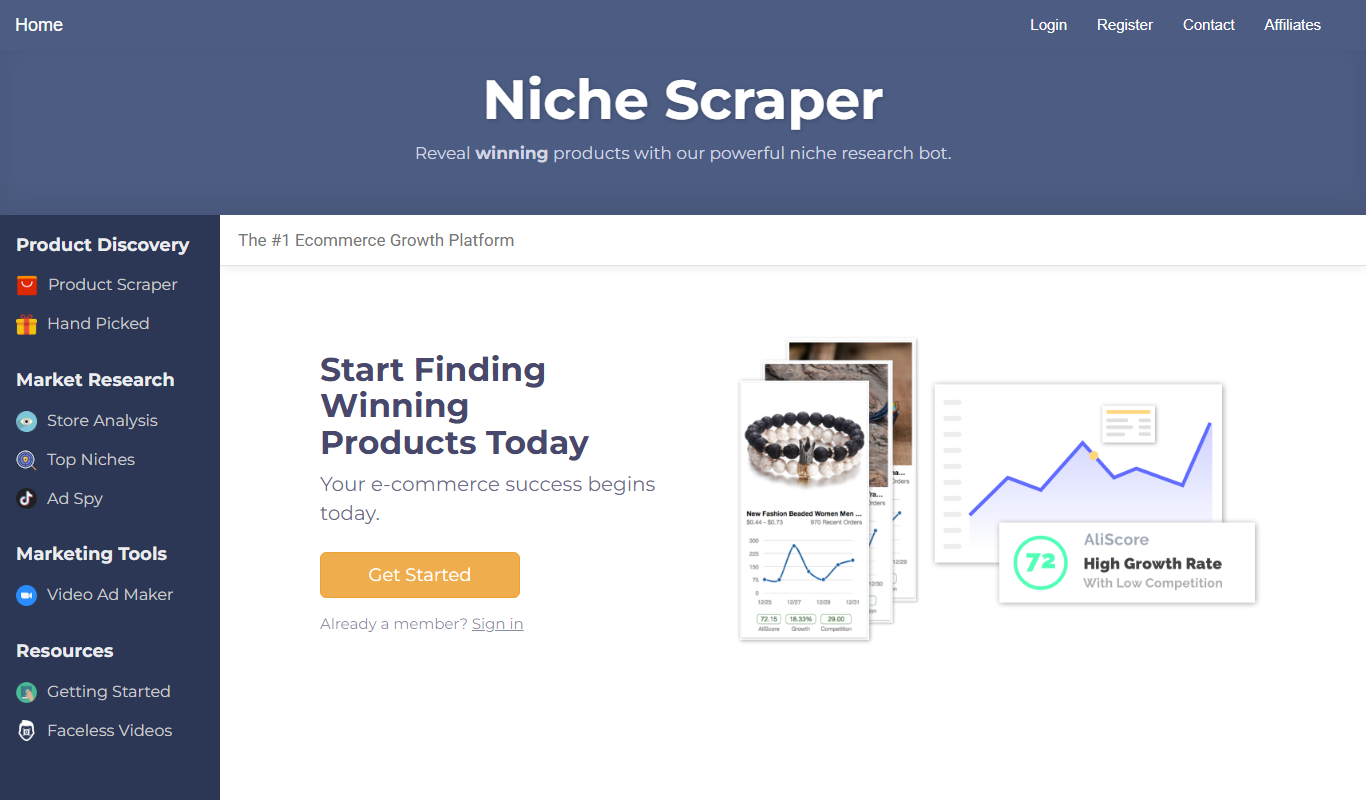
Niche Scraper
Niche Scraper is a web-based tool that helps dropshipping entrepreneurs find trending products and analyze competitor Shopify stores to build profitable ecommerce businesses.

DataHawk
DataHawk is a marketplace analytics platform for enterprise brands on Amazon, Walmart and Shopify.