Pictory AI vs veed.io: Enterprise Features, API & Team Plans
Compare Pictory AI and Veed.io on enterprise features, API access, team collaboration, compliance, and pricing.
- Category
- Video & Animation
- Format
- Head-to-head
- Updated
- April 17, 2026


How they compare
| Feature |
Pictory AI
|
Veed.io
|
|---|---|---|
| Made by | Pictory Corporation | VEED Ltd. |
| Category | AI Animated Video AI Video Creation Tools Video & Animation Video To Video | AI Video Editing Image Generation & Editing Photo & Video Editing Video To Video |
| Pricing model | Free Trial Subscription | Free Freemium Subscription |
| Platforms | Web | Web |
| Built with | JavaScript Python React | JavaScript Node.js React |
| Languages | English | English French German Portuguese +1 more |
| Based in | United States | United Kingdom |
Greyed rows are the same for both tools.
What each one is
Pictory AI
Pictory AI is a cloud-based video creation platform that leverages artificial intelligence to transform text, scripts, or long videos into short, shareable video content. It is designed to help marketers, content creators, and businesses produce professional-quality videos quickly without requiring advanced video editing skills.
Veed.io
Veed.io is a web-based video editing platform that combines traditional editing tools with AI-powered features such as automatic transcription, subtitle generation, and video captioning. It enables users to create professional-quality videos quickly without installing software, making video production accessible to creators, marketers, and businesses.
Key features
Pictory AI
-
AI Video Summarization
Automatically condenses long videos or text into concise, engaging video snippets.
-
Text-to-Video Conversion
Transforms scripts or articles into videos with relevant visuals and voiceover options.
-
Automatic Captioning
Generates accurate subtitles to enhance accessibility and viewer engagement.
-
Customizable Templates
Offers a variety of video templates tailored for social media and marketing needs.
-
Cloud-Based Editing
Enables video creation and editing entirely online without software installation.
Veed.io
-
AI-Powered Automatic Subtitles
Generate subtitles automatically with high accuracy in multiple languages.
-
Intuitive Online Video Editor
Edit videos easily with drag-and-drop tools, trimming, cropping, and adding overlays.
-
Team Collaboration
Share projects with collaborators for feedback and joint editing.
-
Social Media Export Presets
Export videos tailored for platforms like Instagram, TikTok, YouTube, and Facebook.
-
Audio Editing Tools
Remove background noise, adjust volume, and edit audio tracks within videos.
Pricing
Plans as published by each vendor. Check the vendor site before buying — pricing changes.
Pictory AI
Free Trial $0 (3 videos trial)
Limited access to features with watermark on videos and restricted video length.
Starter $19/month
Full access to video creation tools, longer video durations, and removal of watermarks.
Professional $39/month
Includes advanced features like priority support, premium templates, and higher export quality.
Teams $99/month
Veed.io
Free $0/month
Basic video editing with watermark, limited export quality, and access to core features.
Basic $18/month
Remove watermark, HD exports, longer video uploads, and access to subtitle tools.
Pro $30/month
Advanced features including team collaboration, branding options, and priority support.
Business $59/month
Strengths and trade-offs
Pictory AI
Strengths
- User-friendly interface requiring no video editing experience
- Fast video creation from various content types
- Automatic caption and subtitle generation
- Cloud-based with no software installation needed
- Multiple export options optimized for social media
Trade-offs
- Limited language support primarily English
- Advanced customization options can be limited compared to professional editors
- No desktop or mobile app, web-only platform
Veed.io
Strengths
- User-friendly interface suitable for beginners
- Powerful AI transcription and subtitle generation
- No software installation required, fully online
- Supports team collaboration and feedback
- Multiple export options for social media
Trade-offs
- Free plan includes watermark on videos
- Some advanced features require paid subscription
- Dependent on internet connection for performance
Who it is for
Pictory AI
- Social media marketers
- Content creators and influencers
- Small to medium businesses
- Digital marketing agencies
- Educators and trainers
Veed.io
- Content creators and YouTubers
- Marketing teams and social media managers
- Small businesses producing video content
- Educators creating video lessons
- Video editors seeking quick online tools
What people use it for
Pictory AI
-
Social Media Video Creation
Automatically generate engaging videos optimized for social media platforms from text or long-form content.
-
Marketing Video Production
Create promotional videos quickly using AI-driven summarization and video editing tools to boost marketing campaigns.
-
Content Repurposing
Transform webinars, podcasts, and blogs into short video snippets to maximize content reach and engagement.
-
Video Summarization
Automatically extract key highlights from long videos to produce concise summaries for easier consumption.
-
Caption and Subtitle Generation
Generate accurate captions and subtitles automatically to improve video accessibility and viewer retention.
Veed.io
-
Video Editing
Create, trim, crop, and enhance videos directly in the browser without needing complex software.
-
Automatic Subtitles and Captions
Generate accurate subtitles and captions automatically using AI-powered transcription tools.
-
Video Collaboration
Collaborate with teams on video projects with shared editing and commenting features.
-
Social Media Content Creation
Produce videos optimized for social media platforms with easy export options and aspect ratio presets.
-
Audio Editing and Enhancement
Edit audio tracks within videos, including noise removal and volume adjustments.
Getting started
Pictory AI
Input Content
Upload your long-form video, script, or article to the platform.
AI Processing
Pictory’s AI analyzes the content to identify key points and generate a video storyboard.
Customize Video
Choose from templates, add branding, adjust visuals, and edit captions as needed.
Export and Share
Download the final video or share it directly to social media platforms.
Veed.io
Upload Video
Start by uploading your video file to the Veed.io platform via the web interface.
Edit Video
Use the editor to trim, crop, add text, images, and effects to your video.
Generate Subtitles
Apply the AI transcription feature to automatically create subtitles and captions.
Collaborate
Invite team members to review and comment on the video project.
Export and Share
Export the finished video in various formats optimized for social media or download.
Common questions
Yes, Pictory AI can convert blog posts and articles into engaging videos automatically.
Yes, Veed.io is a fully web-based platform that works in your browser without any downloads.
Yes, you can add AI-generated voiceovers or upload your own audio files.
The AI transcription provides high accuracy, but results may vary depending on audio quality and accents.
Video length limits depend on the subscription plan, with longer durations available on paid plans.
Yes, paid plans include features for sharing projects and collaborating with team members.
Yes, the platform allows you to customize and edit videos post-generation.
You can export videos in MP4 and other common formats optimized for social media platforms.
Explore alternatives
Other tools that do a similar job, picked on each tool’s own profile.
 Enterprise
Lumen5
Lumen5 is an AI-driven video creation platform that transforms text content into engaging videos optimized for social media and marketing, offering easy drag-and-drop editing and a large media library.
- Free
Kapwing
Kapwing is a browser-based video editing platform that enables users to create, edit, and collaborate on videos and multimedia content without software installation.
- Free
Clipchamp
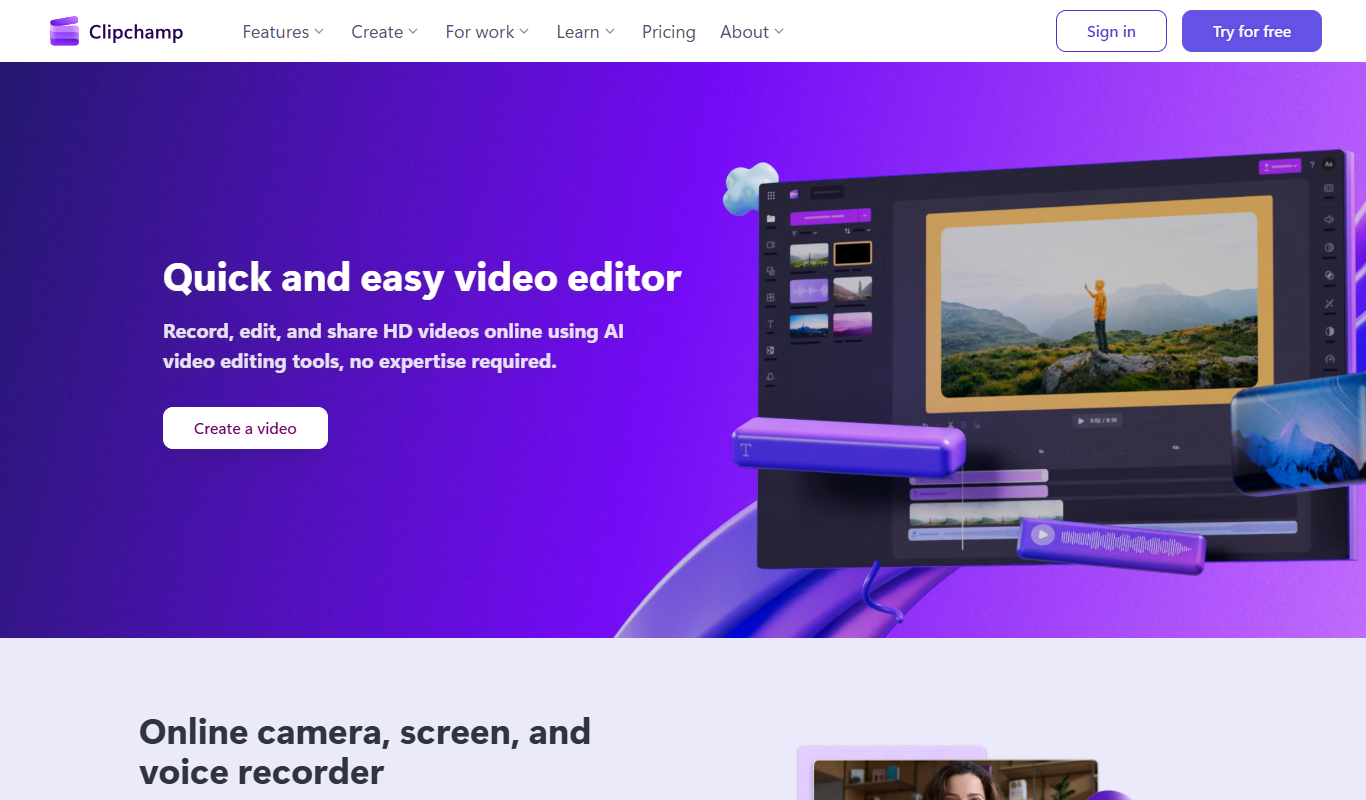
Clipchamp is an online video editing platform by Microsoft that enables users to create and edit videos using templates, stock media, and AI-powered tools directly in their browser.


More comparisons with these tools

Clipchamp vs veed.io: For Marketing Videos & Social Media
Clipchamp or Veed.io for marketing? Compare video quality, template variety, social media formats, and pricing.
- Clipchamp: $6.99/month Starts at Veed.io: $18/month
- Clipchamp: 3 Platforms Veed.io: 1
-
Capcut AI vs veed.io: Editing Controls, Templates & Workflow
CapCut AI vs Veed.io — compare editing flexibility, template library, timeline controls, and workflow efficiency.
- CapCut AI: $9.99/month Starts at Veed.io: $18/month
- CapCut AI: 4 Platforms Veed.io: 1
veed.io Free vs Paid: Free vs Paid Compared
Compare the free and paid tiers of Veed.io Free and Paid — features, usage limits, and which plan is worth paying for.
-
veed.io vs Adobe Premiere: Enterprise Features, API & Team Plans
Compare Veed.io and Adobe Premiere on enterprise features, API access, team collaboration, compliance, and pricing.
-
veed.io vs Clipchamp: For Marketing Videos & Social Media
Veed.io or Clipchamp for marketing? Compare video quality, template variety, social media formats, and pricing.
- Veed.io: $18/month Starts at Clipchamp: $6.99/month
- Veed.io: 1 Platforms Clipchamp: 3
-
veed.io vs Runway: Free Tier, Export Options & Resolution
Veed.io vs Runway — compare free plan limits, export quality, resolution options, watermarks, and pricing tiers.
- Veed.io: $18/month Starts at Runway: $15/month
- Veed.io: 1 Platforms Runway: 2