

Assemblyai vs Aws Transcribe: Pricing, Languages & Studio Features
AssemblyAI vs Aws Transcribe — compare pricing plans, supported languages, studio editing tools, and which fits your workflow.
- Category
- Music & Audio
- Format
- Head-to-head
- Updated
- April 28, 2026

What each one is
AssemblyAI
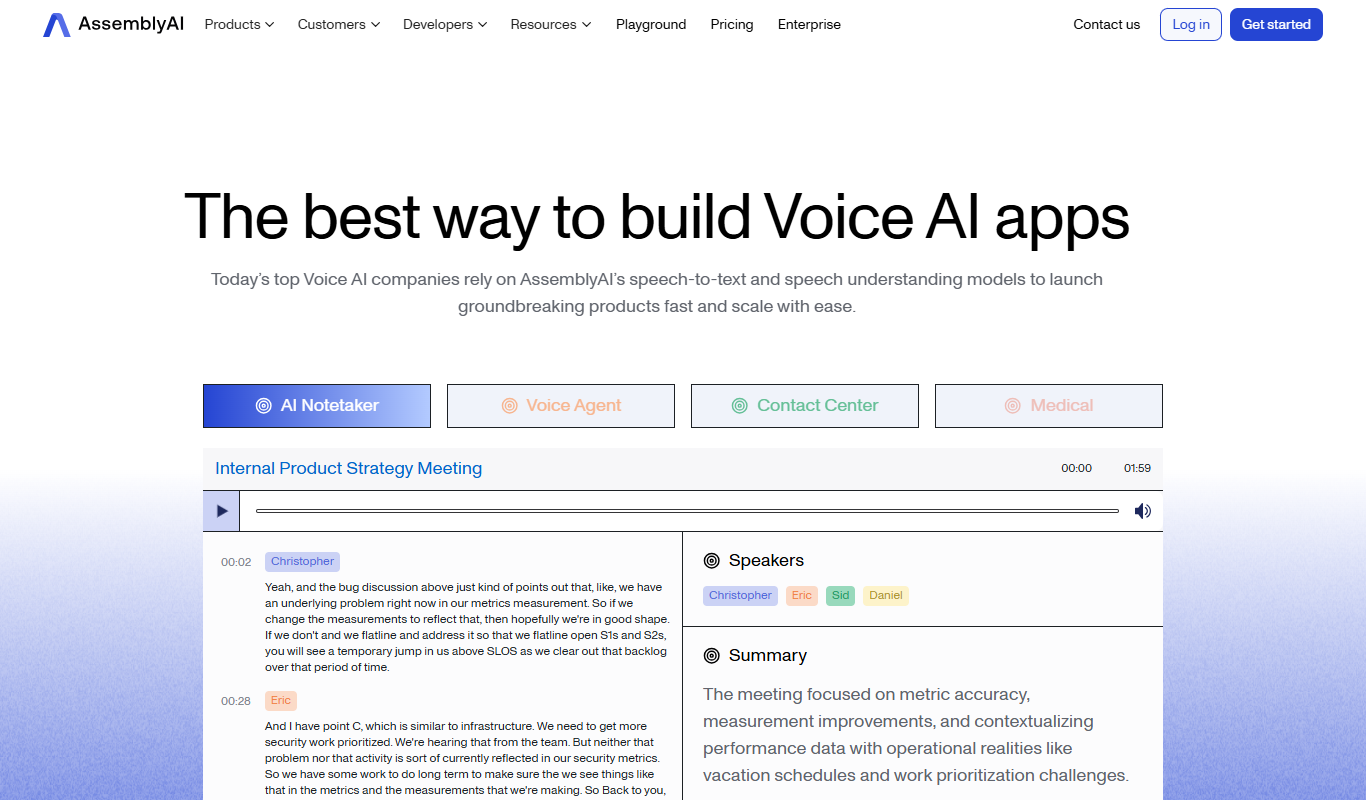
AssemblyAI is a developer-focused AI platform providing advanced speech-to-text transcription and audio intelligence APIs. It leverages deep learning models to convert spoken language into text with high accuracy and speed. Beyond transcription, AssemblyAI offers features like content moderation, topic detection, sentiment analysis, and entity recognition to extract meaningful insights from audio data.
Key features
AssemblyAI
-
High Accuracy Speech Recognition
Utilizes state-of-the-art deep learning models to deliver precise transcriptions even in challenging audio conditions.
-
Content Moderation and Safety
Automatically detects profanity, hate speech, and other sensitive content within audio.
-
Speaker Diarization
Identifies and separates different speakers in multi-person conversations.
-
Topic and Sentiment Detection
Extracts topics discussed and the sentiment expressed in the audio content.
-
Easy API Integration
Simple RESTful API design with comprehensive documentation and SDKs for multiple programming languages.
Pricing
Plans as published by each vendor. Check the vendor site before buying — pricing changes.
AssemblyAI
Free $0 ($50 free credit)
Includes 5 hours of free transcription per month with access to core features.
Pay-as-you-go From $0.65/hr
Flexible pricing based on usage beyond the free tier, suitable for scaling needs.
Enterprise Custom pricing
Tailored plans with dedicated support, SLAs, and advanced features for large organizations.
Strengths and trade-offs
AssemblyAI
Strengths
- High transcription accuracy with advanced AI models
- Comprehensive audio analysis features beyond transcription
- Developer-friendly API with clear documentation
- Flexible pricing including a free tier
- Fast processing times suitable for real-time applications
Trade-offs
- Limited language support primarily to English
- No native desktop or mobile apps; API only
- Advanced features may require technical integration effort
Who it is for
AssemblyAI
- Developers building voice-enabled applications
- Media companies needing automated captioning
- Customer service teams analyzing call center audio
- Content creators requiring transcription services
- Businesses implementing audio content moderation
What people use it for
AssemblyAI
-
Automated Transcription
Convert audio and video files into accurate text transcripts quickly using AI-powered speech recognition.
-
Audio Content Analysis
Extract insights such as sentiment, topics, and content moderation from audio using advanced AI models.
-
Voice Search and Commands
Integrate speech-to-text capabilities into applications for voice-enabled user interfaces and commands.
-
Media Captioning and Subtitling
Generate captions and subtitles for videos automatically to improve accessibility and engagement.
-
Call Center Analytics
Analyze customer service calls for quality assurance, sentiment analysis, and compliance monitoring.
Getting started
AssemblyAI
Sign Up and Get API Key
Create an account on AssemblyAI's website and obtain your unique API key for authentication.
Upload Audio or Video
Send your audio or video files to AssemblyAI via the API for processing.
Request Transcription
Initiate a transcription job through the API, specifying any additional features like speaker labels or content moderation.
Receive and Use Results
Retrieve the transcription and analysis results from the API and integrate them into your application or workflow.
Common questions
AssemblyAI supports common audio and video formats including MP3, WAV, MP4, M4A, and more.
Yes, it offers speaker diarization to identify and label different speakers in a conversation.
There is no strict limit, but very long files may require chunking or batch processing.
Currently, AssemblyAI primarily supports English transcription.
It depends on your specific needs and how you plan to use the tool. The official website and documentation are the best sources for the latest details.
Yes, it can help with that use case depending on how you configure it and what features are available. You'll get the best results with clear inputs and a defined goal.
Yes, it can help with that use case depending on how you configure it and what features are available. You'll get the best results with clear inputs and a defined goal.
More comparisons with these tools

Assemblyai Free vs Paid: Free vs Paid Compared
Compare the free and paid tiers of AssemblyAI Free and Paid — features, usage limits, and which plan is worth paying for.
-
Assemblyai vs otter.ai: Best for Content Creators & Developers?
AssemblyAI or Otter.ai? Compare voice quality, API access, cloning speed, and pricing for creators and developers.
-
Assemblyai vs Google Stt: Which Sounds More Human?
We tested AssemblyAI and Google Stt on voice realism, emotional range, cloning accuracy, and pricing — here's which sounds more natural.
-
Assemblyai vs Whisper AI: Voice Quality, Cloning & Pricing Compared
AssemblyAI vs Whisper AI — compare voice naturalness, cloning speed, language support, and pricing to find the best AI voice tool.
- AssemblyAI: From $0.65/hr Starts at Whisper AI: $0.006/minute
- AssemblyAI: 2 Platforms Whisper AI: 3
-
Assemblyai vs Deepgram: Enterprise Features & Compliance
AssemblyAI vs Deepgram for enterprise — compare compliance, SSO, usage limits, API reliability, and custom voice options.
- AssemblyAI: From $0.65/hr Starts at Deepgram: Pay-as-you-go from $0.0043/min
- AssemblyAI: 2 Platforms Deepgram: 2
-
Deepgram vs Assemblyai: Best for Content Creators & Developers?
Deepgram or AssemblyAI? Compare voice quality, API access, cloning speed, and pricing for creators and developers.
- Deepgram: Pay-as-you-go from $0.0043/min Starts at AssemblyAI: From $0.65/hr
- Deepgram: 2 Platforms AssemblyAI: 2

