

StructiFi AI-Powered OCR and Data Extraction
StructiFi is a beta AI-powered OCR tool that transforms images, PDFs and Word documents into structured data such as Json, tables or Markdown.
- Best for
- Handwritten sheets
- Key capability
- File to structured data
Save StructiFi, follow its updates and vote on it — everything stays in your account.
Sign in or create a free account
What is StructiFi?
StructiFi is an AI-powered OCR and data extraction tool, currently in beta, that turns images, PDFs and Word documents into structured data such as Json, a table or Markdown. Users drop a file into the online playground, which during the beta accepts a single file.
Key features of StructiFi
StructiFi extracts structured data from images, PDFs and Word documents with OCR and outputs it as Json, a table or Markdown through a quick online playground.
File to structured data
Transform images, PDFs and Word documents into structured data formats like Json, Table and Markdown.
OCR for images and PDFs
Translates visual information from PDFs and images into actionable data.
Quick playground
Drop a file or click to extract directly on the home page.
Customizable Data Mapping
Allows users to tailor data structuring rules to specific business needs.
Pros and cons of StructiFi
Pros
- Outputs Json, table or Markdown
- Handles images, PDFs and Word documents
- Scalable for large datasets
Cons
- Beta limit of one file with 3 MB maximum
- The product is still in beta
Key use cases for StructiFi
Handwritten sheets
Turn handwritten forms and tables from paper sheets into organized digital data.
Receipts and invoices
Convert details from paper receipts and invoices into structured digital data.
Exhibition brochures
Extract catalog and contact information from trade show directories for business follow-ups.
Machine Learning Data Preparation
Prepare and structure data efficiently to feed machine learning models with high-quality inputs.
How StructiFi works
- 1
Drop a file
Drop an image, PDF or Word file into the playground (one file, 3 MB maximum during beta).
- 2
Extract
Click to extract the data from the file.
- 3
Get structured output
Receive the data as Json, a table or Markdown, ready for analysis.
- 4
Integrate and Export
Structured data can be integrated into existing data pipelines or exported for analytics and machine learning.
Who is using StructiFi
StructiFi pricing
Contact for Pricing
Custom Pricing
Pricing tailored based on data volume and integration requirements.
Plans and prices are as published by the vendor and can change. Check the official site before you buy. Open the pricing page (opens in a new tab)
Frequently asked questions about StructiFi
Images, PDF files and Word documents.
Structured data formats like Json, Table and Markdown.
Yes. During the beta period it supports 1 file with 3 MB size as maximum.
Data handling and security practices vary by provider. Review the official privacy policy to understand how your data is stored and used.
Data handling and security practices vary by provider. Review the official privacy policy to understand how your data is stored and used.
It depends on your specific needs and how you plan to use the tool. The official website and documentation are the best sources for the latest details.
Conclusion
Paper records are the typical starting point for StructiFi, a beta OCR tool that turns images, PDFs and Word documents into Json, a table or Markdown. The examples on the site cover handwritten forms and tables, paper receipts and invoices, and exhibitor details from printed trade show catalogues. Extraction happens in a quick playground on the home page, where a file is dropped in and extracted. During the beta period the playground supports only 1 file with 3 MB size as maximum.
Sources
Sign in to review this tool.
Sign In to ReviewNo reviews yet
Be the first to share how this tool worked for you.
Ask about pricing, limits, or how it compares — or answer someone else.
Sign In to AskNo questions yet
Have a question about using or paying for this tool? Be the first to ask.
Featured on TiorAI



More AI Document Extraction tools
Other tools in the same category, for when this one is not quite the fit.

Bank Statement Converter
Bank Statement Converter converts single or multiple PDF bank statements into a single CSV file containing only the transaction data extracted from their tables.
Evolution AI
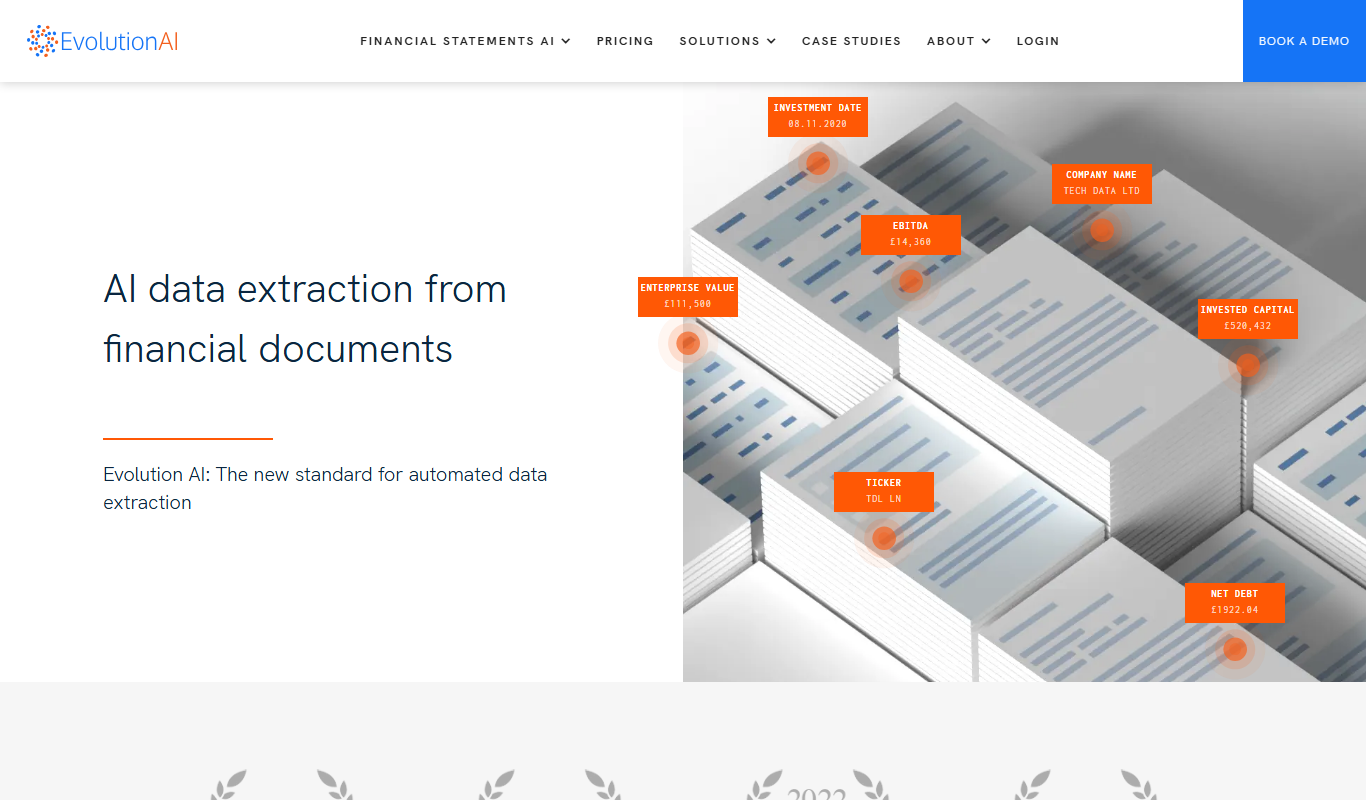
Evolution AI extracts data from financial statements, invoices, bank statements and other documents with generative AI, priced per page.

docugami
Docugami is agentic document AI that turns entire business documents into Knowledge Graphs of actionable data to power business workflows at enterprise scale.

AlgoDocs
Algodocs is intelligent document data extraction and workflow automation for invoices, bills of lading, customs declarations and documents of any format.

Doctly AI
Doctly extracts data from complex documents, lets you chat with your documents and turns your sources into finished work you can verify.
PublicView
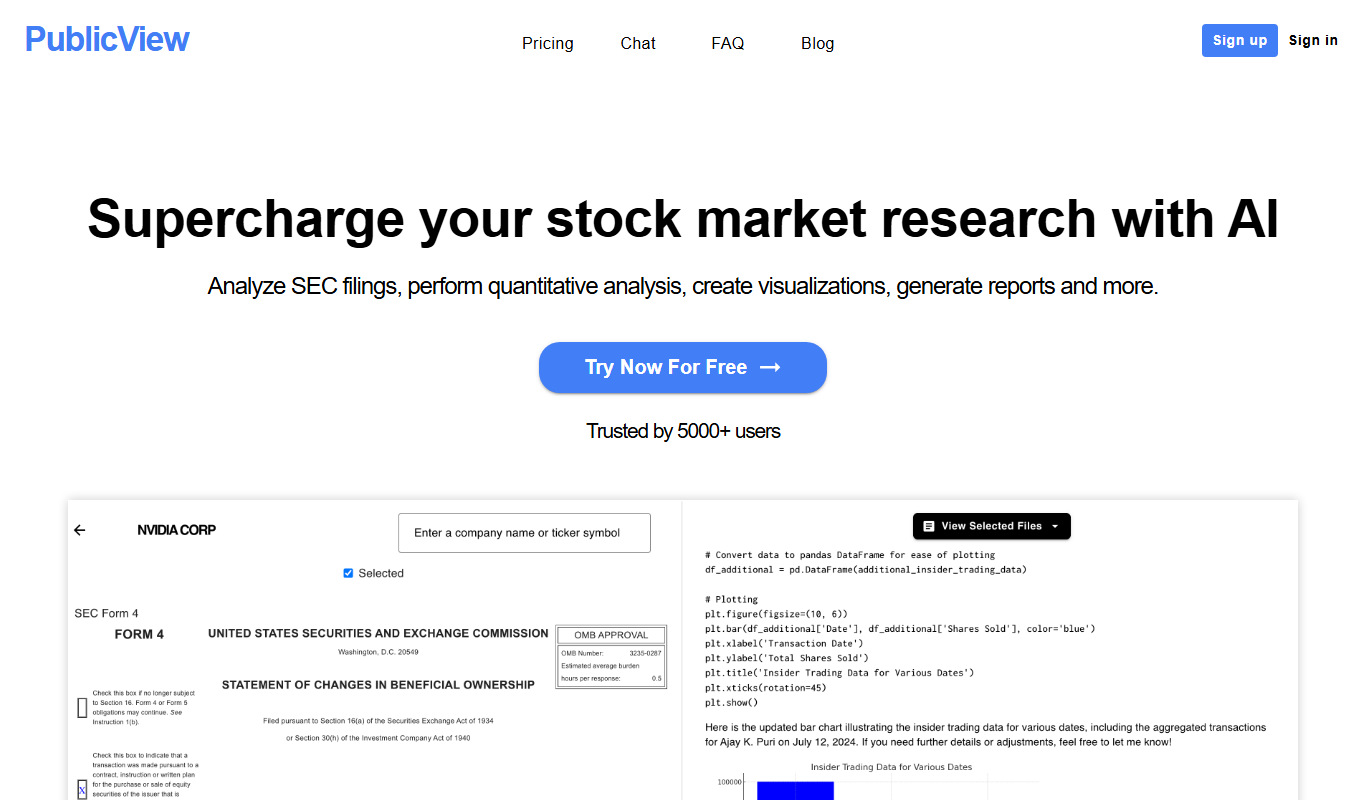
PublicView analyzes public-company SEC filings with grounded AI chat, a visual knowledge graph, relationship maps, timelines and real-time filing alerts.

Extracta LABS
Extracta LABS uses AI to extract specific data from any kind of document, photo or image, with no training required.
Receiptor.ai
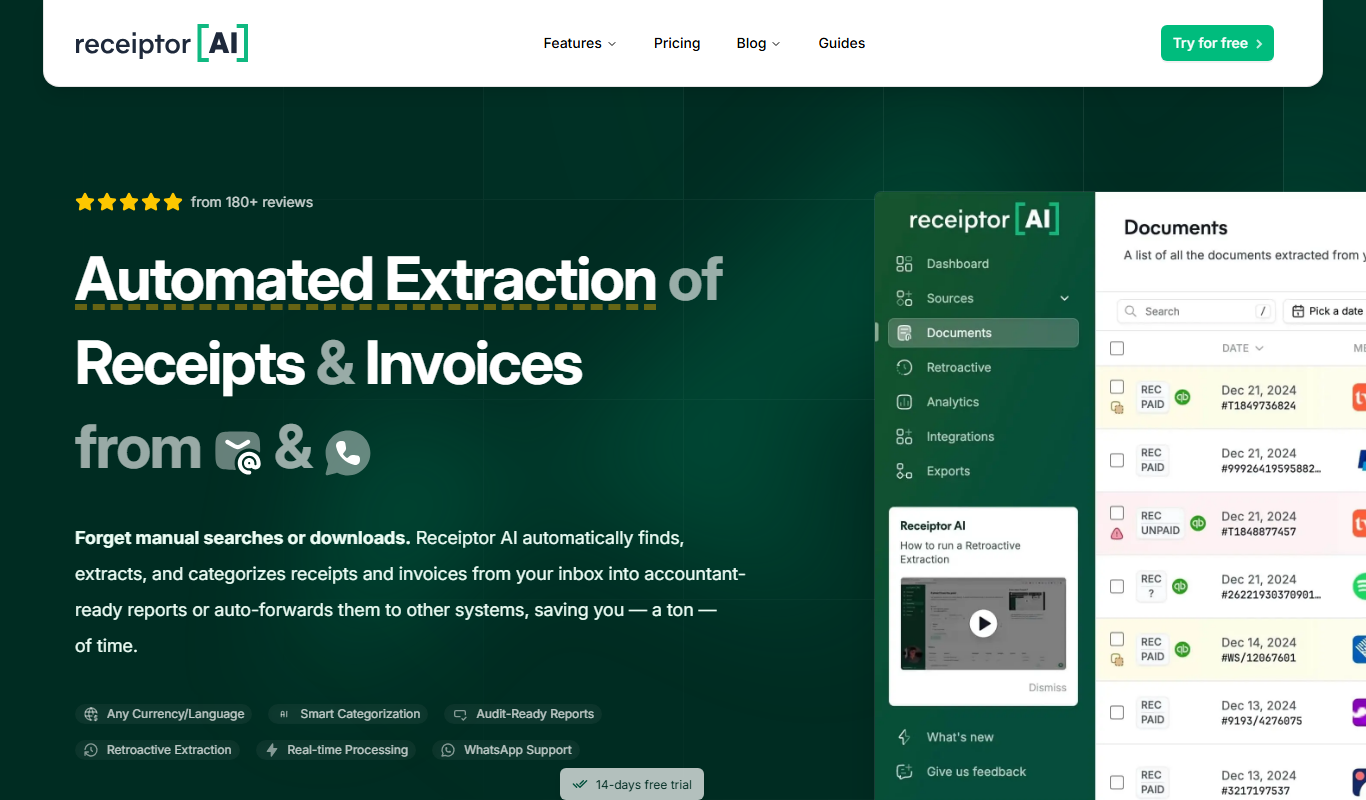
Receiptor AI catches receipts and invoices from email, WhatsApp, iMessage and uploads, categorizes them and files them into Xero, QuickBooks or other destinations with the original attached.