

Linfo.ai AI-Powered Takeaways & Mind Maps from Any Content
Linfo.ai summarizes articles, YouTube videos and PDF files into key takeaways and mind maps through a browser extension or online generation.
- Best for
- Article summaries
- Key capability
- Key takeaways
Save Linfo.ai, follow its updates and vote on it — everything stays in your account.
Sign in or create a free account

What is Linfo.ai?
Linfo.ai is an AI summary tool that turns articles, reports, YouTube videos and PDF files into structured key takeaways and mind maps. It works through a browser extension or online generation, links each takeaway back to its source in the original content, and exports mind maps as png or jpg.
Key features of Linfo.ai
Linfo.ai generates structured takeaways from articles, reports, videos and PDF files, links each point back to its source, turns takeaways into downloadable mind maps and lets you customize the content hierarchy.
Key takeaways
Generates key takeaways by understanding the entire content, not just summarizing it.
Click-to-source
Click a bullet point in the takeaways to jump directly back to its source in the original content.
Takeaways to mind map
Convert webpage content into a mind map with one click and download it as png or jpg.
Adjustable depth
Customize the content hierarchy and dive into the parts that interest you with more detailed bullet takeaways.
Pros and cons of Linfo.ai
Pros
- Takeaways link back to the source
- One-click mind maps with png or jpg download
- Free Basic plan with a weekly quota
Cons
- Basic plan is limited to 10 free summaries per week
- Summarizing local PDF files requires enabling file access for the extension
Key use cases for Linfo.ai
Article summaries
Summarize insights from articles and reports.
YouTube summaries
Summarize YouTube videos into takeaways and mind maps.
Local PDF summaries
Drag and drop local PDF files into the browser for summarization.
Multi-Channel Support
Supports integration with various communication channels to maintain consistent customer interactions.
How Linfo.ai works
- 1
Install or open
Use the browser extension or the online generation page.
- 2
Summarize content
Summarize an article, report or video into structured takeaways.
- 3
Check the source
Click a takeaway to jump back to the matching part of the original content.
- 4
Make a mind map
Turn the takeaways into a mind map and download it in png or jpg.
Who is using Linfo.ai
Linfo.ai pricing
Linfo Basic
Free
Always-on extension, click-to-source, 10 free quota per week, save and share summaries.
Linfo Pro
$7.99/month ($19.99 also shown on the same plan card)
Unlimited article, PDF and YouTube summaries, the most advanced model, priority queue and priority support.
Enterprise
Custom pricing
Tailored solutions with dedicated support and custom integrations.
Plans and prices are as published by the vendor and can change. Check the official site before you buy. Open the pricing page (opens in a new tab)
Frequently asked questions about Linfo.ai
Articles, PDF files and YouTube videos.
Yes. It converts content into mind maps with one click and downloads them as png or jpg.
Yes. Linfo Basic is free with 10 free quota per week, an always-on extension and click-to-source.
This tool is designed to help users accomplish its core tasks more efficiently. It is typically used by individuals or teams looking to improve productivity and workflow.
Pricing depends on the plan and included features. For the most accurate and up-to-date details, check the official pricing page.
Integration support depends on the tool and its available connectors or API. Check the official documentation or integrations page to confirm what is supported.
Yes, it can help with that use case depending on how you configure it and what features are available. You’ll get the best results with clear inputs and a defined goal.
Conclusion
Long articles, reports and YouTube videos are the raw material for Linfo.ai, which condenses them into structured key takeaways. Each bullet in a summary links back to the matching spot in the original content, so a claim can be checked at its source. The takeaways can then be turned into a mind map with one click and downloaded as png or jpg, and readers can change the content hierarchy to go deeper on the parts they care about.
It runs as a browser extension for Chrome, Edge and Arc and through an online generation page, and local PDF files can be dropped into the browser once file access is allowed. The site pitches it to professionals who need to process information fast. The free Basic plan comes with a small weekly quota, while unlimited summaries require Linfo Pro.
Sources
Sign in to review this tool.
Sign In to ReviewNo reviews yet
Be the first to share how this tool worked for you.
Ask about pricing, limits, or how it compares — or answer someone else.
Sign In to AskNo questions yet
Have a question about using or paying for this tool? Be the first to ask.
Featured on TiorAI



More AI Document Extraction tools
Other tools in the same category, for when this one is not quite the fit.

Bank Statement Converter
Bank Statement Converter converts single or multiple PDF bank statements into a single CSV file containing only the transaction data extracted from their tables.
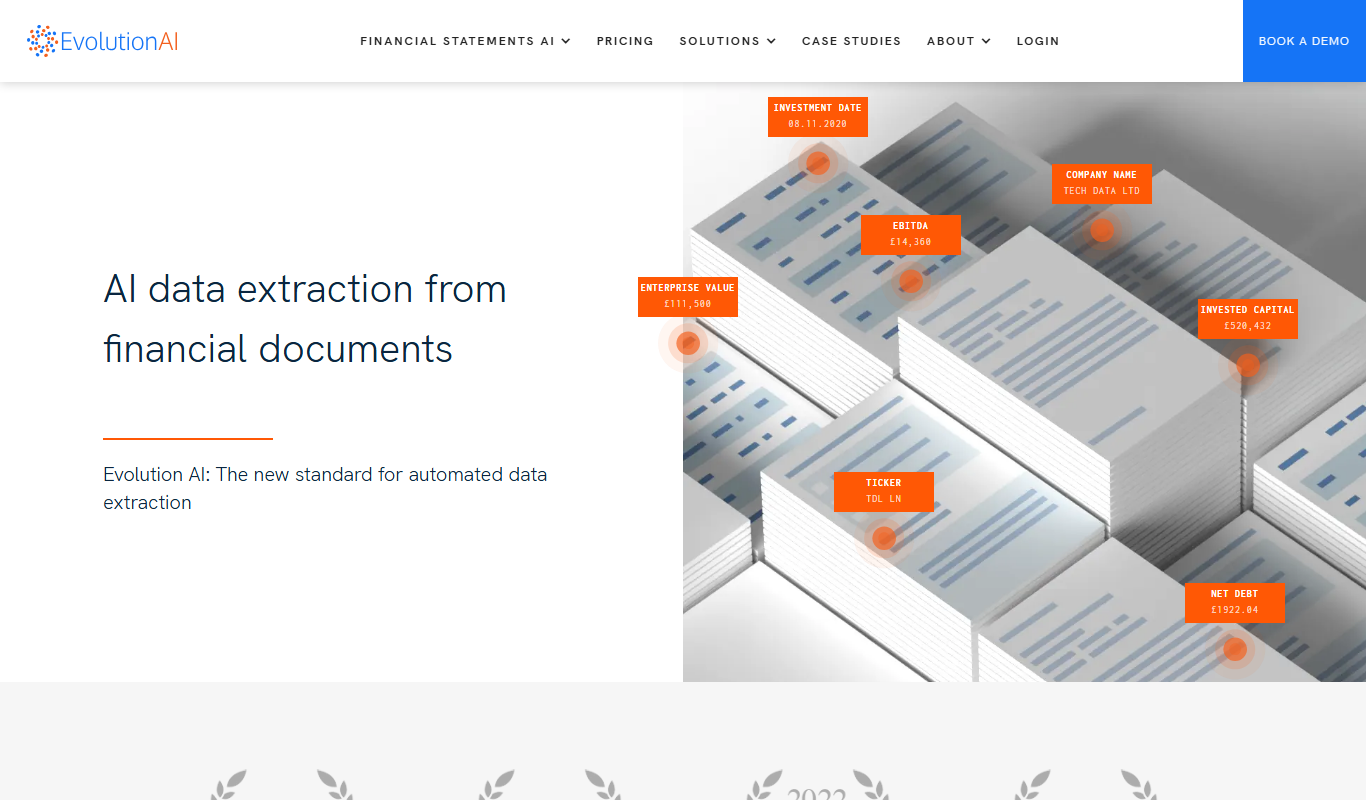
Evolution AI
Evolution AI extracts data from financial statements, invoices, bank statements and other documents with generative AI, priced per page.

docugami
Docugami is agentic document AI that turns entire business documents into Knowledge Graphs of actionable data to power business workflows at enterprise scale.

AlgoDocs
Algodocs is intelligent document data extraction and workflow automation for invoices, bills of lading, customs declarations and documents of any format.

Doctly AI
Doctly extracts data from complex documents, lets you chat with your documents and turns your sources into finished work you can verify.
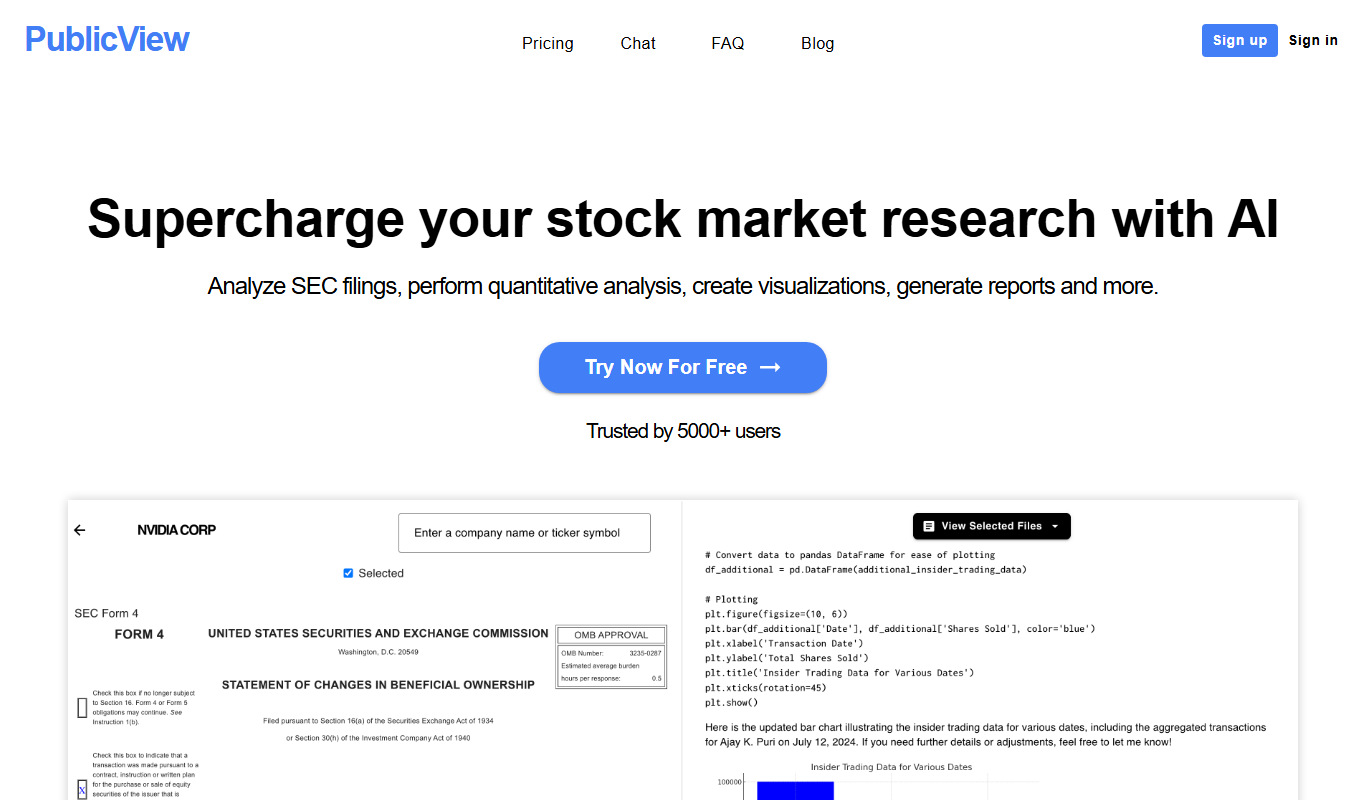
PublicView
PublicView analyzes public-company SEC filings with grounded AI chat, a visual knowledge graph, relationship maps, timelines and real-time filing alerts.

Extracta LABS
Extracta LABS uses AI to extract specific data from any kind of document, photo or image, with no training required.
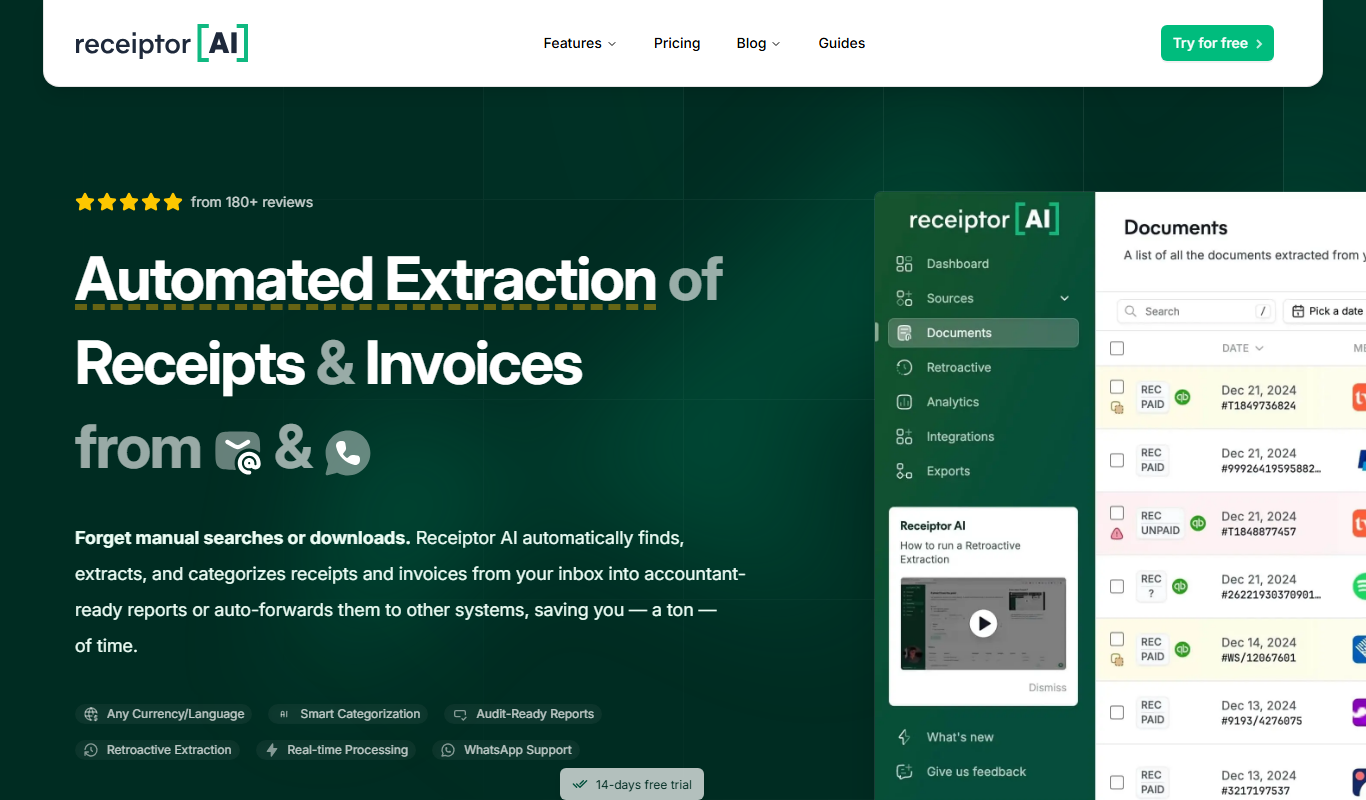
Receiptor.ai
Receiptor AI catches receipts and invoices from email, WhatsApp, iMessage and uploads, categorizes them and files them into Xero, QuickBooks or other destinations with the original attached.