

LotusEye AI Anomaly Detection from Sensor Data
LotusEye is an AI anomaly detector that learns normal behavior from sensor data in CSV files and alerts users when anomaly scores rise.
- Best for
- Equipment anomaly detection
- Key capability
- Learns normal behavior
Save LotusEye, follow its updates and vote on it — everything stays in your account.
Sign in or create a free account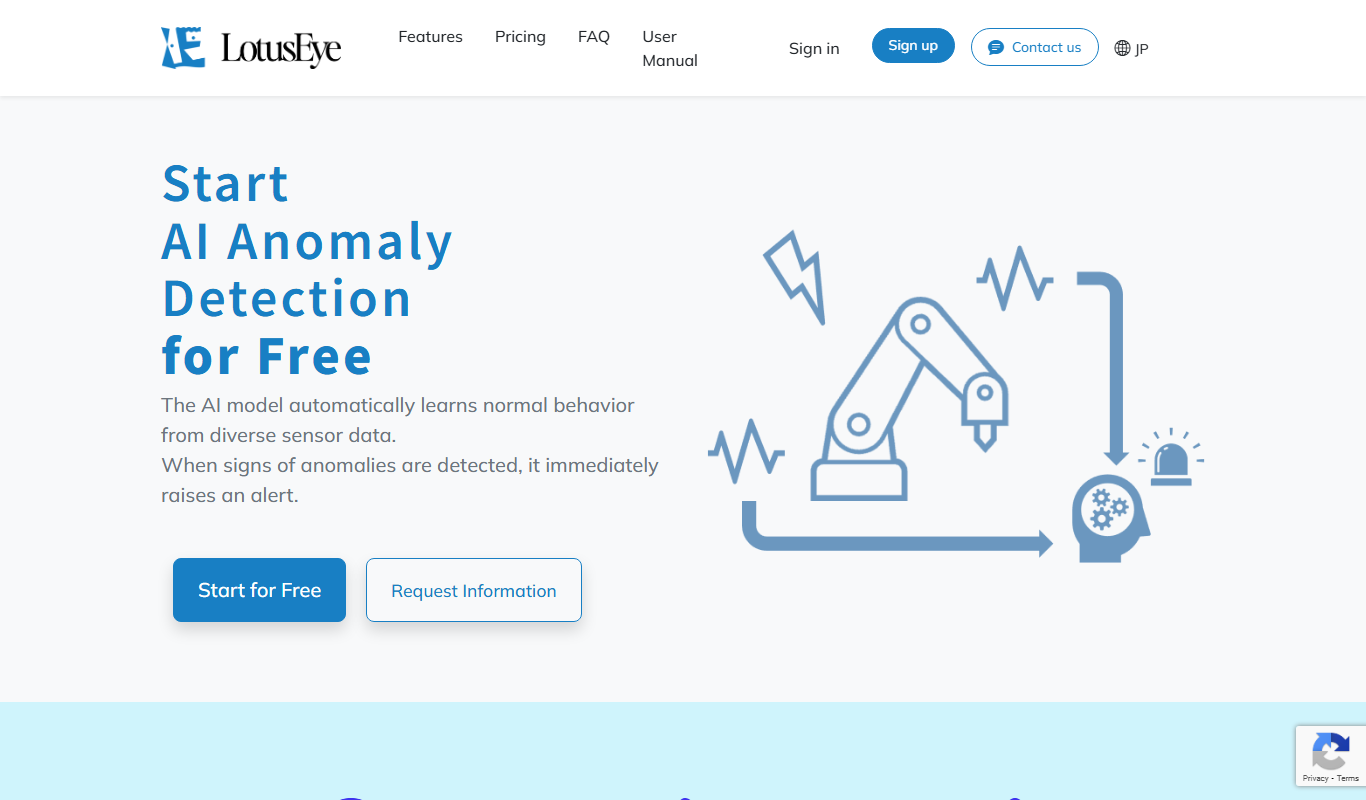

What is LotusEye?
LotusEye is an AI anomaly detector for sensor data. Users upload CSV files of normal operations to create an AI model, then upload test data; the model learns normal behavior, calculates hourly anomaly scores and raises an alert when signs of anomalies appear. Model creation and scoring are free, with paid plans adding API uploads and email alerts.
Key features of LotusEye
LotusEye creates AI models from uploaded normal sensor data, calculates hourly anomaly scores for test data, accepts wide-format and long-format CSV files or any numerical CSV data, and on paid plans adds data uploads via API, email alerts and multiple management members.
Learns normal behavior
The AI model learns normal behavior from sensor data and raises an alert when signs of anomalies are detected.
No AI knowledge required
Anyone can create AI models simply by uploading data.
CSV sensor data
Supports wide-format CSV files with sensor values per timestamp and long-format files with timestamp, sensor name and sensor value columns.
API uploads and alerts
Paid plans add data uploads via API, email notifications and management by multiple members.
Pros and cons of LotusEye
Pros
- Model creation and anomaly scores are free
- No AI knowledge required to create models
- Works with any numerical data in CSV format, such as server access logs
Cons
- Anomaly scores are calculated hourly, so shorter intervals are averaged
- Primarily focused on Japanese market with limited global presence
- Technical setup may require specialized support
Key use cases for LotusEye
Equipment anomaly detection
Detect signs of anomalies in equipment from sensor data and inspect it when scores exceed the threshold.
Server log monitoring
Convert sar output or web server access logs into CSV and use them for anomaly detection.
Automated monitoring
Upload data hourly through the API to detect early signs of anomalies quickly.
Alerting
Raise an alert as soon as signs of anomalies are detected.
How LotusEye works
- 1
Upload training data
Upload training data of normal operations and create an AI model.
- 2
Upload test data
Upload test data to check for anomalies.
- 3
Review anomaly scores
Review the anomaly scores calculated by the AI on the screen.
- 4
Inspect the equipment
If the scores exceed the threshold, inspect the equipment.
Who is using LotusEye
LotusEye pricing
Free
Free
One model per account, manual uploads, 10 sensor data and 10 uploads per day.
Light
$13/month approx., or $125/year
Test data upload via the web API, email alert notification and 10 sensor data.
Standard
$32/month approx., or $314/year
Web API uploads, email alerts and 50 sensor data.
Business
$51/month approx., or $503/year
Web API uploads, email alerts and 100 sensor data.
Plans and prices are as published by the vendor and can change. Check the official site before you buy. Open the pricing page (opens in a new tab)
Frequently asked questions about LotusEye
LotusEye supports wide-format and long-format CSV files of sensor data, and any numerical data in CSV format, such as converted web server access logs.
Yes. On the Light plan or higher, data can be uploaded via API, for example with scheduled cron jobs.
Models and scores can be created for free, so the free plan can be used to check detection and false positives before choosing a paid plan.
It depends on your specific needs and how you plan to use the tool. The official website and documentation are the best sources for the latest details.
Yes, it can help with that use case depending on how you configure it and what features are available. You’ll get the best results with clear inputs and a defined goal.
It depends on your specific needs and how you plan to use the tool. The official website and documentation are the best sources for the latest details.
Conclusion
Sensor readings, not camera images, are the input: LotusEye is an AI anomaly detector that learns normal behavior from uploaded data and raises an alert when signs of anomalies appear. Users first upload training data from normal operations to create a model, then upload test data and review the anomaly scores on screen. Scores above the threshold are the signal to inspect the equipment. Data arrives as wide-format or long-format CSV files, and any numerical CSV, such as converted web server access logs, can also be used.
No AI knowledge is required, and creating models and calculating scores is free, so effectiveness can be checked before choosing a paid plan. Paid plans add uploads via API and email alerts, and are charged in Japanese yen. Scores are calculated hourly, and model accuracy depends on the data used in training.
Sources
Sign in to review this tool.
Sign In to ReviewNo reviews yet
Be the first to share how this tool worked for you.
Ask about pricing, limits, or how it compares — or answer someone else.
Sign In to AskNo questions yet
Have a question about using or paying for this tool? Be the first to ask.
Featured on TiorAI



Alternative Tools
Explore similar AI tools that might fit your needs

Cognex VisionPro
Cognex VisionPro is an industrial machine vision software platform that enables automated inspection, measurement, and robotic guidance using advanced image processing tools.
More AI Detector tools
Other tools in the same category, for when this one is not quite the fit.
INSINTO
INSINTO builds accessible AI tools for small businesses and solo founders, led by Ask Freya, an autonomous AI assistant for business operations.

Neuwo
Neuwo provides contextual AI and monetisation solutions that help publishers earn more from their content and advertisers reach contextual audiences.

Originality
Originality AI is a web-based tool that detects plagiarism and AI-generated content to ensure content originality and SEO compliance.

wedetect.ai
wedetect.ai is a free AI image detector that estimates whether a photo or screenshot is AI-generated or real, with no sign-up.
Sourcer AI
Sourcer AI is a browser extension that summarizes news articles and posts and rates their reputability and political bias in one click.

Athina AI
Athina is a collaborative platform for building, testing and monitoring LLM applications with prompt management, evals, datasets and observability.

Rash Detector
Rash Detector is an AI-powered app for web and Android that analyzes three photos of a skin rash and returns a report with detected abnormalities, condition information and a risk assessment.

GPTGuard
GPT Guard is a data loss prevention tool for AI that lets enterprises chat with LLMs and their documents while masking sensitive data.