

Outpost CRM Review: Features, Pricing, and Best Use Cases for Small Teams
Outpost is an AI copilot for client driven businesses that keeps users on top of their deals with AI-driven lead prioritization and outreach suggestions.
- Best for
- Sales Pipeline Management
- Key capability
- Customizable Sales Pipelines
Save Outpost CRM, follow its updates and vote on it — everything stays in your account.
Sign in or create a free account
What is Outpost CRM?
Outpost CRM is an AI copilot and CRM platform for client driven businesses.
Key features of Outpost CRM
Outpost CRM provides customizable sales pipelines, contact and account management, task tracking, team collaboration tools, and reporting features. Its focus on usability and simplicity makes it suitable for small teams looking to organize their sales efforts and improve customer relationships.
Customizable Sales Pipelines
Create and modify sales stages to match your unique sales process.
Contact and Account Management
Store detailed information about customers and companies for easy access.
Task and Activity Management
Assign tasks and reminders to team members to ensure follow-ups and deadlines are met.
Team Collaboration Tools
Facilitate communication and information sharing within your sales team.
Reporting and Analytics
Visualize sales data and pipeline health with customizable reports.
Pros and cons of Outpost CRM
Pros
- User-friendly interface focused on small teams
- Customizable sales pipelines to fit unique processes
- Strong team collaboration features
- Comprehensive reporting and analytics
- Responsive customer support
Cons
- No dedicated mobile app available
- Limited integrations compared to larger CRM platforms
- Pricing may be high for very small teams
Key use cases for Outpost CRM
Sales Pipeline Management
Track and manage leads and deals through customizable sales pipelines to improve conversion rates.
Team Collaboration
Coordinate sales activities and share customer information across teams to enhance communication and productivity.
Contact and Account Management
Organize customer data, interactions, and history in one place for better relationship building.
Task and Activity Tracking
Assign and monitor tasks related to sales and customer follow-ups to ensure timely actions.
Reporting and Analytics
Generate reports on sales performance and pipeline health to make data-driven decisions.
How Outpost CRM works
- 1
Sign Up and Set Up
Create an account on Outpost CRM and configure your sales pipelines and team settings.
- 2
Import Contacts and Leads
Add your existing contacts and leads manually or via import to centralize customer data.
- 3
Manage Sales Pipeline
Track deals through various stages, assign tasks, and update statuses to keep sales moving.
- 4
Collaborate with Team
Share notes, assign activities, and communicate within the platform to stay aligned.
- 5
Analyze Performance
Use built-in reports to monitor sales metrics and identify areas for improvement.
Who is using Outpost CRM
Outpost CRM pricing
Free Trial
$0 for 14 days
Full access to all features for 14 days to evaluate the platform.
Individual
$39 per month, monthly billing
For individuals: Outpost Intelligence, Outpost add-ons, Google integration.
Business
$460 per month, monthly billing
For teams: 10 team members included, real-time collaboration, shared apps.
Enterprise
Contact us
For companies or larger teams: flexible solutions, direct communication, custom billing.
Plans and prices are as published by the vendor and can change. Check the official site before you buy. Open the pricing page (opens in a new tab)
Frequently asked questions about Outpost CRM
Yes, Outpost CRM supports importing contacts via CSV files to quickly migrate your data.
Yes, Outpost is on the App Store, with identical features on the mobile app and desktop.
Yes, it offers integrations with popular tools like email platforms and calendar apps to streamline workflows.
Outpost offers a 7-day free trial with no credit card required.
This tool is designed to help users accomplish its core tasks more efficiently. It is typically used by individuals or teams looking to improve productivity and workflow.
Pricing depends on the plan and included features. For the most accurate and up-to-date details, check the official pricing page.
It depends on your specific needs and how you plan to use the tool. The official website and documentation are the best sources for the latest details.
Yes, it can help with that use case depending on how you configure it and what features are available. You’ll get the best results with clear inputs and a defined goal.
Conclusion
Contacts sit at the center, and Outpost autonomously scores each one based on many data points so the most important leads get attention without manual effort. It integrates into the email workflow, making connections between emails and contacts, and keeps every email, meeting and call in one place.
Routines automate anything from the simplest to the most complex task, while Outpost Booking schedules appointments with contacts without the back-and-forth. Its modular design lets users pick and choose apps and only pay for what they need. Agents within top brokerages are the audience the site highlights, alongside founders.
The mobile app offers identical features to the desktop version. The Individual plan is for individuals, the Business plan for teams with 10 team members included and real-time collaboration, and Enterprise is for companies or larger teams. A 7-day free trial of Outpost is offered with no credit card required.
Sources
Sign in to review this tool.
Sign In to ReviewNo reviews yet
Be the first to share how this tool worked for you.
Ask about pricing, limits, or how it compares — or answer someone else.
Sign In to AskNo questions yet
Have a question about using or paying for this tool? Be the first to ask.
Featured on TiorAI



Alternative Tools
Explore similar AI tools that might fit your needs

Pipedrive
Pipedrive is a CRM software that helps sales teams visualize and manage their sales pipelines, automate repetitive tasks, and analyze sales performance to close deals faster.
More AI Automation & Workflow Tools tools
Other tools in the same category, for when this one is not quite the fit.

Convertlyio
Convertlyio is an AI lead generation quiz funnel builder that creates no-code quizzes to capture, qualify and recommend products to leads.

StackBob
StackBob.ai connects applications that lack SCIM, APIs or connectors to your IAM stack and automates employee on- and offboarding across them.

Kesem AI
Kesem AI creates slideshows, charts and in-depth analyses with AI, building a storyline from a prompt and insights from uploaded data.

Prompt Speak
Prompt Speak is an iOS and macOS app whose AI bots turn spoken or typed input into Instagram captions, hooks, comments, emails and organized notes.

Indico Data
Indico Data automates the intake and orchestration of insurance underwriting, claims and servicing work, delivering downstream-ready data.
GPTfy
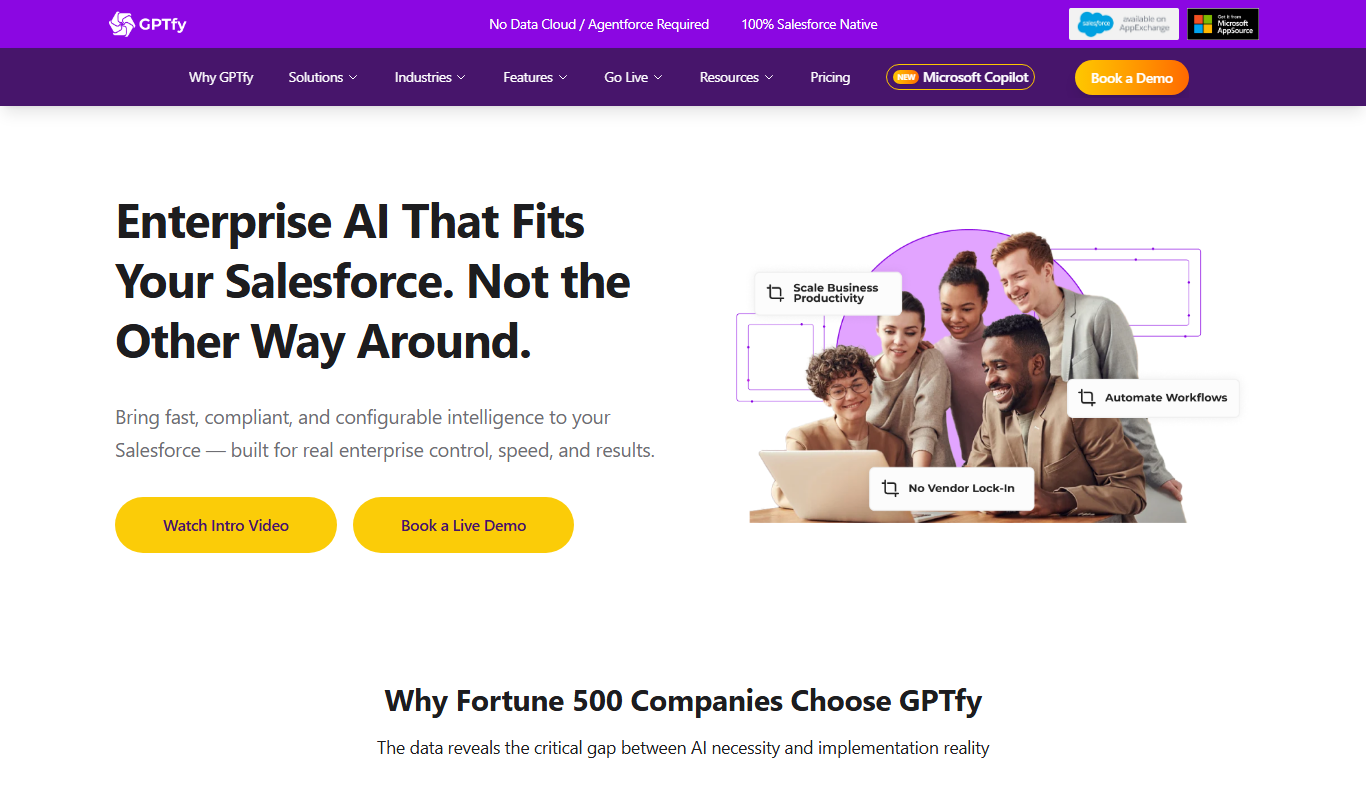
GPTfy is a Salesforce-native alternative to Agentforce that runs OpenAI, Claude, Gemini or 15+ models inside Salesforce at fixed per-user pricing.

Kites.Dev
Kites.Dev creates AI products and builds custom smart assistants, bots and websites to help businesses grow and save time.

pareto.io
Pareto is an AI business transformation company that redesigns business processes and implements AI agents and automations for enterprises.