

DevGPT AI Coding Assistant for Developers and Software Engineers
DevGPT is the AI assistant for developers inside DevKit, combining ChatGPT with 30+ mini-devtools to test public APIs, query databases and generate code.
- Best for
- Code Generation
- Key capability
- Natural Language Code Generation
Save DevGPT, follow its updates and vote on it — everything stays in your account.
Sign in or create a free account

What is DevGPT?
DevGPT is the AI assistant inside DevKit, a toolkit for developers that gives access to 5+ LLMs and 30+ mini-tools in one single place, to test public APIs, query databases and generate code.
Key features of DevGPT
DevGPT combines ChatGPT and 30+ mini-devtools to test public APIs, query databases, generate code and interactive art, next to editors, utilities, an API client and a database client.
Natural Language Code Generation
Convert plain English instructions into functional code snippets instantly.
Bug Detection and Fix Suggestions
Automatically identify potential bugs and receive AI-powered fix recommendations.
Code Explanation and Documentation
Get clear explanations and generate documentation to improve code readability.
30+ Mini-Tools
Editors, utilities, an API client and a database client in one place, all within your browser.
Multi-language Support
Supports popular programming languages including JavaScript, Python, and more.
Pros and cons of DevGPT
Pros
- Speeds up coding with natural language prompts
- Helps identify and fix bugs quickly
- Improves code understanding with explanations
- Easy integration with popular IDEs
- Supports multiple programming languages
Cons
- Limited free plan usage
- May require internet connection for AI processing
- Occasional inaccuracies in complex code generation
Key use cases for DevGPT
Code Generation
Automatically generate code snippets and functions based on natural language prompts to speed up development.
Bug Fixing
Identify and suggest fixes for bugs in your code through AI-powered analysis.
Code Explanation
Get detailed explanations of complex code segments to improve understanding and onboarding.
Documentation Assistance
Generate documentation and comments for code automatically to maintain codebase clarity.
Learning and Experimentation
Use DevGPT as a coding tutor to learn new programming concepts and experiment with code ideas.
How DevGPT works
- 1
Install DevGPT
Get started with DevKit in your browser to access DevGPT and the mini-tools.
- 2
Input Your Query
Type natural language prompts or code snippets to request assistance.
- 3
Receive AI Suggestions
DevGPT generates code, explanations, or fixes based on your input.
- 4
Review and Apply
Evaluate the AI-generated output and integrate it into your project as needed.
Who is using DevGPT
DevGPT pricing
Free
$0/month
Start using DevKit for free, then pick a paid plan to get more features.
Annual subscription
$120 per year (special offer $60)
Paid annual plan that gives more features.
Plans and prices are as published by the vendor and can change. Check the official site before you buy. Open the pricing page (opens in a new tab)
Frequently asked questions about DevGPT
DevGPT supports major languages like JavaScript, Python, Java, and more, with ongoing expansion.
The official site does not list IDE extensions. DevKit lets you test APIs and query and visualize data within your browser.
You can start using DevKit for free, and then pick a paid plan to get more features.
This tool is designed to help users accomplish its core tasks more efficiently. It is typically used by individuals or teams looking to improve productivity and workflow.
Yes, it can help with that use case depending on how you configure it and what features are available. You’ll get the best results with clear inputs and a defined goal.
Integration support depends on the tool and its available connectors or API. Check the official documentation or integrations page to confirm what is supported.
Conclusion
DevGPT now lives inside DevKit, a toolkit that pairs access to 5+ LLMs with 30+ mini-tools in one single place. From the chat interface, it can generate config to test public APIs, query Postgres databases in plain English and plot the results, or generate and execute code. MySQL and SQL Server support is listed as coming soon.
Around the assistant sit 7 editors and 10+ utilities, plus an API client and a database client that work within the browser. Code generation and p5.js tools are also offered for creative coding such as art and mini games. Software developers, freelance coders and development teams are the intended users. Using DevKit starts for free, and a paid annual subscription adds more features.
Sources
Sign in to review this tool.
Sign In to ReviewNo reviews yet
Be the first to share how this tool worked for you.
Ask about pricing, limits, or how it compares — or answer someone else.
Sign In to AskNo questions yet
Have a question about using or paying for this tool? Be the first to ask.
Featured on TiorAI


More AI Code Generator tools
Other tools in the same category, for when this one is not quite the fit.

Ai2sql
AI2SQL is an AI SQL assistant that turns a plain-English request into SQL for your schema, fixes failing queries and explains existing ones.
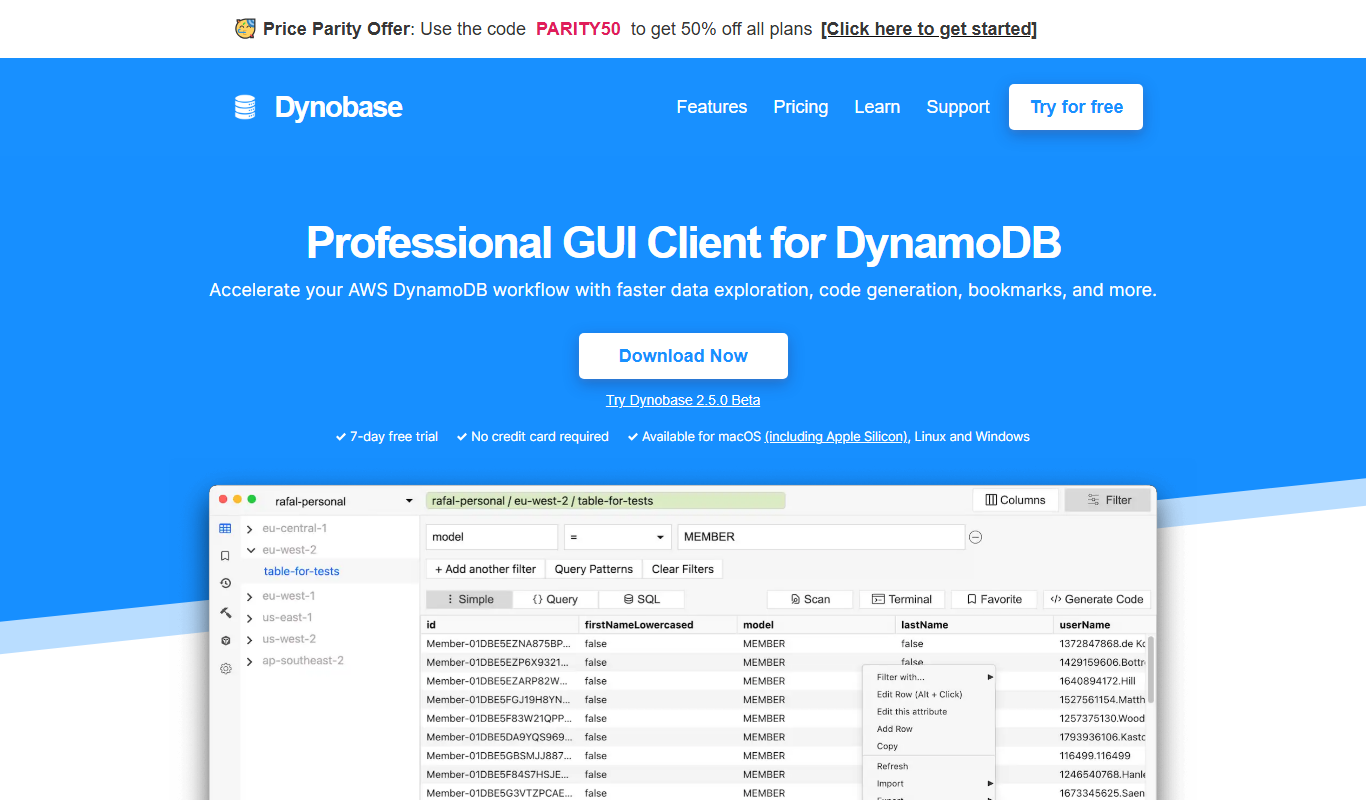
Dynobase
Dynobase is a desktop GUI client designed to simplify Amazon DynamoDB management by providing visual tools for table creation, data editing, and query building.

gptcli
gptcli is a command line tool that allows developers to interact with OpenAI's GPT models directly from their terminal for code generation, scripting, and technical assistance.

Tabby
Tabby is an open source AI-powered code autocompletion tool that runs locally, providing privacy-focused, real-time code suggestions for multiple programming languages and integrates with editors like VS Code and Neovim.

AI-Flow
AI-Flow chains AI models from OpenAI, Replicate, Anthropic and more in visual workflows to automate content creation pipelines.
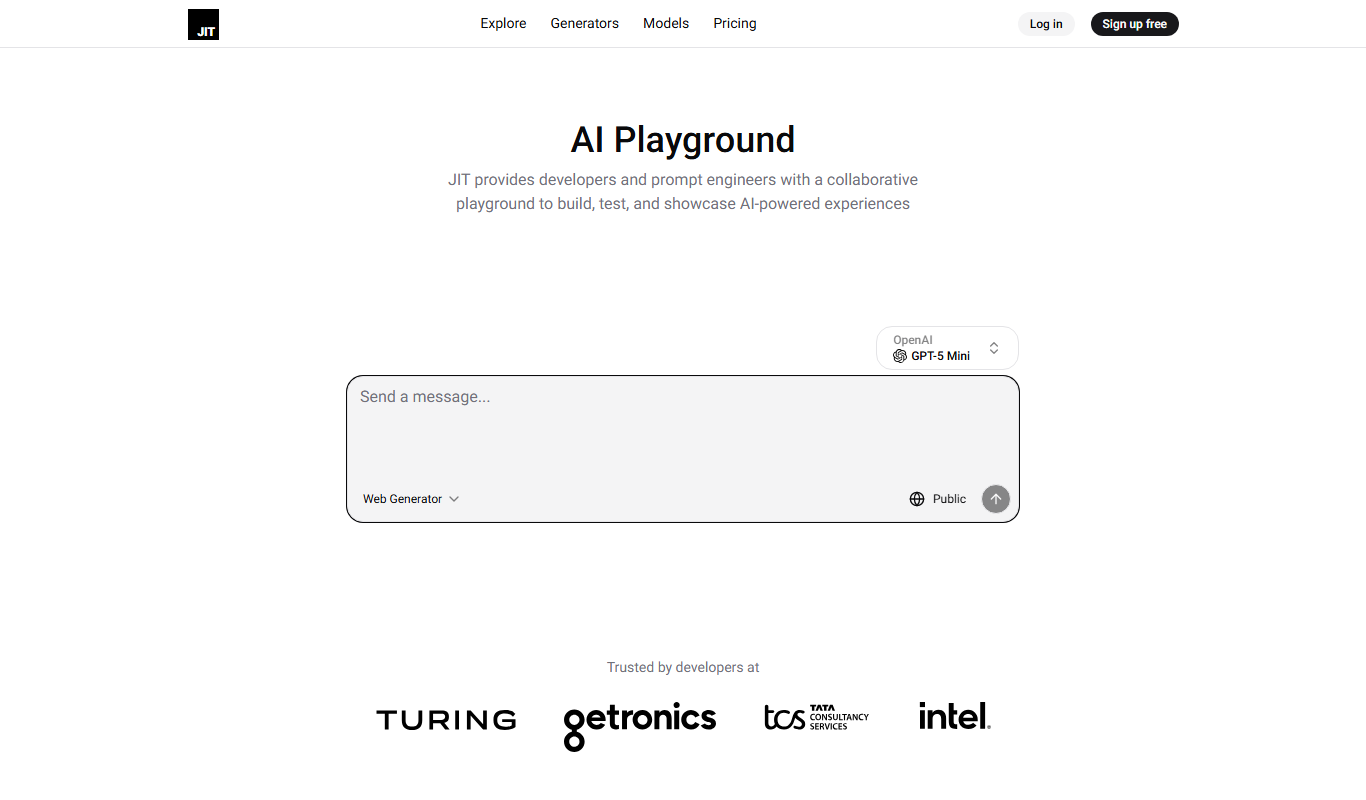
JIT.codes
JIT.codes is an AI code playground to play, experiment and build with AI, with multi-model agents, live preview, versioning and auto-deploy.
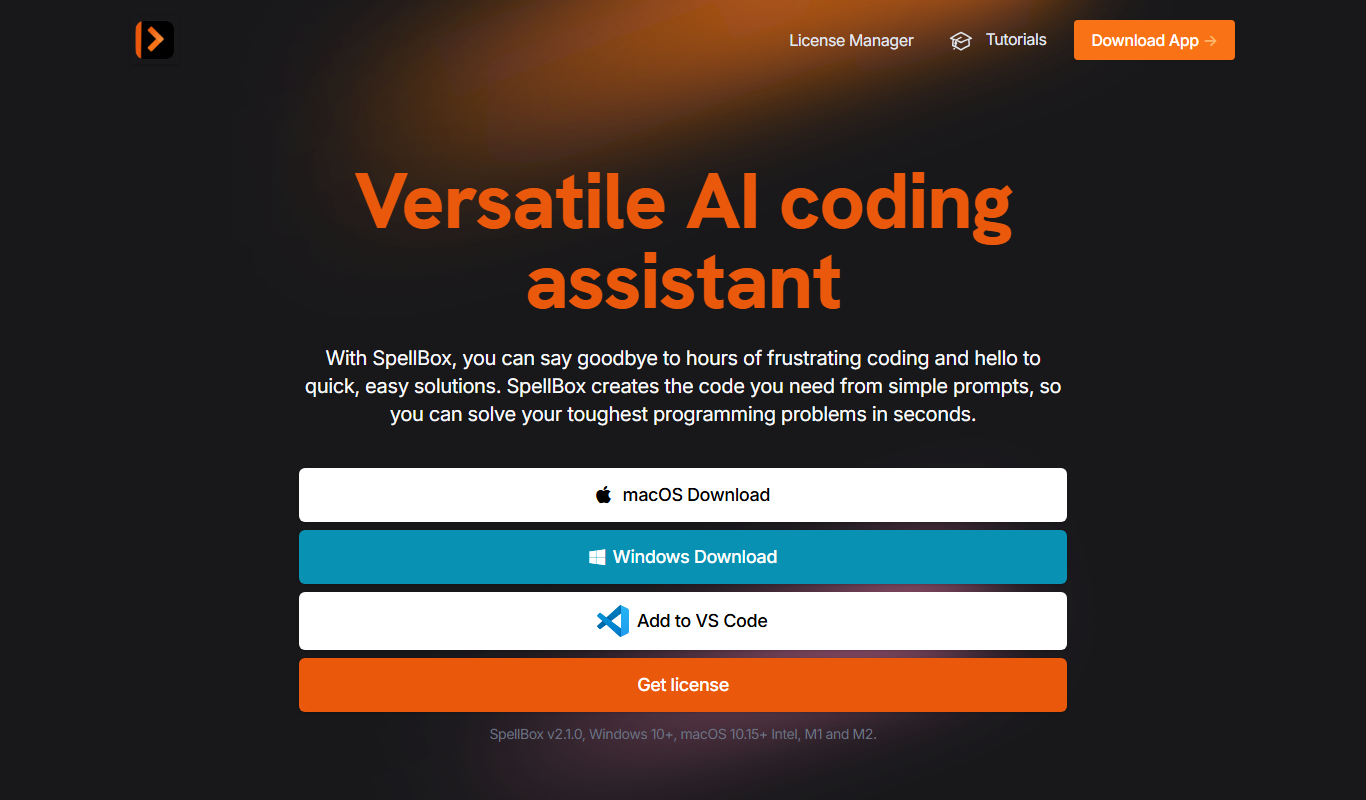
Spellbox
SpellBox is an AI programming assistant that creates code from simple prompts and explains code, as a desktop app and a VS Code extension.
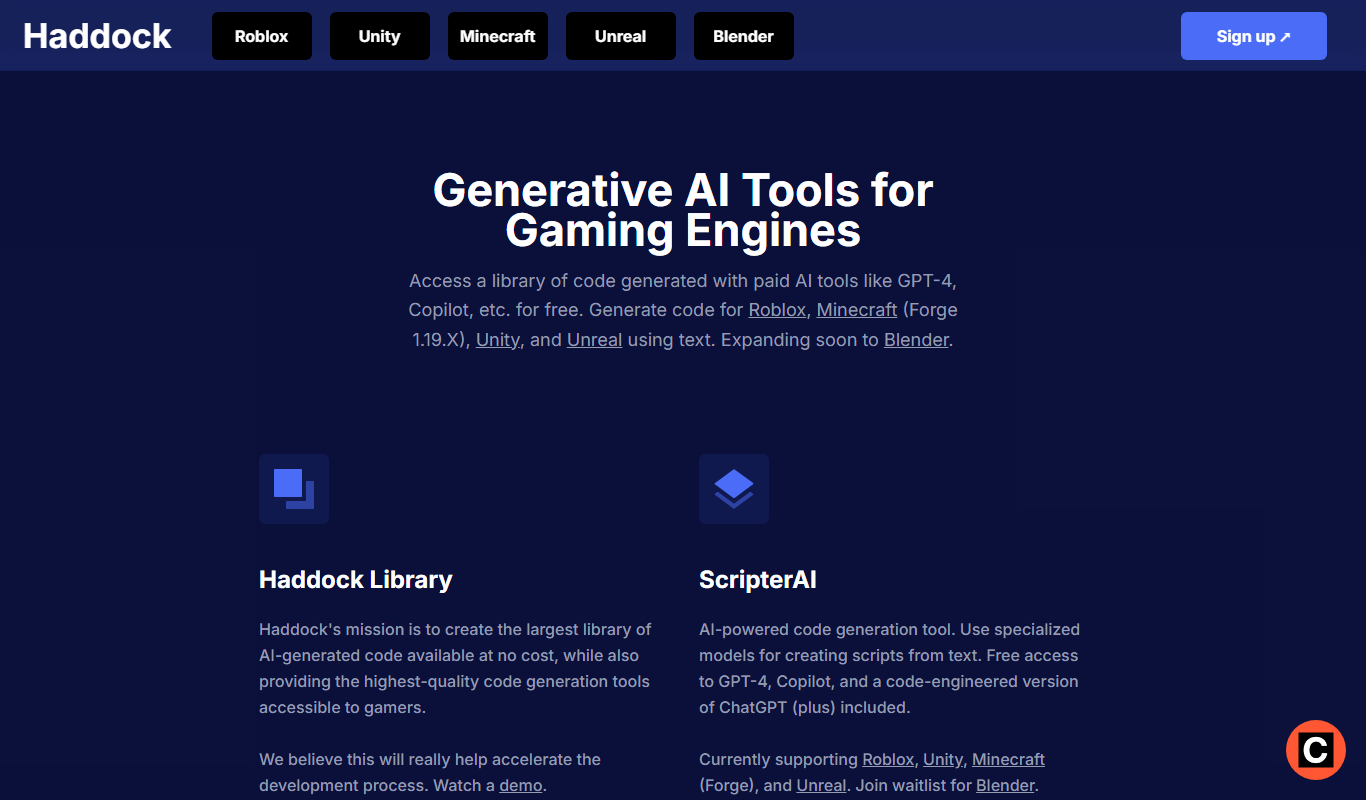
Haddock
Haddock provides generative AI tools for gaming engines, with a free searchable library of AI-generated code and the ScripterAI text-to-script generator.