

From my experience with Mentara, I found it excels at providing real-time writing assistance that helps maintain flow and clarity without interrupting the creative process. After spending time with the platform, I can say it’s particularly well-suited for content creators and marketing professionals who need quick, quality content generation and editing support. However, there’s a trade-off: Mentara currently supports only English and lacks mobile apps, which may limit flexibility for some users. Overall, if you need an AI writing assistant that integrates smoothly into your workflow and helps overcome writer’s block, Mentara delivers solid results.
Mentara AI Writing Assistant for Efficient Content Creation and Editing
Mentara is an AI-powered writing assistant that improves content creation by offering real-time grammar corrections, style suggestions, and AI-generated content ideas to boost productivity.
- Best for
- Content Writing
- Key capability
- Real-Time Grammar and Style Checking

Do you recommend this tool?
What is Mentara?
Mentara is an AI-powered writing assistant designed to help users create, edit, and optimize written content efficiently. It leverages advanced natural language processing to provide suggestions, corrections, and content generation capabilities that enhance productivity and writing quality.
Key features of Mentara
Mentara offers real-time writing assistance including grammar and style corrections, AI-generated content suggestions, idea brainstorming, and seamless integration into writing workflows to boost productivity.
Real-Time Grammar and Style Checking
Instantly identifies and suggests corrections for grammar, punctuation, and style issues.
AI Content Generation
Provides creative suggestions and content completions to help overcome writer’s block.
Idea Brainstorming
Assists users in generating topic ideas and outlines for structured writing.
User-Friendly Interface
Clean and intuitive editor designed to integrate AI assistance seamlessly into writing.
Pros and cons of Mentara
Pros
- Easy-to-use interface with real-time AI assistance
- Helps overcome writer’s block with content suggestions
- Affordable pricing with a free tier for testing
Cons
- Limited language support focused on English
- No mobile app available, web-only platform
Key use cases for Mentara
Content Writing
Generate high-quality articles, blog posts, and marketing copy quickly using AI-powered suggestions.
Editing and Proofreading
Improve grammar, style, and clarity of existing texts with AI-driven editing tools.
Idea Generation
Brainstorm topics and outlines for content creation to overcome writer’s block.
Productivity Enhancement
Streamline writing workflows by integrating AI assistance directly into the writing process.
How Mentara works
- 1
Sign Up
Create a free account on Mentara’s website to access the writing assistant.
- 2
Start Writing
Begin typing your content in the editor where AI suggestions and corrections appear in real time.
- 3
Use AI Suggestions
Accept or modify AI-generated content ideas, grammar fixes, and style improvements.
- 4
Export or Publish
Once satisfied, export your content or publish it directly if integrated with other platforms.
Who is using Mentara
Content creators
Marketing professionals
Small business owners
Freelance writers
Students
Mentara pricing
Free
$0/month
Basic access with limited AI suggestions and daily usage caps.
Pro
$19/month
Unlimited AI suggestions, advanced features, and priority support.
Plans and prices are as published by the vendor and can change. Check the official site before you buy. Open the pricing page (opens in a new tab)
Frequently asked questions about Mentara
Yes, Mentara offers advanced AI tools that help professional writers improve efficiency and content quality.
Mentara provides a free plan with limited features and usage to try out the service.
Currently, Mentara primarily supports English language content.
This tool is designed to help users accomplish its core tasks more efficiently. It is typically used by individuals or teams looking to improve productivity and workflow.
Pricing depends on the plan and included features. For the most accurate and up-to-date details, check the official pricing page.
Yes, it can help with that use case depending on how you configure it and what features are available. You’ll get the best results with clear inputs and a defined goal.
Sign in to review this tool.
Sign In to ReviewNo reviews yet
Be the first to share how this tool worked for you.
Ask about pricing, limits, or how it compares — or answer someone else.
Sign In to AskNo questions yet
Have a question about using or paying for this tool? Be the first to ask.
Featured on TiorAI



More AI Coaching tools
Other tools in the same category, for when this one is not quite the fit.

Freemium
Coach’s Eye
Coach's Eye is a video analysis app that helps coaches and athletes improve performance through slow motion playback, annotations, and video sharing.

Enterprise
BetterUp
BetterUp is a digital coaching platform that combines certified human coaches with AI-powered insights to support leadership development, mental fitness, and career growth for individuals and organizations.

Free
Better Self AI
Better Self AI is an AI-driven platform that helps users build and maintain habits, track progress, and receive personalized coaching for personal development.
Freemium
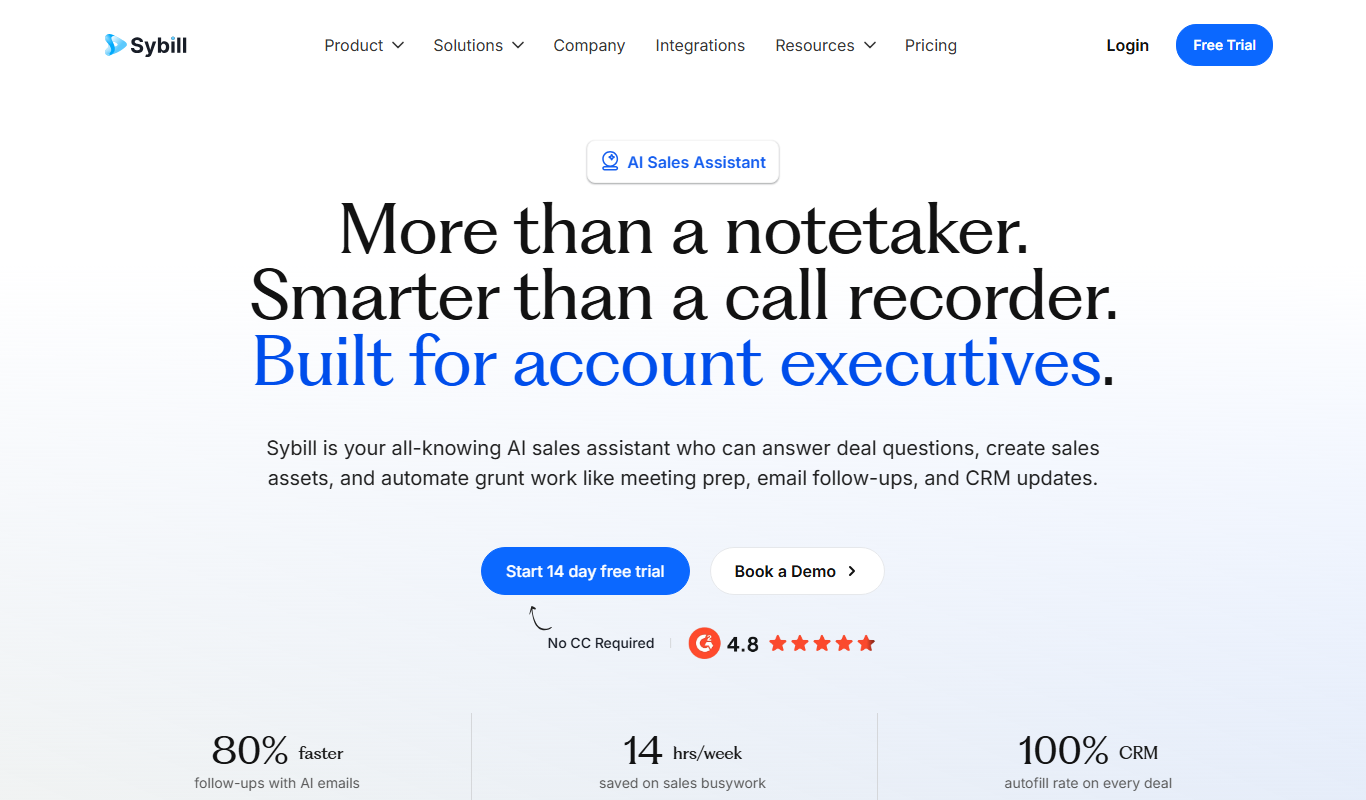
Sybill
Sybill AI is a conversation intelligence platform that uses AI to transcribe, analyze, and provide coaching insights on sales calls to improve team performance and deal outcomes.

Free Trial
Interviews Pilot
Interviews Pilot is an AI-driven platform that helps job seekers practice interviews by simulating realistic questions and providing personalized feedback to improve performance.
Free
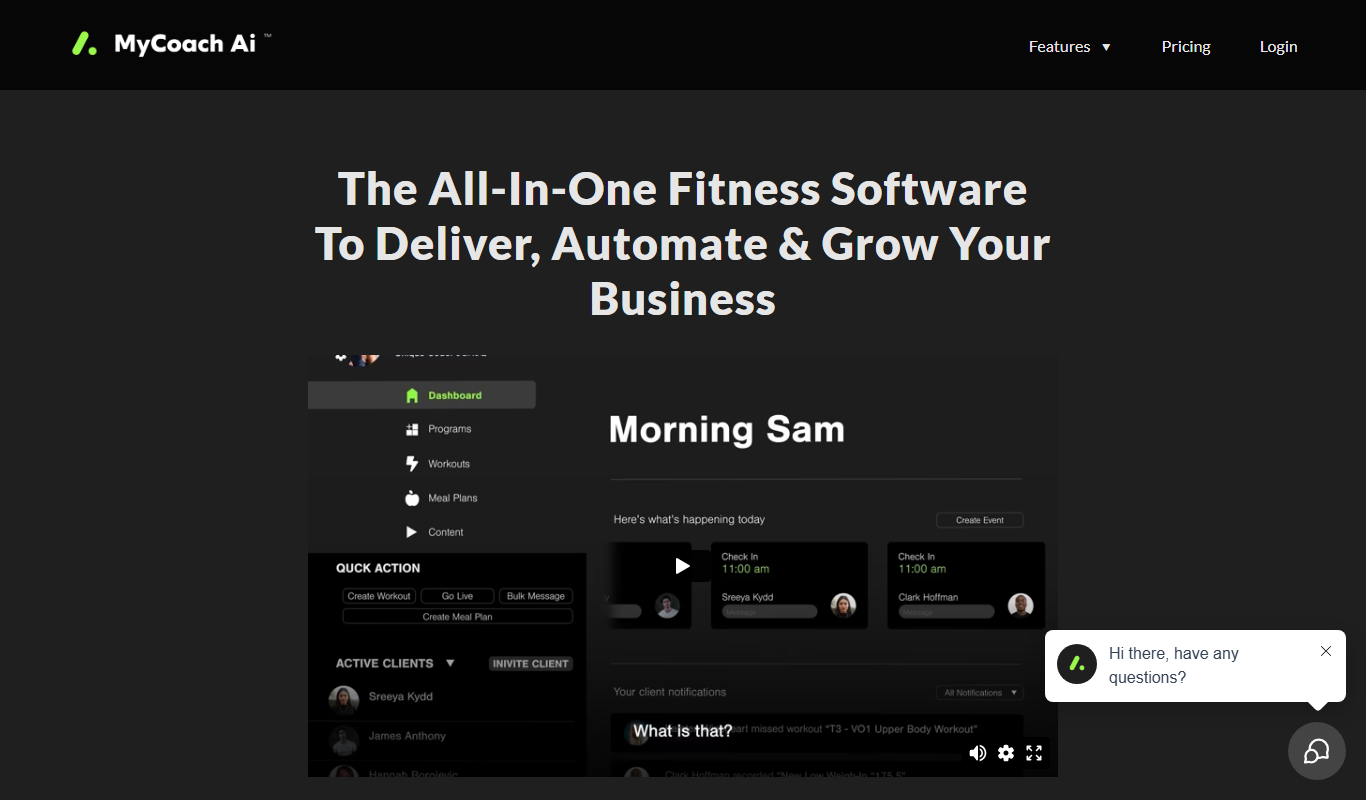
mycoachai.com
MyCoachAI is an AI-powered personal coaching platform that helps users set and achieve goals, track habits, and receive motivational support through personalized coaching prompts.
Free
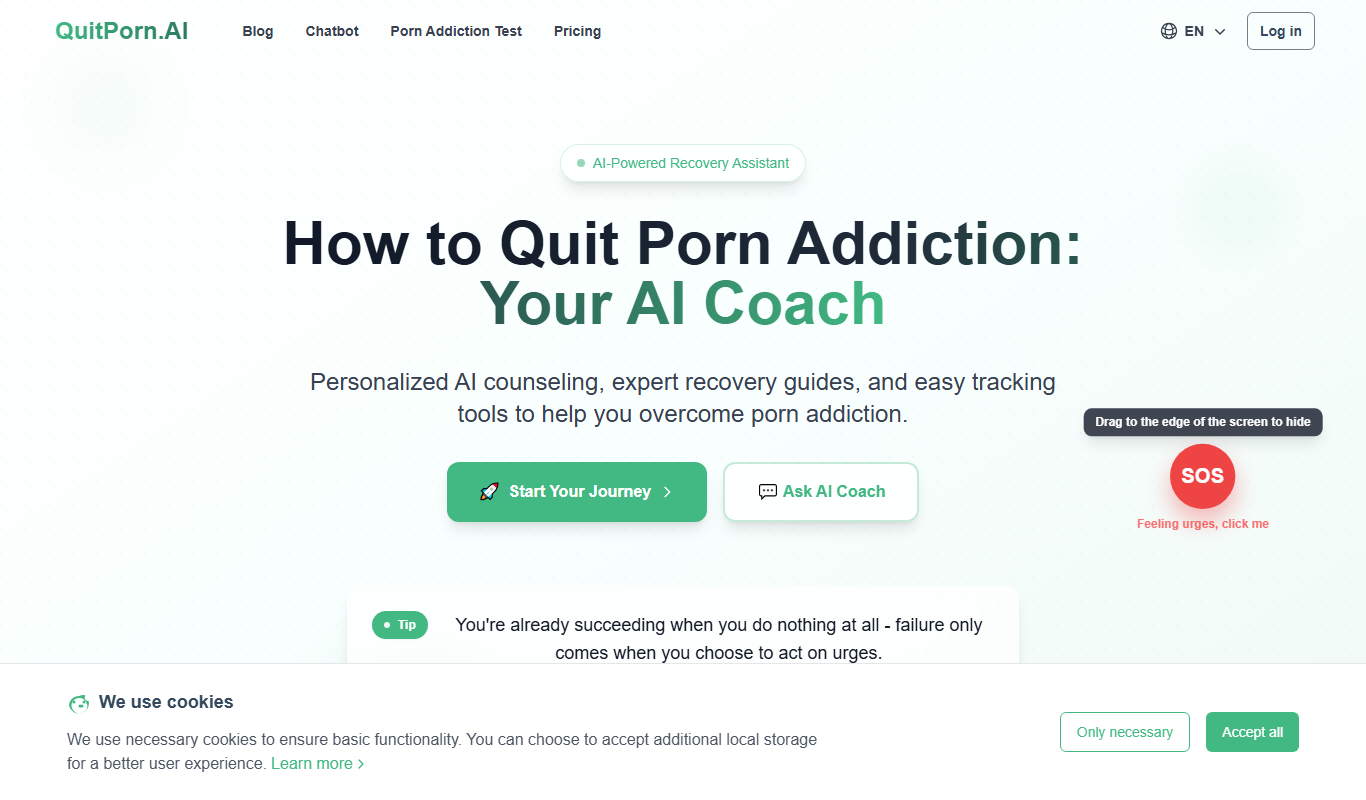
QuitPorn
QuitPorn is an AI-powered coaching platform that helps individuals overcome porn addiction through personalized support, habit tracking, and motivational messaging.
Freemium
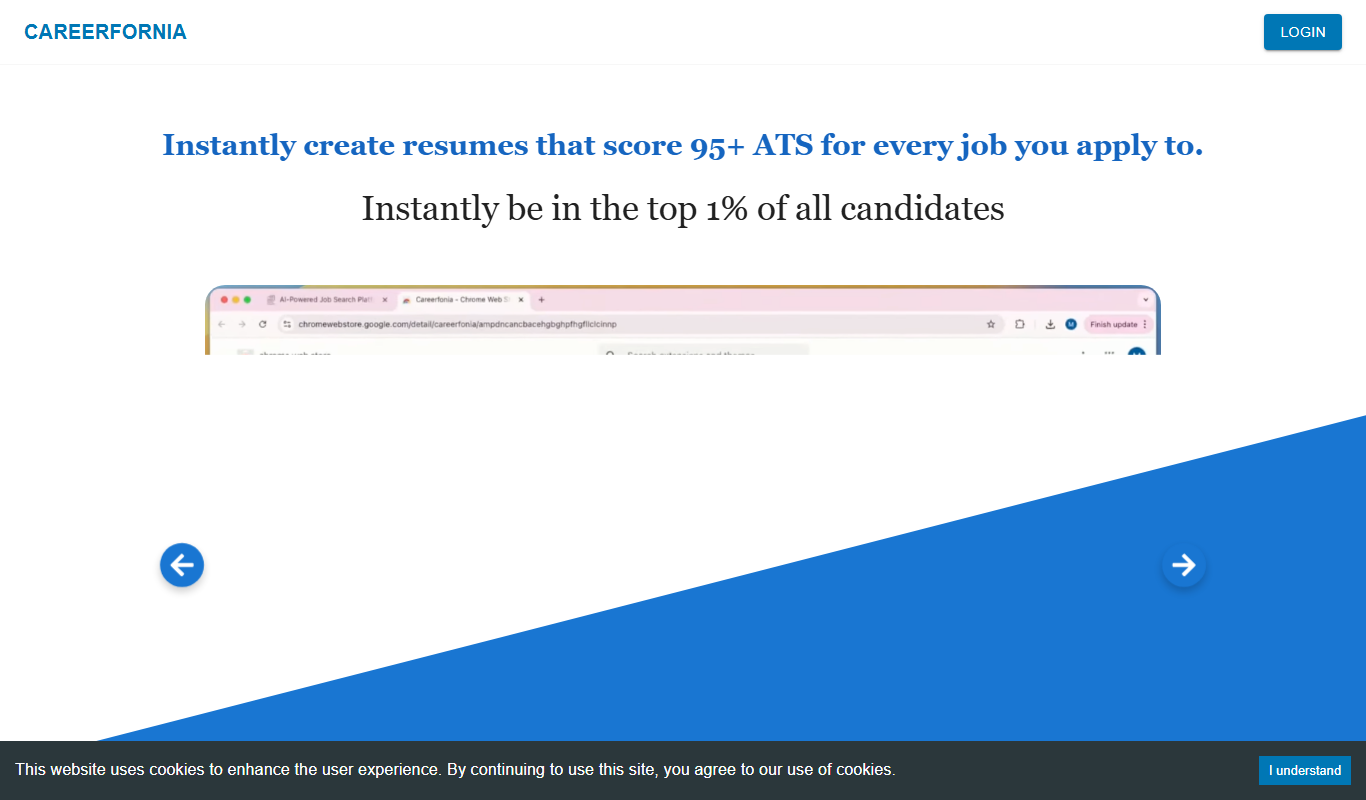
Careerfornia
Careerfornia is an AI-driven career coaching platform that helps users with personalized job search strategies, resume building, interview preparation, and skill development recommendations.