

ChatWP AI chatbot for WordPress documentation
ChatWP is the WordPress docs chatbot: an AI chatbot trained on all the official WordPress documentation that gives direct answers to your WordPress questions.
- Best for
- WordPress how-to questions
- Key capability
- Trained on WordPress docs
Save ChatWP, follow its updates and vote on it — everything stays in your account.
Sign in or create a free account
What is ChatWP?
ChatWP is an AI chatbot that gives direct answers to WordPress questions. It has been trained on the official WordPress documentation from WordPress.org and answers general WordPress questions, but not questions about specific plugins or themes.
Key features of ChatWP
Direct answers to WordPress questions from a chatbot trained on all the official WordPress documentation, with answers you can ask for as code examples or as a list.
Trained on WordPress docs
Trained on all the official WordPress documentation.
Direct answers
Gives direct answers to your WordPress questions instead of search results.
Custom response formats
Ask for answers with code examples, as a list or in another language such as Spanish.
Built on DocsBot AI
Custom chatbots like this one can be trained and deployed with DocsBot AI.
Pros and cons of ChatWP
Pros
- Trained on the official WordPress documentation
- Answers in formats you choose, such as code examples
- AI-driven responses improve over time
- Freemium pricing allows testing before upgrading
Cons
- Cannot answer questions about specific plugins or themes
- Might occasionally make things up, so sources need checking
Key use cases for ChatWP
WordPress how-to questions
Get direct answers to questions like how to install a plugin.
Code examples for WordPress
Ask for answers with code examples.
Answers in other languages
Ask for an answer in another language, such as Spanish.
Content Assistance
Help users find relevant content or information quickly through AI-powered chat.
How ChatWP works
- 1
Open the chat
Ask anything about WordPress on wpdocs.chat.
- 2
Ask a full question
Write full questions, such as “How do I install a plugin?”, not search keywords.
- 3
Choose a format
Tell the chatbot how to respond, for example with code examples or as a list.
- 4
Check the sources
Check the cited sources, since the chatbot might occasionally make things up.
Who is using ChatWP
ChatWP pricing
Free
$0/month
Basic chatbot features with limited interactions and customization.
Pro
$19/month
Advanced AI capabilities, higher interaction limits, and premium support.
Plans and prices are as published by the vendor and can change. Check the official site before you buy. Open the pricing page (opens in a new tab)
Frequently asked questions about ChatWP
Questions about WordPress that it learned from WordPress.org documentation.
No. It can’t answer questions about specific plugins or themes.
Ask full questions, such as “How do I install a plugin?”, rather than search keywords.
Aaron Edwards, founder of DocsBot AI.
Yes. Custom chatbots can be trained and deployed with DocsBot AI.
Conclusion
WordPress.org documentation is the only thing this chatbot knows: ChatWP was trained on all the official WordPress docs and gives direct answers to general WordPress questions on wpdocs.chat. Questions about specific plugins or themes are outside its scope. It expects full questions such as how to install a plugin, and answers can be requested with code examples, as a list or in Spanish.
The bot itself warns that it might occasionally make things up, so its sources are worth checking. ChatWP also serves as a showcase for DocsBot AI, a separate product for training custom chatbots on your own documentation, built by Aaron Edwards.
Sources
Sign in to review this tool.
Sign In to ReviewNo reviews yet
Be the first to share how this tool worked for you.
Ask about pricing, limits, or how it compares — or answer someone else.
Sign In to AskNo questions yet
Have a question about using or paying for this tool? Be the first to ask.
Featured on TiorAI



More AI Chatbot & Conversational Tools tools
Other tools in the same category, for when this one is not quite the fit.

IntelliMuse
IntelliMuse offers custom AI companions called Muses, with their own personalities, expertise and voices, for text chat on the web or voice calls on iPhone.

Mammouth
Mammouth gives you GPT, Claude, Gemini, Mistral, FLUX and other GenAI models in one subscription, with one-click reprompting between models.

Mumble
Mumble is a web platform integrated with WhatsApp that helps businesses manage customer interactions, automate sales processes, warm up leads and track customer journeys.

Emly Labs
Emly Labs offers a no-code AI framework to build AI chatbots and predictive AI models and to prepare data.

Dokko
Dokko is a document AI platform that reads contracts, manuals and policies in full, answers with citations and acts on what it finds, for teams and their customers.

OnDemand
OnDemand is an operating system for agentic AI that lets you build, orchestrate and deploy intelligent agents across any model, tool, data source or infrastructure.

AutoFlow
AutoFlow is an open source Graph RAG knowledge base tool from PingCAP, built on TiDB Vector, LlamaIndex and DSPy.
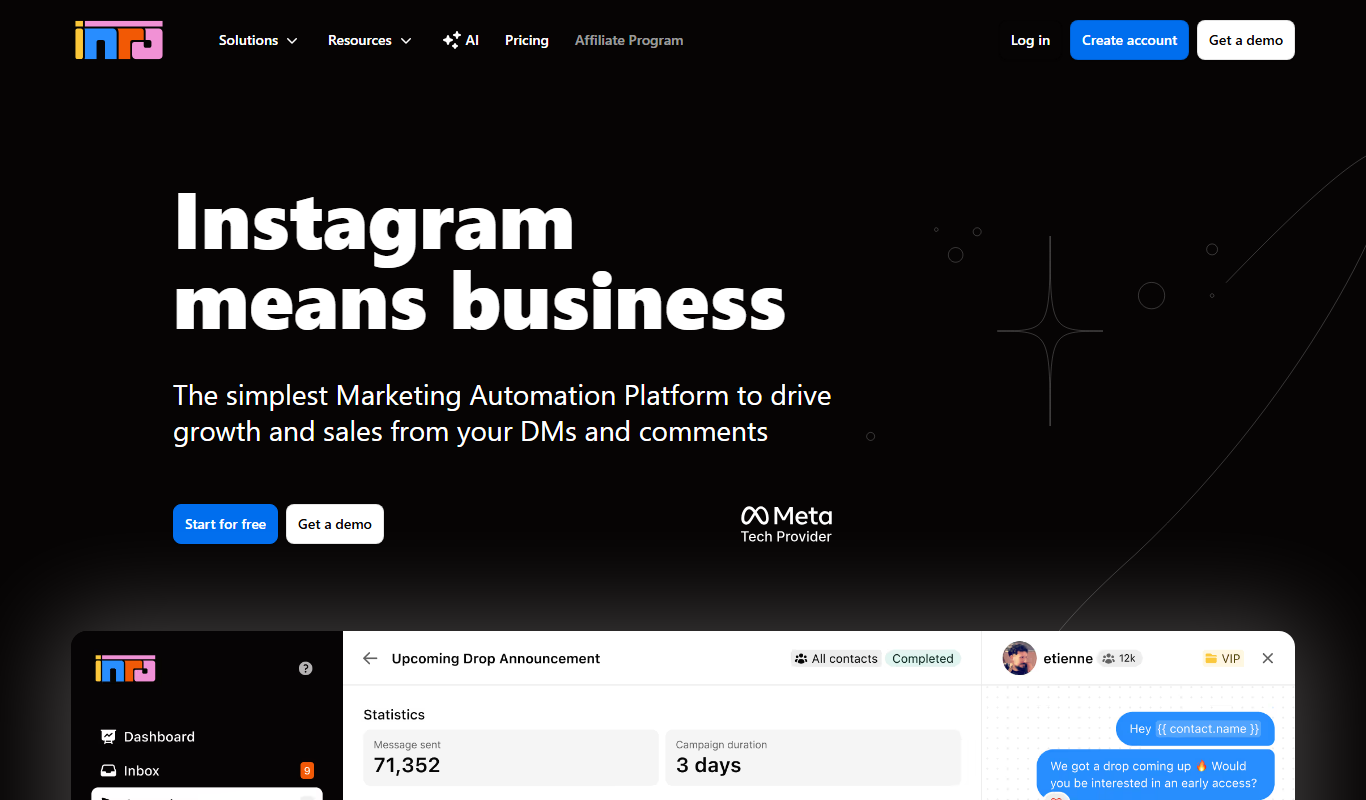
Inro
Inro is Instagram DM automation with an AI agent that answers every comment and DM in your voice, captures leads and runs DM campaigns.