

TradeUI Stock Market Scanner and Trading Dashboard for Investors
TradeUI is an options flow and stock market analysis platform with AI signals, sentiment, smart alerts and backtesting for retail traders.
- Best for
- Stock Scanning
- Key capability
- Customizable Stock Scanner
Save TradeUI, follow its updates and vote on it — everything stays in your account.
Sign in or create a free account

What is TradeUI?
TradeUI is a stock and options trading analysis platform built around options flow, with AI signals, AI sentiment and AI patterns, smart alerts and backtesters. It is used on the web and also has a desktop application and an Android app.
Key features of TradeUI
TradeUI offers advanced stock scanning capabilities, a market overview dashboard, real-time trading alerts, detailed charting tools, and portfolio tracking, all accessible through an intuitive web interface.
Customizable Stock Scanner
Filter stocks using a wide range of technical and fundamental parameters tailored to your strategy.
Real-Time Alerts
Stay updated with instant notifications on stock price changes and trading signals.
Market Overview Dashboard
Visualize market breadth, sector performance, and trending stocks in one place.
Detailed Charting Tools
Access interactive charts with multiple indicators to analyze stock trends.
Portfolio Tracking
Monitor your investments and track performance metrics within the platform.
Pros and cons of TradeUI
Pros
- Comprehensive and customizable stock scanning
- Real-time alerts help timely decision-making
- User-friendly dashboard consolidates market data
- Supports portfolio tracking within the platform
Cons
- No mobile app available, web-only platform
- Pricing may be high for casual investors
Key use cases for TradeUI
Stock Scanning
Identify stocks that meet specific technical and fundamental criteria using customizable filters.
Market Dashboard
Monitor overall market conditions and key stock metrics in a consolidated dashboard.
Trading Alerts
Receive real-time alerts on stock movements and trading signals to act quickly.
Investment Research
Analyze stocks with detailed charts and data to support informed investment decisions.
Portfolio Management
Track and manage your stock portfolio performance within the platform.
How TradeUI works
- 1
Create an Account
Sign up on TradeUI’s website to access the platform.
- 2
Set Your Filters
Customize stock screening criteria based on technical indicators, price, volume, and fundamentals.
- 3
Monitor Market Dashboard
Use the dashboard to get a snapshot of market trends and stock performance.
- 4
Receive Alerts
Get notified in real-time about stocks matching your criteria or significant market movements.
- 5
Analyze and Trade
Review detailed charts and data to make informed trading or investment decisions.
Who is using TradeUI
TradeUI pricing
Stocks Plan
$45/month (shown against $55)
Perfect for the new trader: find solid setups and strategies in real time.
Trader Plan
$59.99/month (shown against $95)
Designed for active traders: identify short-term swings and capture market momentum.
Pro Plan
$115/month (shown against $155)
For the serious trader: access to everything plus AI backtested strategies and real-time alerts to your phone or email.
Plans and prices are as published by the vendor and can change. Check the official site before you buy. Open the pricing page (opens in a new tab)
Frequently asked questions about TradeUI
Yes, TradeUI offers a 2 week trial.
Absolutely, TradeUI allows you to set detailed filters based on various technical and fundamental indicators.
Yes, the platform is designed with an intuitive interface that supports both beginners and experienced traders.
TradeUI provides real-time alerts on stock price movements, technical signals, and market events.
This tool is designed to help users accomplish its core tasks more efficiently. It is typically used by individuals or teams looking to improve productivity and workflow.
Yes, it can help with that use case depending on how you configure it and what features are available. You’ll get the best results with clear inputs and a defined goal.
It depends on your specific needs and how you plan to use the tool. The official website and documentation are the best sources for the latest details.
Conclusion
Options flow sits at the center, showing the investing moves of big players as an overview of bullish or bearish market sentiment. Flow can also be read by ticker and coupled with unusual premium to study specific securities through net premium money flow. Around that core come AI signals, AI sentiment and AI patterns, along with stock and options backtesters.
It was built by retail traders for retail traders, and active stock traders and day traders are among its intended users. Besides the web platform, a desktop application and an Android app are available.
The three paid tiers, Stocks, Trader and Pro, differ in Smart Alerts per month and backtester credits, and a 2 week trial is offered.
Sources
Sign in to review this tool.
Sign In to ReviewNo reviews yet
Be the first to share how this tool worked for you.
Ask about pricing, limits, or how it compares — or answer someone else.
Sign In to AskNo questions yet
Have a question about using or paying for this tool? Be the first to ask.
Featured on TiorAI



Alternative Tools
Explore similar AI tools that might fit your needs

Finviz
Finviz is a web-based financial visualization and stock screening platform that helps investors filter stocks, visualize market data, track portfolios, and access financial news.
More AI Charting tools
Other tools in the same category, for when this one is not quite the fit.

Gorilla Terminal
Gorilla Terminal is an AI-driven investment research platform with earnings call analysis, macroeconomic data, stock research and portfolio risk tools.

Analytics Model
Analytics Model is an AI-driven analytics platform that answers plain-language questions about data from 500+ connected sources with instant insights and visualizations.
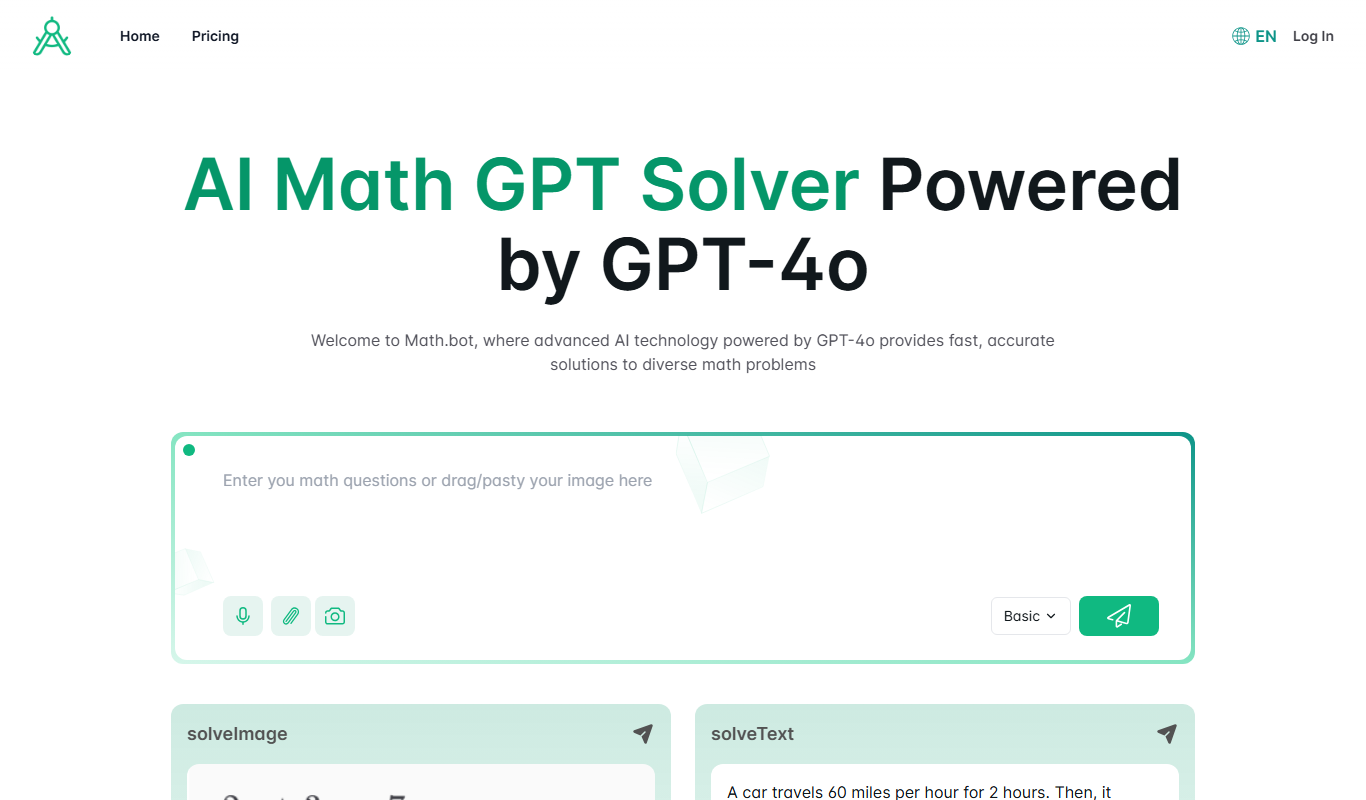
Math.bot: AI Math Solver by GPT-4o
Math.bot is an AI-powered math solver using GPT-4o that provides detailed step-by-step solutions to a wide range of math problems via a web interface.
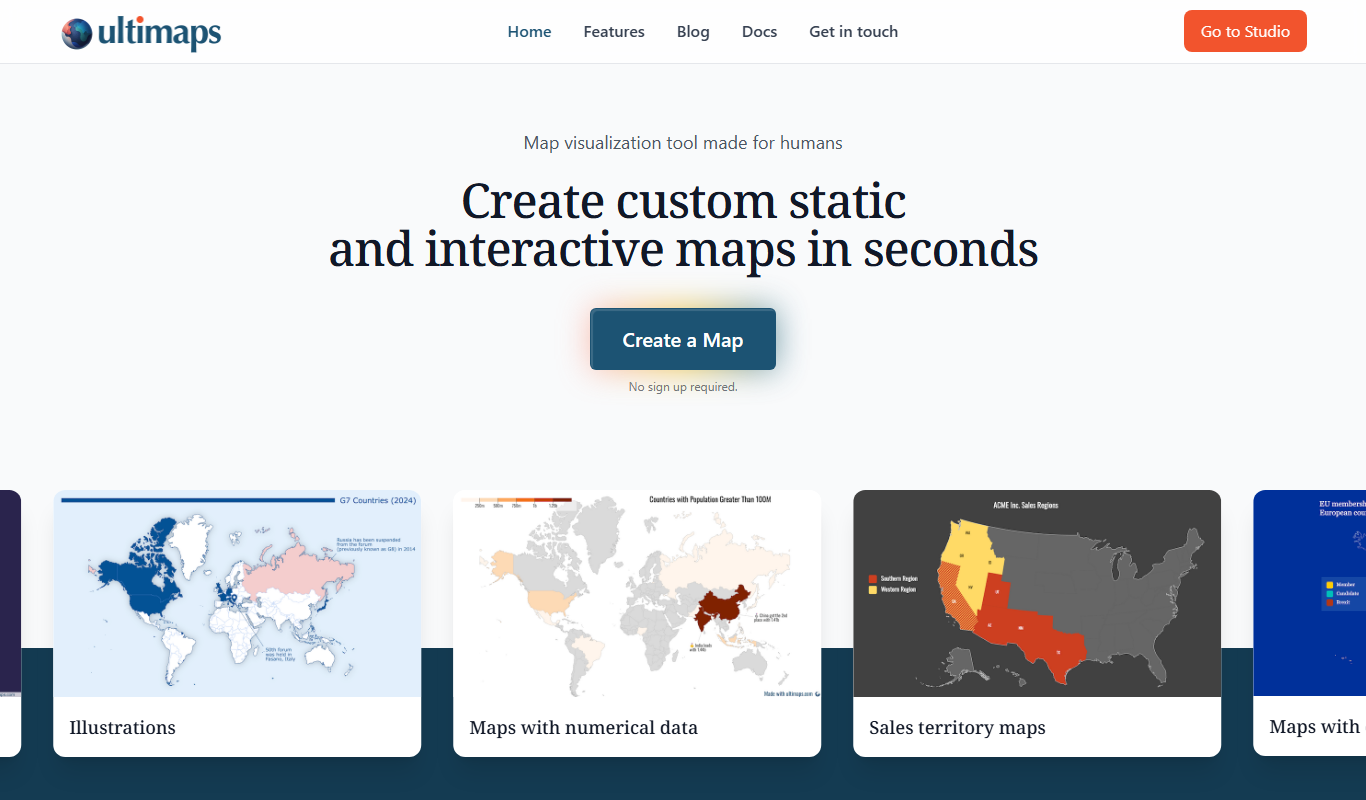
Ultimaps
Ultimaps turns spreadsheet data into choropleth maps, sales territory maps and interactive embeds, with PNG, SVG and PDF export and a free plan.

DataSquirrel.ai
DataSquirrel.ai is an AI-driven data analytics platform that automates data cleaning, visualization, and predictive modeling to help businesses gain actionable insights without requiring technical expertise.
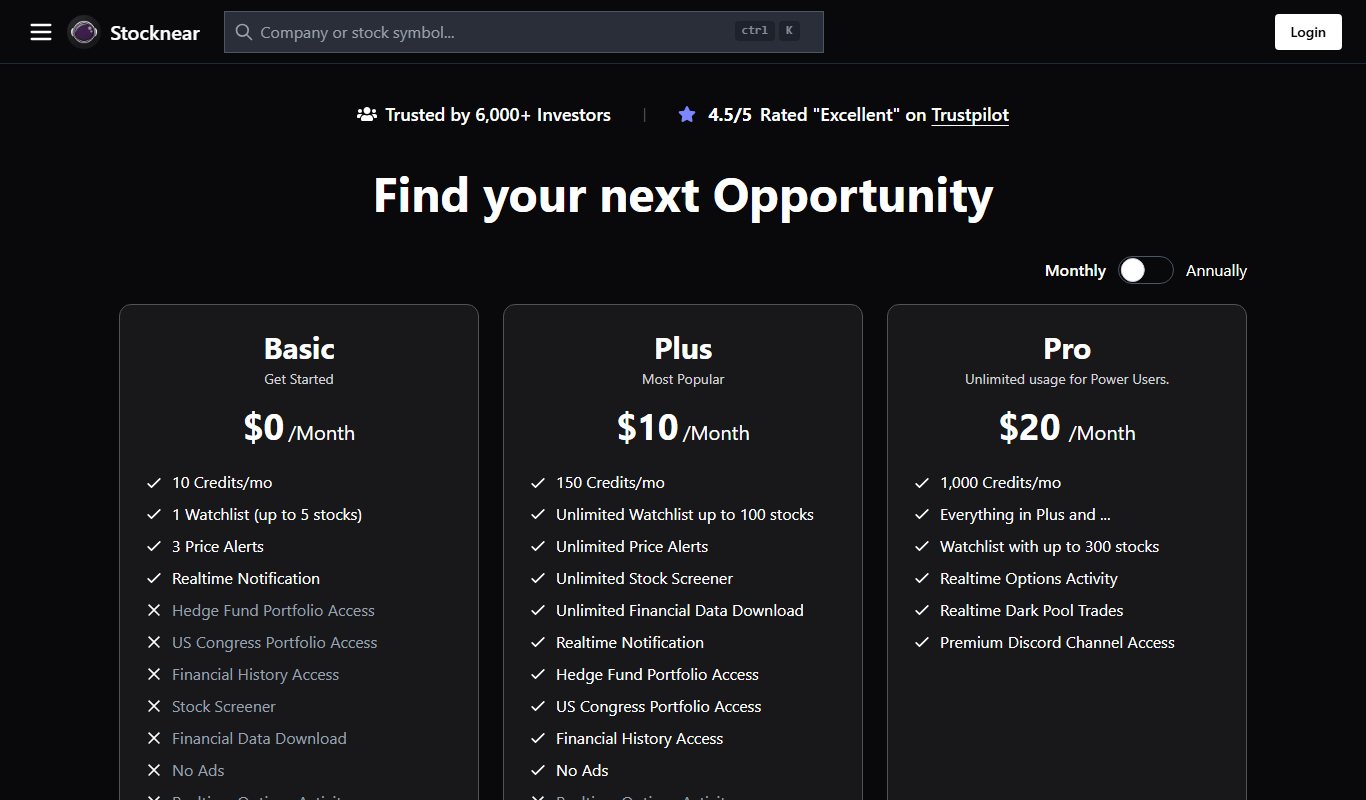
stocknear
Stocknear is an all-in-one stock analysis platform with real-time prices, options flow, dark pool orders, news and forecasts for every US stock and ETF.

AI-Stock-Predictions.com
AI-Stock-Predictions.com is a web platform that uses artificial intelligence to analyze market data and provide stock price forecasts to assist investors in making informed decisions.

Eraser
Eraser creates technical diagrams using AI from prompts, code or design docs, and keeps codebase diagrams up to date with Eraserbot.