

IdeasAI - AI-Powered Idea Generator for Creative Brainstorming Online
IdeasAI generates startup ideas that users rate with a like/dislike system, with a monthly ranking.
- Best for
- Creative Brainstorming
- Key capability
- Instant AI Idea Generation
Save IdeasAI, follow its updates and vote on it — everything stays in your account.
Sign in or create a free account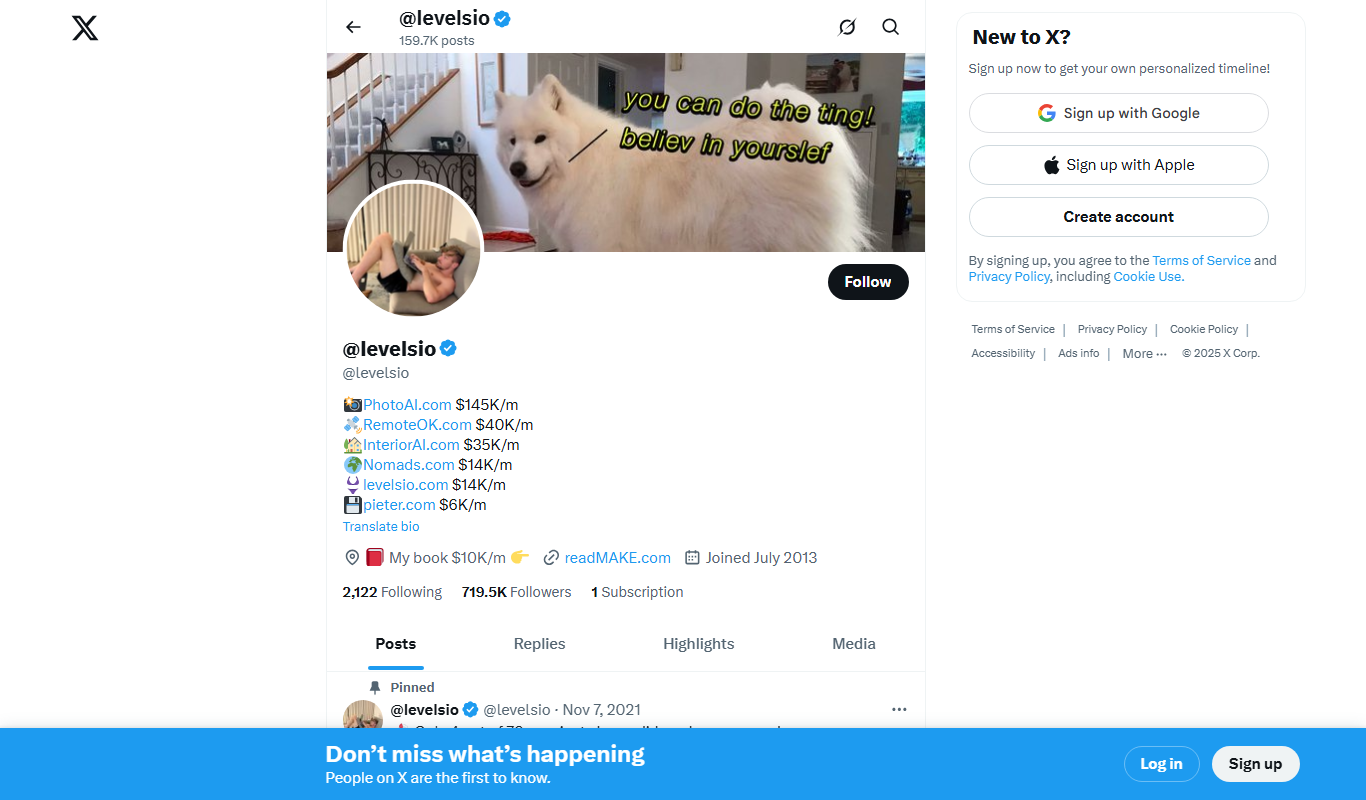
What is IdeasAI?
IdeasAI by @levelsio is a free generator of startup ideas that now runs on Grok 4.2 from xAI, with a weekly newsletter.
Key features of IdeasAI
IdeasAI generates new ideas daily.
Instant AI Idea Generation
Generates startup ideas that users rate with like/dislike, with a monthly ranking.
Runs on Grok 4.2 from xAI
The site states that it runs on Grok 4.2 from xAI.
Free to Use
Accessible without any cost or subscription.
Web-Based Access
Available on any device with a web browser, no downloads needed.
Pros and cons of IdeasAI
Pros
- Completely free with no signup required
- Fast and easy to use for quick idea generation
- Accessible from any device via web browser
Cons
- Limited to English language support
- No advanced customization or filtering options
- Lacks integration with other productivity tools
Key use cases for IdeasAI
Creative Brainstorming
Generate fresh ideas for projects, content, or business concepts using AI-powered prompts.
Content Creation Inspiration
Find unique topics and angles for articles, blogs, or social media posts to overcome writer’s block.
Product and Business Ideas
Explore innovative product or startup ideas to spark entrepreneurial thinking.
Marketing Campaign Concepts
Develop creative marketing or advertising ideas to enhance campaign effectiveness.
How IdeasAI works
- 1
Enter Keywords
Type in one or more keywords related to your area of interest or project.
- 2
Generate Ideas
Click the generate button to receive a list of AI-generated ideas based on your input.
- 3
Review and Refine
Browse through the suggestions and select or modify ideas that resonate with your goals.
Who is using IdeasAI
IdeasAI pricing
Free
$0
Unlimited access to idea generation features without any charges.
Plans and prices are as published by the vendor and can change. Check the official site before you buy. Open the pricing page (opens in a new tab)
Frequently asked questions about IdeasAI
No, IdeasAI is completely free and does not require any signup or account creation.
Yes, the ideas generated can be used freely for personal or commercial purposes.
There are no stated limits; users can generate as many ideas as they want.
Currently, IdeasAI supports English language input and output.
It depends on your specific needs and how you plan to use the tool. The official website and documentation are the best sources for the latest details.
Some tools offer a free plan or trial with limited features. Availability can vary, so confirm on the official website.
Yes, it can help with that use case depending on how you configure it and what features are available. You’ll get the best results with clear inputs and a defined goal.
It depends on your specific needs and how you plan to use the tool. The official website and documentation are the best sources for the latest details.
Conclusion
Startup ideas are the whole focus of this generator by @levelsio, which now runs on Grok 4.2 from xAI. Users rate ideas with a like/dislike system, and a monthly ranking surfaces the results. The site generates new ideas daily.
Access is free and needs no signup or account creation, and a weekly newsletter accompanies the site. It is designed for entrepreneurs and startup founders exploring product or startup ideas. Everything runs in a web browser on any device, with no downloads needed.
Sources
Sign in to review this tool.
Sign In to ReviewNo reviews yet
Be the first to share how this tool worked for you.
Ask about pricing, limits, or how it compares — or answer someone else.
Sign In to AskNo questions yet
Have a question about using or paying for this tool? Be the first to ask.
Featured on TiorAI



More AI Business Ideas Generator tools
Other tools in the same category, for when this one is not quite the fit.
Painkiller SaaS ideas Generator
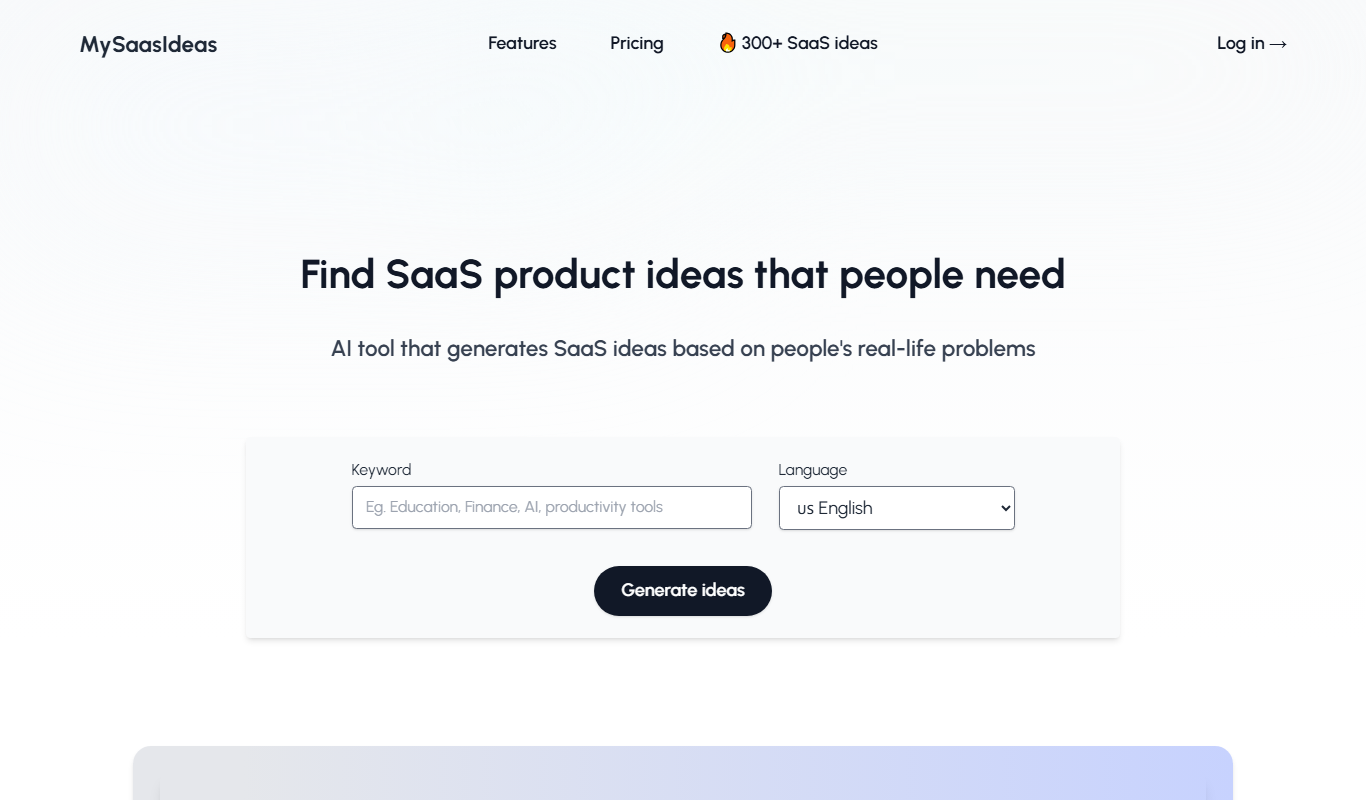
MySaaSIdeas generates SaaS ideas from real problems posted on social media.
Your perfect presents
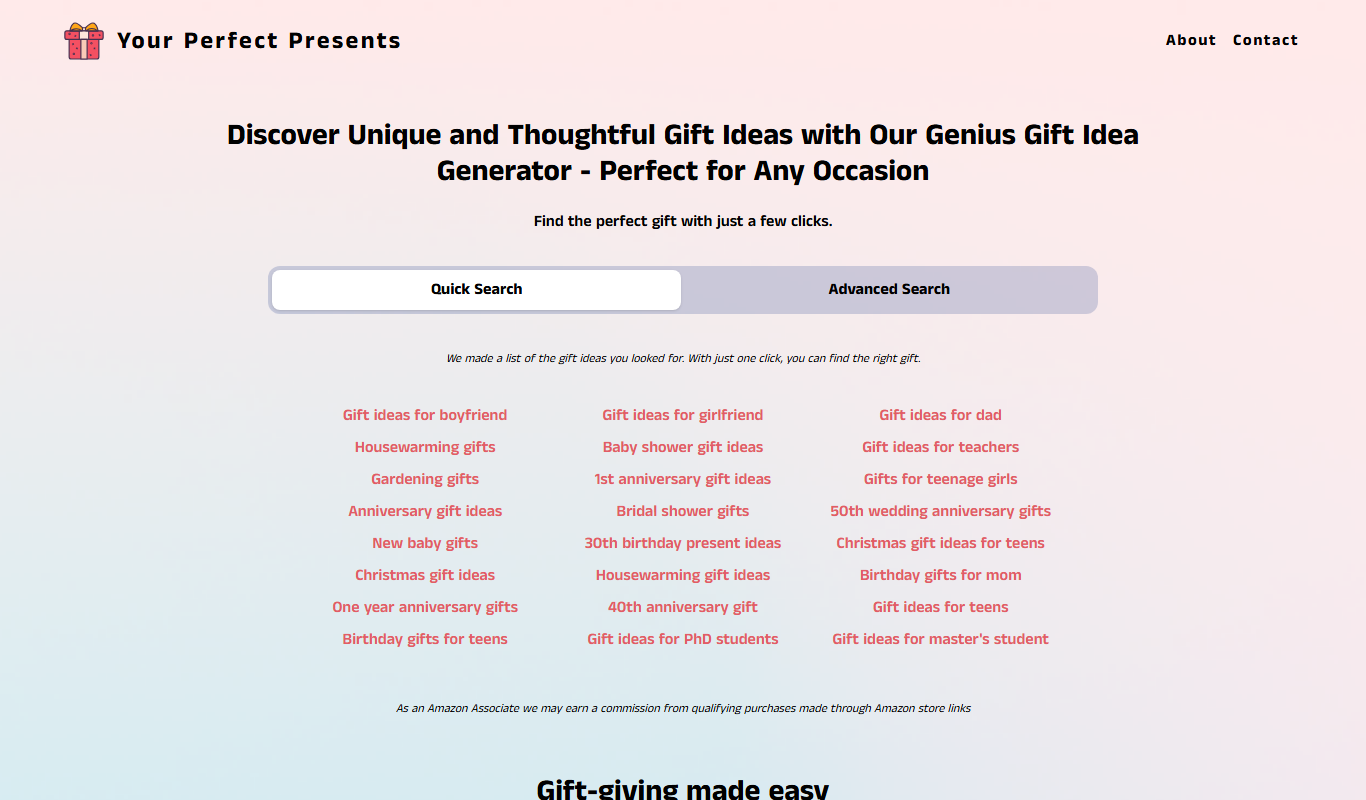
Your Perfect Presents is a free online gift finder tool that helps users discover personalized and unique gift ideas based on recipient details and occasion.

Article Idea Generator
Article Idea Generator is a free web tool that helps users generate multiple article or blog post ideas based on a keyword input, ideal for content creators and marketers seeking inspiration.

Namelix
Namelix is an AI-powered tool that generates unique business and brand names based on your keywords, checks domain availability, and offers logo design services.

Seabiscuit Business GPTs – Start Your Business Legacy
Seabiscuit Business GPTs is an AI platform that helps entrepreneurs plan, research, and grow their businesses using specialized GPT assistants focused on business legacy building.

startuptools.ai
StartupTools.ai is an AI-driven platform that helps entrepreneurs generate, validate, and pitch startup ideas by analyzing market data and user preferences.

AI Prompt Library by God of Prompt
AI Prompt Library by God of Prompt is a free web-based collection of curated prompts designed to help users generate better AI content across various use cases.
Notaide
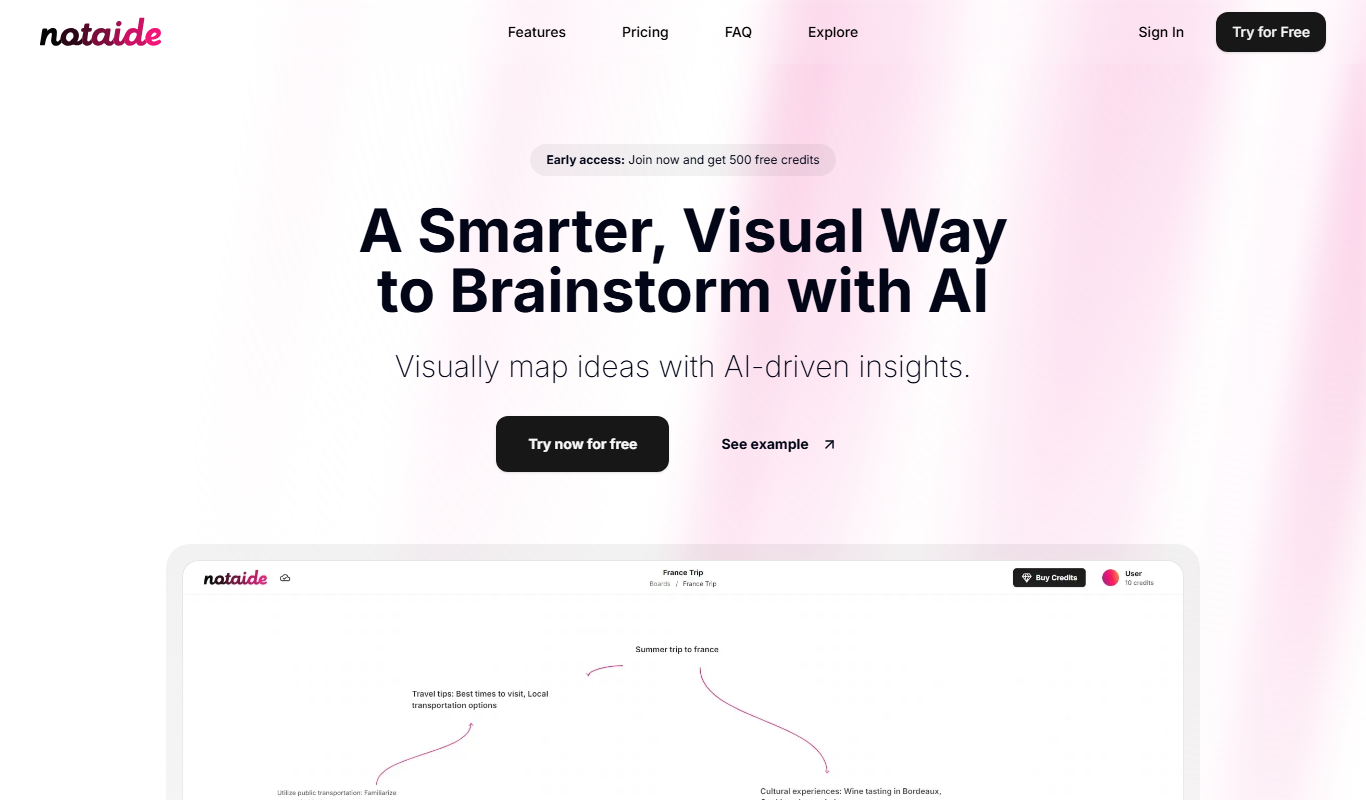
Notaide is an AI-powered writing assistant that helps users create and edit content by providing real-time grammar and style suggestions through a web-based platform.