

From my experience with BrokerSpot, I found it excels at providing a focused CRM solution tailored specifically for real estate brokerages and agents. The platform’s strength lies in its ability to manage leads, automate sales pipelines, and track commissions all within an intuitive interface. After spending time with BrokerSpot, I can say it’s particularly well-suited for brokerages looking to streamline operations and improve agent productivity without the complexity of generic CRMs. However, the limited integrations and pricing might be a consideration for smaller teams or solo agents. Overall, if you need a real estate CRM designed with brokerage needs in mind, BrokerSpot delivers solid, practical features.
BrokerSpot Real Estate CRM Software for Brokerages and Agents
BrokerSpot is a cloud-based CRM platform tailored for real estate brokerages and agents to manage leads, automate sales pipelines, track commissions, and analyze performance.
- Best for
- Brokerage Management
- Key capability
- Lead and Contact Management
Your actions
Save BrokerSpot, follow its updates and vote on it — everything stays in your account.
Sign in or create a free account
What is BrokerSpot?
BrokerSpot is a cloud-based real estate CRM designed specifically for brokerages and real estate agents. It helps manage contacts, leads, sales pipelines, and agent performance all in one platform. The software streamlines brokerage operations by automating workflows and providing actionable insights to improve sales and productivity.
Key features of BrokerSpot
BrokerSpot offers lead and contact management, sales pipeline automation, agent and brokerage performance tracking, commission management, and robust reporting tools tailored for real estate professionals.
Lead and Contact Management
Organize and nurture leads with detailed profiles and communication tracking.
Sales Pipeline Automation
Visualize and automate deal stages to streamline sales processes.
Agent and Team Management
Manage agents, assign leads, and monitor team performance.
Commission Tracking
Calculate and track agent commissions accurately within the platform.
Reporting and Analytics
Access customizable reports to analyze sales trends and agent productivity.
Pros and cons of BrokerSpot
Pros
- Tailored specifically for real estate brokerages and agents
- Comprehensive sales pipeline and commission tracking
- User-friendly interface with mobile accessibility
- Robust reporting and analytics features
Cons
- Limited third-party integrations compared to larger CRMs
- Pricing may be high for very small teams or individual agents
Key use cases for BrokerSpot
Brokerage Management
Manage multiple agents, track performance, and oversee brokerage operations efficiently.
Lead and Contact Management
Capture, organize, and nurture leads and contacts to improve conversion rates.
Sales Pipeline Automation
Automate sales workflows and track deals through customizable pipelines.
Agent Performance Tracking
Monitor agent activities, sales metrics, and commission tracking in real-time.
Reporting and Analytics
Generate detailed reports and analytics to make data-driven decisions.
How BrokerSpot works
- 1
Sign Up and Set Up Brokerage
Create an account and configure your brokerage settings including agents and teams.
- 2
Import Contacts and Leads
Import existing contacts or capture new leads directly into the system.
- 3
Customize Sales Pipelines
Set up sales stages and automate workflows to match your brokerage’s sales process.
- 4
Track Agent Performance
Monitor agent activities, sales progress, and commissions in real-time dashboards.
- 5
Generate Reports
Use built-in analytics to review sales data and optimize brokerage operations.
Who is using BrokerSpot
Real estate brokerages
Real estate agents
Property management firms
Real estate sales teams
Brokerage administrators
BrokerSpot pricing
Starter
$49/month
Basic CRM features for small brokerages and teams.
Professional
$99/month
Advanced features including commission tracking and enhanced reporting.
Enterprise
Custom pricing
Tailored solutions for large brokerages with dedicated support.
Plans and prices are as published by the vendor and can change. Check the official site before you buy. Open the pricing page (opens in a new tab)
Frequently asked questions about BrokerSpot
BrokerSpot supports integration with select MLS systems to streamline listing management.
Yes, BrokerSpot offers a mobile-friendly web platform accessible on smartphones and tablets.
Yes, commission tracking is available in Professional and Enterprise plans.
BrokerSpot offers a free trial period to test the platform before purchasing.
It depends on your specific needs and how you plan to use the tool. The official website and documentation are the best sources for the latest details.
Pricing depends on the plan and included features. For the most accurate and up-to-date details, check the official pricing page.
Yes, it can help with that use case depending on how you configure it and what features are available. You’ll get the best results with clear inputs and a defined goal.
It depends on your specific needs and how you plan to use the tool. The official website and documentation are the best sources for the latest details.
Sign in to review this tool.
Sign In to ReviewNo reviews yet
Be the first to share how this tool worked for you.
Ask about pricing, limits, or how it compares — or answer someone else.
Sign In to AskNo questions yet
Have a question about using or paying for this tool? Be the first to ask.
Featured on TiorAI



Alternative Tools
Explore similar AI tools that might fit your needs

Monthly Subscription
Follow Up Boss
Follow Up Boss is a CRM platform designed for real estate professionals to manage leads, automate follow-ups, and track sales pipelines efficiently.
More AI Automation & Workflow Tools tools
Other tools in the same category, for when this one is not quite the fit.

Credit-based
Thunderbit
Thunderbit is an agentic AI web scraper Chrome extension that turns any webpage into a spreadsheet and exports to Google Sheets, Airtable or Notion.
Subscription
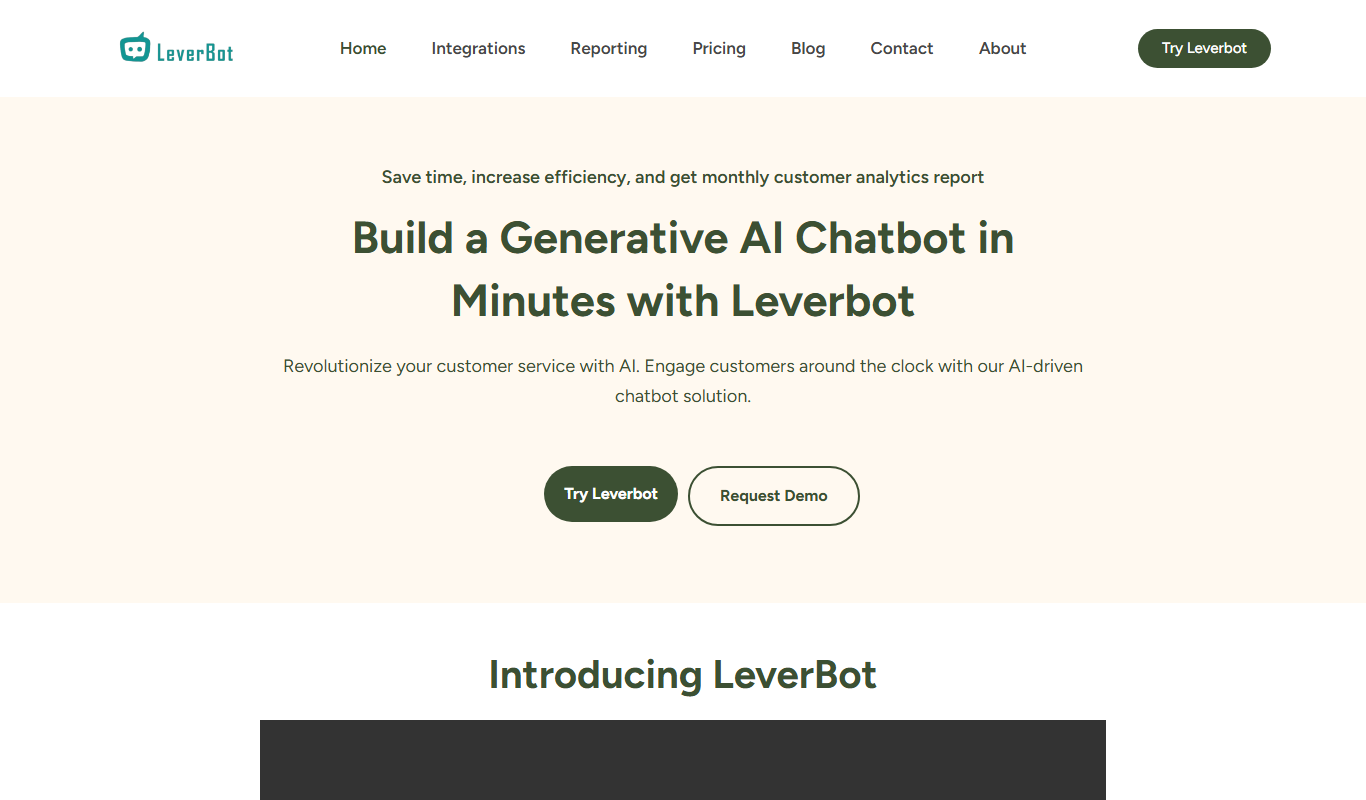
Leverbot
Leverbot is an AI chatbot platform that enables businesses to build no-code conversational bots for customer support and automation.
Free Trial
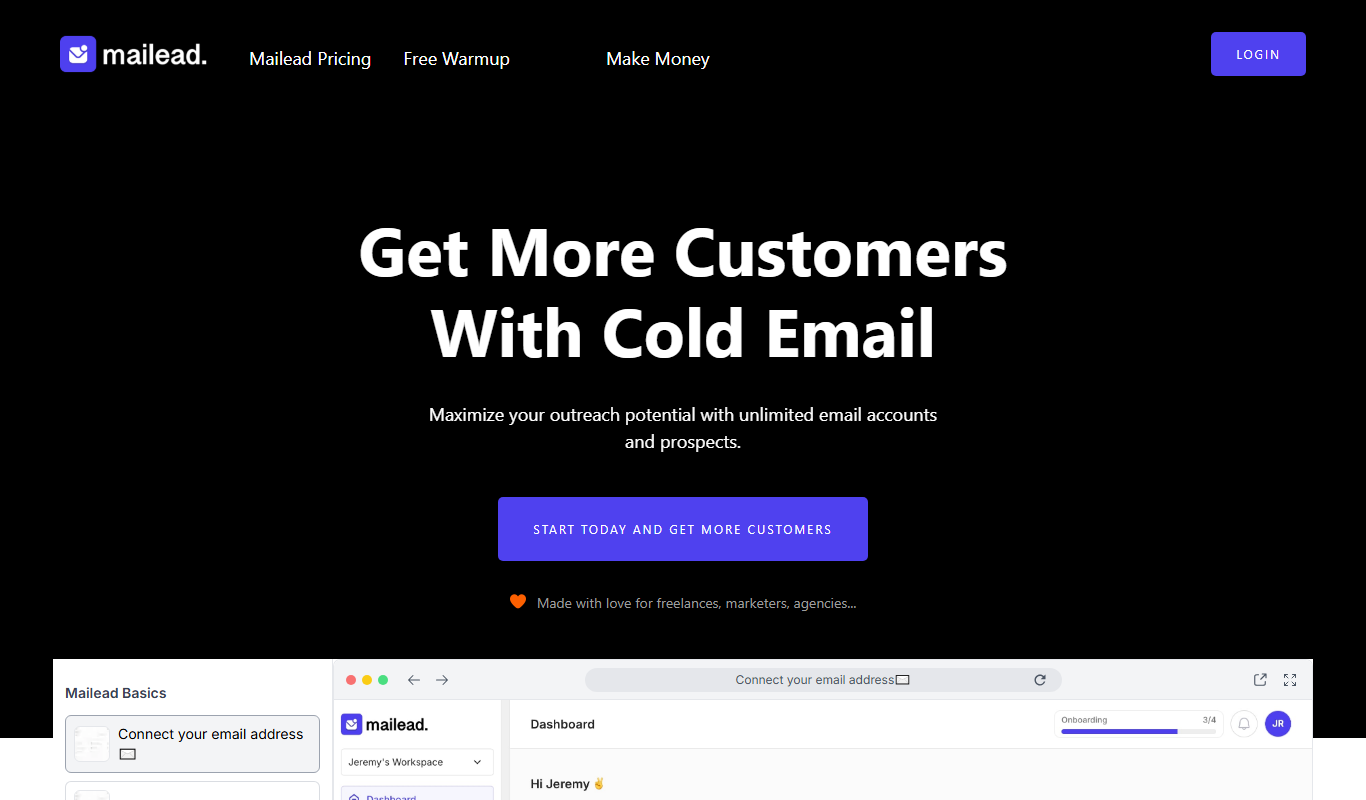
Mailead.io
Mailead.io is a cold email tool that enhances outreach campaigns with unlimited email sending accounts, warmup and generative AI, sold for a one time price.

Free Trial
PlanPost AI – Best AI Content Generator
PlanPost AI is an all-in-one AI marketing assistant that generates social media posts, ad copy, graphics, videos and SEO-optimized content, with ad campaign tools and post scheduling.

Free Trial
adwisely.com
Adwisely is an app that automates Facebook and Google ads for Shopify stores with AI-powered campaigns and human ad experts.

Custom Pricing
ADfixer
ADfixer is an ad optimization platform that runs Amazon PPC on autopilot and moves budget across Amazon and Google Ads, with Meta and Kaufland next.

Free Trial
Omneky
Omneky is an AI creative platform that generates image, video and UGC ads and launches them across Meta, Google, TikTok and more.

Free
Automate Your Image with Bannerify
Bannerify is an image generation API that turns JSON data into finished images such as social posts, product banners, OG images and certificates from one template, in one request.