

Anyoneswap: AI face swap online for photos, videos and GIFs
Anyoneswap is an online AI face swap service that swaps faces in photos, videos and GIFs, paid with credits.
- Best for
- Funny photos and videos
- Key capability
- Photo face swap
Save Anyoneswap, follow its updates and vote on it — everything stays in your account.
Sign in or create a free account
What is Anyoneswap?
Anyoneswap is an online AI face swap service. It replaces the face in a photo with one click and also changes faces in videos and GIF files, supporting common formats such as JPG, PNG, GIF and MP4. It runs online with no install, and face swaps are paid with credits after the free ones.
Key features of Anyoneswap
One-click face swap in photos, face swap in videos and GIF files, multiple face swap for group photos, and support for common formats such as JPG, PNG, GIF and MP4.
Photo face swap
Replace the face in any photo with your face with one click.
Video and GIF face swap
Swap faces in videos and GIFs instantly.
Multiple face swap
Give group photos new faces with multiple face swap.
Common file formats
Supports common formats such as JPG, PNG, GIF and MP4.
PC and mobile
Swap faces online on a PC or on a mobile device.
Pros and cons of Anyoneswap
Pros
- One-click face swap in photos
- Works on photos, videos and GIFs
- Works on PC and mobile
- 2 free credits at registration
Cons
- Video and GIF content is a premium benefit
- Upload limits: videos up to 500MB and 100s, GIF files up to 100MB and 10s
Key use cases for Anyoneswap
Funny photos and videos
Change faces every day and create funny photos or videos.
Virtual AI model for marketing
Create a virtual AI model and use it for marketing.
Group photos
Give the people in a group photo new faces with multiple face swap.
Video face swap
Swap faces in videos and get the result in about a minute.
How Anyoneswap works
- 1
Sign up
Register an account, which comes with 2 free credits.
- 2
Upload your file
Upload an image (max 50MB), a video (max 500MB and 100s) or a GIF (max 100MB and 10s).
- 3
Swap the face
Replace the face in the photo or video with one click.
- 4
Get the result
The face swap is completed in seconds and needs no photo editing knowledge.
- 5
Receive Tokens
Users receive the swapped tokens directly in their wallet.
Who is using Anyoneswap
Anyoneswap pricing
100 credits
$17.99
Credit pack for face swaps.
300 credits
$49.99
Credit pack for face swaps.
500 credits
$79.99
Credit pack for face swaps.
Free
$0
2 free image swaps for non-premium users.
Plans and prices are as published by the vendor and can change. Check the official site before you buy. Open the pricing page (opens in a new tab)
Frequently asked questions about Anyoneswap
Photos, videos and GIF files, in common formats such as JPG, PNG, GIF and MP4.
Non-premium users are given 2 free image swaps; premium benefits include video and GIF content, and more credits can be bought in packs.
Videos up to 500MB and 100s, images up to 50MB, and GIF files up to 100MB and 10s.
No. Anyoneswap prohibits the use of its face swap AI for generating NSFW or pornographic content.
Yes. Anyoneswap AI Face Swap works on a PC or on mobile.
Yes. Group photos can be refaced with multiple face swap AI.
Yes, it can help with that use case depending on how you configure it and what features are available. You’ll get the best results with clear inputs and a defined goal.
Conclusion
Replacing the face in a photo takes one click on Anyoneswap, and the same face swap works on videos and GIFs. Group photos can be refaced with multiple face swap, and common formats such as JPG, PNG, GIF and MP4 are accepted. Uploads are capped, with videos limited to 500MB and 100s and GIF files to 100MB and 10s.
The service runs online on a PC or a mobile device, and registration comes with 2 free credits. Video and GIF content is a premium benefit, while non-premium users are given 2 free image swaps and can buy more credits in packs. Anyoneswap prohibits using its face swap AI for NSFW or pornographic content.
Sources
Sign in to review this tool.
Sign In to ReviewNo reviews yet
Be the first to share how this tool worked for you.
Ask about pricing, limits, or how it compares — or answer someone else.
Sign In to AskNo questions yet
Have a question about using or paying for this tool? Be the first to ask.
Featured on TiorAI



Alternative Tools
Explore similar AI tools that might fit your needs

Uniswap
Uniswap is a decentralized exchange protocol on Ethereum, Base, Arbitrum, Polygon, Unichain and other networks that lets users swap tokens directly from their wallets using liquidity pools and an automated market maker model.

PancakeSwap
PancakeSwap is an all-in-one multichain DEX where users swap tokens, provide liquidity for yield farming, stake CAKE tokens, join lotteries and trade NFTs without intermediaries.
More AI Cryptocurrency Tools tools
Other tools in the same category, for when this one is not quite the fit.

ArbitrageScanner.io
ArbitrageScanner.io is a web platform that scans multiple cryptocurrency exchanges in real-time to identify arbitrage opportunities, helping traders find profitable price differences between markets.

LIKN
LIKN is an AI-driven Universal Assets platform that connects everything to Web3, for launching, agenting and trading real-world and virtual assets.
Credit Chip
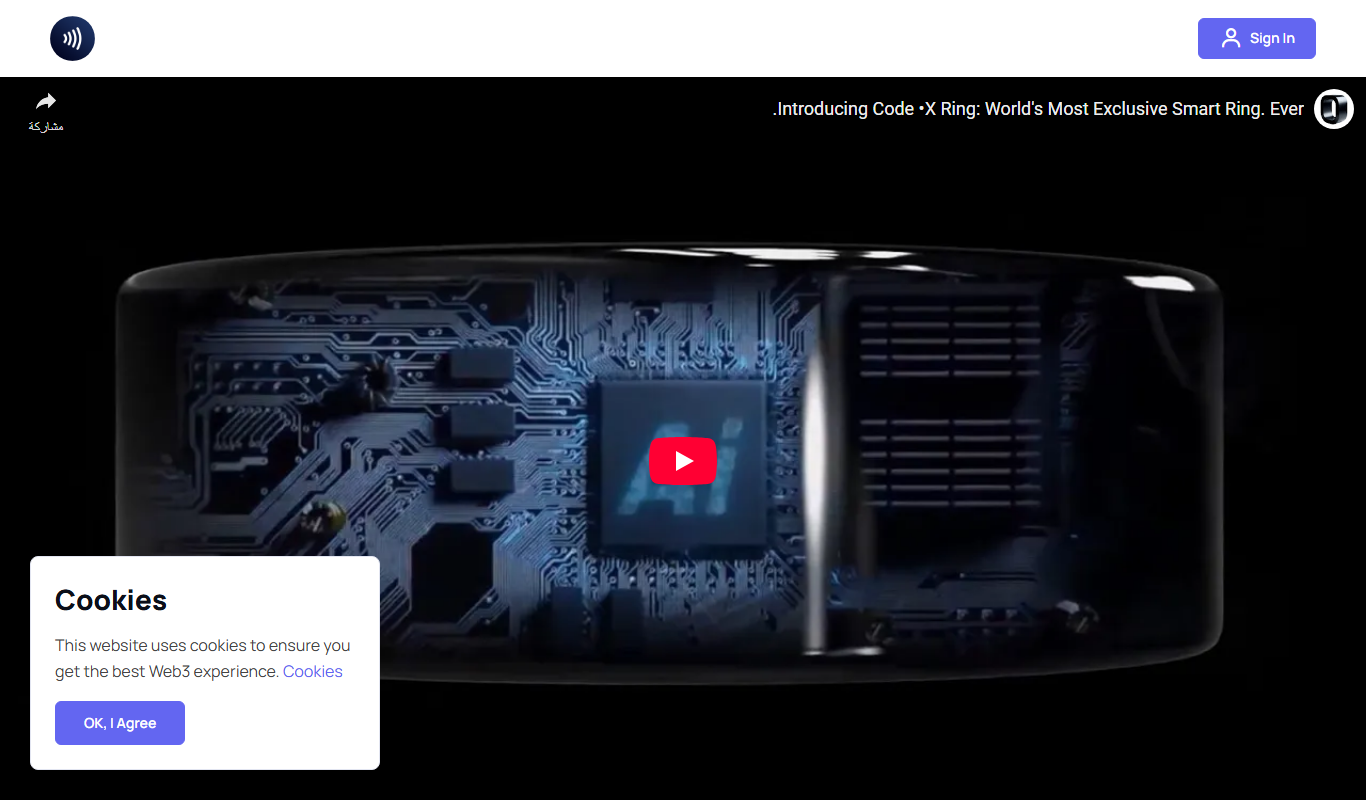
Credit Chip, from Mobile Credits, lets you accept instant payments by NFC, QR code, URL or email from a Mobile ID on iOS and Android.

Quick Intel
Quick Intel offers token security APIs and a scanner that deliver real-time token risk, contract intelligence and multi-chain security signals for Web3.

Ain Finance
Ain Finance is a decentralized finance platform that allows users to earn rewards through yield farming, token staking, and liquidity mining, with governance features for token holders.