
From my experience with Articy Draft, I found it excels at managing complex branching narratives with a clear visual interface that helps organize story elements effectively. After spending time with the platform, I can say it’s particularly well-suited for game narrative designers and interactive storytellers who need to prototype and export content to game engines. However, there’s a trade-off: it is only available on Windows and has a steep learning curve for beginners. Overall, if you need a professional-grade tool for game story design and dialogue management, Articy Draft delivers solid results.
Articy Draft Game Narrative Design Software for Interactive Storytelling
Articy Draft is a Windows-based software for designing complex branching narratives, dialogues, and quests for video games, featuring visual flowcharts and integration with game engines like Unity and Unreal.
What is Articy Draft?
Articy Draft is a professional narrative design and game writing software tailored for video game developers and interactive storytellers. It provides a visual environment to create, organize, and manage complex branching storylines, dialogues, characters, and game logic. The tool helps narrative designers and game writers prototype and export their content seamlessly into game engines, streamlining the storytelling process in game development.
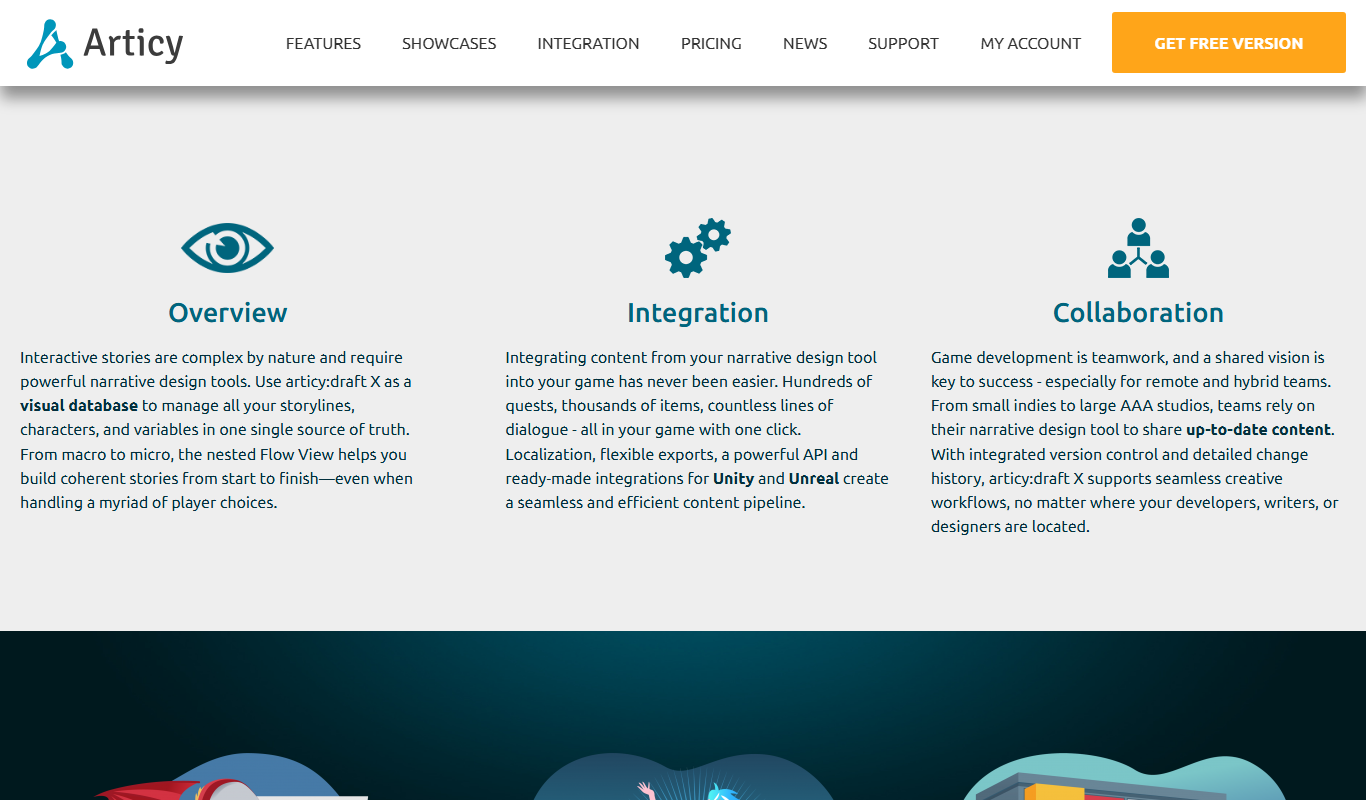
Key Features of Articy Draft
Visual Flowchart Editor
Create and visualize complex branching narratives and dialogue trees with an intuitive drag-and-drop interface.
Modular Content Management
Organize story elements such as characters, items, and locations in reusable modules.
Quest and Dialogue System
Build detailed quests and dialogue interactions with conditional logic and variables.
Game Engine Integration
Export narrative content directly to popular game engines including Unity and Unreal Engine.
Collaboration Tools
Support multi-user workflows with version control and project sharing features.
Pros and Cons of Articy Draft
Pros
- Powerful visual tools for complex narrative design
- Seamless integration with major game engines
- Supports collaboration among creative teams
- Modular content management simplifies organization
Cons
- Windows-only desktop application
- Pricing may be high for indie developers
- Steep learning curve for beginners
Key Use Cases for Articy Draft
Game Narrative Design
Create complex branching storylines, dialogues, and quests for video games with visual scripting tools.
Interactive Storytelling
Design interactive stories with flowcharts and modular content blocks to manage narrative complexity.
Game Development Collaboration
Facilitate collaboration between writers, designers, and developers by providing a unified narrative design platform.
Dialogue and Quest Management
Build and organize dialogue trees, character interactions, and quest structures efficiently.
Prototyping and Exporting
Prototype narrative elements and export them to various game engines like Unity and Unreal Engine.
How Articy Draft Works
-
1
Install and Launch
Download and install Articy Draft on your Windows desktop and launch the application.
-
2
Create Project
Start a new narrative project or open an existing one to begin designing your story elements.
-
3
Design Narrative Flow
Use visual flowcharts to map out branching storylines, dialogues, and quests.
-
4
Manage Content
Organize characters, items, locations, and dialogue snippets in modular content blocks.
-
5
Collaborate and Export
Share your project with team members and export narrative data to game engines like Unity or Unreal.
Who's Using Articy Draft
Game narrative designers
Interactive storytellers
Game writers and scriptwriters
Game developers and studios
Creative teams working on branching stories
Articy Draft Pricing
Standard
€199 one-time
Full access to Articy Draft with all core features for individual users.
Enterprise
Custom pricing
Tailored solutions for teams with additional collaboration and support options.
Frequently Asked Questions About Articy Draft
Articy Draft is currently only available for Windows desktop platforms.
Yes, Articy Draft supports exporting narrative data to Unity, Unreal Engine, and other engines.
Yes, it includes features for multi-user collaboration and version control.
Articy Draft offers a free trial version to evaluate the software before purchase.
This tool is designed to help users accomplish its core tasks more efficiently. It is typically used by individuals or teams looking to improve productivity and workflow.
Yes, it can help with that use case depending on how you configure it and what features are available. You’ll get the best results with clear inputs and a defined goal.
It depends on your specific needs and how you plan to use the tool. The official website and documentation are the best sources for the latest details.
Yes, it can help with that use case depending on how you configure it and what features are available. You’ll get the best results with clear inputs and a defined goal.
Share your review
Reviews are limited to one per logged-in user and are published after moderation.
You need an account to review this tool.
0.0
★
★
★
★
★
0 reviews
5 star
0
4 star
0
3 star
0
2 star
0
1 star
0
No reviews yet
Be the first to share how this tool worked for you.
Questions from the community
Read questions and answers about this tool, or ask your own.
No questions yet
Start the conversation by asking the first question about this tool.
Is this tool helpful?
Alternative Tools
Explore similar AI tools that might fit your needs
Free
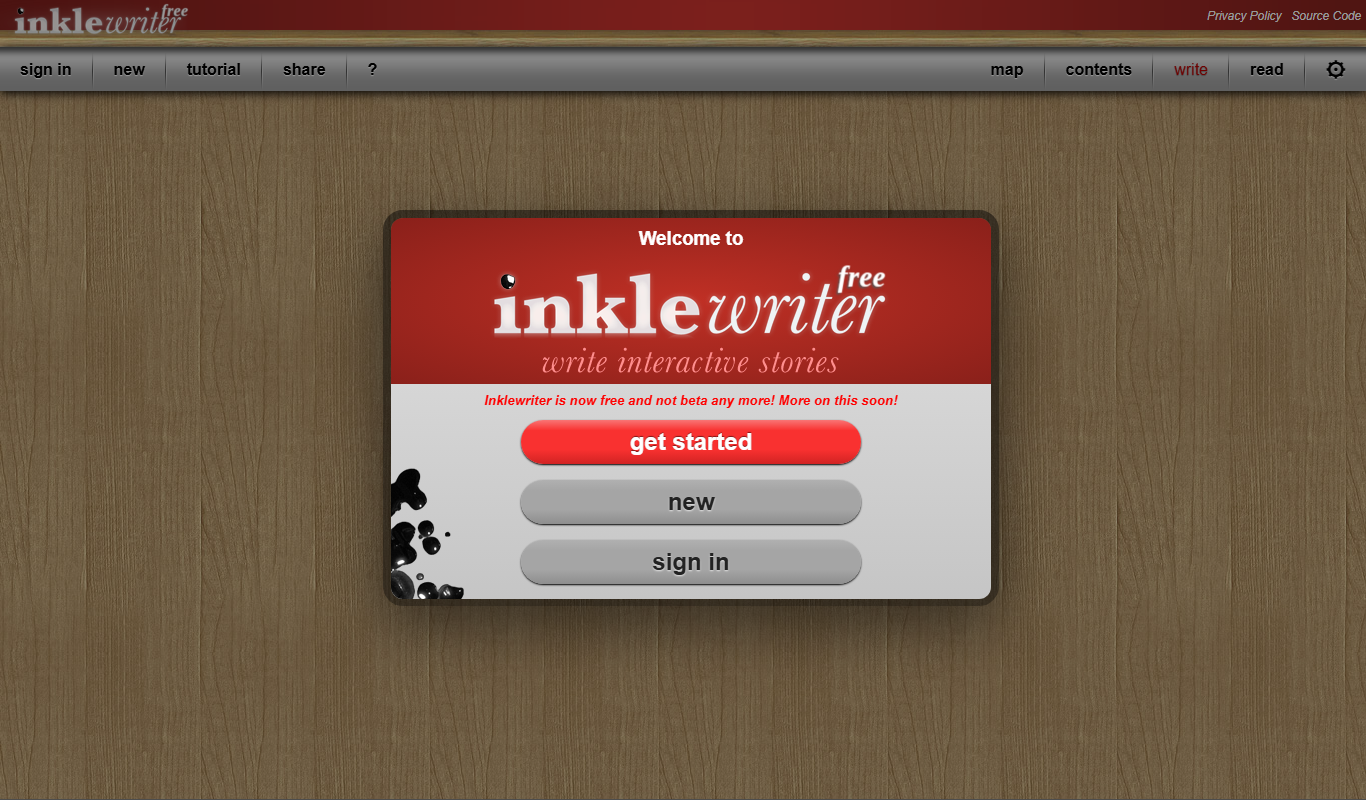
Inklewriter
Inklewriter is a free web-based tool that enables writers to create interactive, branching stories without programming skills, ideal for educational and creative storytelling.
Custom Pricing
Spirit AI
Spirit AI is a platform that enables developers to build AI characters with emotional intelligence, allowing for realistic and empathetic interactions in games, virtual assistants, and chatbots.
Free
D&D Beyond
D&D Beyond is an official digital platform for Dungeons & Dragons 5th Edition that provides tools for character creation, campaign management, and access to official game content.
Free
Eclipse RP
Eclipse RP is an AI roleplay platform that enables users to create custom characters and engage in dynamic, AI-driven chat-based roleplaying for storytelling and entertainment.
Custom Pricing
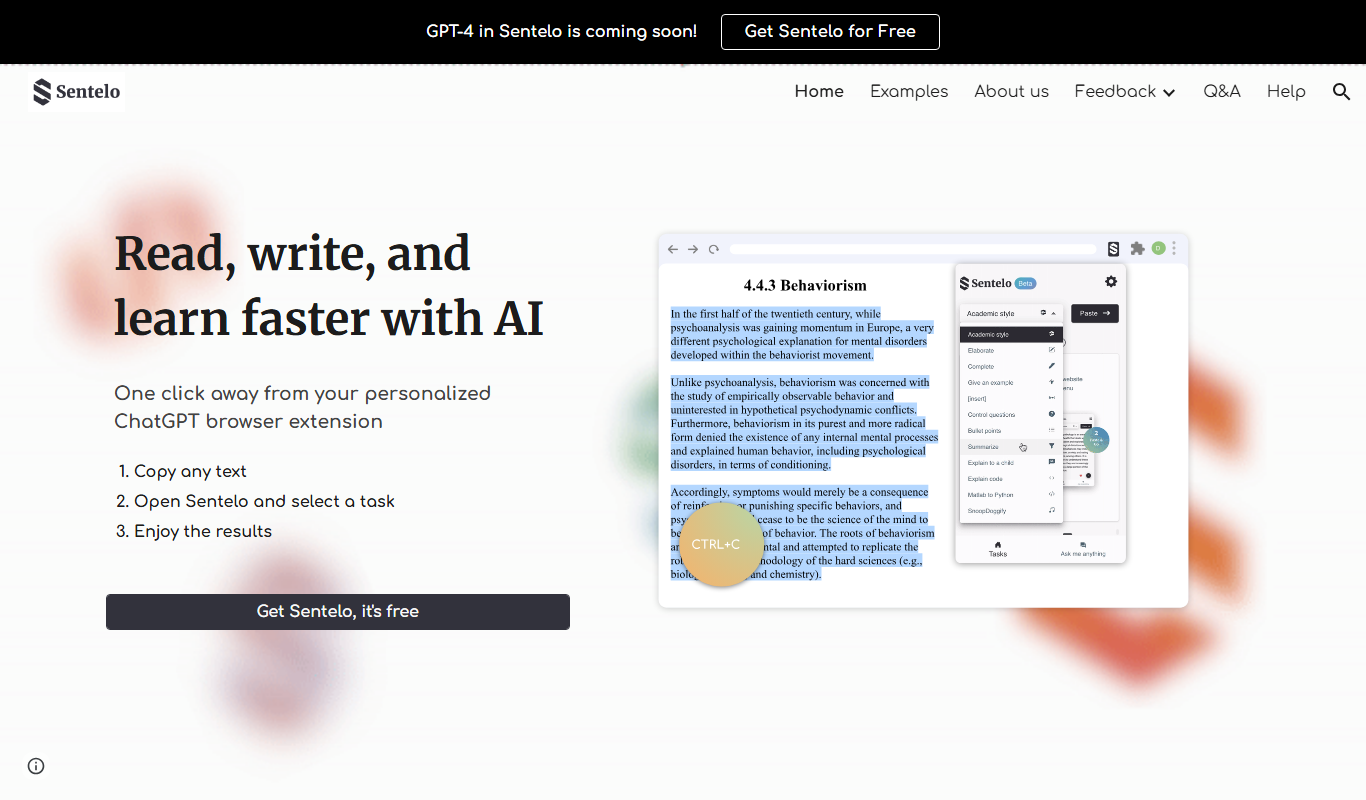
Sentelo
Sentelo is an AI-driven platform that analyzes customer voice and text interactions in real time to provide sentiment insights and improve customer experience.

Free
ShareGPT
ShareGPT is a free web platform that allows users to share ChatGPT conversations via unique links, enabling easy collaboration and showcasing of AI chats without requiring recipients to have ChatGPT accounts.
Free
Character AI
Character AI is a conversational AI platform that enables users to chat with customizable AI characters capable of natural, context-aware dialogue for entertainment, storytelling, and prototyping chatbots.

Contact for pricing
Astra Health AI
Astra Health AI is an AI-powered platform that analyzes medical images to assist healthcare professionals in diagnosing diseases more accurately and efficiently.
Free
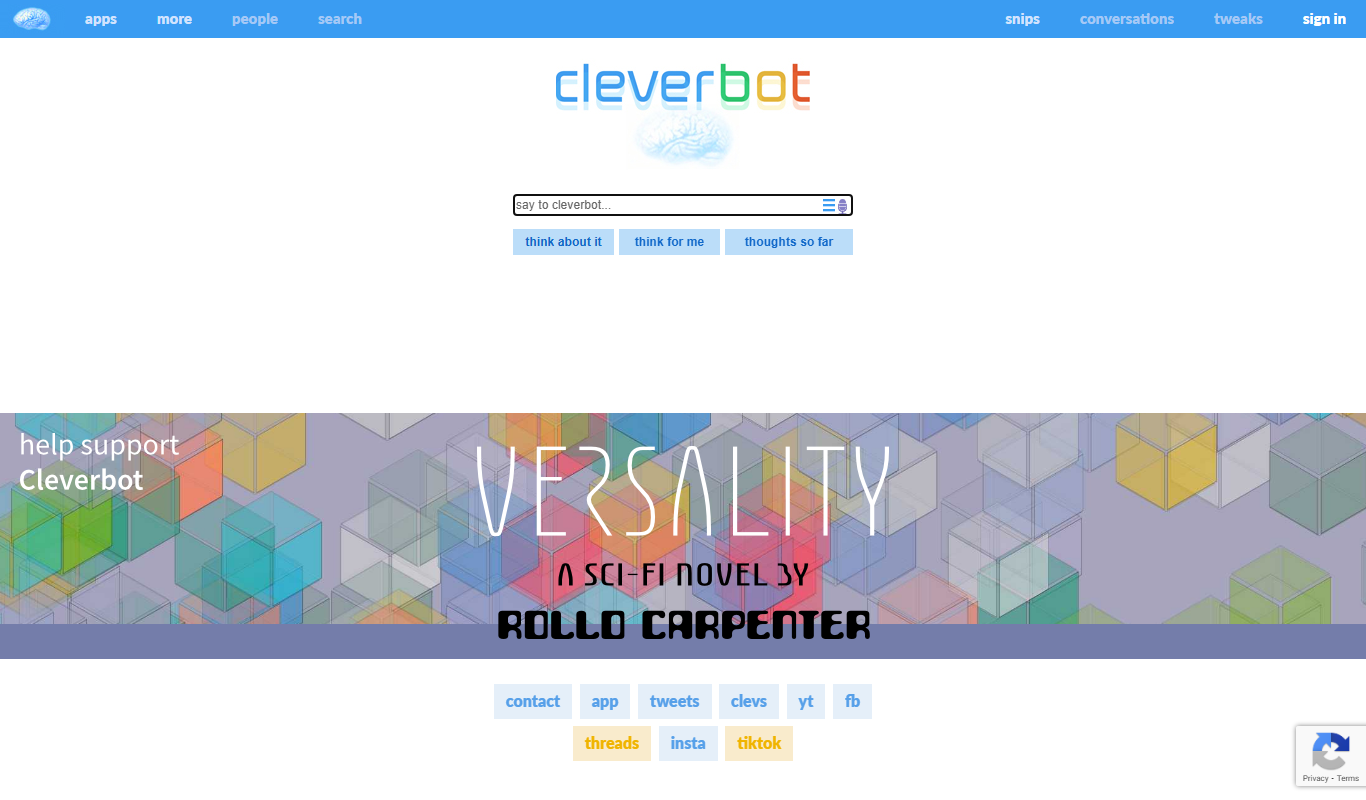
Cleverbot
Cleverbot is an AI chat generator that simulates human conversation using machine learning, accessible via web and API for real-time interactive dialogue.