

From my experience with TOEFL Practice, I found it excels at providing realistic exam simulations that closely mirror the actual TOEFL test environment. The instant scoring and progress tracking features help learners identify strengths and weaknesses effectively. After spending time with the platform, I can say it’s particularly well-suited for students who want flexible, self-paced TOEFL preparation online. However, the lack of human evaluation for speaking and writing sections means users may need supplementary resources for those areas. Overall, if you need comprehensive TOEFL practice with detailed automated feedback, this tool delivers solid results.
TOEFL Practice Online Platform for Effective Test Preparation and Practice
TOEFL Practice is an online platform offering realistic TOEFL exam simulations, section-specific exercises, instant scoring, and progress tracking to help students prepare effectively for the TOEFL test.
- Best for
- TOEFL Test Preparation
- Key capability
- Full-Length TOEFL Practice Tests


Do you recommend this tool?
What is TOEFL Practice?
TOEFL Practice is an online platform designed to help students prepare for the TOEFL exam by offering practice tests, exercises, and detailed feedback. It simulates the real exam environment to build confidence and improve test-taking skills.
Key features of TOEFL Practice
The platform features full-length practice tests, section-wise exercises, progress tracking, and instant scoring to provide a comprehensive TOEFL preparation experience.
Full-Length TOEFL Practice Tests
Simulate the actual TOEFL exam with timed, realistic practice tests.
Section-Specific Exercises
Practice individual TOEFL sections such as reading, listening, speaking, and writing.
Instant Scoring and Feedback
Receive immediate results and detailed explanations to understand mistakes.
Progress Tracking Dashboard
Visualize your learning progress and focus on weaker areas.
Pros and cons of TOEFL Practice
Pros
- Realistic TOEFL exam simulations
- Instant scoring with detailed feedback
- User-friendly interface
- Progress tracking features
Cons
- Limited free content
- No human evaluation for speaking and writing sections
Key use cases for TOEFL Practice
TOEFL Test Preparation
Provides comprehensive practice tests and exercises to help students prepare effectively for the TOEFL exam.
Skill Improvement
Helps users improve their English reading, listening, speaking, and writing skills through targeted practice.
Self-Assessment
Allows learners to assess their current proficiency level and track progress over time with detailed scoring.
Exam Simulation
Offers realistic TOEFL test simulations to familiarize users with the exam format and timing.
How TOEFL Practice works
- 1
Create an Account
Sign up on the TOEFL Practice website to access free and premium content.
- 2
Choose Practice Tests or Exercises
Select from full-length tests or focus on specific TOEFL sections like reading or speaking.
- 3
Complete Tests and Receive Scores
Take practice tests under timed conditions and get instant scoring with detailed feedback.
- 4
Track Progress
Monitor your improvement over time and identify areas that need more practice.
Who is using TOEFL Practice
Students preparing for the TOEFL exam
English language learners
International students applying to English-speaking universities
Language teachers seeking practice resources
TOEFL Practice pricing
Free
$0
Access to limited practice tests and exercises with basic features.
Premium
$19.99/month
Unlimited access to all practice tests, detailed feedback, and progress tracking.
Plans and prices are as published by the vendor and can change. Check the official site before you buy. Open the pricing page (opens in a new tab)
Frequently asked questions about TOEFL Practice
Yes, TOEFL Practice offers a free plan with limited access to practice tests and exercises.
Yes, the platform provides full-length, timed practice tests that closely mimic the actual TOEFL exam.
The platform offers automated scoring and feedback, but detailed human evaluation is not included.
Yes, TOEFL Practice includes a dashboard to monitor your scores and improvement.
Yes, it can help with that use case depending on how you configure it and what features are available. You’ll get the best results with clear inputs and a defined goal.
Some tools offer a free plan or trial with limited features. Availability can vary, so confirm on the official website.
Yes, it can help with that use case depending on how you configure it and what features are available. You’ll get the best results with clear inputs and a defined goal.
Sign in to review this tool.
Sign In to ReviewNo reviews yet
Be the first to share how this tool worked for you.
Ask about pricing, limits, or how it compares — or answer someone else.
Sign In to AskNo questions yet
Have a question about using or paying for this tool? Be the first to ask.
Featured on TiorAI



More AI Education & Learning Tools tools
Other tools in the same category, for when this one is not quite the fit.

Free
bentolingo
BentoLingo is an AI-driven language learning platform that provides personalized speaking practice and real-time feedback to help users improve fluency in multiple languages.

Free Trial
Testnut
Testnut is an online exam platform that enables secure, scalable assessments with remote proctoring, automated grading, and detailed analytics, suitable for education and corporate use.

Freemium
Testbook.ai
Testbook.ai is an AI-driven platform offering personalized study plans, mock tests, and live classes to help students prepare effectively for competitive exams.

Free
AICamp
AICamp is an AI education platform offering project-based learning to teach AI, machine learning, and data science through hands-on projects and community mentorship.
Free
KidTales
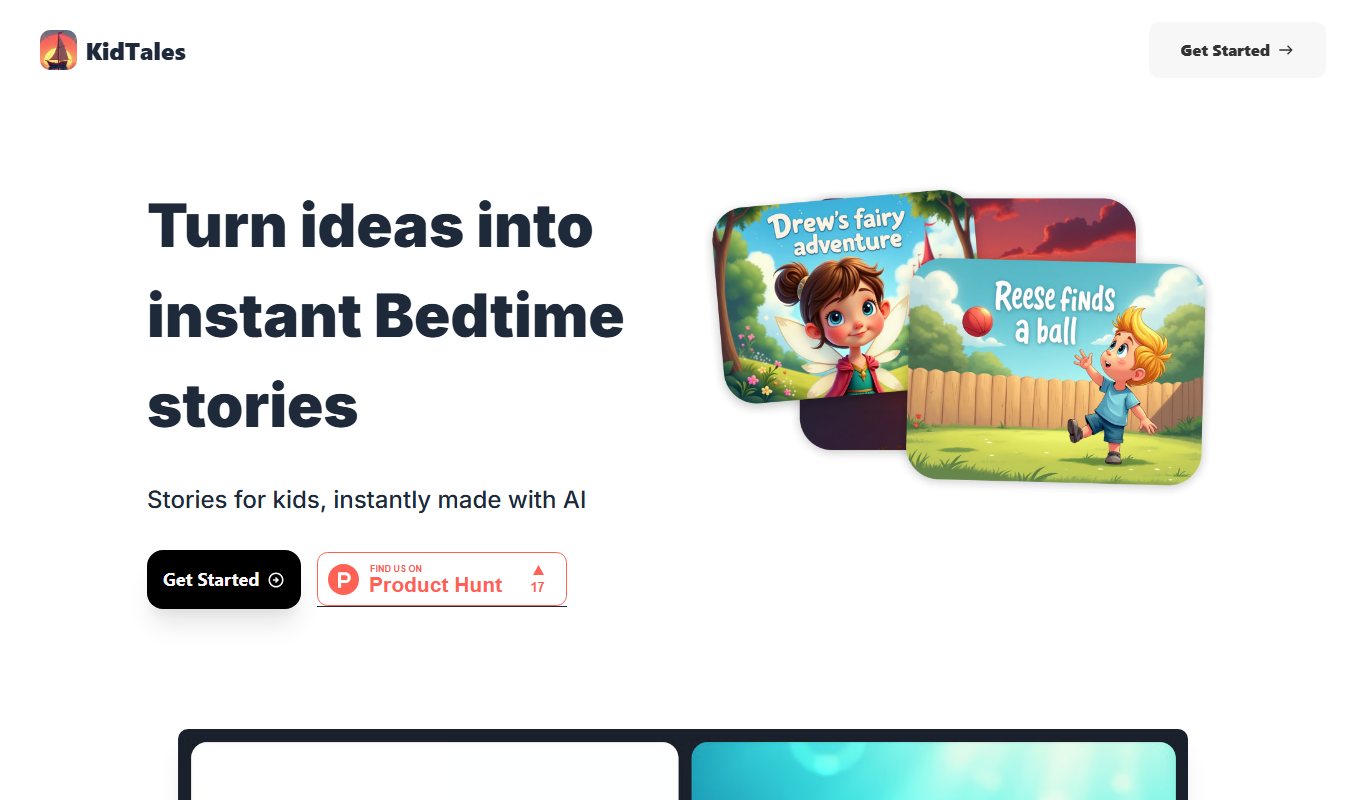
KidTales AI is an online tool that generates personalized, age-appropriate stories for children to support creativity and learning.

Freemium
Mi Cuento Digital
Mi Cuento Digital is an online platform that lets you create personalized digital storybooks for children by adding names, photos, and custom details to engage young readers.

Free
Kidgeni
Kidgeni is an AI-powered tutoring platform designed to provide personalized learning and homework help for children, focusing on core subjects like math and reading through interactive sessions.

Freemium
flAI
flAI is an AI-driven language learning app that provides personalized speaking and writing practice with real-time feedback to help users improve fluency and confidence in multiple languages.