

InstaRoom AI interior design companion
InstaRoom is an AI interior design tool that redesigns a room from a photo or a style description and adds a shopping list within your budget.
- Best for
- Room makeover ideas
- Key capability
- Surprise Me mode
Save InstaRoom, follow its updates and vote on it — everything stays in your account.
Sign in or create a free account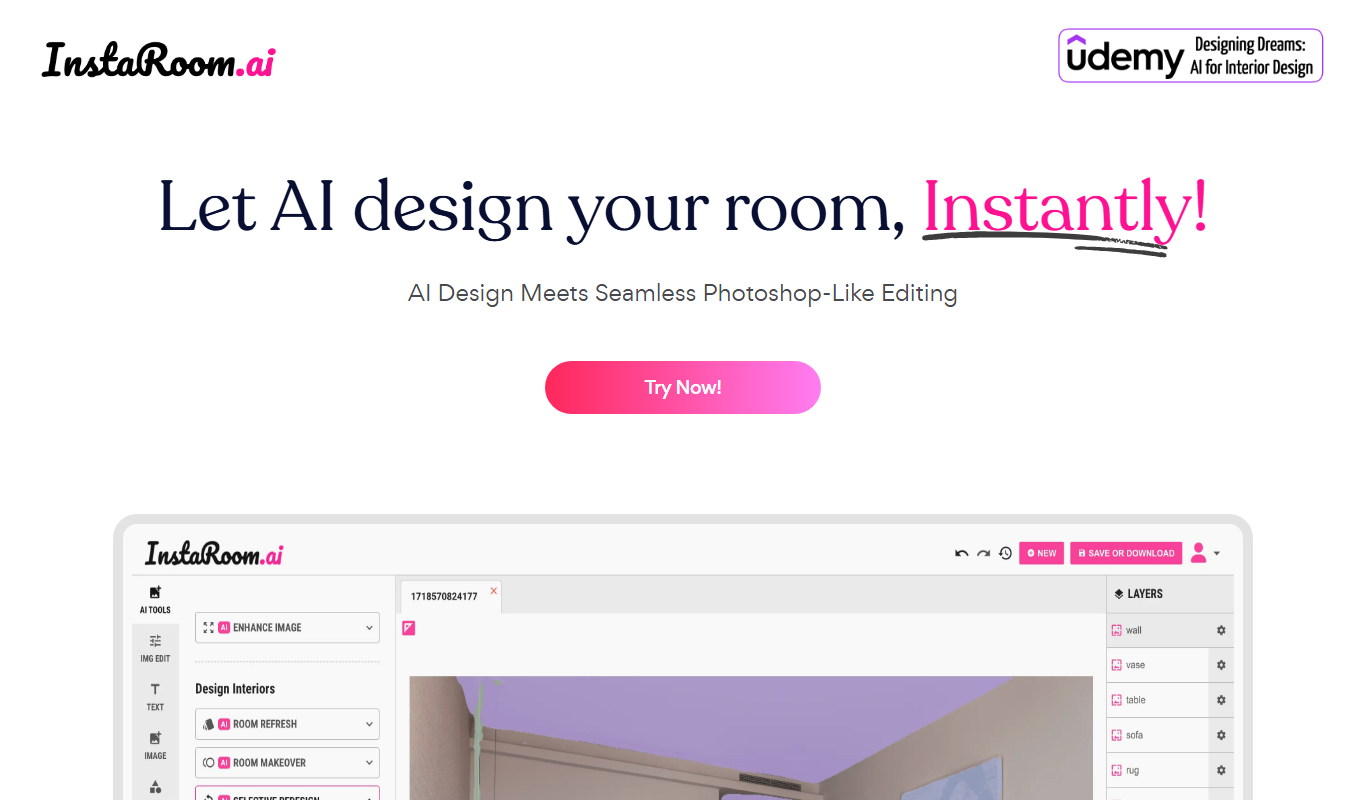

What is InstaRoom?
InstaRoom is an AI-powered interior design companion that redesigns a room in two ways: Surprise Me, where the user uploads a photo of the room and the AI creates a new design, and I Kinda Know What I Want, where the user describes a style, colors and vibe. It returns a full redesign visualization plus a shopping list within the user’s budget, showing how the recommended products look in the room.
Key features of InstaRoom
Two redesign modes (Surprise Me from a room photo, and I Kinda Know What I Want from a described style, colors and vibe), a full redesign visualization, and a shopping list within the user’s budget showing how the recommended products look in the room.
Surprise Me mode
Upload a photo of the room and let the AI create a new design.
Described style mode
Describe a style, colors and vibe and see the vision come to life.
Redesign visualization
A full redesign visualization of the room.
Budget shopping list
A shopping list within the user's budget.
Product preview
See how the recommended products look in the room.
Pros and cons of InstaRoom
Pros
- Two redesign modes: from a photo or from a described style
- Shopping list within your budget
- Preview of how recommended products look in the room
- Privacy-focused local processing
- Affordable pricing with a free tier
Cons
- Requires a good webcam and lighting for best results
- Limited to web platform; no desktop or mobile apps yet
- Free plan includes watermark on video output
Key use cases for InstaRoom
Room makeover ideas
Let the AI suggest a design you never imagined from a photo of the room.
Visualize a chosen style
Describe a style, colors and vibe and see it applied to the space.
Shop within a budget
Get a shopping list within your budget for the redesign.
Design without a designer
Redesign a home space without hiring an interior designer.
How InstaRoom works
- 1
Choose a mode
Pick Surprise Me or I Kinda Know What I Want.
- 2
Add a photo or a description
Upload a photo of the room, or describe the style, colors and vibe.
- 3
View the redesign
Get a full redesign visualization of the room.
- 4
Use the shopping list
Get a shopping list within your budget and see how the recommended products look in the room.
Who is using InstaRoom
InstaRoom pricing
Free
$0/month
Basic access with limited background options and watermark on output.
Pro
$9.99/month
Access to full background library, HD output, watermark removal, and priority support.
Plans and prices are as published by the vendor and can change. Check the official site before you buy. Open the pricing page (opens in a new tab)
Frequently asked questions about InstaRoom
Upload a photo of the room for a Surprise Me design, or describe your style, colors and vibe.
Yes. It gives a shopping list within your budget and shows how the recommended products look in your room.
A full redesign visualization plus a shopping list to help bring it to life.
A modern web browser with webcam support and a stable internet connection are required.
It depends on your specific needs and how you plan to use the tool. The official website and documentation are the best sources for the latest details.
Yes, it can help with that use case depending on how you configure it and what features are available. You’ll get the best results with clear inputs and a defined goal.
Some tools offer a free plan or trial with limited features. Availability can vary, so confirm on the official website.
It depends on your specific needs and how you plan to use the tool. The official website and documentation are the best sources for the latest details.
Conclusion
Uploading a photo of the room is enough to start: in Surprise Me mode the AI creates a new design that the owner may never have imagined. In the other mode, users describe their style, colors and vibe and watch that vision come to life. Either way the result is a full redesign visualization.
InstaRoom then adds a shopping list within the user’s budget and shows how the recommended products look in the room. The founder’s stated aim is design help for people who cannot afford interior designers.
Sources
Sign in to review this tool.
Sign In to ReviewNo reviews yet
Be the first to share how this tool worked for you.
Ask about pricing, limits, or how it compares — or answer someone else.
Sign In to AskNo questions yet
Have a question about using or paying for this tool? Be the first to ask.
Featured on TiorAI



Alternative Tools
Explore similar AI tools that might fit your needs
ManyCam
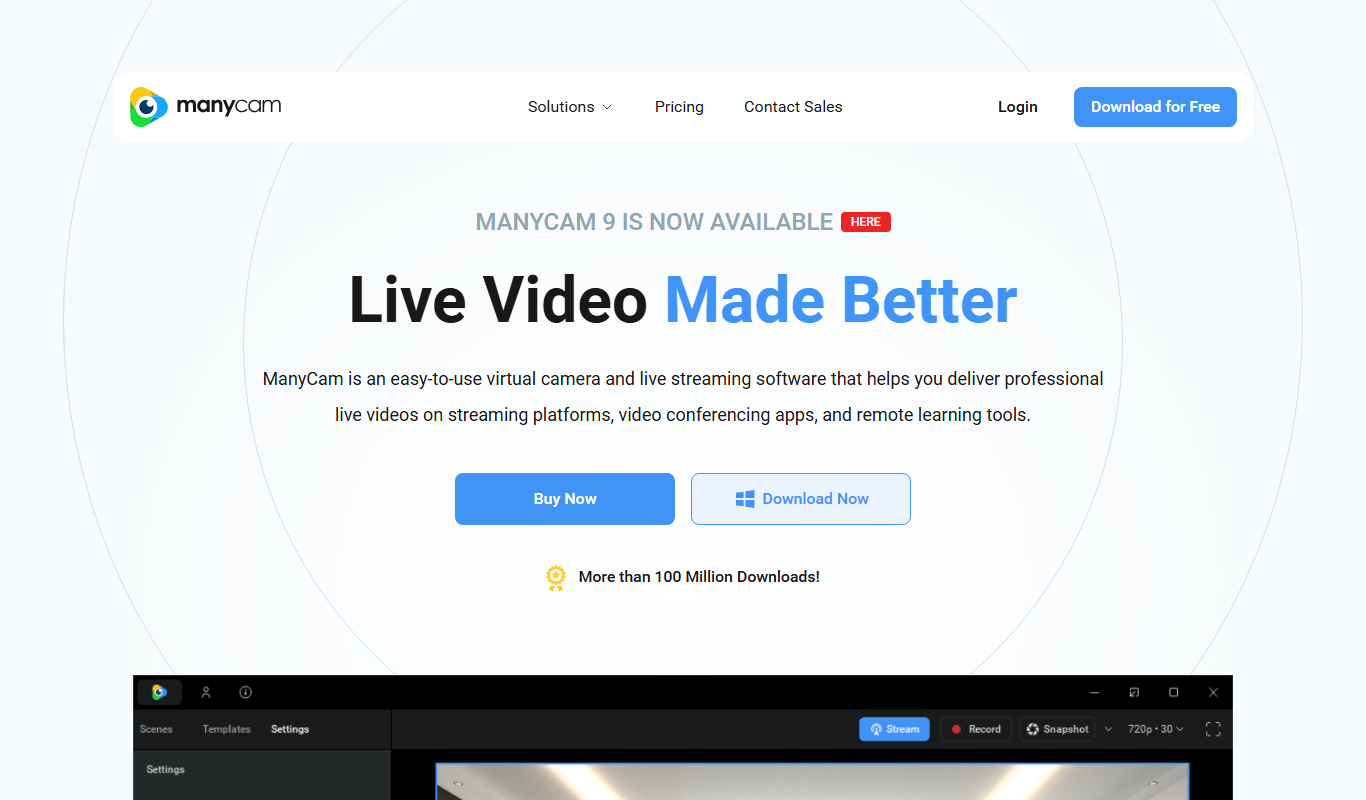
ManyCam is virtual webcam software that allows users to add live video effects, switch between multiple video sources, and use virtual backgrounds to enhance live streams and video calls on platforms like Zoom, YouTube, and Twitch.