

Little Bro AI design feedback plugin for Figma
Little Bro is an AI design partner inside Figma that gives instant UI/UX, usability and accessibility feedback on your designs.
- Best for
- Pre-review checks
- Key capability
- Design feedback in Figma
Save Little Bro, follow its updates and vote on it — everything stays in your account.
Sign in or create a free account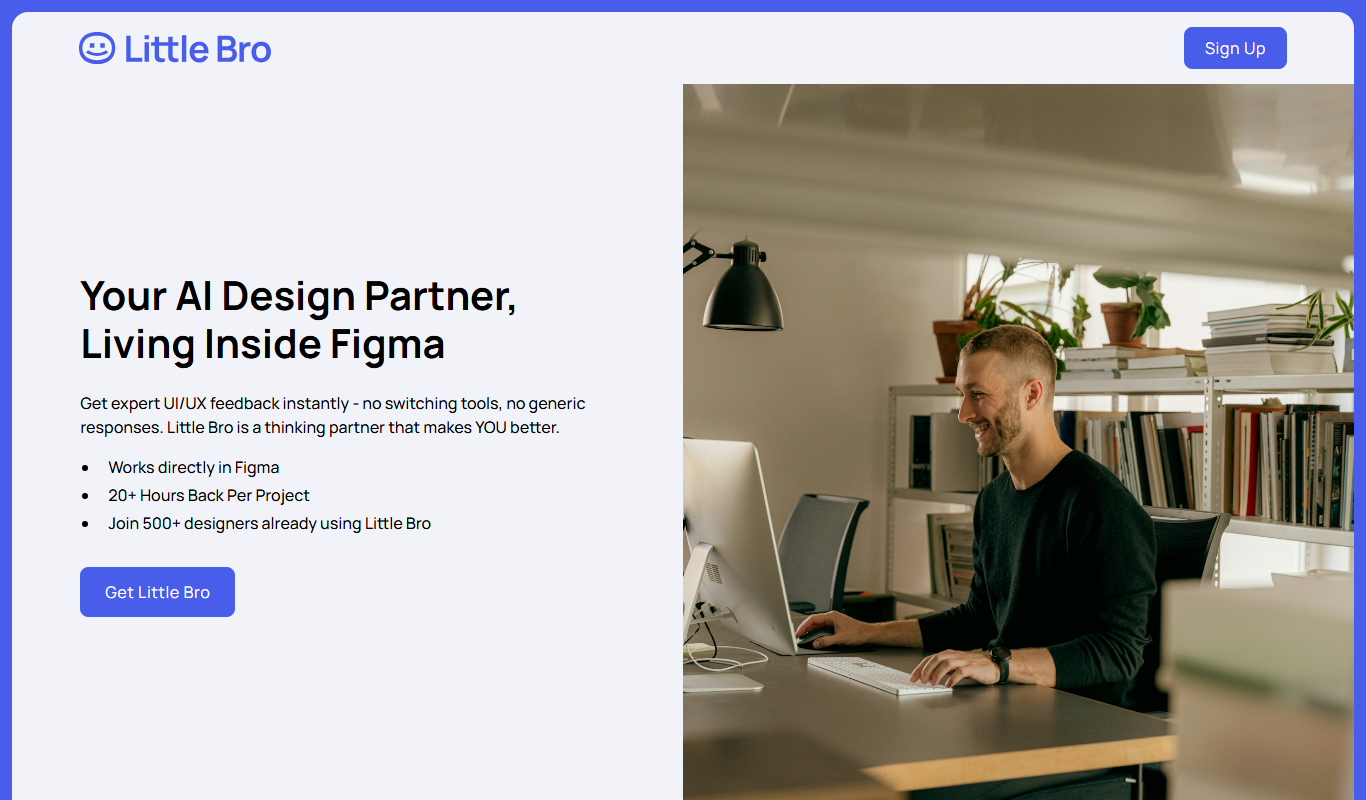
What is Little Bro?
Little Bro is an AI design partner that works inside Figma and gives UI/UX feedback on the user’s own designs. Designers select a frame and get suggestions on clarity, hierarchy, accessibility and user flow, and it simulates user personas such as elderly, mobile-first or accessibility-focused users to show how different people would experience a design.
Key features of Little Bro
On-demand UI/UX feedback inside Figma, an AI-powered user persona simulator, accessibility and inclusivity checks, a real-time trend analyzer, a design rationale generator, a development feasibility checker and unlimited messages.
Design feedback in Figma
Instant UI/UX feedback on your designs directly in Figma, with no generic responses.
User persona simulator
Simulates user behavior patterns and personas such as elderly users, mobile-first users and accessibility needs.
Scenario testing
Tests scenarios such as a distracted user, a slow connection or one-handed use.
Accessibility checks
Accessibility and inclusivity checks on designs.
Rationale and feasibility
A design rationale generator and a development feasibility checker.
Pros and cons of Little Bro
Pros
- Works directly in Figma
- Feedback grounded in the context of your designs
- 10-day free trial, no credit card required
- Persona and scenario testing
- Lifetime purchase option
Cons
- Limited language support (English only)
- No mobile app available
- Some advanced features require subscription
Key use cases for Little Bro
Pre-review checks
Catch edge cases and usability issues before reviews.
User perspective
Think like your users and catch issues like a researcher.
Design mentoring
Grow as a designer with a personal mentor inside Figma.
Accessibility review
Run accessibility and inclusivity checks on designs.
Design rationale
Generate a rationale to explain design decisions.
How Little Bro works
- 1
Install in Figma
Add Little Bro so it works directly in Figma.
- 2
Work on your design
Little Bro has the context of the designs you are working on.
- 3
Get feedback
Ask for on-demand design feedback and accessibility checks.
- 4
Test with personas
Ask how a power user or a beginner would experience the design.
- 5
Explain your decisions
Generate a design rationale and check development feasibility.
Who is using Little Bro
Little Bro pricing
Monthly
$28.84 per month
On-demand design feedback, real-time trend analyzer, personal mentor, AI-powered user persona simulator and unlimited messages.
Lifetime Offer
$299.84 one-time
Full access to all features with higher usage limits.
Plans and prices are as published by the vendor and can change. Check the official site before you buy. Open the pricing page (opens in a new tab)
Frequently asked questions about Little Bro
Directly inside Figma, with no switching tools.
UI/UX feedback on your designs, plus accessibility and inclusivity checks.
Yes. It simulates personas such as elderly users, mobile-first users and users with accessibility needs.
Yes. A 10-day free trial with no credit card required.
An AI design partner inside Figma that gives UI/UX feedback on your designs.
There is a monthly plan and a one-time lifetime offer; see the pricing section.
Yes, it can help with that use case depending on how you configure it and what features are available. You’ll get the best results with clear inputs and a defined goal.
Some tools offer a free plan or trial with limited features. Availability can vary, so confirm on the official website.
Conclusion
Little Bro lives inside Figma and gives instant UI/UX feedback on a designer’s own work, with no switching tools and no generic responses. Because it has the context of the design, it can simulate how different users would react, from elderly or mobile-first users to people with accessibility needs. Scenario prompts cover cases like a distracted user, a slow connection or one-handed use.
The tool also checks accessibility and inclusivity, generates design rationales and flags development feasibility, with an engine refined by senior UI/UX and product designers. A 10-day free trial needs no credit card, after which buyers choose a monthly plan or a one-time lifetime offer.
Sources
Sign in to review this tool.
Sign In to ReviewNo reviews yet
Be the first to share how this tool worked for you.
Ask about pricing, limits, or how it compares — or answer someone else.
Sign In to AskNo questions yet
Have a question about using or paying for this tool? Be the first to ask.
Featured on TiorAI



More Design Tools tools
Other tools in the same category, for when this one is not quite the fit.

iconkit.dev
iconkit.dev turns prompts into complete icon libraries and design assets with AI, with automatic builds for React, Next.js and v0.