

iconkit.dev AI icon library and design asset generator
iconkit.dev turns prompts into complete icon libraries and design assets with AI, with automatic builds for React, Next.js and v0.
- Best for
- App icon sets
- Key capability
- Prompt to icon library
Save iconkit.dev, follow its updates and vote on it — everything stays in your account.
Sign in or create a free account
What is iconkit.dev?
iconkit.dev is an AI generator that transforms prompts into complete icon libraries and design assets, including logos, brand materials and design systems. Libraries are built automatically for frameworks such as React, Next.js, v0, Svelte and React Native, used the same way as lucide icons, and can be exported in multiple formats including SVG.
Key features of iconkit.dev
Prompt-to-icon-library generation with different styles, project-scoped library management, granular version control, export in multiple formats including SVG, bulk variations and updates, and automatic builds for popular frameworks.
Prompt to icon library
Enter a prompt and iconkit.dev builds and exports the design assets.
Library management
Different styles per library, project-scoped library management and version control at a granular level.
Framework builds
Automatic builds compatible with React, Next.js, v0, Svelte and React Native, used the same way as lucide icons.
Multi-format export
Export entire libraries, with vector SVG builds for icons.
Bulk variations
Generate variations and updates in bulk.
Pros and cons of iconkit.dev
Pros
- No technical or design expertise needed
- Automatic builds for React, Next.js and v0
- Unlimited builds and storage
- Granular version control for libraries
- Pay-once credit pack available
Cons
- Limited to SVG format only
- Generation is credit-based, with no free plan
Key use cases for iconkit.dev
App icon sets
Create React, Next.js and v0 icons for a new app.
Logos and brand materials
Create logos, brand materials and design systems with AI.
Prototype assets
Use generated assets as starting points or as ready assets.
Bulk updates
Generate variations and updates of a library in bulk.
Export for design tools
Export entire design asset libraries for use in other tools.
How iconkit.dev works
- 1
Enter a prompt
Describe the icon library or design assets you need.
- 2
Generate the library
iconkit.dev builds the design assets and icon library.
- 3
Add it to your project
Add the library with npx @iconkit.dev/add react and use the icons like lucide icons.
Who is using iconkit.dev
iconkit.dev pricing
Lite Credits
$5.00, pay once
21 credits with access to all features.
Subscription
$20.00 per month
Unlimited storage and builds, 120 credits renewed monthly and extra credits at 15% less.
Plans and prices are as published by the vendor and can change. Check the official site before you buy. Open the pricing page (opens in a new tab)
Frequently asked questions about iconkit.dev
Generating icon libraries and design assets such as logos, brand materials and design systems from a prompt.
React, Next.js, v0, Svelte and React Native, among others.
No free plan is shown; Lite credits are a one-time pack to try the service.
Libraries export in multiple formats, with vector SVG builds for icons.
Enter a prompt and iconkit.dev builds and exports the design assets.
No. Builds are automatic, with no configs or deployments, and unlimited builds and storage.
Yes, it can help with that use case depending on how you configure it and what features are available. You’ll get the best results with clear inputs and a defined goal.
Some tools offer a free plan or trial with limited features. Availability can vary, so confirm on the official website.
Conclusion
A short prompt such as a request for an app’s icon set is enough: iconkit.dev builds a complete icon library or set of design assets and exports it. Each library can follow its own style, is managed per project and keeps version control at a granular level.
Developers get automatic builds for React, Next.js, v0, Svelte and React Native without configs or deployments. Designers can export whole libraries, with vector SVG builds, and generate variations in bulk. Use is credit-based: a one-time Lite pack lets new users try every feature, while the subscription renews credits monthly and adds unlimited storage and builds.
Sources
Sign in to review this tool.
Sign In to ReviewNo reviews yet
Be the first to share how this tool worked for you.
Ask about pricing, limits, or how it compares — or answer someone else.
Sign In to AskNo questions yet
Have a question about using or paying for this tool? Be the first to ask.
Featured on TiorAI



Alternative Tools
Explore similar AI tools that might fit your needs
IcoMoon
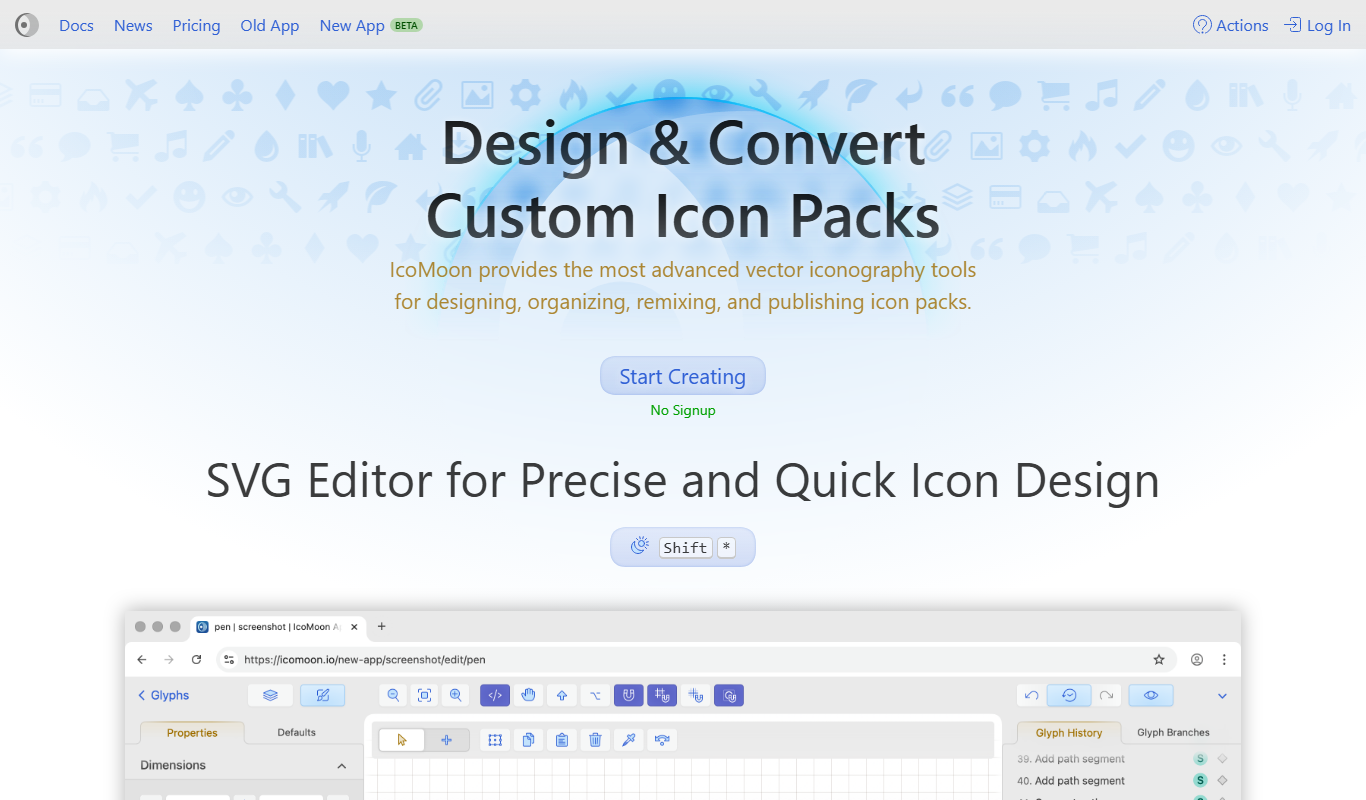
IcoMoon is a web tool that enables users to create custom icon fonts and manage SVG icons for web and app design projects.

Fontello
Fontello is a free web tool that lets you create custom icon fonts by selecting icons from various open-source sets, customizing glyphs, and downloading font packages for web and UI design.
More Design Tools tools
Other tools in the same category, for when this one is not quite the fit.

Little Bro
Little Bro is an AI design partner inside Figma that gives instant UI/UX, usability and accessibility feedback on your designs.