

PlainScribe pay-as-you-go AI transcription and translation
PlainScribe transcribes and translates audio and video in 47 languages with AI summaries and subtitles, priced pay as you go with prepaid credits and no subscription.
- Best for
- Confidential recordings
- Key capability
- Transcripts with speaker labels
Save PlainScribe, follow its updates and vote on it — everything stays in your account.
Sign in or create a free account
What is PlainScribe?
PlainScribe is an AI transcription and translation tool that turns audio or video files into text. One upload returns a transcript with speaker labels, translation across 47 languages with automatic language detection, an AI summary and subtitles. It is pay as you go with prepaid credits and no subscription, and the first transcript is free up to 2 hours.
Key features of PlainScribe
PlainScribe turns one audio or video upload into a transcript with speaker labels and timestamps, translation across 47 languages, an AI summary and ready-to-use subtitles.
Transcripts with speaker labels
Files are transcribed with speaker labels and timestamps, and the language is detected automatically.
Translation in 47 languages
Translation across 47 languages with automatic language detection.
AI summaries and subtitles
Add translation, an AI summary or subtitles with one click.
Exports
Download as TXT, CSV, SRT, VTT or JSON.
Offline desktop app
The desktop app transcribes 100% on your own machine, so files never leave your device.
Pros and cons of PlainScribe
Pros
- No subscription; prepaid credits only when needed
- First transcript free, up to 2 hours, no credit card
- Transcripts and raw audio auto-delete after 30 days
- Offline desktop app included with any credit purchase
- Affordable pricing with free trial
Cons
- Cloud transcription passes files to third-party providers that may retain or use the data
- Accuracy depends on audio quality and language
- Paid credits expire one year after purchase
Key use cases for PlainScribe
Confidential recordings
Transcribe confidential interviews, depositions and client recordings offline with the desktop app.
Translation
Translate transcripts across 47 languages.
Subtitles
Export SRT or VTT subtitle files.
Professional Communication
Supports crafting professional emails and business communications with clarity and precision.
Learning and Teaching Aid
Useful for educators and learners to generate or simplify educational content.
How PlainScribe works
- 1
Upload your file
Drag and drop an audio or video file up to 1GB, such as MP3, MP4, WAV, M4A or MOV.
- 2
AI processes it
The language is detected and the file is transcribed with speaker labels and timestamps; add translation, a summary or subtitles.
- 3
Export
Download as TXT, CSV, SRT, VTT or JSON; the transcript auto-deletes after 30 days.
- 4
Apply Changes
Users review and apply the recommended edits to enhance their writing.
Who is using PlainScribe
PlainScribe pricing
First transcript
Free
First transcript free, up to 2 hours of audio, with no credit card required.
Pay as you go
$4 per audio hour
Top up any whole-dollar amount from $10 to $500; larger top-ups earn bonus credits.
Plans and prices are as published by the vendor and can change. Check the official site before you buy. Open the pricing page (opens in a new tab)
Frequently asked questions about PlainScribe
It is pay as you go at $4 per audio hour; one credit transcribes one hour of audio.
Yes. The first transcript is free, up to 2 hours of audio, with no credit card required.
Paid credits expire one year after purchase.
Yes. The desktop app transcribes 100% on your own machine, so files never leave your device.
This tool is designed to help users accomplish its core tasks more efficiently. It is typically used by individuals or teams looking to improve productivity and workflow.
It depends on your specific needs and how you plan to use the tool. The official website and documentation are the best sources for the latest details.
Some tools offer a free plan or trial with limited features. Availability can vary, so confirm on the official website.
Yes, it can help with that use case depending on how you configure it and what features are available. You’ll get the best results with clear inputs and a defined goal.
Conclusion
Credits replace a subscription here: users top up a prepaid balance only when they have something to transcribe, and paid credits last one year. A single upload of up to 1GB comes back with a transcript carrying speaker labels and timestamps, plus optional translation across 47 languages, an AI summary and subtitles. Exports cover TXT, CSV, SRT, VTT and JSON.
Privacy shapes the design: transcripts and raw audio auto-delete after 30 days, and a desktop app included with any credit purchase transcribes fully offline for confidential interviews or depositions. Cloud jobs still pass files to third-party providers, which the site says may retain or use that data. Researchers, journalists, students and podcasters are among the use cases, and the first transcript is free up to 2 hours.
Sources
Sign in to review this tool.
Sign In to ReviewNo reviews yet
Be the first to share how this tool worked for you.
Ask about pricing, limits, or how it compares — or answer someone else.
Sign In to AskNo questions yet
Have a question about using or paying for this tool? Be the first to ask.
Featured on TiorAI



More AI Transcription Tools tools
Other tools in the same category, for when this one is not quite the fit.
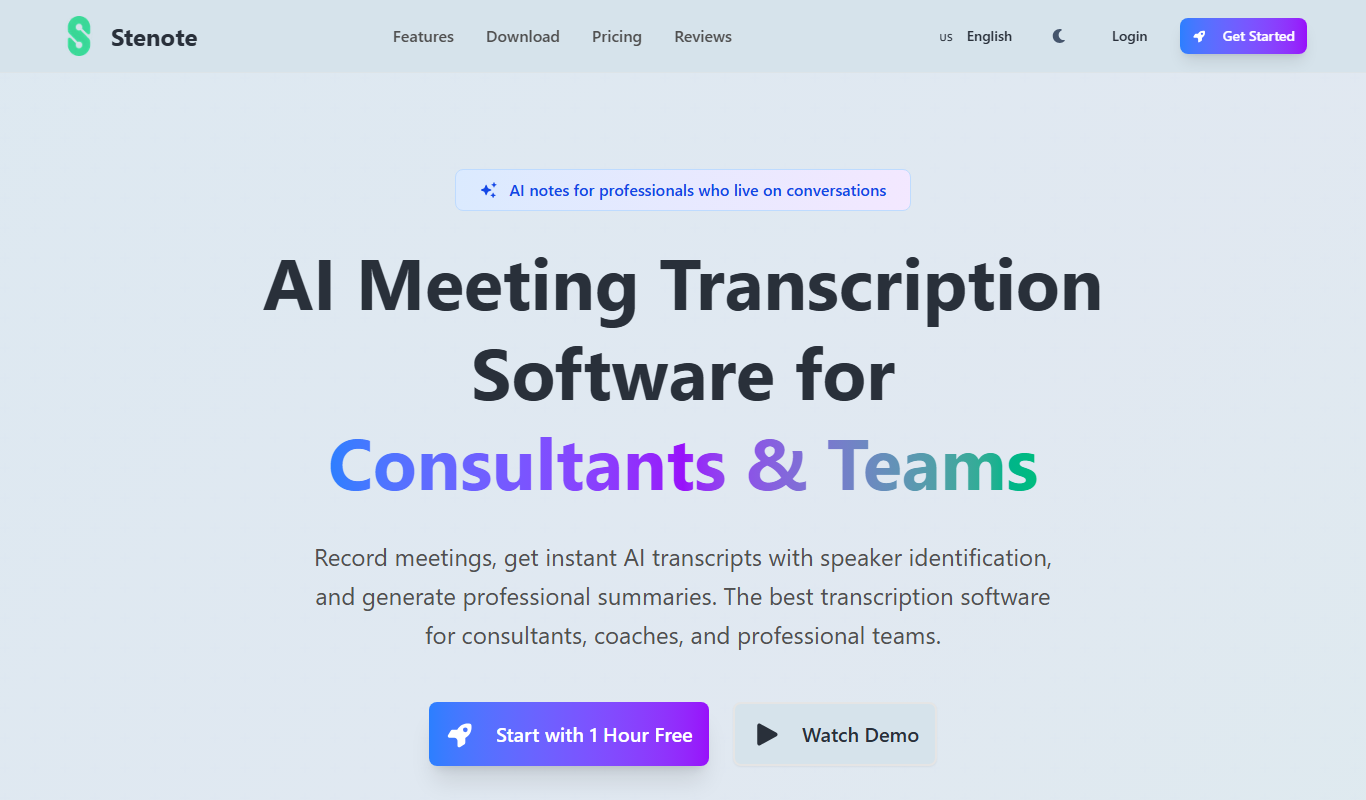
Stenote
Stenote is an AI meeting assistant that provides real-time transcription and AI-generated summaries to help teams capture and share meeting notes efficiently.
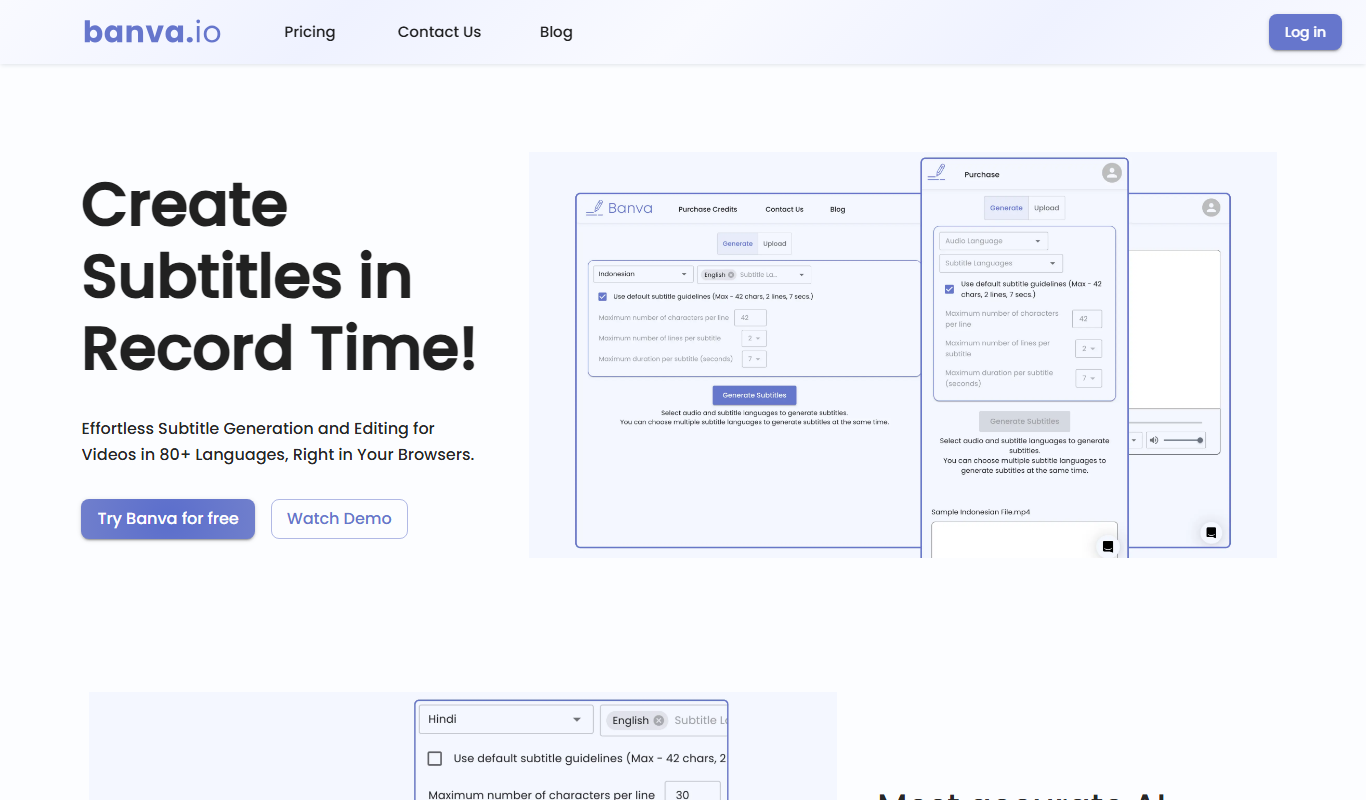
Banva
Banva is an AI subtitling, transcription and translation platform for video and audio in 90+ languages, with pay-as-you-go credits after 15 free minutes.

MBox AI meet
MBox AI Meet is a free Chrome extension for real-time transcription and AI meeting summaries in Google Meet, with a Pro plan for advanced summaries.

CaptionCreator
CaptionCreator generates subtitles for your videos with AI: transcribe or translate audio and video in 76 supported languages and export subtitles or text.

ScribeBerry
Scribeberry is an AI medical scribe that turns patient conversations into clinical notes, letters and forms and works with your existing EMR.

Circleback
Circleback gives you AI-powered meeting notes, action items, automations and search for Zoom, Google Meet, Microsoft Teams, Slack huddles and in-person conversations.

S10.AI
S10.AI is an ambient AI medical scribe that writes specialty-specific notes inside any EHR, with an AI receptionist, AI agents and telehealth in the same suite.

mpilo
mpilo is an AI medical assistant that listens to patient consultations and auto-generates SOAP and specialty notes for doctors and healthcare providers.