

YourGPT Chatbot AI Platform for Custom Conversational AI Solutions
YourGPT Chatbot is a no-code AI platform that lets businesses create custom GPT-powered chatbots for customer support, lead generation, and more, deployable on websites with data integration capabilities.
- Best for
- Customer Support Automation
- Key capability
- GPT-Powered Natural Language Understanding
Save YourGPT Chatbot, follow its updates and vote on it — everything stays in your account.
Sign in or create a free account
What is YourGPT Chatbot?
YourGPT Chatbot is a web-based AI platform that enables businesses to build custom conversational AI chatbots powered by GPT technology. It allows users to create intelligent chatbots that can understand and respond to natural language queries, automate customer interactions, and integrate with business workflows without requiring programming skills.
Key features of YourGPT Chatbot
YourGPT offers an intuitive interface for designing chatbots, natural language understanding powered by GPT, easy integration options, and customization capabilities to tailor chatbot behavior for specific business scenarios.
GPT-Powered Natural Language Understanding
Leverages advanced GPT models to interpret user queries and generate human-like responses.
No-Code Chatbot Builder
Enables users to create and customize chatbots through an easy-to-use visual interface.
Data Integration
Supports uploading documents and connecting APIs to enrich chatbot knowledge base.
Multi-Channel Deployment
Deploy chatbots on websites and other digital platforms seamlessly.
Analytics Dashboard
Provides insights into chatbot interactions to optimize performance.
Pros and cons of YourGPT Chatbot
Pros
- User-friendly no-code chatbot builder
- Powered by advanced GPT models for natural conversations
- Flexible data integration options
- Multi-tier pricing plans to suit different business sizes
- Analytics to monitor chatbot performance
Cons
- No mobile app available
- Pricing details for enterprise plans require contacting sales
Key use cases for YourGPT Chatbot
Customer Support Automation
Automate responses to common customer inquiries to improve support efficiency.
Lead Generation
Engage website visitors with interactive chat to capture leads and qualify prospects.
Internal Knowledge Base Access
Provide employees with instant answers by integrating internal documents into chatbot.
E-commerce Assistance
Guide customers through product selection and answer questions to boost sales.
Custom AI Chatbot Development
Create tailored conversational AI solutions without coding for various business needs.
How YourGPT Chatbot works
- 1
Sign Up
Create an account on the YourGPT platform to access chatbot building tools.
- 2
Design Your Chatbot
Use the visual interface to configure chatbot responses, intents, and workflows.
- 3
Integrate Data
Connect your chatbot to internal documents or APIs to provide accurate answers.
- 4
Deploy
Publish your chatbot on your website or other channels to start interacting with users.
- 5
Monitor and Improve
Track chatbot performance and refine responses based on user interactions.
Who is using YourGPT Chatbot
YourGPT Chatbot pricing
Free Trial
$0 for 7 days
7-day free trial, no credit card required.
Essential
$39 per month billed annually, or $59 /month
2 chatbots, 200 webpages, 20 documents, 10 million AI credits, monthly content update, 3 team members, unlimited integrations.
Professional
$79 per month billed annually, or $129 /month
5 chatbots, 500 webpages, 100 documents, 30 million AI credits, Chatbot Studio, API / Webhook support, access to GPT-4, functions, 5 team members, AI Helpdesk, lead generation, multi-language support, self learning, escalate to human agent, all integrations.
Enterprise
Contact us
For large organizations: yearly contract with dedicated support, custom development, SSO, custom SLA, enterprise API access and custom integration development.
Advanced
$349 per month billed annually, or $499 /month
10 chatbots, 2,000 webpages, 500 documents, 100 million AI credits, weekly content update, advance analytics, removal of 'Powered by YourGPT', 20 team members, custom branding, custom domain, custom roles, account manager.
Plans and prices are as published by the vendor and can change. Check the official site before you buy. Open the pricing page (opens in a new tab)
Frequently asked questions about YourGPT Chatbot
No, YourGPT provides a no-code visual builder that allows anyone to create chatbots without programming.
Yes, you can upload documents and connect APIs to provide your chatbot with custom knowledge.
Yes, YourGPT offers a 7-day free trial to explore the platform’s features.
YourGPT agents can be deployed on your website and on channels such as WhatsApp, Discord, Slack, Messenger and Telegram.
It depends on your specific needs and how you plan to use the tool. The official website and documentation are the best sources for the latest details.
Yes, it can help with that use case depending on how you configure it and what features are available. You’ll get the best results with clear inputs and a defined goal.
Pricing depends on the plan and included features. For the most accurate and up-to-date details, check the official pricing page.
Conclusion
Training starts from content a business already has, such as a website link, Notion documents, a YouTube video or uploaded files like PDF and DOCX. The resulting agent responds in the customer’s language across 100+ languages, and added tools let it act in third-party apps and services outside the chat. Each chatbot comes with its own widget code for embedding on a website, and integrations such as Discord, Slack, Messenger, WhatsApp and Telegram are available on all plans. Retraining after website changes means clicking the ReIndex button in the dashboard or setting a periodic reindexing time.
Customer support teams, e-commerce companies and internal knowledge management teams are the main users. Plans are sized by chatbots, webpages, documents and AI credits, and different models consume different amounts of credits. A 7-day free trial needs no credit card, while API and webhook support begin with the Professional plan.
Sources
Sign in to review this tool.
Sign In to ReviewNo reviews yet
Be the first to share how this tool worked for you.
Ask about pricing, limits, or how it compares — or answer someone else.
Sign In to AskNo questions yet
Have a question about using or paying for this tool? Be the first to ask.
Featured on TiorAI



More Conversational AI tools
Other tools in the same category, for when this one is not quite the fit.
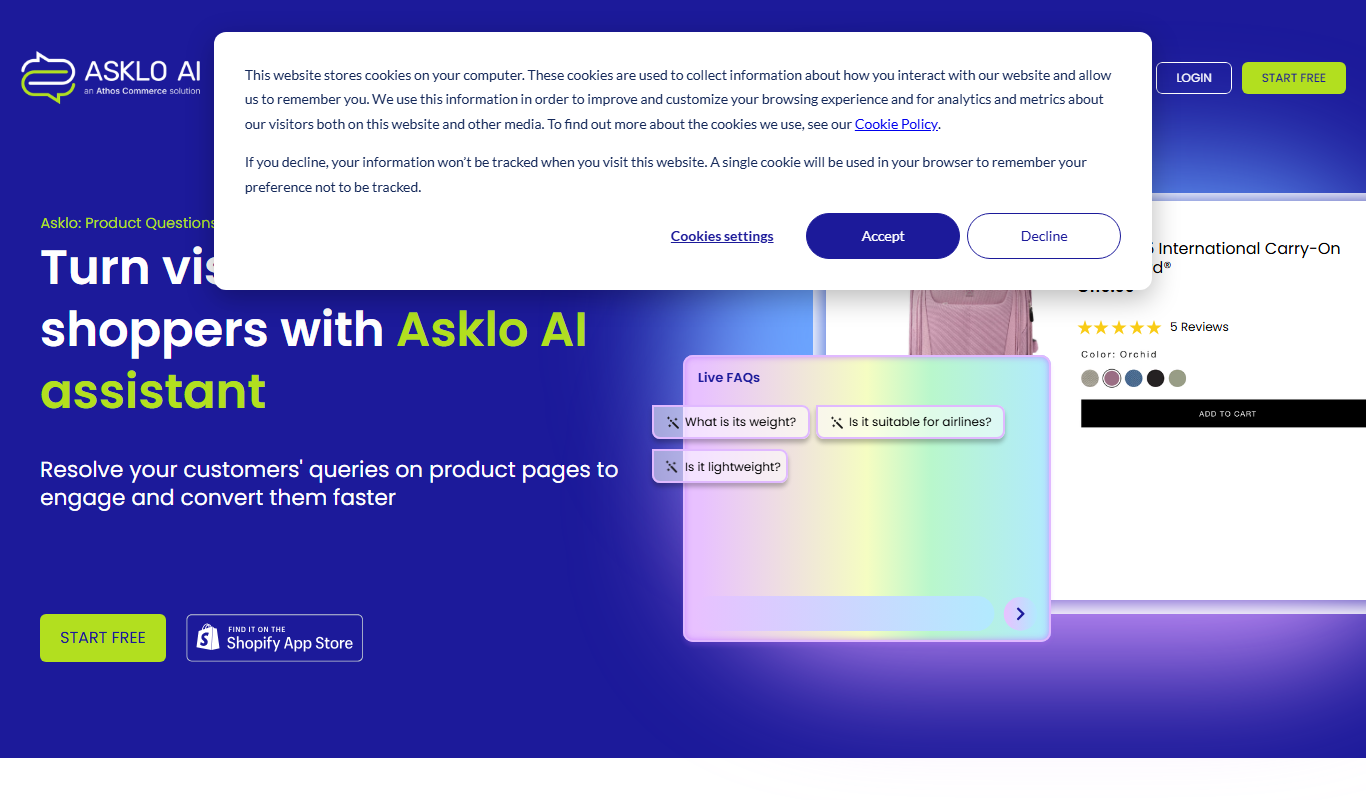
Asklo AI
Asklo AI instantly answers product questions, FAQs and Q&A on ecommerce product pages to improve conversions and reduce support requests.
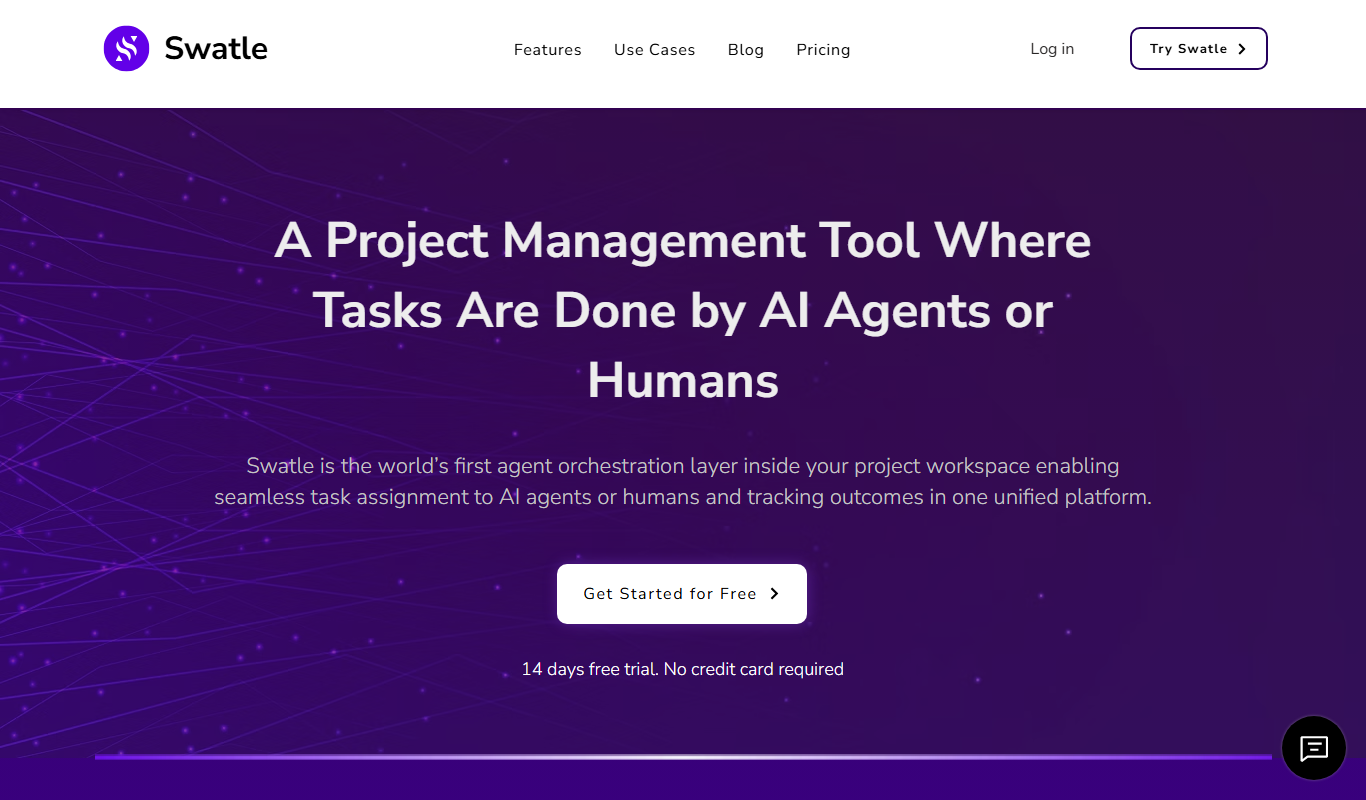
Swatle
Swatle is an all-in-one project management and AI Work OS for teams: manage projects, collaborate in real time, automate workflows, document knowledge and deploy AI in one platform.
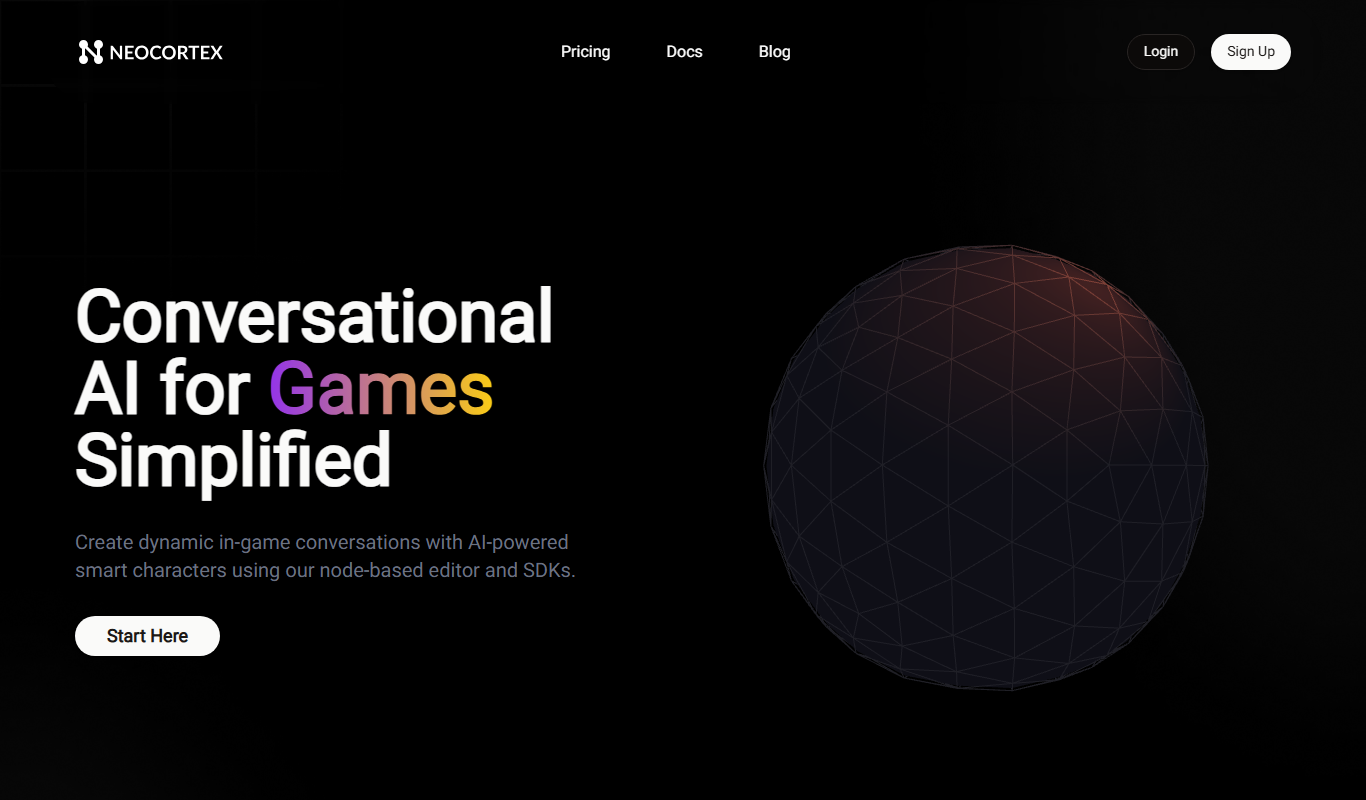
Neocortex
Neocortex lets you create dynamic game conversations and voice-controlled interactions with AI-powered smart characters, using a node-based editor and SDKs.
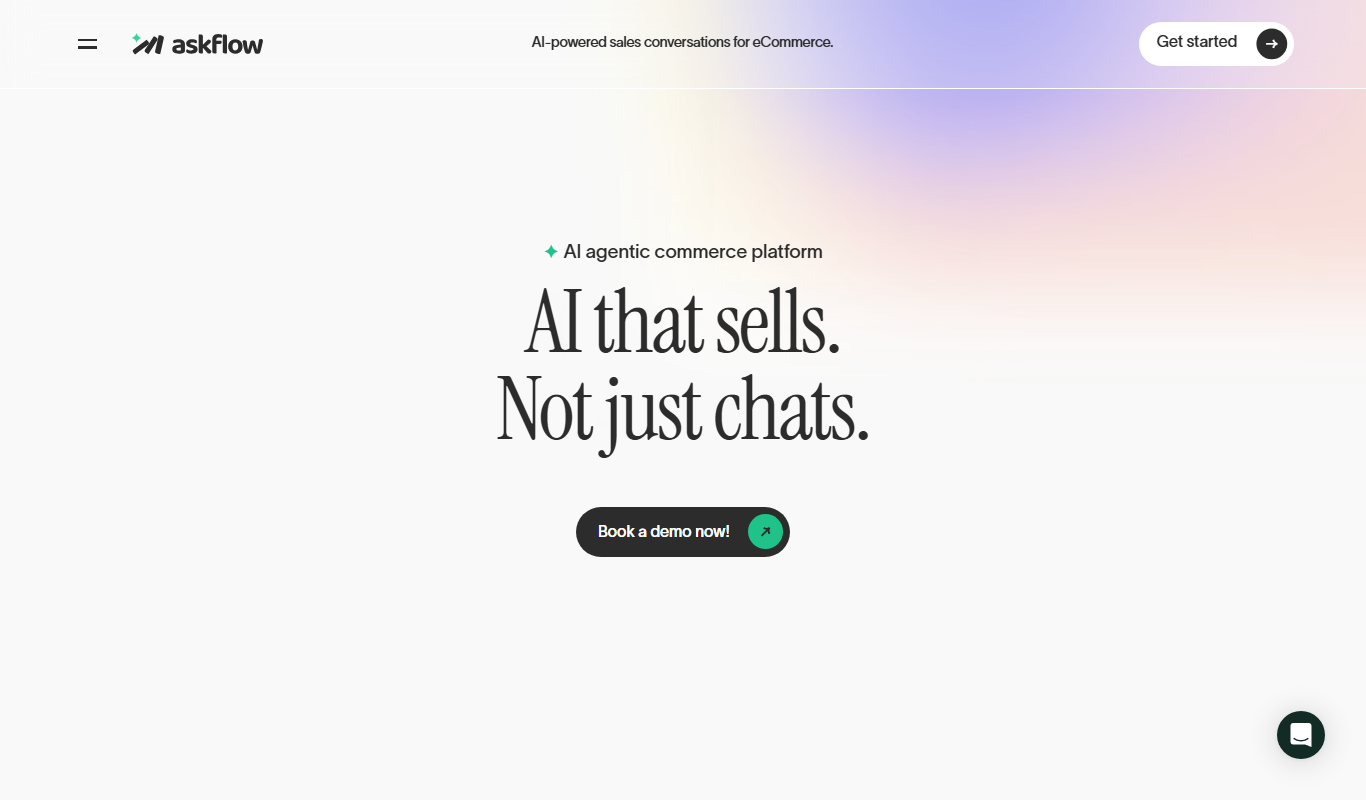
Askflow AI
Askflow AI is an AI sales conversation platform for eCommerce stores that recommends products, answers shopper questions and guides visitors to checkout.

OpenAssistantGPT
OpenAssistantGPT lets you build a RAG chatbot or AI agent on the OpenAI API without code, train it by crawling your website and embed it on your site.

Mumble
Mumble is a web platform integrated with WhatsApp that helps businesses manage customer interactions, automate sales processes, warm up leads and track customer journeys.

Dokko
Dokko is a document AI platform that reads contracts, manuals and policies in full, answers with citations and acts on what it finds, for teams and their customers.
Noon AI
Noon is an autonomous AI recruiting agent that sources, screens and reaches out to qualified candidates, then syncs everything back to your ATS.