

EasyMedia AI YouTube to social media content generator
EasyMedia uses AI to turn YouTube videos into social media posts, tweets, carousels and newsletter content, paid with credit packs instead of a subscription.
- Best for
- LinkedIn posts
- Key capability
- Posts from YouTube videos
Save EasyMedia, follow its updates and vote on it — everything stays in your account.
Sign in or create a free account
What is EasyMedia?
EasyMedia is an AI tool that turns your YouTube videos into social media content. From one video it generates posts, tweets, carousels and newsletter content tailored to each social media platform’s format, and it is paid with credit packs rather than a subscription.
Key features of EasyMedia
EasyMedia generates posts, tweets, carousels and newsletter summaries from a YouTube video, adapts them to each platform’s format, and includes image generation and content ideas in every credit pack.
Posts from YouTube videos
Generates social media posts, tweets and carousels from your YouTube videos.
Multi-platform output
Creates posts for Facebook, Instagram, Twitter and more.
Platform-specific formatting
AI tailors content to each platform's format and requirements.
Newsletter content
Summaries and insights from YouTube videos for email marketing.
Image and idea generation
Every credit pack includes image generation and content ideas generation.
Pros and cons of EasyMedia
Pros
- 5 free posts to try it
- No subscription; pay only for what you use
- Image generation included in every pack
- Affordable pricing tiers for different user needs
Cons
- Source content must be a YouTube video
- Free plan videos include watermark
- Currently supports only English language
Key use cases for EasyMedia
LinkedIn posts
Craft professional, bite-sized content from YouTube videos.
Tweets
Turn videos into tweets.
Newsletters
Fuel email marketing with summaries of YouTube videos.
Instagram and Facebook
Create posts for Instagram and Facebook from the same video.
How EasyMedia works
- 1
Try for free
Start with 5 free posts.
- 2
Pick a YouTube video
Use a video from your existing YouTube library.
- 3
Generate content
AI creates posts, tweets, carousels and more from the video.
- 4
Share everywhere
Create content for all your social media platforms in one place.
- 5
Generate and Export
Let the AI process your inputs to create the video, then export it in the desired format for social sharing.
Who is using EasyMedia
EasyMedia pricing
Basic
$7.50 ($1.50 per post)
5 posts, all social platforms, image generation, content ideas generation.
Pro
$20.00 ($1.00 per post)
20 posts, all social platforms, image generation, content ideas generation.
Enterprise
$30.00 ($0.60 per post)
50 posts, all social platforms, image generation, content ideas generation.
Plans and prices are as published by the vendor and can change. Check the official site before you buy. Open the pricing page (opens in a new tab)
Frequently asked questions about EasyMedia
It uses AI to generate social media posts, tweets, carousels and more from your YouTube videos.
No. You purchase credits and pay only for what you use.
Yes, 5 free posts are included.
Facebook, Instagram, Twitter and more.
It depends on your specific needs and how you plan to use the tool. The official website and documentation are the best sources for the latest details.
Pricing depends on the plan and included features. For the most accurate and up-to-date details, check the official pricing page.
Yes, it can help with that use case depending on how you configure it and what features are available. You’ll get the best results with clear inputs and a defined goal.
Conclusion
A single YouTube video is the starting point, and the AI turns it into posts, tweets, carousels and newsletter summaries. Output is tailored to each platform’s format, covering LinkedIn, Twitter, Instagram and Facebook, and every pack also generates images and content ideas.
It may suit YouTube creators who want to leverage their existing YouTube library for social media engagement. There is no subscription: users buy Basic, Pro or Enterprise credit packs sized by number of posts, and the first 5 posts are free. Its source material is always a YouTube video.
Sources
Sign in to review this tool.
Sign In to ReviewNo reviews yet
Be the first to share how this tool worked for you.
Ask about pricing, limits, or how it compares — or answer someone else.
Sign In to AskNo questions yet
Have a question about using or paying for this tool? Be the first to ask.
Featured on TiorAI



More AI Content Generation Tools tools
Other tools in the same category, for when this one is not quite the fit.

Remagine AI
Remagine AI is a web-based platform that uses artificial intelligence to generate marketing content and automate marketing workflows, helping businesses create SEO-friendly and brand-consistent materials efficiently.
AI Poem Generator
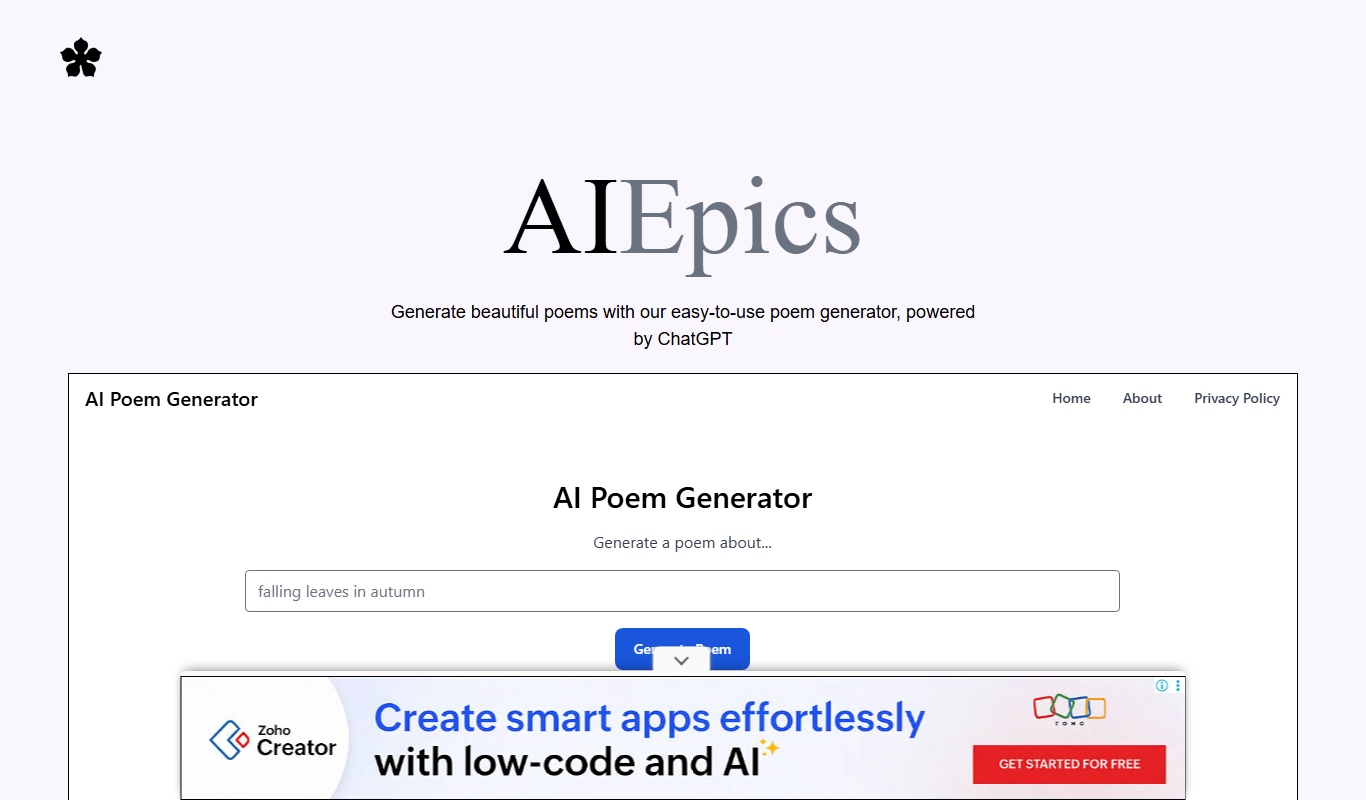
AI Poem Generator is a web tool that creates original poems based on user input themes or keywords using AI technology.

Buzzli
Buzzli uses AI-powered agents to create LinkedIn content, optimize your profile and keep you visible to recruiters, clients and decision-makers.
Fringe Sift
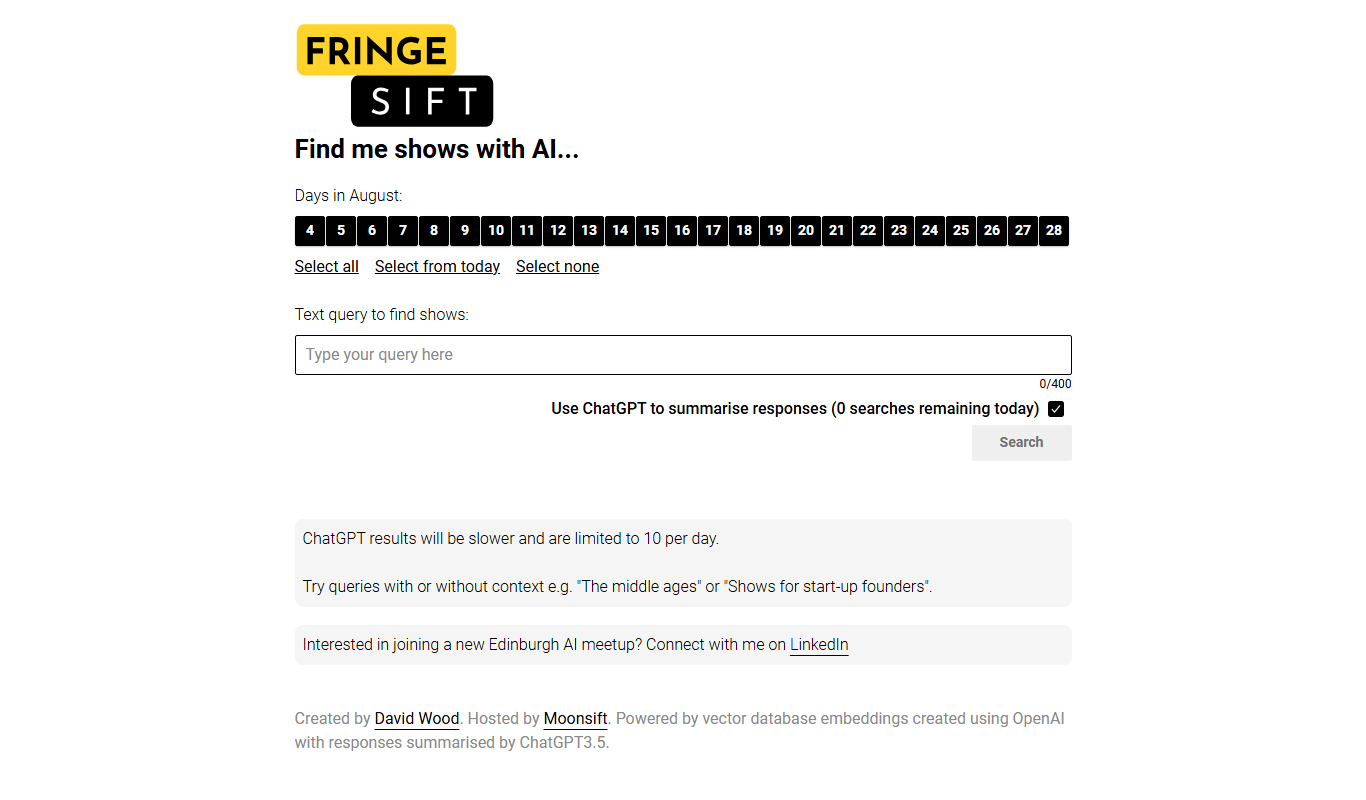
FringeSift is an AI search tool that finds Edinburgh Fringe shows from a text query and selected days in August.
DOO
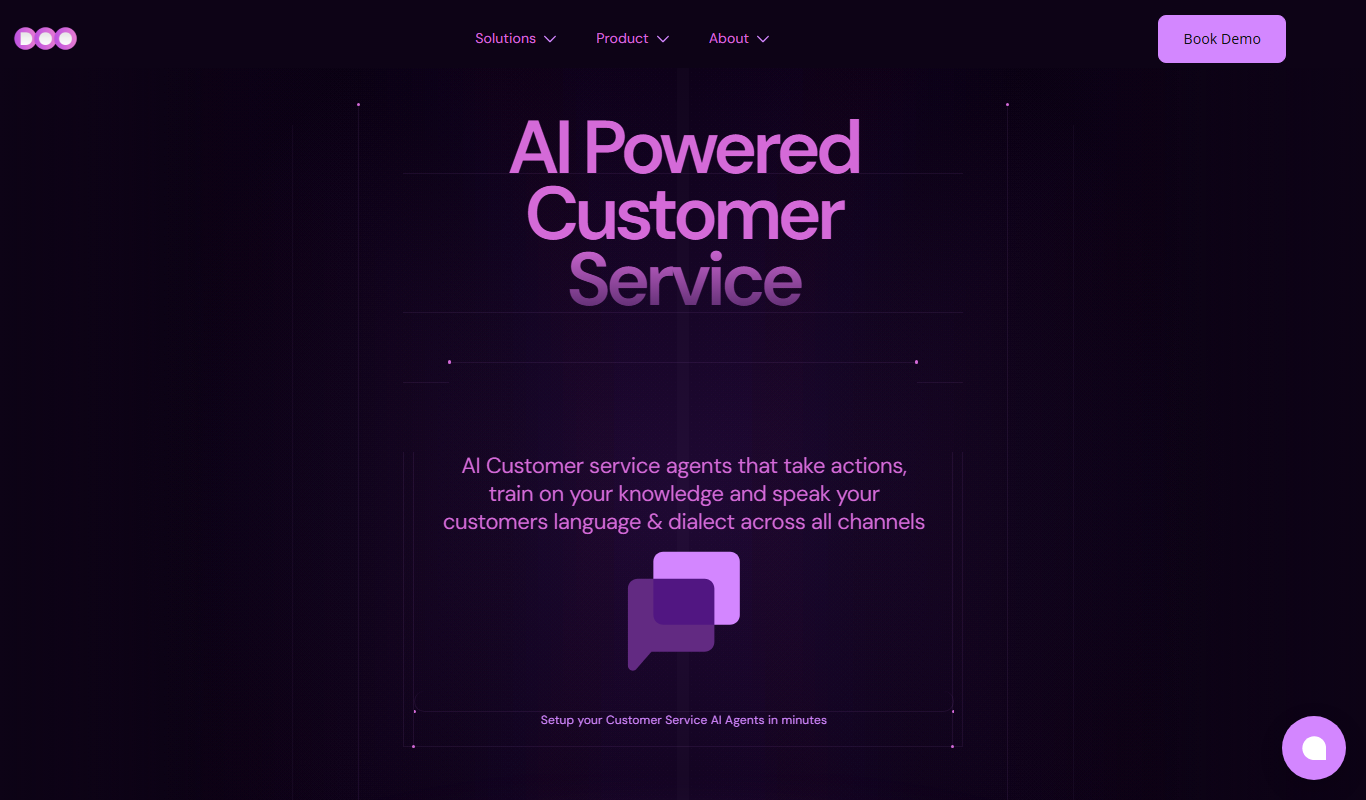
DOO is an AI customer experience platform: a unified inbox for email, chat, WhatsApp, Instagram and voice, with AI agents that take action and speak your customers' dialect.
SferaAI
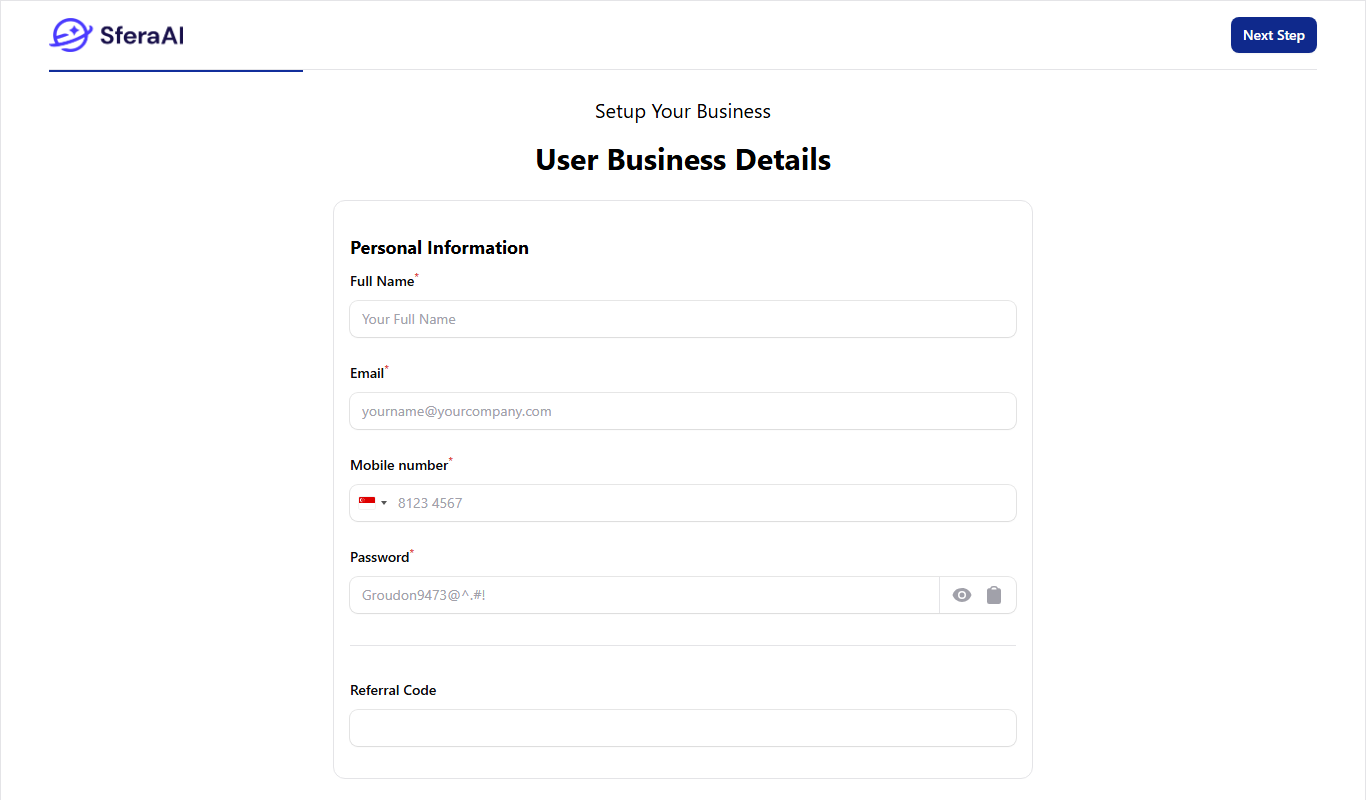
SferaAI is an all-in-one booking system for service businesses: booking website, appointment management, auto reminders, CRM, marketing, loyalty and rewards.
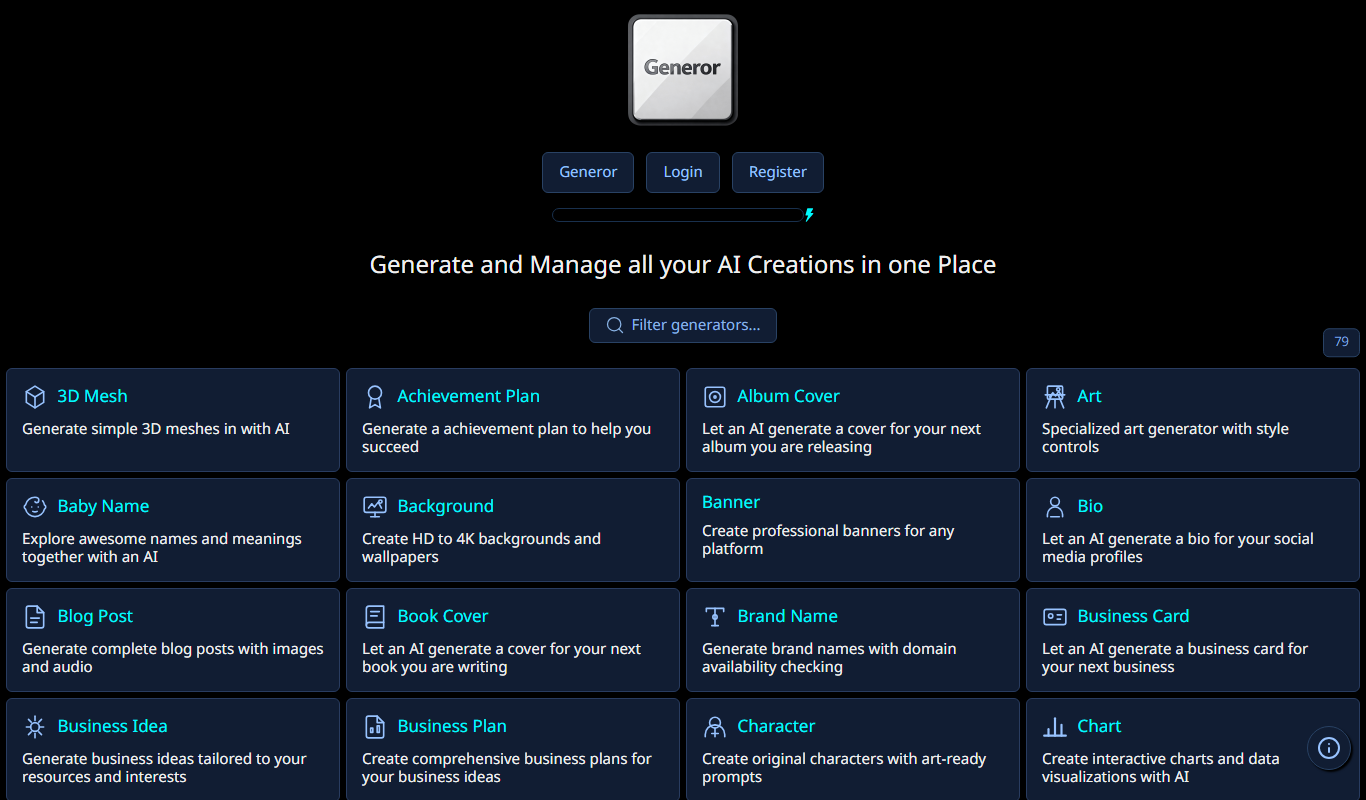
Generor
Generor is an AI generator web app with many generators for images, video, 3D meshes and text, plus a system for storing and sharing what you create.

Imagine Stories
Imagine Stories uses AI to write reading texts, fairy tales and stories for children, including therapeutic tales and texts for therapy.