

PngMaker.io - Fast and Easy Text to PNG Image Converter Online
PngMaker.io is an AI tool that creates transparent PNG images from text prompts, with a free daily credit allowance and paid plans for more credits and commercial use.
- Best for
- Create Transparent Text Images
- Key capability
- Instant Text to PNG Conversion
Save PngMaker.io: Convert Text to PNG Quickly, follow its updates and vote on it — everything stays in your account.
Sign in or create a free account

What is PngMaker.io: Convert Text to PNG Quickly?
PngMaker.io is an AI image generator that creates transparent PNG images from text in seconds. Users describe what they want, customize fonts and colors, and download the result; image-to-image generation is also available.
Key features of PngMaker.io: Convert Text to PNG Quickly
The tool offers instant text-to-PNG conversion with customization options for font, size, color, and background transparency. It is browser-based, requires no installation, and outputs high-quality PNG images suitable for various digital uses.
Instant Text to PNG Conversion
Transforms text input into a downloadable PNG image instantly.
Customizable Fonts and Colors
Choose from various fonts and colors to match your design needs.
Transparent Background Support
Generates PNGs with transparent backgrounds for versatile use.
No Account Required
Use the tool freely without signing up or installing software.
Pros and cons of PngMaker.io: Convert Text to PNG Quickly
Pros
- Simple and intuitive interface
- No sign-up or installation required
- Fast conversion with transparent backgrounds
Cons
- No advanced graphic design features
Key use cases for PngMaker.io: Convert Text to PNG Quickly
Create Transparent Text Images
Generate PNG images with transparent backgrounds from any text for use in presentations, websites, or social media.
Quick Graphic Design Elements
Produce text-based graphics quickly without needing advanced design software.
Content Creation for Marketing
Easily create text images for marketing materials, banners, or ads.
Web Development
Generate text images for UI elements or placeholders in web projects.
How PngMaker.io: Convert Text to PNG Quickly works
- 1
Enter Text
Type or paste the desired text into the input field on the website.
- 2
Customize Appearance
Adjust font style, size, and color to your preference.
- 3
Generate PNG
Click the convert button to create a PNG image with transparent background.
- 4
Download Image
Save the generated PNG file directly to your device for immediate use.
Who is using PngMaker.io: Convert Text to PNG Quickly
PngMaker.io: Convert Text to PNG Quickly pricing
Free
$0/month
9 credits per day, image-to-image and text-to-image generation, GPT-Image-1 support, 1 image at a time; images are for personal use only and public.
Pro
$5.94/month billed yearly
600 credits per month (up to 240 images), up to 4 images at once, private generation, commercial use rights, unlimited storage and priority support.
Max
$11.94/month billed yearly
All free features plus 2000 credits per month (up to 800 images).
Plans and prices are as published by the vendor and can change. Check the official site before you buy. Open the pricing page (opens in a new tab)
Frequently asked questions about PngMaker.io: Convert Text to PNG Quickly
PngMaker.io has a free plan with 9 credits per day for personal use; the Pro and Max plans add more credits and commercial use rights.
Yes, you can select different fonts, sizes, and colors before generating the PNG.
Yes, the tool creates PNG images with transparent backgrounds by default.
Yes. The free plan includes 9 credits per day, and paid plans include a monthly credit allowance that does not roll over.
It depends on your specific needs and how you plan to use the tool. The official website and documentation are the best sources for the latest details.
Some tools offer a free plan or trial with limited features. Availability can vary, so confirm on the official website.
It depends on your specific needs and how you plan to use the tool. The official website and documentation are the best sources for the latest details.
Conclusion
The AI creates transparent PNGs from text in seconds, and if the result is not right, the text prompt can be modified before the PNG image is downloaded. Fonts and colors can be customized, and image-to-image generation sits next to text-to-image. Transparent output is meant to drop into web design, marketing materials and digital content.
Web designers, marketers and content creators are the intended users. The free plan gives 9 credits a day, but its images are public and limited to personal use. Paid Pro and Max subscriptions add monthly credits, private generation, commercial use rights and unlimited storage, and unused credits do not roll over.
Sources
Sign in to review this tool.
Sign In to ReviewNo reviews yet
Be the first to share how this tool worked for you.
Ask about pricing, limits, or how it compares — or answer someone else.
Sign In to AskNo questions yet
Have a question about using or paying for this tool? Be the first to ask.
Featured on TiorAI



Alternative Tools
Explore similar AI tools that might fit your needs
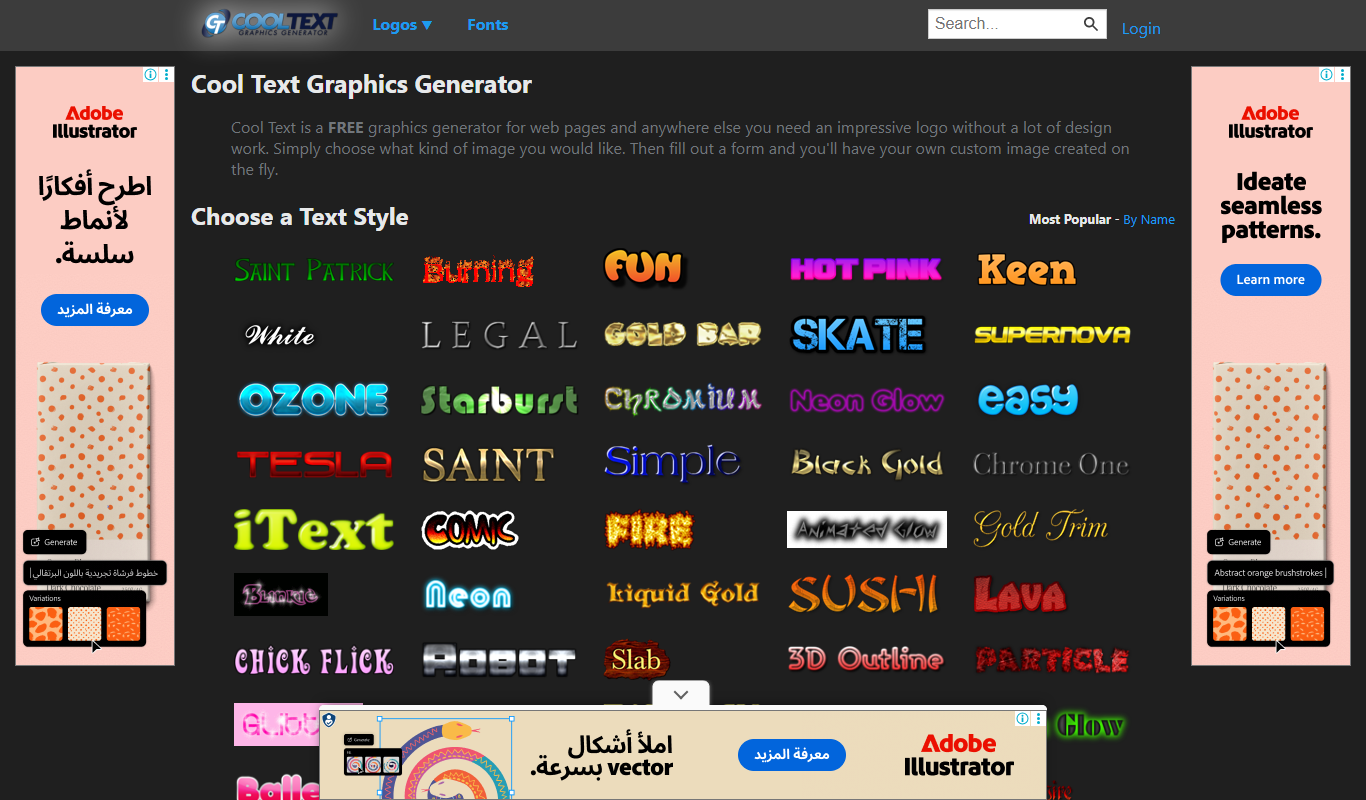
CoolText
CoolText is a free online tool for creating custom logos and graphic text designs with various fonts and effects, ideal for quick branding needs.