

colone childcare logging app with expert baby sleep advice
colone is a childcare logging app that families share, with sleep and parenting advice from experts; logging is free and advice plans are paid.
- Best for
- Shared baby log
- Key capability
- Childcare log
Save colone, follow its updates and vote on it — everything stays in your account.
Sign in or create a free account
What is colone?
colone is a childcare logging app for parents that the whole family can share. Parents record the baby’s daily routine, review a weekly report together and receive sleep and parenting advice from experts through an AI chat that is available around the clock, with content supervised by a nonprofit baby sleep research institute. Logging is free, and content and advice plans are paid monthly.
Key features of colone
colone combines an easy childcare log, a weekly report the family can share, monthly-age parenting content, basic knowledge about baby sleep and expert advice through an AI chat, with content supervised by a nonprofit baby sleep research institute.
Childcare log
Intuitive controls for entering the baby's daily log smoothly.
Family sharing and weekly report
The family shares the baby's records and a one-week report for looking back.
Expert advice by AI chat
Sleep and parenting advice from experts through an AI chat, 24 hours a day, 365 days a year; partly paid.
Expert supervision
Content supervised by a nonprofit baby sleep research institute.
Pros and cons of colone
Pros
- Logging is free
- Records and a weekly report can be shared with the family
- Advice available 24 hours a day, 365 days a year
Cons
- Expert advice is partly paid
- No mobile app available yet
- Some advanced features require subscription
Key use cases for colone
Shared baby log
Share the baby's daily records with the whole family.
Baby sleep support
Subscribe to knowledge and advice for improving sleep, based on long-running sleep research.
Parenting questions
Ask for parenting advice that fits your concerns through on-demand chat.
Text Editing and Enhancement
Improve and refine existing text for clarity and style.
How colone works
- 1
Download the app
Install the app; logging is free.
- 2
Log the day
Enter the baby’s childcare log with intuitive controls.
- 3
Review with the family
Look back at entries in a weekly report shared with the family.
- 4
Ask for advice
Get sleep and parenting advice from experts through the AI chat.
Who is using colone
colone pricing
Content plan
JPY 500/month
Monthly-age parenting content, basic knowledge about baby sleep and advice for your concerns; two weeks free for a limited time.
Advice plan
JPY 900/month
Sleep knowledge and parenting advice for your concerns through on-demand chat.
Plans and prices are as published by the vendor and can change. Check the official site before you buy. Open the pricing page (opens in a new tab)
Frequently asked questions about colone
Logging is free; the content plan and the advice plan are paid monthly.
Yes. The family shares the baby’s daily records and a weekly report.
The content is supervised by a nonprofit baby sleep research institute.
Advice from experts arrives through an AI chat 24 hours a day, 365 days a year; part of it is paid.
colone is made by Pixel Tokyo.
Conclusion
Parents use colone to log a baby’s daily routine and share those records with the whole family. Intuitive controls keep log entry smooth, and the family looks back at the records in a shared one-week report. Its distinctive part is sleep support: an AI chat delivers sleep and parenting advice from experts at any hour, with content supervised by a nonprofit baby sleep research institute.
Logging itself is free. A content plan with month-by-month parenting material and an advice plan with on-demand chat are paid monthly, and the content plan currently starts with two free weeks. The app is made by Pixel Tokyo.
Sources
Sign in to review this tool.
Sign In to ReviewNo reviews yet
Be the first to share how this tool worked for you.
Ask about pricing, limits, or how it compares — or answer someone else.
Sign In to AskNo questions yet
Have a question about using or paying for this tool? Be the first to ask.
Featured on TiorAI



More AI Parenting Tools tools
Other tools in the same category, for when this one is not quite the fit.

Lizzy Sleep
Lizzy Sleep is a baby sleep app with Guided Programs and a 24/7 instant sleep chat, powered by Sleep Baby Consulting.
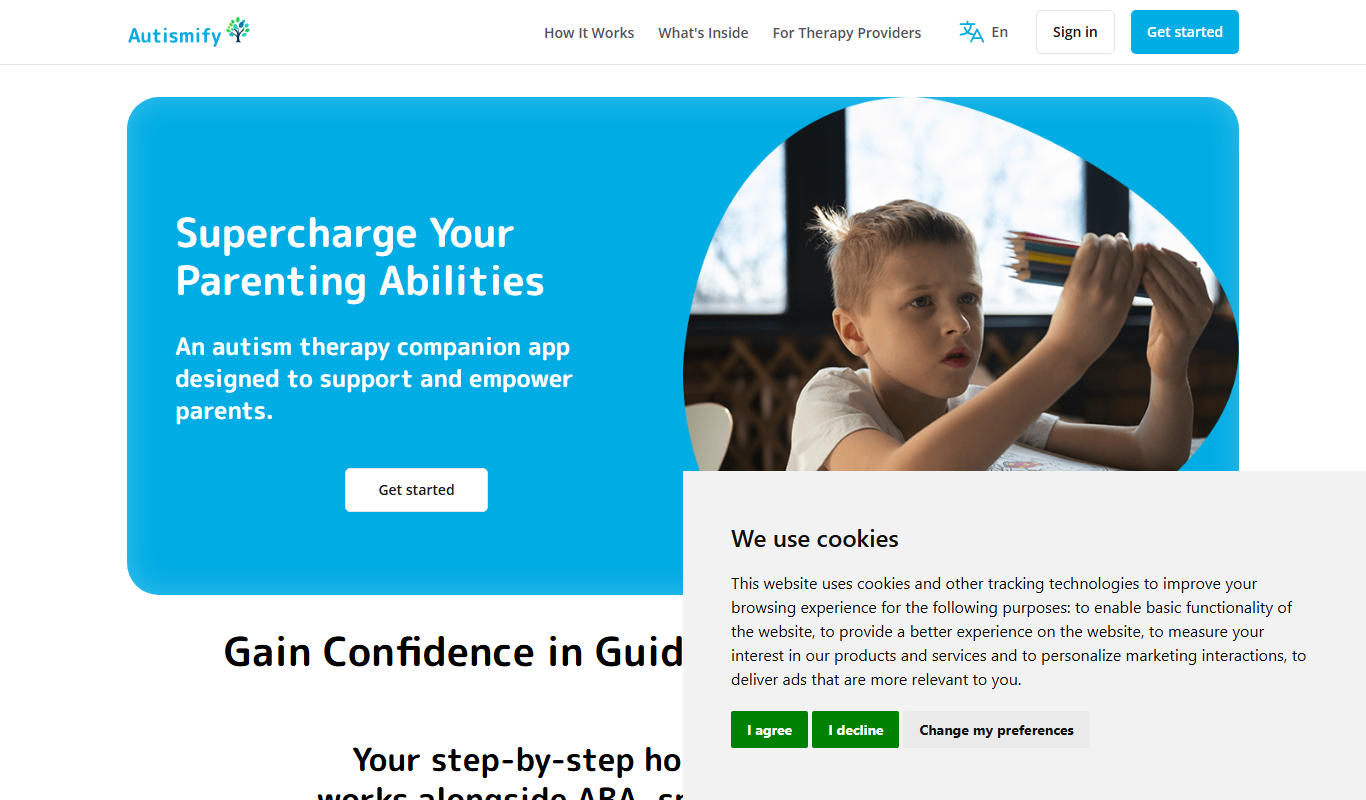
Autismify
Autismify is a clinical copilot for ABA therapy that helps professionals turn their guidance into structured next steps for families at home.

Fantasaur
Fantasaur creates personalized AI bedtime stories for children, with original illustrations and natural narration in 18 languages.

SantaAI
SantaAI is a mobile app where children talk with a magical AI Santa Claus who remembers their conversations.
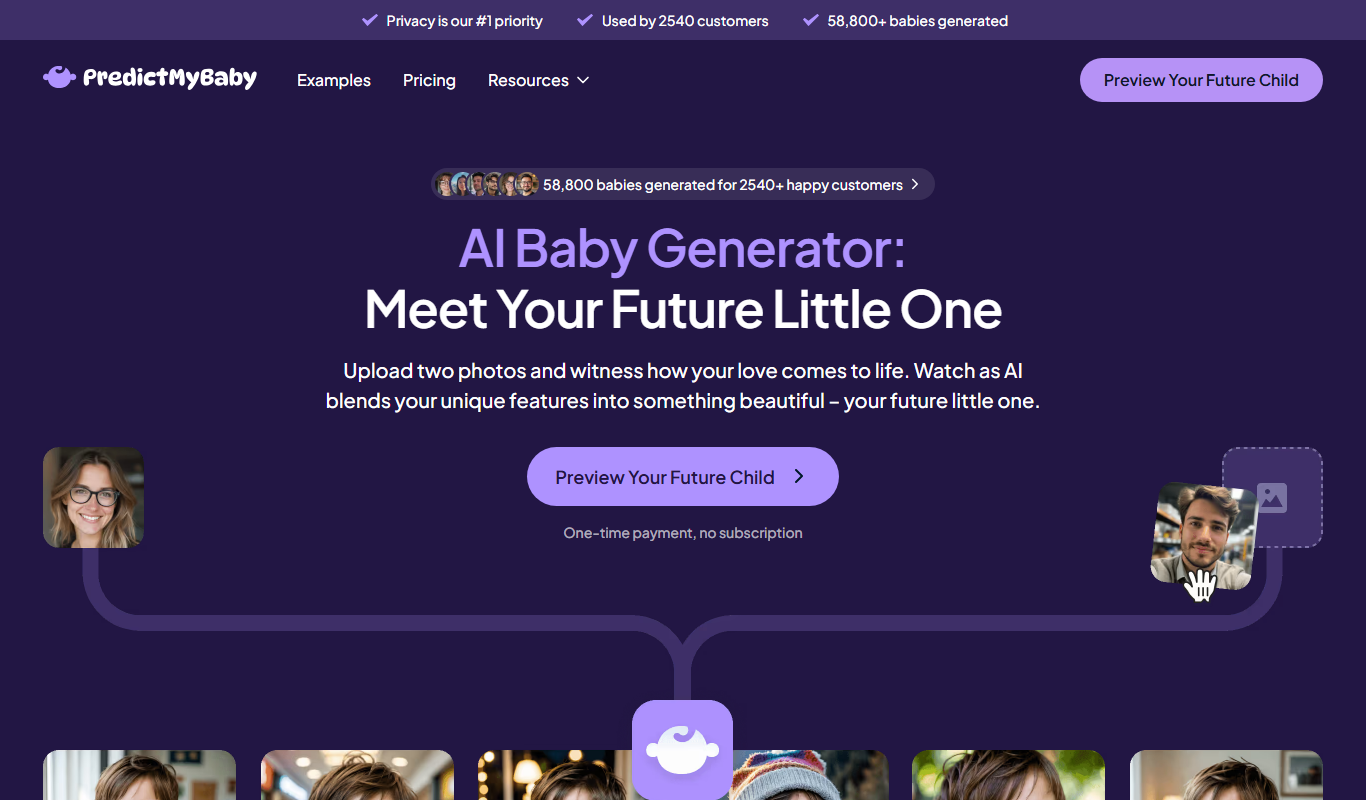
PredictMyBaby
PredictMyBaby is an AI baby generator: upload one photo of each parent and see what your future baby could look like, from newborn to adult.

BedtimeRead
BedtimeRead generates unique, personalized bedtime stories for your children with AI-powered storytelling.

BabySleepBot
BabySleepBot is a DIY baby sleep training program from sleep consultant Jennifer Duff, with audio lessons, guides and an AI chatbot.
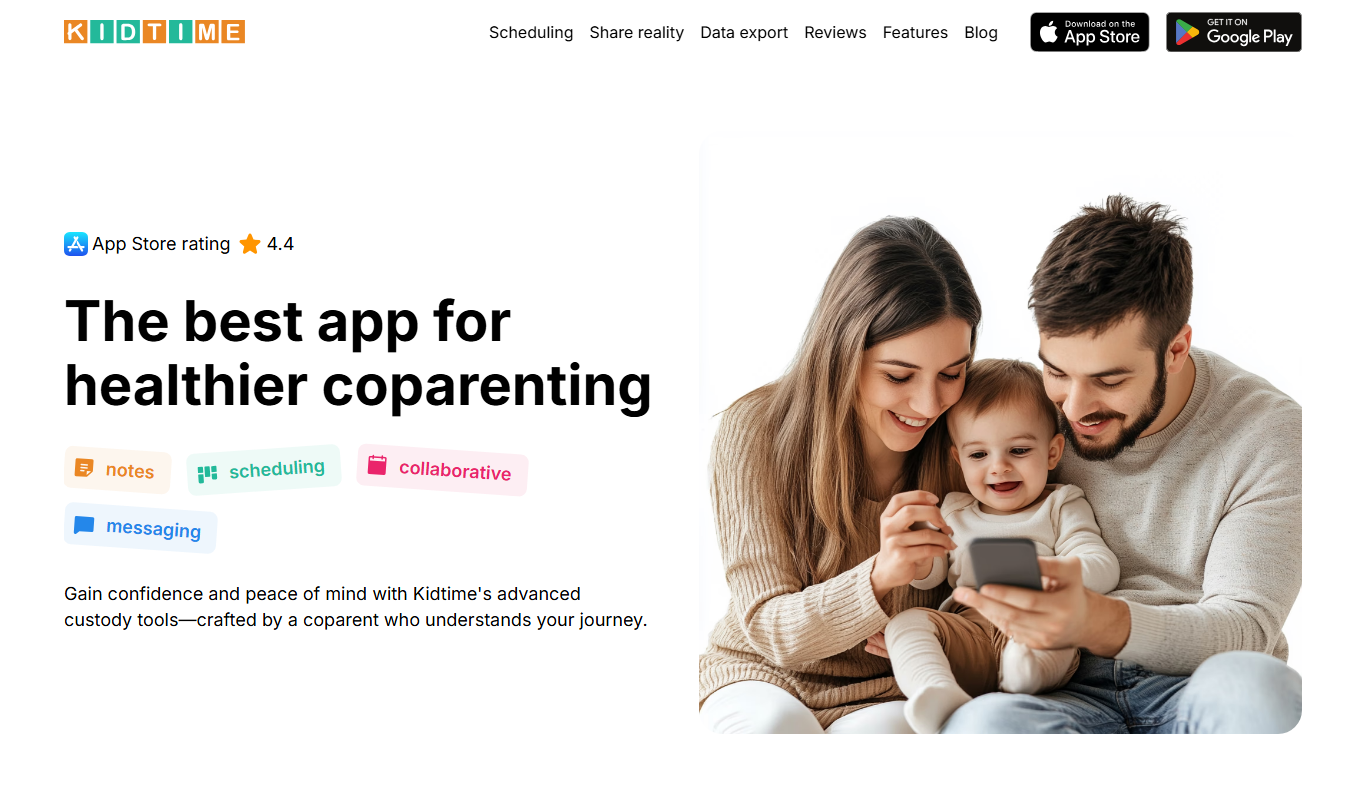
Kidtime
Kidtime is a co-parenting app for your custody calendar, messages, expenses and court-ready parenting records.