

Userdesk no-code AI chatbot builder trained on your data
Userdesk is a no-code builder for ChatGPT-like AI chatbots trained on your website, Notion and PDFs, used to answer visitors and collect leads.
- Best for
- Lead capture on websites
- Key capability
- Train on your content
Save Userdesk, follow its updates and vote on it — everything stays in your account.
Sign in or create a free account
What is Userdesk?
Userdesk is a no-code solution for creating AI chatbots trained on your web sites, Notion, Google Drive and PDF files. The chatbots answer visitors in their own language, collect leads and purchase intents, and can be embedded on a website.
Key features of Userdesk
Userdesk offers chatbots trained on websites, Notion, Google Drive and PDF files, lead collection, answers in many languages, daily auto-sync on higher plans, chat history and visitor questions, brand customization, and a website widget.
Train on your content
Connect websites, Notion, Google Drive and PDF files and go live in minutes.
Lead generation
Collect purchase intents, book calls and close deals on autopilot.
52+ languages
The chatbot answers in the user's language even if the knowledge base is in another.
Auto-sync
When your website or Notion data changes, the chatbot is trained again.
Customer insights
See the questions users ask and identify common issues and patterns.
Pros and cons of Userdesk
Pros
- No-code setup with many content sources
- Replies in 52+ languages
- Answers visitors even when you are not online
- Free plan to try it
Cons
- Monthly limits on AI generated responses
- No WhatsApp integration
Key use cases for Userdesk
Lead capture on websites
Engage website visitors and collect leads with an AI assistant.
SaaS customer support
Reduce support tickets with chatbots trained on your knowledge base.
Internal answers in Slack
Let your team ask the chatbot questions directly from Slack.
Multilingual support
Answer customers in 52+ languages from one knowledge base.
How Userdesk works
- 1
Add your sources
Enter a website, sitemap, Zendesk Help Center or Gitbook link, connect Notion or upload PDF files.
- 2
Customize the chatbot
Personalize the chatbot to match your brand and website.
- 3
Embed or connect
Embed the chatbot with the provided code or link to its unique URL.
- 4
Review conversations
Read the full chat history and the questions visitors ask.
- 5
Analyze Performance
Track key metrics and generate reports to optimize your support process.
Who is using Userdesk
Userdesk pricing
Free
$0
1 chatbot, 30 AI messages per month, unlimited live chat messages and 50,000 training words.
Hobby
$16 per month or $190 billed yearly
1 chatbot, 2,000 AI messages per month and 500,000 training words.
Growth
$41 per month or $490 billed yearly
2 chatbots, 4,000 AI messages per month, 1,000,000 training words and GPT-4.
Pro
$83 per month or $990 billed yearly
5 chatbots, 15,000 AI messages per month, 2,000,000 training words and GPT-4.
Enterprise
$416 per month or $4990 billed yearly
50 chatbots, 100,000 AI messages per month and 50,000,000 training words.
Plans and prices are as published by the vendor and can change. Check the official site before you buy. Open the pricing page (opens in a new tab)
Frequently asked questions about Userdesk
Yes. You can create an AI chatbot, embed it on your website and use 30 AI messages for free.
Add a website, sitemap, Zendesk Help Center or Gitbook link, connect Notion or upload PDF files.
Each chatbot has a unique URL and an embed code for your site.
Yes. There is a Slack integration for asking the chatbot questions directly from Slack.
No. There is currently no WhatsApp integration.
Yes. Each plan has a monthly limit on AI generated responses.
Conclusion
Visitors to a website get a ChatGPT-like assistant from this no-code builder, trained on the site itself, Notion pages, Google Drive files or PDFs. It looks through those web pages and documents for the content that answers each question and replies in 52+ languages, even when the knowledge base is written in another one.
Lead collection is a central use: the assistant can capture purchase intents and book calls, while SaaS teams use the same setup to reduce support tickets. Each chatbot is embedded with a code snippet or linked by its own URL, and a Slack integration lets a team ask it questions directly. A free plan allows 30 AI messages, and every plan has a monthly limit on AI-generated responses.
Sources
Sign in to review this tool.
Sign In to ReviewNo reviews yet
Be the first to share how this tool worked for you.
Ask about pricing, limits, or how it compares — or answer someone else.
Sign In to AskNo questions yet
Have a question about using or paying for this tool? Be the first to ask.
Featured on TiorAI



Alternative Tools
Explore similar AI tools that might fit your needs

Freshdesk
Freshdesk is a cloud-based customer support platform by Freshworks that offers AI-powered helpdesk automation, multichannel ticketing, and self-service portals to improve customer service efficiency.

Help Scout
Help Scout is a customer support software that centralizes communications through a shared inbox, live chat, and knowledge base, enabling teams to collaborate efficiently and provide personalized customer service.
More AI Customer Support Tools tools
Other tools in the same category, for when this one is not quite the fit.

miitel.com
MiiTel is a voice analysis AI that records, transcribes and analyzes business conversations on the phone, in web meetings and face to face.

Mumble
Mumble is a web platform integrated with WhatsApp that helps businesses manage customer interactions, automate sales processes, warm up leads and track customer journeys.

Emly Labs
Emly Labs offers a no-code AI framework to build AI chatbots and predictive AI models and to prepare data.

Voyageraid
VoyagerAid is end-to-end disruption management software that helps airlines handle rebooking, passenger communication and disruptions with predictive analytics.

HubSpot
HubSpot is a comprehensive CRM platform offering marketing automation, sales pipeline management, and customer support tools to help businesses attract, engage, and retain customers.
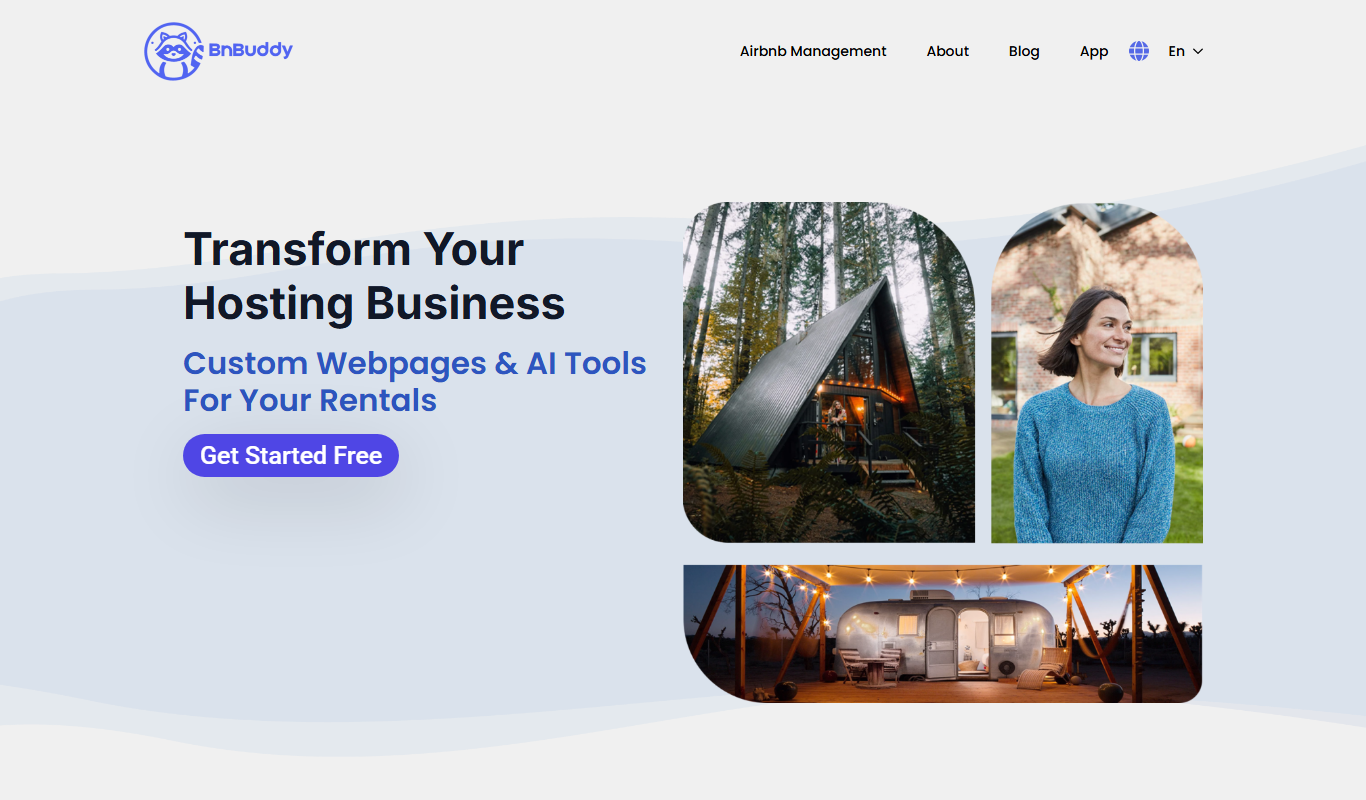
BnBuddy
BnBuddy gives short-term rental hosts AI guest messaging, digital guidebooks and their own booking site.

Chat Breezes 1.0
Chat Breezes is an AI-powered omnichannel conversation suite that unifies WhatsApp, Instagram, Facebook and Twitter/X messages in one dashboard for engagement and social selling.

ChatWithDocs.co
ChatWithDocs.co lets you chat with PDFs, Word docs and more using AI, with answers that include citations and insights you can share instantly.