

EpicTopia personal AI journal for iOS
EpicTopia is a personal AI journal for iPhone that turns spoken or written thoughts into clear entries, links them to life stories called Epics and shows patterns over time.
- Best for
- Brain dumps
- Key capability
- Voice or text entries
Save EpicTopia AI, follow its updates and vote on it — everything stays in your account.
Sign in or create a free account
What is EpicTopia AI?
EpicTopia is a personal AI journal for iOS. Users speak or write freely, and it turns scattered thoughts into clear entries, connects them to the stories unfolding in their life, called Epics, and helps them notice recurring patterns and change over time through insights on mood, energy, time and focus.
Key features of EpicTopia AI
EpicTopia turns voice or text into clear journal entries, connects them to Epics, and offers insights on mood, energy, time and focus, plus calendar view, focus timers, trackers, badges and streaks, and weekly reports.
Voice or text entries
Speak or write what is on your mind, and EpicTopia turns it into a clear Entry with key signals and useful insights.
Epics
EpicTopia connects each Entry to the right Epic, organizing related moments into chapters over time.
Mood, energy and time insights
Track how you felt over time, what restored or drained your energy and where your time went.
Weekly and annual insights
Weekly reports and annual insights review your patterns and progress.
Pros and cons of EpicTopia AI
Pros
- Voice journaling that turns spoken thoughts into structured entries
- Detects life themes and organizes them into a personal timeline
- Focus timers, trackers, badges and streaks alongside the journal
- Draws on research in psychology and well-being
Cons
- Available only for iPhone
- Premium features are sold as in-app purchases
Key use cases for EpicTopia AI
Brain dumps
Clear your head by speaking whatever is on your mind and letting the app organize it.
Daily reflections
Record daily reflections and get calm, thoughtful AI feedback.
Tracking mood and energy
Follow changes in mood, energy, time and focus over time.
Ideas and decisions
Capture ideas and decisions and see how related themes unfold over time.
How EpicTopia AI works
- 1
Download the app
Install EpicTopia: AI Journal from the App Store on your iPhone.
- 2
Speak or write
Record a worry, idea, reflection, daily update or decision by voice or text.
- 3
Get a clear entry
EpicTopia turns it into a clear journal entry with themes, mood and next steps.
- 4
Build your Epics
Each Entry is connected to the right Epic, organizing related moments into chapters.
- 5
Review insights
See patterns in mood, energy, time and focus, and review weekly and annual insights.
Who is using EpicTopia AI
EpicTopia AI pricing
Free download
Free
Free download with in-app purchases
EpicTopia Premium
$7.99
In-app purchase; billing period not shown
EpicTopia Premium Plan
$49.99
In-app purchase; billing period not shown
Plans and prices are as published by the vendor and can change. Check the official site before you buy. Open the pricing page (opens in a new tab)
Frequently asked questions about EpicTopia AI
Yes. The app is available in English and Simplified Chinese.
EpicTopia is only for iPhone and requires iOS 16.0 or later.
EpicTopia is used as a personal AI journal: brain dumps, daily reflections, work updates, relationship thoughts, ideas and decisions.
The app is free to download, with in-app purchases for EpicTopia Premium.
Yes. It connects entries to Epics and shows insights on mood, energy, time and focus, plus weekly and annual insights.
Conclusion
Talking is enough to start an entry: users speak or write what is on their mind, and EpicTopia turns it into a clear journal entry with themes, mood and next steps. Each Entry is then connected to the right Epic, which organizes related moments into meaningful chapters over time. Over time the insights views show how mood, energy and time shifted, and weekly and annual insights summarize the bigger picture.
The approach may suit people whose thoughts arrive in brain dumps rather than neat paragraphs, from daily reflections to work updates and decisions. Focus timers, trackers, badges and streaks sit alongside the journal. EpicTopia is only for iPhone and needs iOS 16.0 or later; the download is free, with Premium sold through in-app purchases.
Sources
Sign in to review this tool.
Sign In to ReviewNo reviews yet
Be the first to share how this tool worked for you.
Ask about pricing, limits, or how it compares — or answer someone else.
Sign In to AskNo questions yet
Have a question about using or paying for this tool? Be the first to ask.
Featured on TiorAI



More AI Healthcare & Wellness Tools tools
Other tools in the same category, for when this one is not quite the fit.

Freed AI Medical Scribe
Freed AI Medical Scribe is an AI-driven tool that automates medical note-taking by transcribing and structuring physician-patient conversations, integrating seamlessly with EHR systems to improve clinical workflow.

Emocional
Emocional is a platform of wellbeing, training and benefits for employees, combining courses, therapy, coaching and nutrition sessions, emoticoin rewards and the Eva AI assistant.

meals.chat
Meals.Chat is an AI calorie counter in iMessage, WhatsApp or Telegram: send a photo of anything you eat and get calories, macros and ingredients back in seconds.
Aivocado
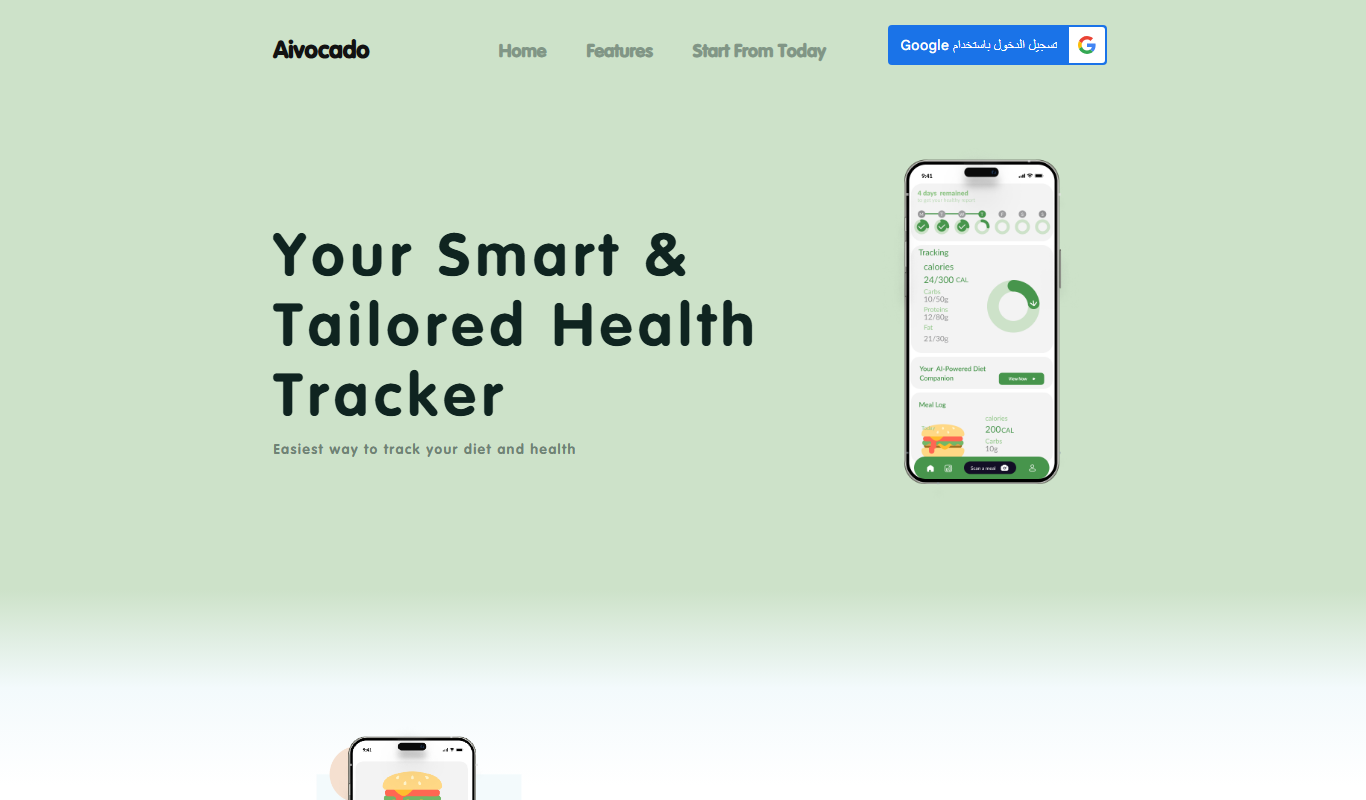
Aivocado is an AI diet and health tracker that gives a nutrition analysis and tailored diet advice from a photo of your meal.

Cal AI
Cal AI is an AI calorie tracker app: snap a photo, scan a barcode or describe your meal and get instant calorie and nutrient info.

Astra Health AI
Astra Health is a multilingual AI medical scribe that drafts structured clinical notes from consultations, with a 14-day free trial.

Rash Detector
Rash Detector is an AI-powered app for web and Android that analyzes three photos of a skin rash and returns a report with detected abnormalities, condition information and a risk assessment.

Lycaste AI
Lycaste AI is an AI skin scan that uses your phone's camera to identify your skin's primary needs and recommend a personalized skincare routine with Lycaste creams and boosters.