

Scanova QR Code Generator and Management Platform for Businesses
Scanova is a web-based QR code generator and management platform that enables businesses to create customizable dynamic QR codes, track scan analytics, and integrate QR code generation via API.
- Best for
- Marketing Campaigns
- Key capability
- Dynamic QR Codes
Save Scanova, follow its updates and vote on it — everything stays in your account.
Sign in or create a free account
What is Scanova?
Scanova is a comprehensive QR code generator and management platform designed to help businesses create, customize, and track QR codes for various marketing and operational purposes. It offers dynamic QR codes, analytics, and design customization to enhance customer engagement and measure campaign success.
Key features of Scanova
Scanova provides dynamic QR code generation, customizable design templates, real-time analytics, bulk QR code creation, and integration options to streamline QR code marketing and tracking efforts.
Dynamic QR Codes
Edit destination URLs after printing without changing the QR code.
Custom Design
Customize QR codes with logos, colors, and shapes to match branding.
Analytics Dashboard
Track scan data including location, device type, and time.
Bulk QR Code Generation
Create multiple QR codes at once for large campaigns or product lines.
API Access
Integrate QR code generation into your own applications via API.
Pros and cons of Scanova
Pros
- User-friendly interface with easy customization
- Dynamic QR codes allow post-print edits
- Comprehensive analytics for tracking
- Bulk generation saves time for large projects
- API support for developers
Cons
- No mobile app available, web-only platform
- Advanced features require paid subscription
Key use cases for Scanova
Marketing Campaigns
Create and track QR codes to engage customers and measure campaign effectiveness.
Product Packaging
Generate custom QR codes for product labels to provide additional information or promotions.
Event Management
Use QR codes for event check-ins, ticketing, and attendee engagement.
Business Cards
Design QR codes that link to digital business cards or contact information.
Customer Feedback
Deploy QR codes to collect customer reviews and feedback efficiently.
How Scanova works
- 1
Sign Up
Create an account on Scanova’s web platform to access QR code tools.
- 2
Create QR Code
Choose the QR code type (URL, vCard, WiFi, etc.) and customize its design.
- 3
Generate and Deploy
Generate the QR code and use it in marketing materials, packaging, or events.
- 4
Track Performance
Monitor scans and user engagement through Scanova’s analytics dashboard.
Who is using Scanova
Scanova pricing
14-day free trial
Free for 14 days
Trial only; there is no free plan for dynamic QR codes.
Basic
$5 per month, billed annually (annual only)
Annual-only plan to create up to 3 QR codes with unlimited scans.
Lite
$9 per month, billed annually
Up to 10 QR codes or pages with all QR code categories, including landing page categories.
Standard
$35 per month, billed annually
Up to 50 QR codes or pages with advanced analytics.
Pro
Up to 500 QR codes or pages with 5 users and 1 custom domain.
Enterprise
Customizable plan where features are added as required, priced via the pricing calculator.
Plans and prices are as published by the vendor and can change. Check the official site before you buy. Open the pricing page (opens in a new tab)
Frequently asked questions about Scanova
Yes, with dynamic QR codes, you can change the destination URL anytime without reprinting the QR code.
Yes, Scanova offers bulk QR code creation for large-scale campaigns.
Yes, Scanova provides API access for integrating QR code generation into your applications.
Scanova supports URL, vCard, WiFi, PDF, social media, and many other QR code types.
Yes, it can help with that use case depending on how you configure it and what features are available. You’ll get the best results with clear inputs and a defined goal.
Yes, it can help with that use case depending on how you configure it and what features are available. You’ll get the best results with clear inputs and a defined goal.
Integration support depends on the tool and its available connectors or API. Check the official documentation or integrations page to confirm what is supported.
Conclusion
Dynamic QR codes are the core of the platform, since their destination URL can be edited after printing without changing the code. Designs can carry logos, colors and shapes that match the brand. Scans are tracked by location, device type and time in an analytics dashboard. An API lets developers build QR code generation into their own applications.
It is designed for businesses running marketing and operational campaigns, with uses from product labels to collecting customer reviews. There is no free plan for dynamic codes, only a 14-day free trial before the paid Basic, Lite, Standard, Pro and Enterprise plans.
Sources
Sign in to review this tool.
Sign In to ReviewNo reviews yet
Be the first to share how this tool worked for you.
Ask about pricing, limits, or how it compares — or answer someone else.
Sign In to AskNo questions yet
Have a question about using or paying for this tool? Be the first to ask.
Featured on TiorAI



Alternative Tools
Explore similar AI tools that might fit your needs

QR Code Monkey
QR Code Monkey is a free online tool that lets you create customizable QR codes with logos and colors, suitable for marketing, business branding, and event management.

Unitag QR Code Generator
Unitag QR Code Generator is a web-based tool that allows users to create customizable QR codes with options for colors, logos, and shapes, supporting multiple QR code types and offering scan analytics in paid plans.
More AI Analytics Assistant tools
Other tools in the same category, for when this one is not quite the fit.

MeasureUp
MeasureUp is an online platform providing realistic practice exams and detailed explanations to help individuals prepare for professional certification tests, primarily in IT and business domains.
Pollfish
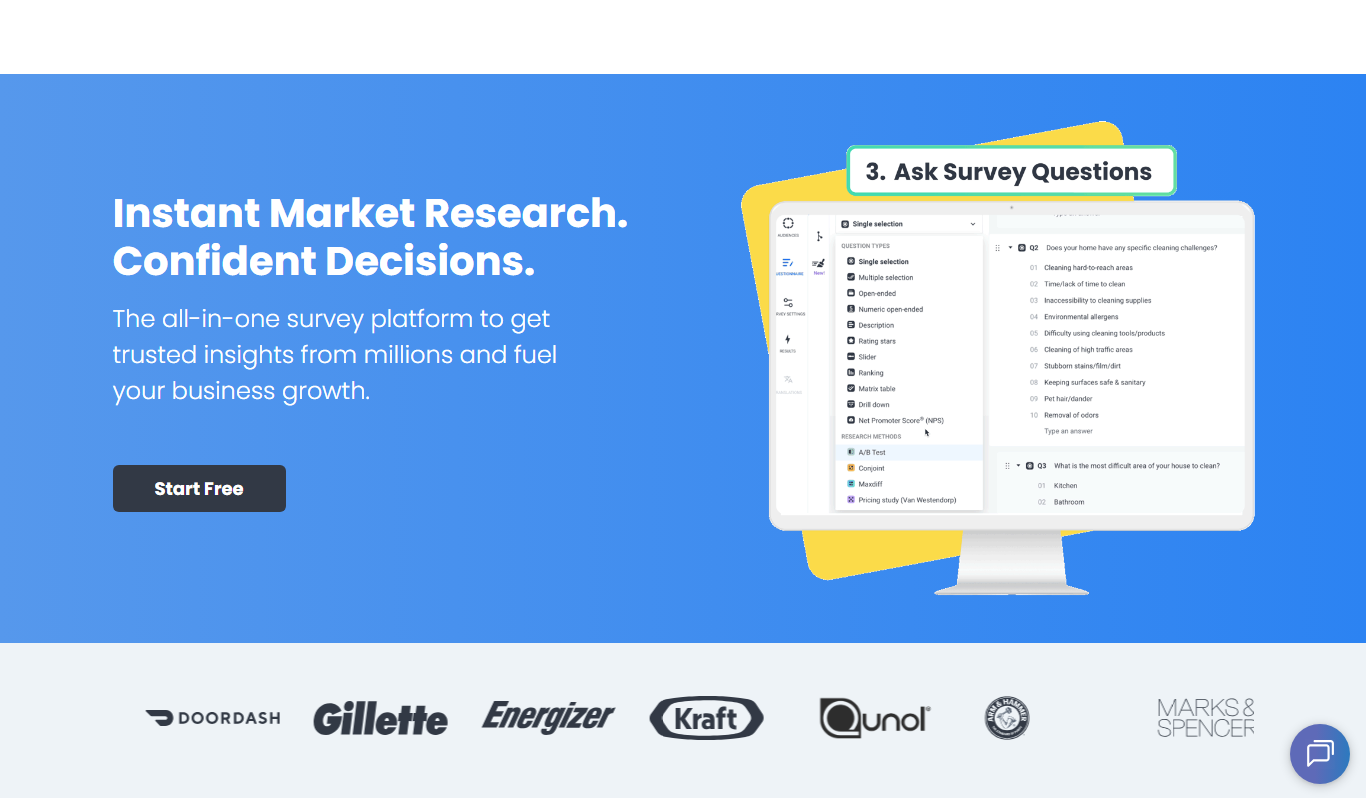
Pollfish is an online survey platform that enables businesses to collect targeted consumer insights quickly through mobile sampling and real-time data analytics.

MarketResearch.com
MarketResearch.com is an online platform offering extensive market research reports and industry analysis from multiple publishers, helping businesses and investors make informed decisions.

Geofencing.com
Geofencing.com is a location-based marketing platform that enables businesses to target customers with digital ads when they enter specific geographic areas, improving ad relevance and measuring offline conversions.

Percepto Autonomous Inspection
Percepto Autonomous Inspection is an AI-powered autonomous drone platform that automates industrial site inspections, providing real-time anomaly detection, 3D mapping, and remote asset monitoring to enhance safety and operational efficiency.

Visier People Analytics
Visier People Analytics is a cloud-based platform that helps organizations analyze workforce data to improve talent management, predict turnover, and support strategic HR decisions.

Holdem Manager
Holdem Manager is a Windows-based poker tracking software that imports hand histories, provides a real-time HUD, and offers advanced post-game analysis to help online poker players improve their performance.

PokerTracker
PokerTracker is a poker tracking software that helps online players analyze hand histories, track sessions, and use a real-time HUD to improve their poker strategy.