
From my experience with Superhuman, I found it excels at speeding up email workflows through its intuitive keyboard shortcuts and lightning-fast search. The onboarding process helps users quickly adapt to its unique interface, making it ideal for professionals who handle large volumes of email daily. However, the tool’s exclusivity to Gmail accounts and its relatively high subscription price might limit accessibility for some users. Overall, if you prioritize efficiency and want a premium email client that reduces inbox friction, Superhuman delivers a polished and productive experience.
Superhuman Email Client Review – Fast, Efficient Email Management Tool
Superhuman is a premium email client focused on speed and productivity, offering features like fast search, keyboard shortcuts, read statuses, and follow-up reminders, primarily for Gmail users.
Tech Stack:
Electron
Node.js
React
What is Superhuman?
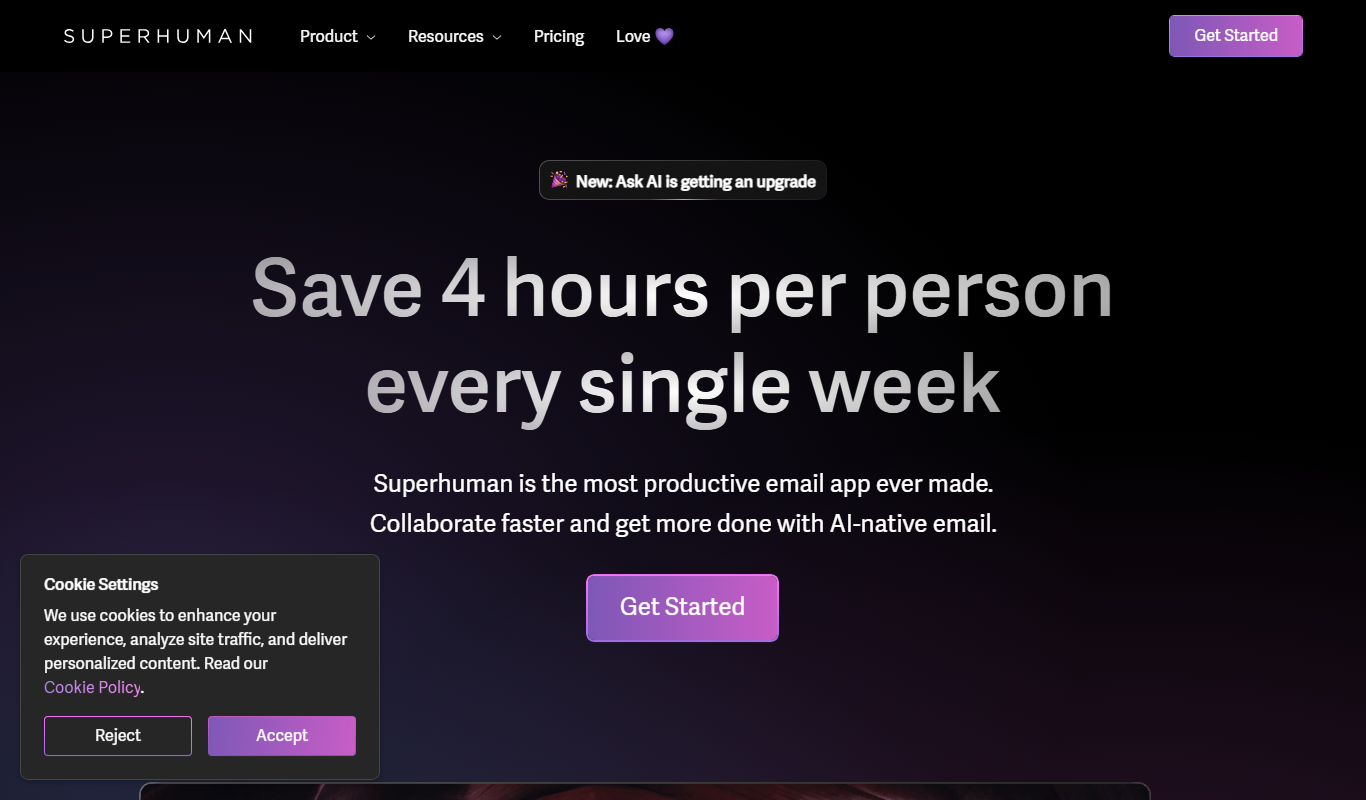
Superhuman is a premium email client designed to make email faster, more efficient, and enjoyable to use. It offers a sleek interface combined with powerful features like lightning-fast search, keyboard shortcuts, read statuses, and follow-up reminders. Built primarily for professionals who handle large volumes of email daily, Superhuman aims to reduce the friction and time spent managing inboxes.
Key Features of Superhuman
Lightning-Fast Search
Instantly find any email or contact with a powerful, real-time search engine.
Keyboard-Driven Interface
Navigate and manage your inbox almost entirely via keyboard shortcuts for speed and efficiency.
Read Status and Link Tracking
See when recipients open your emails and click links to gauge engagement.
Split Inbox
Organize your inbox into multiple streams to prioritize important messages.
Follow-Up Reminders
Set reminders to follow up on emails that haven’t received a response.
Pros and Cons of Superhuman
Pros
- Extremely fast and responsive email client
- Powerful keyboard shortcuts boost productivity
- Useful read and follow-up tracking features
- Clean, distraction-free user interface
Cons
- Limited to Gmail and G Suite accounts
- Relatively high subscription cost
- No support for Windows or Android platforms
Key Use Cases for Superhuman
Professional Email Management
Helps professionals manage high volumes of email efficiently with fast search, shortcuts, and streamlined workflows.
Sales and Outreach
Enables sales teams to quickly respond to prospects and track email engagement to improve outreach effectiveness.
Time-Saving Productivity
Designed to reduce time spent on email through automation, reminders, and a distraction-free interface.
Team Collaboration
Supports shared notes and follow-ups to coordinate communication within teams.
How Superhuman Works
-
1
Sign Up and Onboarding
Users sign up via the website and go through a personalized onboarding process to tailor the experience.
-
2
Connect Email Accounts
Connect your Gmail or G Suite account securely to start managing emails through Superhuman.
-
3
Learn Keyboard Shortcuts
Master Superhuman’s extensive keyboard shortcuts to navigate and process emails quickly.
-
4
Use Features to Manage Inbox
Leverage features like split inbox, reminders, and read statuses to stay on top of important emails.
Who's Using Superhuman
Busy professionals
Sales and marketing teams
Entrepreneurs and executives
Productivity enthusiasts
Small to medium businesses
Superhuman Pricing
Superhuman
$30/month
Full access to all features with premium support and onboarding.
Frequently Asked Questions About Superhuman
Superhuman currently supports Gmail and G Suite accounts only.
Superhuman offers a free trial period during onboarding but requires a subscription afterward.
Yes, Superhuman has apps for iOS and a web app accessible on MacOS.
Currently, Superhuman is not available for Windows or Android platforms.
It depends on your specific needs and how you plan to use the tool. The official website and documentation are the best sources for the latest details.
Pricing depends on the plan and included features. For the most accurate and up-to-date details, check the official pricing page.
Yes, it can help with that use case depending on how you configure it and what features are available. You’ll get the best results with clear inputs and a defined goal.
Share your review
Reviews are limited to one per logged-in user and are published after moderation.
You need an account to review this tool.
0.0
★
★
★
★
★
0 reviews
5 star
0
4 star
0
3 star
0
2 star
0
1 star
0
No reviews yet
Be the first to share how this tool worked for you.
Questions from the community
Read questions and answers about this tool, or ask your own.
No questions yet
Start the conversation by asking the first question about this tool.
Is this tool helpful?
Alternative Tools
Explore similar AI tools that might fit your needs
Subscription
Newton Mail
Newton Mail is a subscription email client that provides advanced features like read receipts, send later, snooze, and cross-platform support to help users manage multiple email accounts efficiently.

Free Trial
Swiftbrief
Swiftbrief is an AI writing assistant focused on improving clarity and conciseness in business communications through rewriting, summarization, and tone adjustment.
Freemium
FigmaAI
FigmaAI is an AI-powered plugin for Figma that automates design tasks, generates creative content, and enhances UI/UX workflows directly within the Figma platform.

Free
PromptVisor
PromptVisor is a web platform that helps users organize, share, and analyze AI prompts to streamline AI workflows and improve prompt effectiveness.
Free
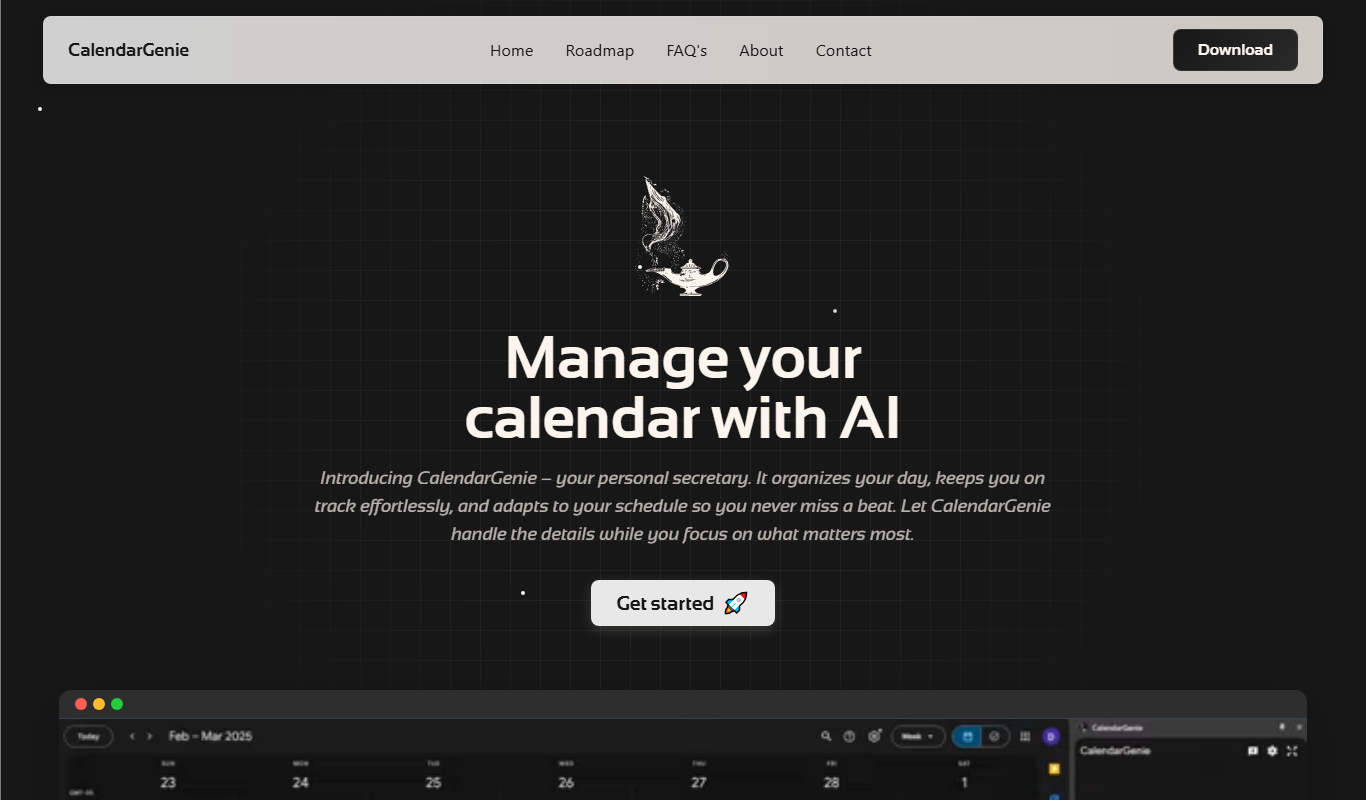
CalendarGenie
CalendarGenie is an AI-driven scheduling assistant that automates meeting bookings, manages multiple calendars, and adjusts for time zones to streamline your calendar management.
Free
AiQUEST : CHATGPT powered Search
AIQUEST is a free Chrome extension that integrates ChatGPT to provide AI-generated answers alongside Google Search results, improving search efficiency and clarity.

Free
Smart Paste
Smart Paste is an AI-driven web tool that simplifies text summarization and content extraction from copied text, helping users save time and improve productivity.

Freemium
Noetica
Noetica is an AI-powered writing assistant by Unicorn Labs that helps users create and improve written content through grammar correction, style suggestions, and idea expansion, accessible via a web platform.
Free
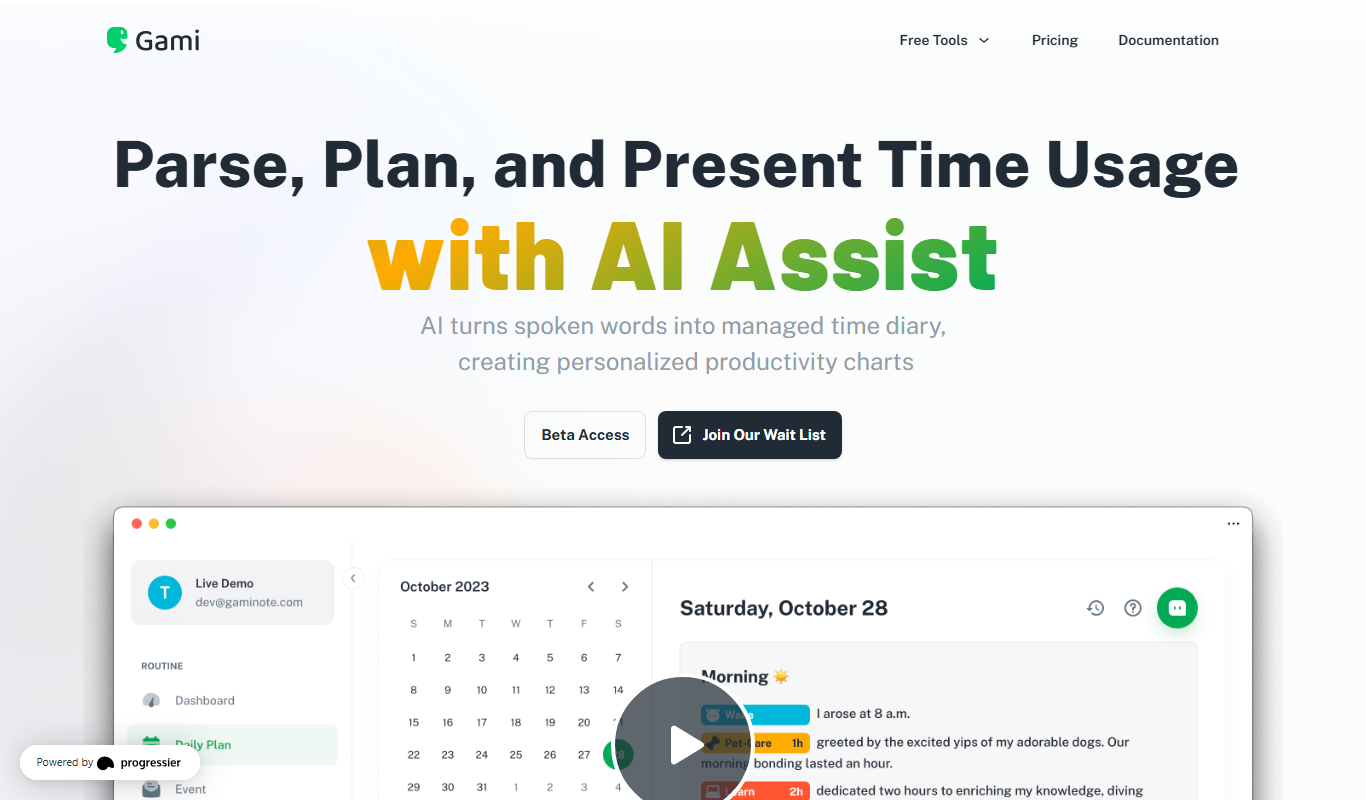
Gami
Gami Note is a productivity app that gamifies note-taking and task management to help users stay focused and motivated by rewarding their progress.