

PhET Interactive Simulations for Science Education and STEM Learning Online
PhET Interactive Simulations is a free educational platform from the University of Colorado Boulder that offers interactive, research-based simulations in physics, chemistry, biology, earth science, and math to support STEM learning.
- Best for
- Science Education
- Key capability
- Wide Range of Subjects
Save PhET Interactive Simulations, follow its updates and vote on it — everything stays in your account.
Sign in or create a free accountWhat is PhET Interactive Simulations?
PhET Interactive Simulations is a free educational platform developed by the University of Colorado Boulder that offers interactive, research-based simulations for teaching and learning science and math. The simulations cover topics in physics, chemistry, biology, earth science, and mathematics, designed to make abstract concepts tangible and engaging through virtual experiments.
Key features of PhET Interactive Simulations
PhET provides a wide range of interactive simulations that allow users to manipulate variables, visualize phenomena, and experiment in a virtual environment. The platform supports multiple languages, is accessible via web browsers and desktop applications, and is widely used by educators and students worldwide.
Wide Range of Subjects
Simulations cover physics, chemistry, biology, earth science, and math topics.
Interactive and Visual Learning
Users can manipulate variables and see immediate visual feedback to deepen understanding.
Multilingual Support
Simulations are available in multiple languages to support global learners.
Free and Open Access
All simulations and resources are freely accessible without cost.
Teacher Resources
Includes lesson plans, activities, and guides to facilitate classroom use.
Pros and cons of PhET Interactive Simulations
Pros
- Extensive library of high-quality, research-based simulations
- Free and accessible worldwide
- Supports multiple languages
- Engages learners with interactive, visual experiments
- Provides comprehensive teacher resources
Cons
- Limited to science and math subjects
- Some simulations require modern browsers or desktop installation for best performance
Key use cases for PhET Interactive Simulations
Science Education
Use interactive simulations to teach and learn concepts in physics, chemistry, biology, and earth science.
STEM Learning
Engage students with hands-on virtual experiments to enhance understanding of STEM subjects.
Classroom Demonstrations
Teachers can use simulations to demonstrate complex scientific phenomena in an accessible way.
Self-Directed Learning
Students can explore scientific concepts independently through interactive and visual simulations.
Curriculum Supplement
PhET simulations serve as a supplement to traditional textbooks and lectures to reinforce learning.
How PhET Interactive Simulations works
- 1
Access Simulations
Visit the PhET website and browse or search for simulations by subject or grade level.
- 2
Select a Simulation
Choose a simulation relevant to your learning or teaching goals.
- 3
Interact with the Simulation
Manipulate variables, run experiments, and observe outcomes in real-time.
- 4
Use Supporting Materials
Download lesson plans, activities, and guides to integrate simulations into teaching.
Who is using PhET Interactive Simulations
PhET Interactive Simulations pricing
Free
$0
Full access to all simulations and educational resources at no cost.
Plans and prices are as published by the vendor and can change. Check the official site before you buy. Open the pricing page (opens in a new tab)
Frequently asked questions about PhET Interactive Simulations
Yes, PhET Interactive Simulations is completely free for educators, students, and anyone interested.
PhET covers physics, chemistry, biology, earth science, and mathematics.
Yes, PhET offers downloadable desktop versions of simulations for offline use.
Yes, PhET provides lesson plans, activities, and guides to help integrate simulations into teaching.
This tool is designed to help users accomplish its core tasks more efficiently. It is typically used by individuals or teams looking to improve productivity and workflow.
Some tools offer a free plan or trial with limited features. Availability can vary, so confirm on the official website.
Yes, it can help with that use case depending on how you configure it and what features are available. You’ll get the best results with clear inputs and a defined goal.
It depends on your specific needs and how you plan to use the tool. The official website and documentation are the best sources for the latest details.
Conclusion
Learners using PhET manipulate variables, run experiments and see immediate visual feedback on the outcome. The simulations come from the University of Colorado Boulder and cover physics, chemistry, biology, earth science and mathematics. All simulations and resources are freely accessible without cost.
Teachers can also download lesson plans, activities and guides that help integrate simulations into teaching, whether for classroom demonstrations or as a supplement to textbooks and lectures. It is designed for K-12 educators, college instructors and homeschooling parents, while students can explore scientific concepts independently. Simulations run in web browsers, and downloadable desktop versions allow offline use. Two limits apply: coverage is limited to science and math subjects, and some simulations require modern browsers or desktop installation for smooth performance.
Sources
Sign in to review this tool.
Sign In to ReviewNo reviews yet
Be the first to share how this tool worked for you.
Ask about pricing, limits, or how it compares — or answer someone else.
Sign In to AskNo questions yet
Have a question about using or paying for this tool? Be the first to ask.
Featured on TiorAI



More Education tools
Other tools in the same category, for when this one is not quite the fit.

Quino
Quino is the LMS that marks every exam: courses, lessons, online exams and diplomas, with AI that marks handwritten answers in seconds and writes tests from your notes.

Pedagogue AI
Pedagogue helps UK schools lead on AI with staff training, a maintained resource library and a clear AI strategy, through a 12-month whole-school programme.
Slice Knowledge
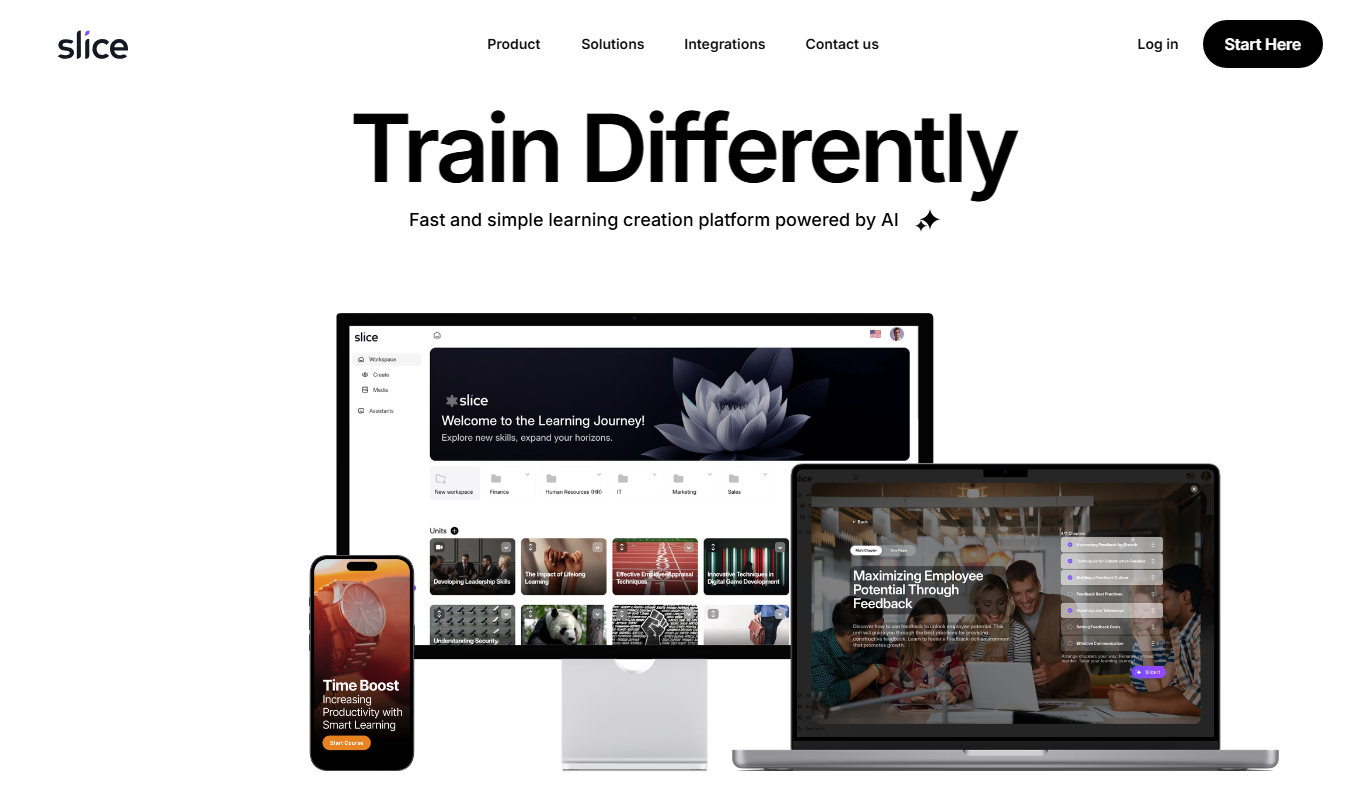
Slice is a private AI environment for organizations that turns internal docs, recordings and expert knowledge into SCORM-compliant courses, adaptive learning paths and a private AI assistant.

LitGrades
LitGrades uses AI to create flashcards, notes, worksheets and quizzes in seconds: just type what you want to study.

LessonShip
LessonShip is an AI education platform that lets teachers generate lesson plans, homework, quizzes and rubrics from simple AI-powered forms.
gnow
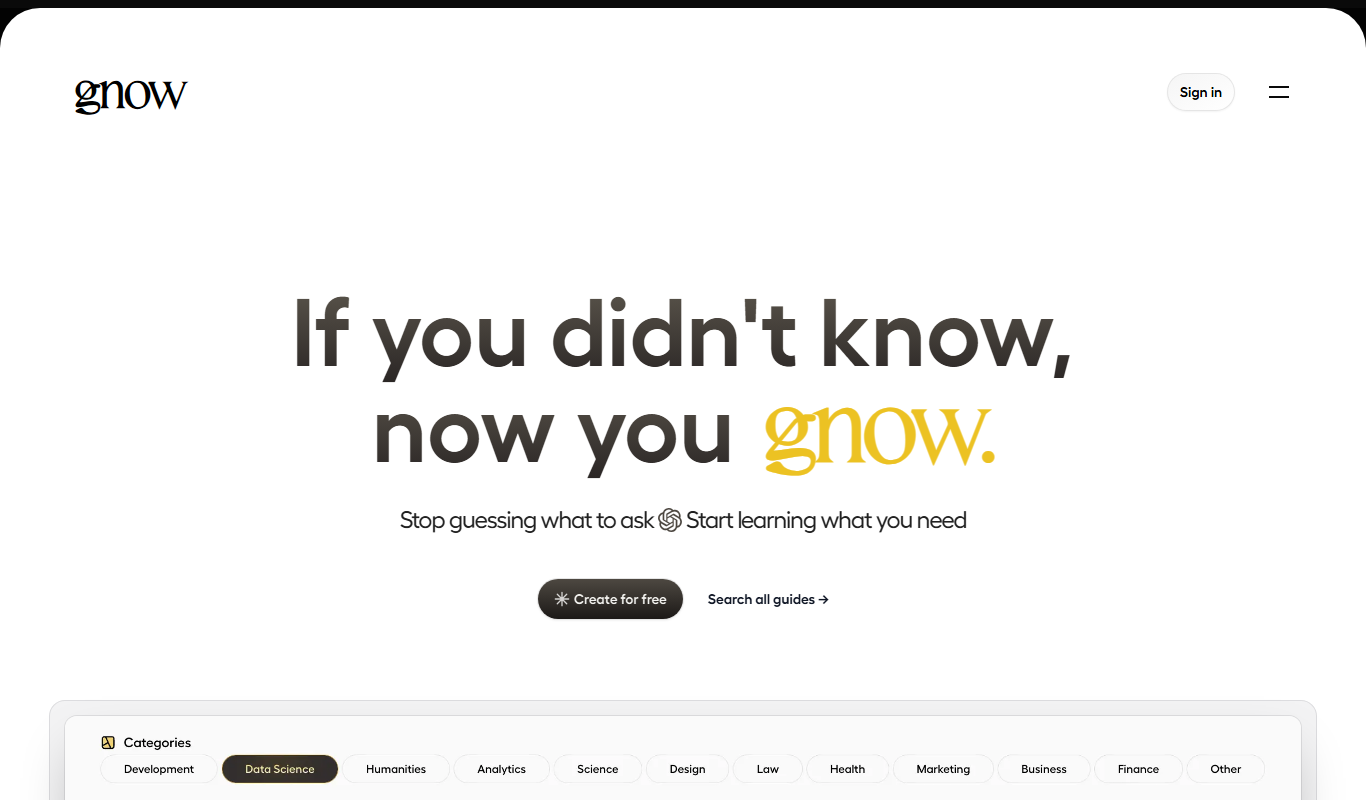
Gnow is an AI study companion that crafts personalized study guides with visualizations, real-world examples, quizzes and flash cards.

SmartPrep.ai
SmartPrep.AI is an AI lesson plan generator that gives teachers templates, PBL and UbD activities, teaching resources, assessments and rubrics instantly.

SimplifiedIQ
SimplifiedIQ is trusted assessment infrastructure that helps organizations, institutions and regulators evaluate capability, reduce malpractice and defend every decision.