

xMatters Incident Management Software for IT Alerting and Automation
xMatters is an incident management and alerting platform that automates the notification and resolution of IT incidents through integrations, on-call scheduling, and multi-channel alerts.
- Best for
- Incident Response Automation
- Key capability
- Automated Incident Alerting
Save xMatters, follow its updates and vote on it — everything stays in your account.
Sign in or create a free account
What is xMatters?
xMatters is an incident management and IT alerting platform designed to automate the detection, notification, and resolution of critical incidents. It helps organizations improve operational reliability by ensuring the right people are notified through automated workflows, enabling faster incident response and minimizing downtime.
Key features of xMatters
The platform offers on-call scheduling, multi-channel alerting, automated escalations, integrations with monitoring and DevOps tools, and real-time collaboration features to streamline incident management processes.
Automated Incident Alerting
Automatically notify the right team members based on predefined rules and schedules.
On-Call Scheduling
Manage complex on-call rotations and escalation chains with flexible scheduling tools.
Multi-Channel Notifications
Deliver alerts via SMS, email, voice calls, push notifications, and chat integrations.
Integrations
Seamlessly connect with popular monitoring, ITSM, DevOps, and collaboration tools.
Real-Time Collaboration
Enable responders to communicate and coordinate incident resolution within the platform.
Pros and cons of xMatters
Pros
- Robust automation for incident alerting and response
- Wide range of integrations with popular IT and DevOps tools
- Flexible on-call scheduling and escalation policies
- Multi-channel notification options
- Strong collaboration features during incidents
Cons
- Paid plans start at $15 per user per month with Starter
- Learning curve for configuring complex workflows
- Limited language support beyond English
Key use cases for xMatters
Incident Response Automation
Automate the detection, alerting, and resolution workflows for IT incidents to reduce downtime and improve response times.
On-Call Scheduling and Management
Manage on-call rotations and escalations efficiently to ensure the right team members are notified at the right time.
DevOps Workflow Integration
Integrate with DevOps tools and monitoring systems to streamline incident workflows and improve collaboration.
Communication and Collaboration
Facilitate real-time communication across teams during incidents using multi-channel notifications and collaboration tools.
Business Continuity and Risk Management
Support business continuity by automating critical alerting and response processes to minimize operational risks.
How xMatters works
- 1
Integrate Monitoring Tools
Connect xMatters with your existing monitoring and ITSM tools to automatically receive incident alerts.
- 2
Define Workflows and Escalations
Set up automated workflows and escalation policies to route alerts to the appropriate responders.
- 3
Notify and Collaborate
Send notifications via SMS, email, voice calls, or mobile app and enable responders to collaborate in real-time.
- 4
Track and Resolve
Monitor incident status, track response activities, and close incidents efficiently within the platform.
Who is using xMatters
xMatters pricing
Free
$0 for up to 5 users
Permanent Free plan for up to 5 users.
Starter
$15/user/month
Starter plan for up to 25 users.
Base
Base plan, offered after Starter.
Advanced
Advanced plan, offered after Starter.
Plans and prices are as published by the vendor and can change. Check the official site before you buy. Open the pricing page (opens in a new tab)
Frequently asked questions about xMatters
xMatters integrates with many monitoring, ITSM, DevOps, and collaboration tools including ServiceNow, Jira, Splunk, PagerDuty, Slack, and more.
Yes, xMatters provides flexible on-call scheduling and escalation management to ensure timely incident response.
Yes, xMatters offers mobile apps for iOS and Android to receive alerts and collaborate on the go.
xMatters offers a permanent Free plan for up to 5 users.
This tool is designed to help users accomplish its core tasks more efficiently. It is typically used by individuals or teams looking to improve productivity and workflow.
It depends on your specific needs and how you plan to use the tool. The official website and documentation are the best sources for the latest details.
Integration support depends on the tool and its available connectors or API. Check the official documentation or integrations page to confirm what is supported.
It depends on your specific needs and how you plan to use the tool. The official website and documentation are the best sources for the latest details.
Conclusion
Incident alerts arrive automatically once existing monitoring and ITSM tools are connected, with integrations that include ServiceNow, Jira, Splunk and Slack. Automated workflows and escalation policies route each alert to the appropriate responders based on predefined rules and schedules. Notifications go out by SMS, email, voice call or mobile app, and responders collaborate in real time until the incident is tracked to closure.
On-call rotations and escalation chains are handled with flexible scheduling tools. IT operations teams, DevOps engineers and business continuity managers are the groups it is designed for. A permanent Free plan covers up to 5 users, Starter costs $15 per user per month for up to 25 users, and Base and Advanced tiers follow.
Sources
Sign in to review this tool.
Sign In to ReviewNo reviews yet
Be the first to share how this tool worked for you.
Ask about pricing, limits, or how it compares — or answer someone else.
Sign In to AskNo questions yet
Have a question about using or paying for this tool? Be the first to ask.
Featured on TiorAI



Alternative Tools
Explore similar AI tools that might fit your needs

PagerDuty
PagerDuty is a cloud-based incident management platform that helps IT and DevOps teams detect, respond to, and resolve incidents quickly through automated alerting, on-call scheduling, and collaboration tools.
More AI DevOps Assistant tools
Other tools in the same category, for when this one is not quite the fit.
Spectate
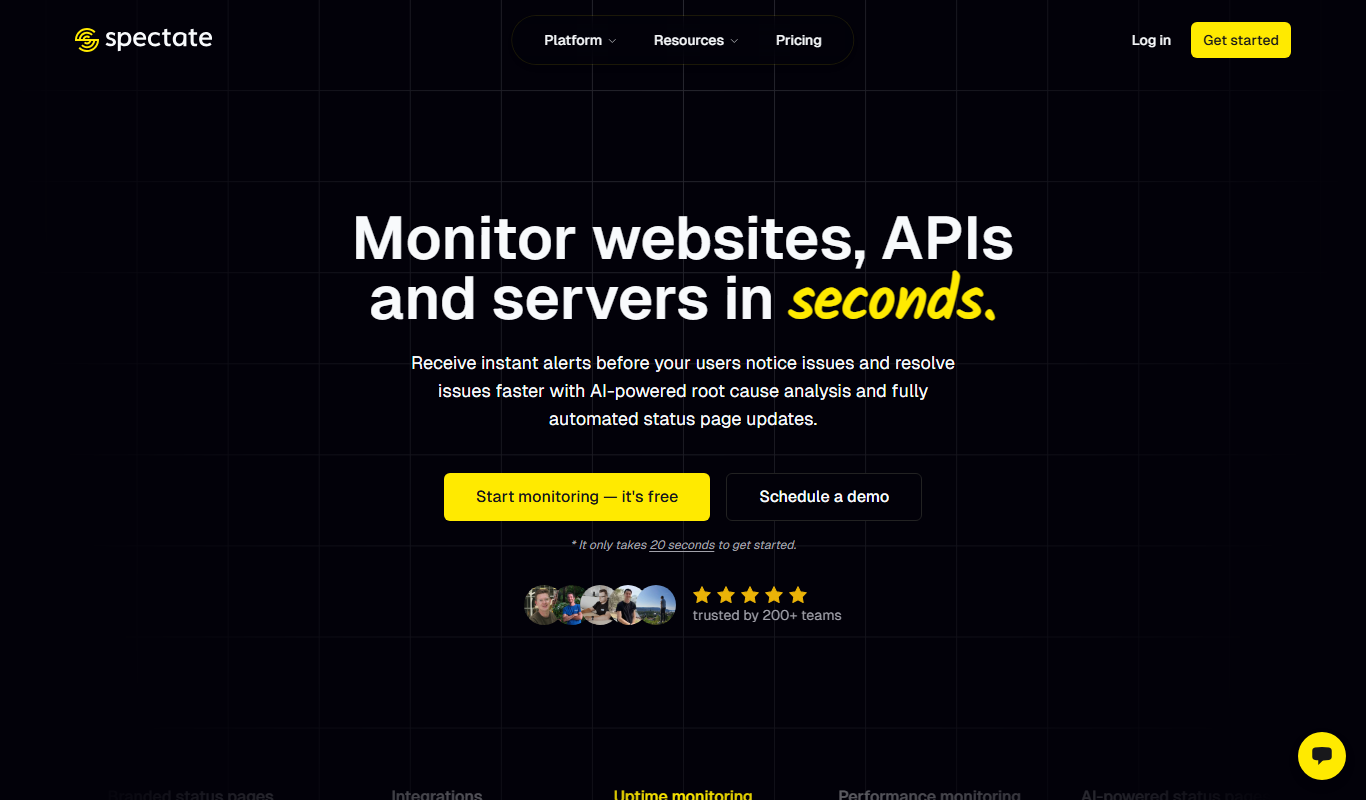
Spectate monitors websites, APIs and servers, alerts you before users notice issues and keeps status pages updated with AI, with a free plan.

KubeHA
KubeHA is a GenAI-powered SaaS platform for Kubernetes monitoring, observability, remediation and exploration (MORE), with KubeHA GPT for plain English questions.

SRE.ai
SRE.ai is an AI-native systems integrator that automates enterprise systems delivery, with a Command Center for deployments and AI agents that code, test and deploy.

Warehouse Optimization
Keebo Warehouse Optimization uses agentic AI to rightsize Snowflake and Databricks warehouses 24/7, tuning size, auto-suspend and scaling within your SLAs.

Defang
Defang deploys your Compose file to your own AWS, GCP or Azure account, with preview environments and one path to production for people and agents.

Latitude
Latitude is an open-source AI agent observability platform that traces agents in production, discovers failing behavior, sends alerts and helps verify fixes.

Uniskai by Profisea Labs
Uniskai by Profisea Labs is a FinOps platform that reduces cloud costs across AWS, Azure and GCP with cost visibility, rightsizing, spot instances and waste management.

CockroachDB
CockroachDB is a distributed SQL database designed for cloud-native applications that require strong consistency, high availability, and horizontal scalability across multiple regions.