

EarnApp Review: Earn Passive Income by Sharing Your Internet Bandwidth
EarnApp lets users earn through offers, paid tasks and Labeling as well as by sharing their unused internet bandwidth.
- Best for
- Earn Passive Income
- Key capability
- Passive Income Generation
Save EarnApp, follow its updates and vote on it — everything stays in your account.
Sign in or create a free account
What is EarnApp?
EarnApp is a platform where users earn through offers, paid tasks and Labeling alongside passive income from sharing their unused internet bandwidth.
Key features of EarnApp
EarnApp offers a simple way to monetize unused internet bandwidth with features such as real-time earnings tracking, privacy protection, flexible bandwidth sharing controls, and multi-device support. The platform is free to use and provides payouts based on the amount of bandwidth shared.
Passive Income Generation
Earn money effortlessly by sharing your internet bandwidth without active involvement.
Privacy and Security
Data shared is anonymized and encrypted to protect user privacy.
Multi-Device Support
Compatible with Windows, macOS, Linux, and mobile devices for flexible usage.
Real-Time Earnings Dashboard
Track your bandwidth sharing and earnings in real time through the app interface.
Flexible Bandwidth Controls
Set limits on bandwidth sharing to avoid impacting your internet experience.
Pros and cons of EarnApp
Pros
- Easy to set up and use
- Generates passive income without extra effort
- Strong focus on user privacy and data security
- Supports multiple platforms and devices
- Flexible bandwidth sharing controls
Cons
- Earnings depend on available bandwidth and network demand
- Requires stable internet connection
- Limited to users in supported countries
Key use cases for EarnApp
Earn Passive Income
Users can earn money by sharing their unused internet bandwidth securely with EarnApp's network.
Support Research and Development
The bandwidth shared helps researchers and developers access real-world internet data for testing and improving applications.
Privacy-Conscious Data Sharing
EarnApp ensures user privacy by anonymizing data and not accessing personal information while sharing bandwidth.
Flexible Usage
Users can control when and how much bandwidth to share, making it adaptable to their internet usage patterns.
How EarnApp works
- 1
Download and Install
Users download the EarnApp application on their device from the official website.
- 2
Create an Account
Sign up with an email address to start tracking earnings.
- 3
Share Bandwidth
The app securely shares your unused internet bandwidth with the EarnApp network.
- 4
Earn Money
EarnApp calculates your earnings based on the bandwidth shared and pays out accordingly.
Who is using EarnApp
EarnApp pricing
Free
$0
Full access to EarnApp services with no subscription fees; earn money by sharing bandwidth.
Plans and prices are as published by the vendor and can change. Check the official site before you buy. Open the pricing page (opens in a new tab)
Frequently asked questions about EarnApp
Yes, EarnApp anonymizes and encrypts all shared data to ensure your privacy and security.
Payments are made via PayPal once you reach the minimum payout threshold.
You can control bandwidth limits to minimize any impact on your internet performance.
Yes, EarnApp supports multiple devices including desktops and mobile phones.
It depends on your specific needs and how you plan to use the tool. The official website and documentation are the best sources for the latest details.
It depends on your specific needs and how you plan to use the tool. The official website and documentation are the best sources for the latest details.
Pricing depends on the plan and included features. For the most accurate and up-to-date details, check the official pricing page.
Conclusion
Sharing unused internet bandwidth is still the passive income side of EarnApp, and the site now also runs offers, paid tasks and Labeling. After the application is installed from the official website and an account is created with an email address, it shares idle bandwidth with the network and calculates earnings from the amount shared. The shared bandwidth is described as helping researchers and developers access real-world internet data for testing applications.
Bandwidth limits can be set to minimize the impact on internet performance, and earnings are tracked through the app interface. Payouts go through PayPal once the minimum payout threshold is reached, and access to the service is free.
Earnings depend on available bandwidth and network demand, and a stable internet connection is required. The iOS app is still marked Coming Soon.
Sources
Sign in to review this tool.
Sign In to ReviewNo reviews yet
Be the first to share how this tool worked for you.
Ask about pricing, limits, or how it compares — or answer someone else.
Sign In to AskNo questions yet
Have a question about using or paying for this tool? Be the first to ask.
Featured on TiorAI


Alternative Tools
Explore similar AI tools that might fit your needs
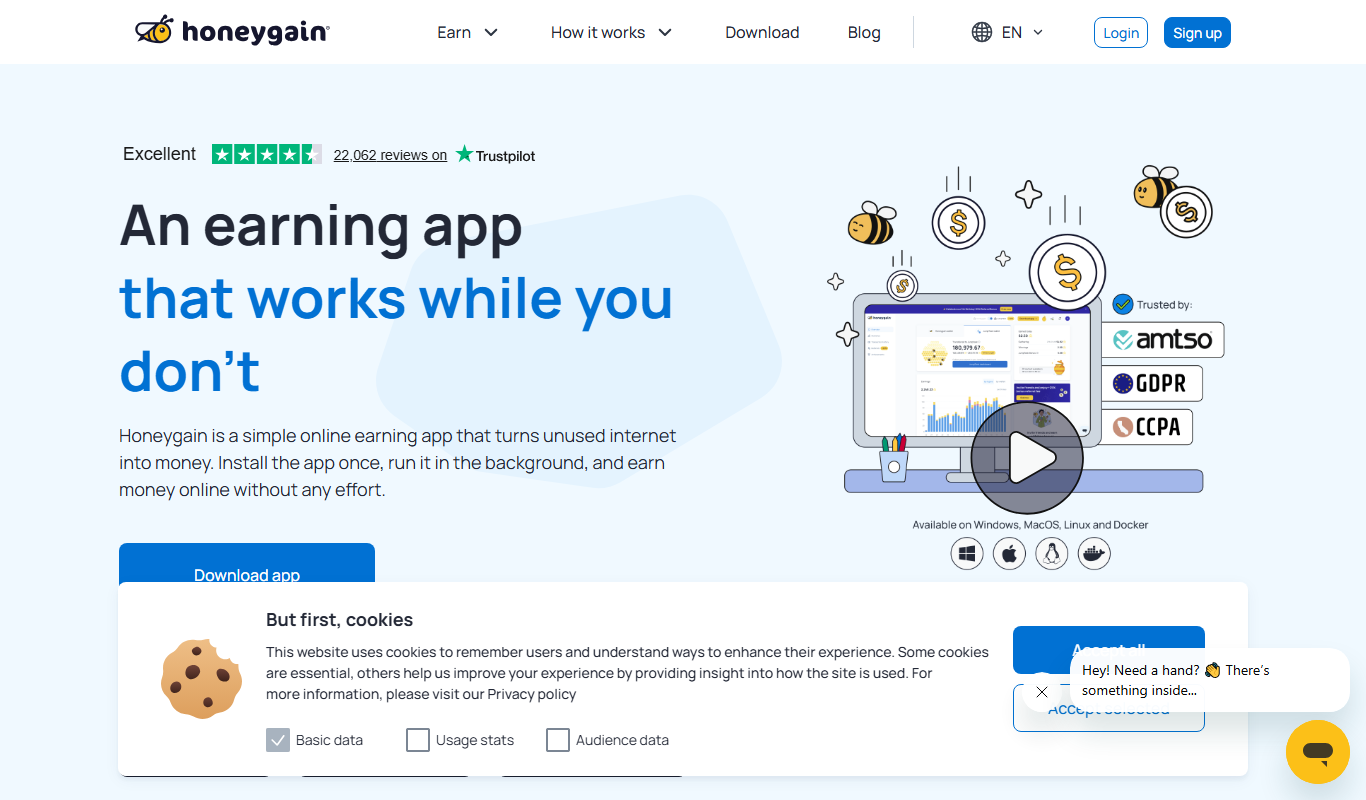
Honeygain
Honeygain is a platform that allows users to earn passive income by sharing their unused internet bandwidth securely with a global network used by businesses for data collection and content verification.
More Business Management tools
Other tools in the same category, for when this one is not quite the fit.

TwinMind
TwinMind is an AI second brain that transcribes and summarizes your day, organizes it into memory and powers any AI with the context of your life.

Wren AI Cloud
Wren AI is one governed data agent for people and AI agents: ask your data in plain language with the GenBI agent, or call it from Claude, ChatGPT or your own agents over MCP.

BioBrain Insights MROps Platform
BioBrain Insights unifies all of market research operations in one platform powered by AI and automation, from automated survey programming to boardroom reports.

Justmatch
Justmatch is an AI-driven platform that provides personalized job matching, resume optimization, and career insights to help job seekers find relevant opportunities and grow professionally.

Storytide.io – Corporate Influencing
Storytide is a LinkedIn content workflow platform with strategy, writing with AI support, structured processes and analytics for ghostwriters, communications teams and corporate influencer programs.

TIL bot for Slack
TIL bot for Slack is an AI assistant that gets insights from conversations, summarizes threads, finds action items, sets one time and recurring reminders and gets answers with AI.

VenueLog
VenueLog is restaurant management software that connects POS, rostering and accounting systems for automated reporting, real-time insights and AI-powered tools.

Fiorino.AI
Fiorino.AI is an open-source tool that helps SaaS owners track per-user LLM usage and costs, set pricing tiers and automate usage-based billing.