

Upheal AI Therapy Session Analysis Software for Mental Health Professionals
Upheal is an AI-driven platform that transcribes and analyzes therapy sessions to generate clinical notes and insights, helping mental health professionals save time and improve patient care.
- Best for
- Therapy Session Analysis
- Key capability
- Automated Session Transcription
Save Upheal, follow its updates and vote on it — everything stays in your account.
Sign in or create a free account
What is Upheal?
Upheal is an AI therapy notes platform and EHR designed for mental health providers. It captures sessions via audio, text or upload, drafts clinical notes in minutes, and adds scheduling, a client portal, telehealth and billing, with mobile and desktop apps.
Key features of Upheal
Upheal offers automated transcription, session summarization, clinical note generation, progress tracking, and data visualization tools tailored for mental health practitioners to streamline their workflow and enhance therapy outcomes.
Automated Session Transcription
High-accuracy transcription of therapy sessions to reduce manual note-taking.
AI-Driven Clinical Summaries
Summarizes key points and clinical insights from sessions for quick review.
Progress Monitoring Dashboard
Visualizes patient progress and therapy effectiveness with data-driven insights.
Secure Data Handling
Ensures patient confidentiality with HIPAA-compliant data security measures.
Integration Capabilities
Supports integration with existing electronic health record (EHR) systems.
Pros and cons of Upheal
Pros
- Saves significant time on clinical documentation
- Provides actionable insights to improve therapy outcomes
- User-friendly interface tailored for therapists
- Supports secure and compliant data handling
Cons
- Subscription cost may be high for solo practitioners
Key use cases for Upheal
Therapy Session Analysis
Automatically analyze therapy sessions to extract clinical insights and improve treatment quality.
Clinical Note Automation
Generate detailed and accurate clinical notes from recorded therapy sessions to save time.
Patient Progress Tracking
Monitor patient progress over time using AI-generated summaries and session highlights.
Teletherapy Support
Enhance remote therapy sessions with AI tools that assist therapists in real-time or post-session analysis.
Data-Driven Clinical Decisions
Leverage AI insights to inform treatment plans and improve therapeutic outcomes.
How Upheal works
- 1
Record or Upload Sessions
Therapists record therapy sessions or upload existing recordings to the Upheal platform.
- 2
AI Transcription and Analysis
The platform transcribes audio and analyzes the conversation to identify key clinical themes and patient emotions.
- 3
Generate Clinical Notes
Upheal automatically creates detailed session notes and summaries for therapist review.
- 4
Review and Edit
Therapists review AI-generated notes, make adjustments if needed, and finalize documentation.
- 5
Track Patient Progress
Use the platform’s dashboard to monitor patient progress and treatment effectiveness over time.
Who is using Upheal
Upheal pricing
Free
$0
Free plan with unlimited notes and HIPAA-compliant telehealth; available after the trial.
Individual
$1/session
30-day full trial; all clinical and practice features, billed monthly based on usage with no minimum spend; AI Assistant free with limited monthly usage.
AI Assistant Pro
+$39/month
Add-on with unlimited AI Assistant chat and automated jobs.
Group
Talk to us
White-glove onboarding, shared note templates across all clinicians, EHR migration, team management and centralized billing.
Enterprise
Custom
Security, compliance and clinical customization built for scale.
Plans and prices are as published by the vendor and can change. Check the official site before you buy. Open the pricing page (opens in a new tab)
Frequently asked questions about Upheal
Yes, Upheal follows HIPAA and GDPR standards to ensure patient data privacy and security.
Yes, Upheal supports analysis of both in-person and teletherapy session recordings.
Upheal can capture sessions held in English, Spanish, Portuguese, German, French, Italian, Mandarin, or Hindi.
Yes, therapists can review and edit notes before finalizing documentation.
It depends on your specific needs and how you plan to use the tool. The official website and documentation are the best sources for the latest details.
Data handling and security practices vary by provider. Review the official privacy policy to understand how your data is stored and used.
This tool is designed to help users accomplish its core tasks more efficiently. It is typically used by individuals or teams looking to improve productivity and workflow.
Conclusion
Sessions are captured via audio, text or upload, and AI notes are drafted so documentation takes minutes instead of hours. Besides English, sessions held in languages such as Spanish, German or Mandarin can be captured, with progress note templates like SOAP, DAP and BIRP. Beyond notes, the platform covers scheduling, practice forms and a client portal, so it can replace an EHR. Apps are offered for macOS, iPhone, iPad and Android, alongside a Chrome extension.
It is designed for mental health providers, from solo providers to group practices. Individual pricing is charged per session after a free trial, a Free plan keeps unlimited notes, and group and enterprise plans are arranged by talking to the company.
Sources
Sign in to review this tool.
Sign In to ReviewNo reviews yet
Be the first to share how this tool worked for you.
Ask about pricing, limits, or how it compares — or answer someone else.
Sign In to AskNo questions yet
Have a question about using or paying for this tool? Be the first to ask.
Featured on TiorAI



Alternative Tools
Explore similar AI tools that might fit your needs

TheraNest
TheraNest is a comprehensive practice management software designed for mental health professionals, providing tools for scheduling, billing, clinical documentation, and telehealth sessions.

SimplePractice
SimplePractice is a practice management software designed for therapists and health professionals that streamlines scheduling, telehealth, billing, and documentation in one platform.
More AI Healthcare & Wellness Tools tools
Other tools in the same category, for when this one is not quite the fit.

Emocional
Emocional is a platform of wellbeing, training and benefits for employees, combining courses, therapy, coaching and nutrition sessions, emoticoin rewards and the Eva AI assistant.

meals.chat
Meals.Chat is an AI calorie counter in iMessage, WhatsApp or Telegram: send a photo of anything you eat and get calories, macros and ingredients back in seconds.
Aivocado
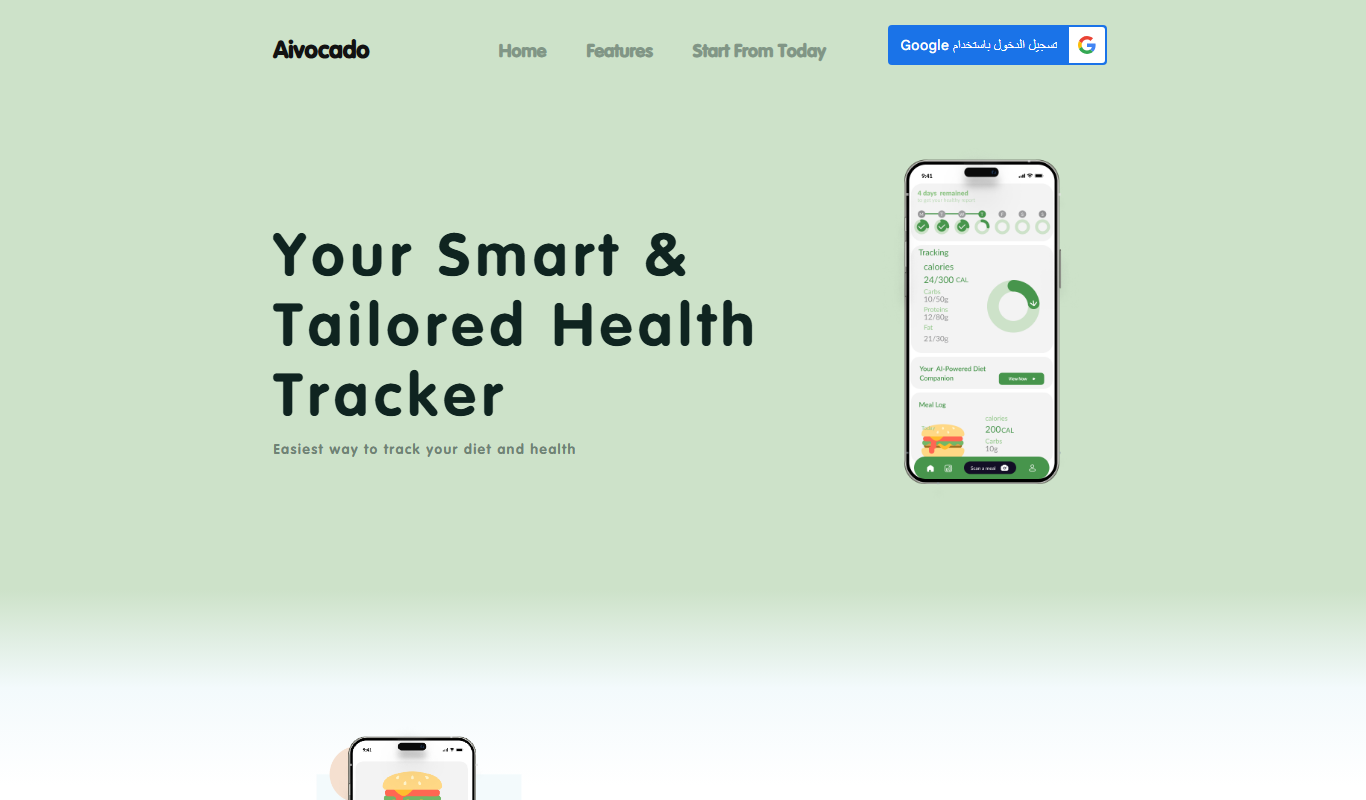
Aivocado is an AI diet and health tracker that gives a nutrition analysis and tailored diet advice from a photo of your meal.

Cal AI
Cal AI is an AI calorie tracker app: snap a photo, scan a barcode or describe your meal and get instant calorie and nutrient info.

Astra Health AI
Astra Health is a multilingual AI medical scribe that drafts structured clinical notes from consultations, with a 14-day free trial.

Rash Detector
Rash Detector is an AI-powered app for web and Android that analyzes three photos of a skin rash and returns a report with detected abnormalities, condition information and a risk assessment.

Lycaste AI
Lycaste AI is an AI skin scan that uses your phone's camera to identify your skin's primary needs and recommend a personalized skincare routine with Lycaste creams and boosters.

Atomic Inputs
Atomic Inputs is the company behind Wile, which turns workouts created with ChatGPT, Claude or another AI into guided training sessions with timers and logging, and Engage Maya for customer feedback.