

OneSky Localization Agent AI for Efficient Multilingual Content Translation
OneSky Localization Agent is an AI-powered localization platform that streamlines translation workflows for software, websites, and marketing content by combining machine learning with human review.
- Best for
- App Localization
- Key capability
- AI-Powered Translation
Save OneSky Localization Agent, follow its updates and vote on it — everything stays in your account.
Sign in or create a free account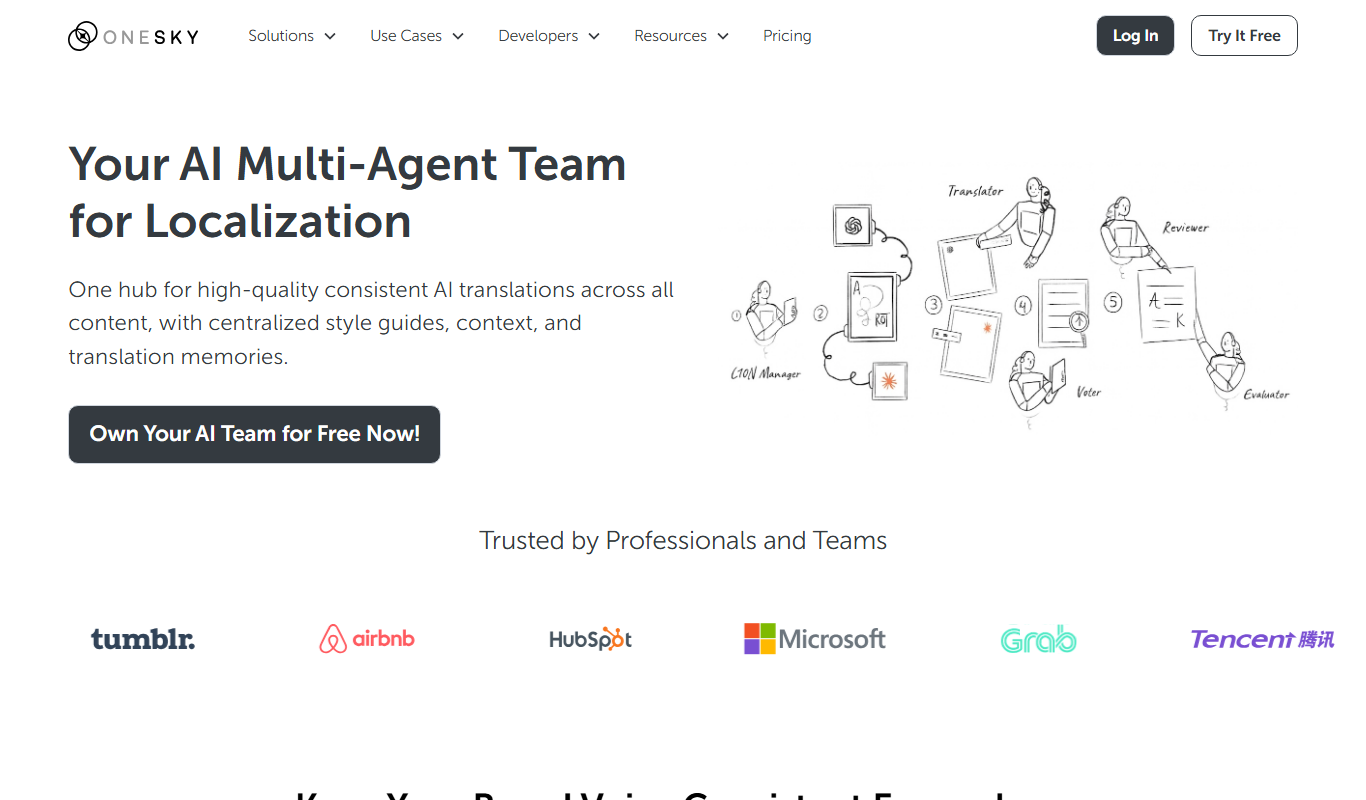
What is OneSky Localization Agent?
OneSky Localization Agent is an AI-powered platform designed to streamline the translation and localization process for software, websites, games, and marketing content. It integrates machine learning with human translation workflows to deliver accurate, culturally relevant multilingual content efficiently.
Key features of OneSky Localization Agent
The tool offers AI-assisted translation, translation memory, glossary management, API integration, and collaboration features to help teams manage localization projects seamlessly from a single platform.
AI-Powered Translation
Leverages machine learning to provide fast and context-aware translation suggestions.
Translation Memory
Stores previous translations to improve consistency and reduce repetitive work.
Glossary Management
Allows teams to define and enforce consistent terminology across projects.
API Integration
Enables seamless integration with development pipelines and content management systems.
Collaboration Tools
Supports team workflows with roles, permissions, and real-time editing.
Pros and cons of OneSky Localization Agent
Pros
- Combines AI and human translation for quality and speed
- Supports extensive file formats and languages
- Robust API for seamless integration
- Good collaboration features for teams
Cons
- Pricing may be high for very small projects
- Learning curve for new users unfamiliar with localization workflows
Key use cases for OneSky Localization Agent
App Localization
Translate and localize mobile and desktop applications to reach global users effectively.
Website Translation
Manage multilingual website content with AI-assisted translation workflows.
Game Localization
Localize game content including text, UI, and dialogues for diverse player bases.
Marketing Content Adaptation
Adapt marketing materials to different languages and cultures to improve engagement.
Software Documentation Translation
Translate technical documents and manuals to support international customers.
How OneSky Localization Agent works
- 1
Upload Content
Users upload source files such as app strings, website content, or documents to the platform.
- 2
AI-Assisted Translation
The system generates initial translations using AI models to speed up the process.
- 3
Human Review and Editing
Professional translators or team members review and refine translations for accuracy and cultural relevance.
- 4
Manage Glossaries and Memories
Maintain consistent terminology and reuse previous translations with integrated glossaries and translation memories.
- 5
Integrate via API
Connect OneSky Localization Agent with development workflows through APIs for continuous localization.
Who is using OneSky Localization Agent
OneSky Localization Agent pricing
Starter
$29/mo, billed monthly (reduced from $49)
For growing teams looking to leverage AI-driven localization: unlimited hosted strings, 1 team user, 5 languages, 5,000 AI words.
Pro
$129/mo, billed monthly (reduced from $169)
For businesses automating their localization process: unlimited hosted strings, 10 team users, 30 languages, 25,000 AI words, AI context-enrichment and priority support.
Enterprise
Talk to Us
For teams that need more words and languages or customization.
Plans and prices are as published by the vendor and can change. Check the official site before you buy. Open the pricing page (opens in a new tab)
Frequently asked questions about OneSky Localization Agent
Yes, it offers API access to integrate localization workflows into your development pipeline.
Yes, you can invite your translators to collaborate within the platform.
OneSky supports a wide range of file formats including JSON, XML, .po, .xliff, and more.
OneSky offers a free trial period to test the platform before committing to a subscription.
It depends on your specific needs and how you plan to use the tool. The official website and documentation are the best sources for the latest details.
Yes, it can help with that use case depending on how you configure it and what features are available. You’ll get the best results with clear inputs and a defined goal.
Integration support depends on the tool and its available connectors or API. Check the official documentation or integrations page to confirm what is supported.
Conclusion
OLA works like an AI localization team, with role-specific agents acting as Translator, Reviewer and LQA Evaluator while its built-in LQA algorithm selects a translation from multiple large language models. Glossaries, style guides and brand rules are enforced across documents, websites, apps and campaigns, and translation issues it cannot fix are flagged for human review and post-editing. Over 30 string file formats are handled with a focus on web and mobile apps, from iOS strings and Android XML to JSON, PO and XLIFF files. Source text reaches it through API, webhook and CLI tools, or string files can be submitted manually on the platform without any integration.
Software developers, localization managers and game developers are its core audience, with app localization, game localization and website translation as the main use cases. Translation and review cover 100+ languages and 800+ dialects. Plans are billed monthly after a 14-day free trial, and each tier caps team users, languages and monthly AI words.
Sources
Sign in to review this tool.
Sign In to ReviewNo reviews yet
Be the first to share how this tool worked for you.
Ask about pricing, limits, or how it compares — or answer someone else.
Sign In to AskNo questions yet
Have a question about using or paying for this tool? Be the first to ask.
Featured on TiorAI



Alternative Tools
Explore similar AI tools that might fit your needs

Smartling
Smartling is a cloud-based translation management platform that helps businesses automate and manage the localization of digital content across websites, apps, and marketing materials with features like translation memory, machine translation integration, and quality assurance.

Phrase
Phrase is a cloud-based localization platform that helps teams manage and automate translations for software, websites, and marketing content with collaboration and API integration.

Crowdin
Crowdin is a cloud-based platform that helps teams manage and automate the translation and localization of software, websites, and apps with collaboration, integrations, and quality assurance features.
More AI Localization Tools tools
Other tools in the same category, for when this one is not quite the fit.

lingoXpress
lingoXpress is a professional human translation platform providing certified and custom language services across 50+ languages for businesses and individuals.

Translingo
Translingo is an AI-based translation tool that supports multiple languages and helps users quickly translate and localize content for global audiences.
Lingobo
Lingobo is an AI-driven translation platform that helps businesses translate and localize content into multiple languages with customizable glossaries and API integration.

Transcope
Transcope is an AI-driven translation platform providing fast, accurate multilingual translations with API integration and support for over 50 languages.

Go Global World
Go Global World is a professional translation and localization service that helps businesses adapt their content for global markets by providing expert language translation, cultural adaptation, and multilingual support.

Pairaphrase
Pairaphrase is an AI-powered translation platform that combines machine translation with customizable glossaries and translation memory to deliver accurate, secure, and collaborative document translations for businesses.
Tolgee AI Translator
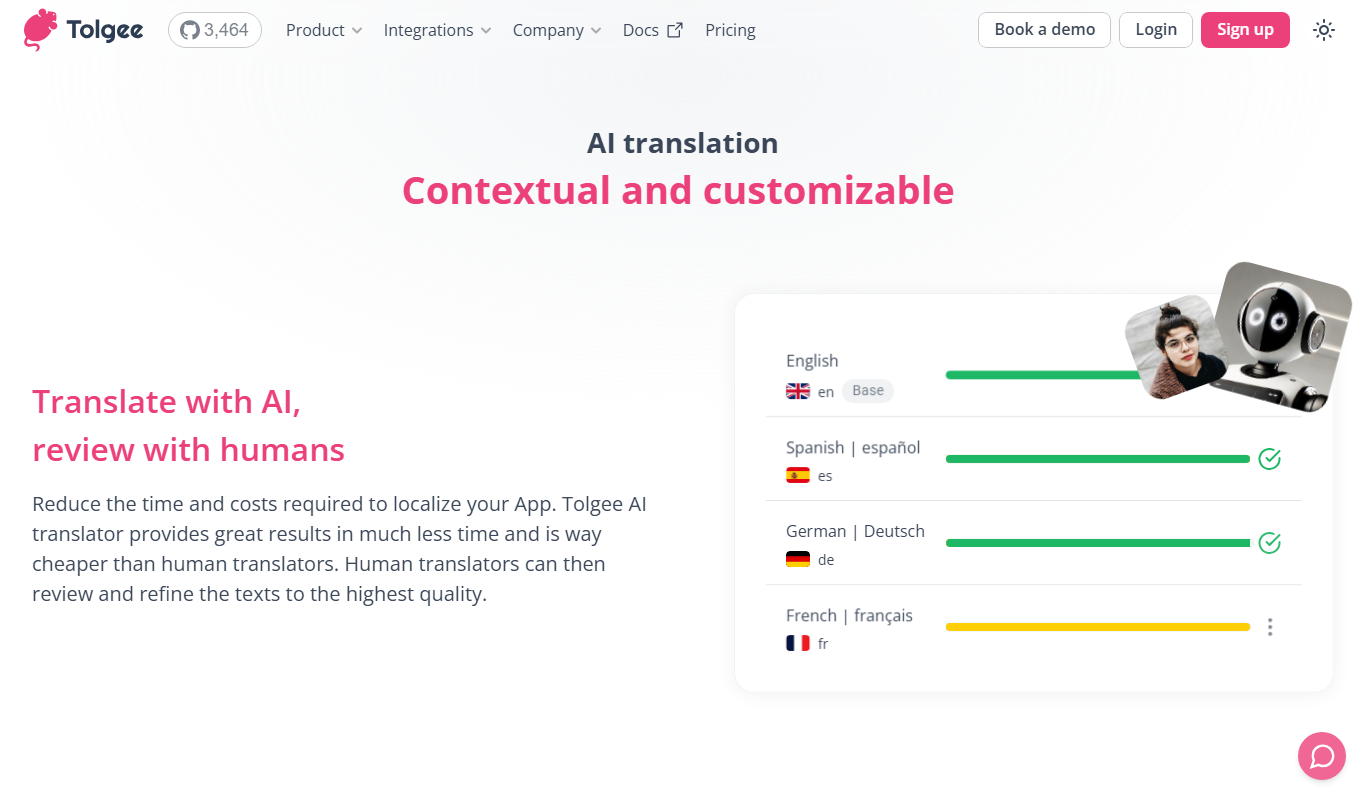
Tolgee AI Translator is an automated localization platform that uses AI to translate software content autonomously, enabling developers to maintain multilingual applications efficiently.

Apployal: AI-Powered app localization
Apployal is an AI-powered platform that automates and manages mobile app localization, enabling developers to efficiently translate and maintain multilingual apps with collaboration and API support.