

Smart Dictate Speech-to-Text Software for Accurate Voice Transcription
Smart Dictate is an AI-powered dictation tool for the web that understands context, technical terms and industry jargon for accurate voice-to-text across all websites.
- Best for
- Medical Transcription
- Key capability
- Real-Time Transcription
Save Smart Dictate, follow its updates and vote on it — everything stays in your account.
Sign in or create a free account

What is Smart Dictate?
Smart Dictate is an AI-powered dictation tool for the web that understands context, technical terms and industry jargon, providing accurate voice-to-text across all websites through a Chrome extension.
Key features of Smart Dictate
Smart Dictate offers real-time voice recognition, multi-language support, customizable vocabulary, and seamless integration with popular document editors. It also includes noise reduction technology and speaker identification to enhance transcription quality.
Real-Time Transcription
Instantly converts speech to text with minimal delay.
Multi-Language Support
Supports English, Spanish, French, and German for global users.
Custom Vocabulary
Allows users to add industry-specific terms to improve accuracy.
Noise Reduction
Filters background noise to enhance speech clarity.
Speaker Identification
Distinguishes between multiple speakers in a conversation.
Pros and cons of Smart Dictate
Pros
- High transcription accuracy with industry-specific vocabulary
- Supports multiple major languages
- Real-time transcription with speaker identification
- User-friendly interface with easy editing tools
- Free plan with 25 premium requests per month
Cons
- No offline mode available
- Mobile app not yet released
- Custom vocabulary setup requires manual input
Key use cases for Smart Dictate
Medical Transcription
Convert doctors' voice notes into accurate medical records efficiently.
Business Meetings
Automatically transcribe meeting discussions for easy reference and minutes.
Content Creation
Assist writers and podcasters by transcribing spoken content quickly.
Legal Documentation
Generate precise transcripts of legal proceedings and client interviews.
How Smart Dictate works
- 1
Create an Account
Sign up on the Smart Dictate website to access the platform.
- 2
Select Language and Settings
Choose your preferred language and customize vocabulary for your industry.
- 3
Start Dictating
Dictate across websites such as email clients (Gmail, Outlook), social media platforms, CRM systems and documentation tools.
- 4
Edit and Export
Review the transcription, make edits if necessary, and export to your preferred format.
Who is using Smart Dictate
Smart Dictate pricing
Free
EUR 0, forever
25 premium requests per month, context-aware processing, Chrome extension (desktop).
Standard
EUR 7.99/month
500 premium requests per month, context-aware processing, Chrome extension (desktop), access to new features, priority support, 12-month price lock.
Enterprise
Custom quote
Custom integrations for organizations: unlimited premium requests, optional local processing, end-to-end encryption, custom deployment options, dedicated support.
Plans and prices are as published by the vendor and can change. Check the official site before you buy. Open the pricing page (opens in a new tab)
Frequently asked questions about Smart Dictate
No, Smart Dictate requires an internet connection to process speech using cloud AI models.
Smart Dictate is offered as a Chrome extension for desktop. Every plan on the pricing page lists Chrome Extension (Desktop).
Accuracy varies by audio quality but typically exceeds 90% with clear speech and minimal background noise.
It depends on your specific needs and how you plan to use the tool. The official website and documentation are the best sources for the latest details.
Yes, it can help with that use case depending on how you configure it and what features are available. You’ll get the best results with clear inputs and a defined goal.
Some tools offer a free plan or trial with limited features. Availability can vary, so confirm on the official website.
Conclusion
Dictation happens in the browser through a Chrome extension for desktop, which works across email clients such as Gmail and Outlook, social media platforms, CRM systems and documentation tools. Its AI analyzes webpage content in real time so that industry-specific terminology, technical abbreviations and complex names are transcribed correctly. A dynamic long-term memory learns from past dictations and remembers technical terms, alongside smart punctuation.
Replying to emails, looking up information and business outreach are the workflows it is built around. English, German, French and Spanish are supported, with more languages coming. The free plan includes 25 premium requests per month, the Standard plan raises that to 500, and an Enterprise option adds unlimited requests with optional local processing.
Sources
Sign in to review this tool.
Sign In to ReviewNo reviews yet
Be the first to share how this tool worked for you.
Ask about pricing, limits, or how it compares — or answer someone else.
Sign In to AskNo questions yet
Have a question about using or paying for this tool? Be the first to ask.
Featured on TiorAI



More AI Productivity Tools tools
Other tools in the same category, for when this one is not quite the fit.

The Prompt Index
The Prompt Index combines 780+ curated AI prompts with 24 built-in AI tools for writing, research, decisions, images and slides, with a Free plan and paid Basic and Pro plans.

AiPPT
AiPPT is an AI-driven web tool that helps users create professional presentations quickly by generating slide content and designs automatically.
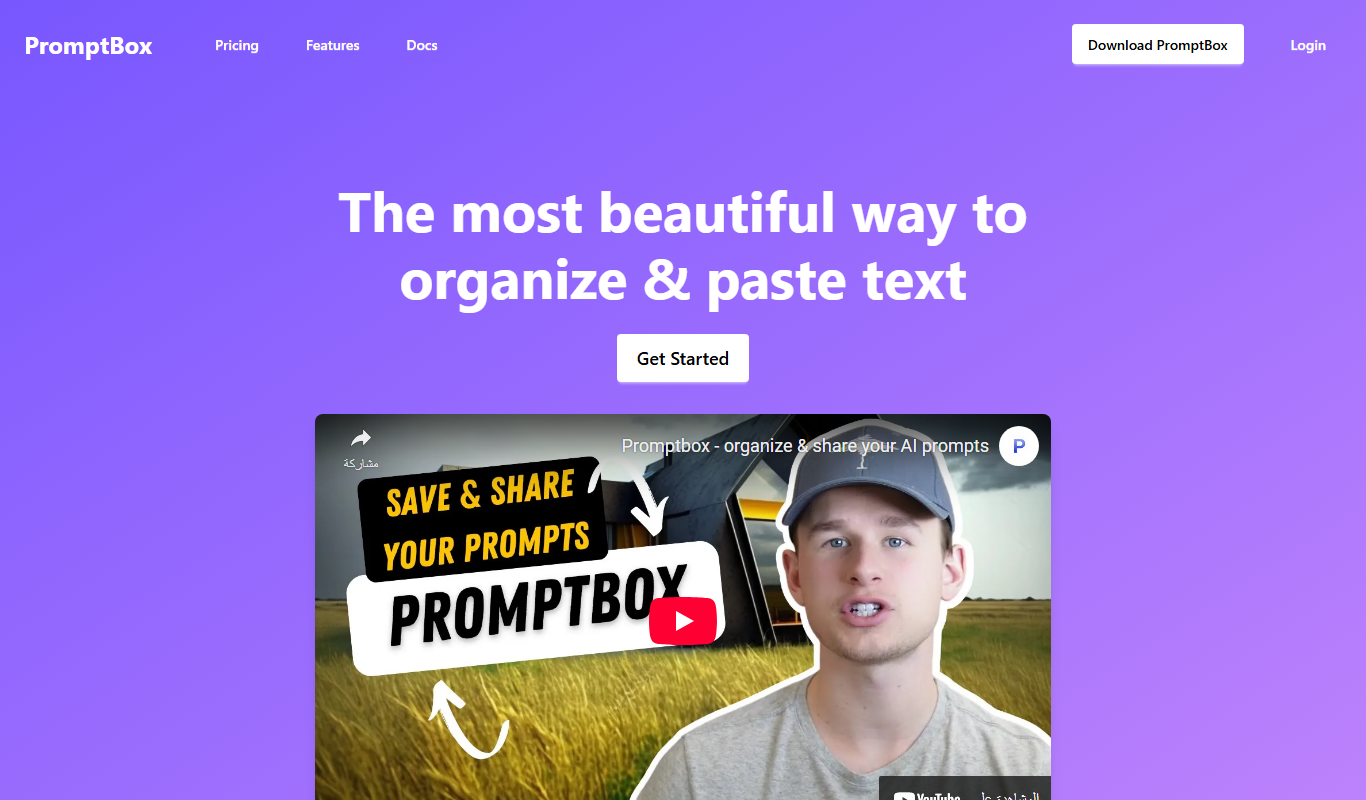
PromptBox
PromptBox is a text snippet manager that stores AI prompts and other text, syncs them between phone and computer and expands text shortcuts in any app.

PresentationGPT
PresentationGPT is an AI-driven tool that helps users quickly create professional presentation slides by generating content and layouts based on user input.

Open GPT
OpenGPT lets users run a wide range of ChatGPT applications or create their own in seconds, with access sold as a subscription.
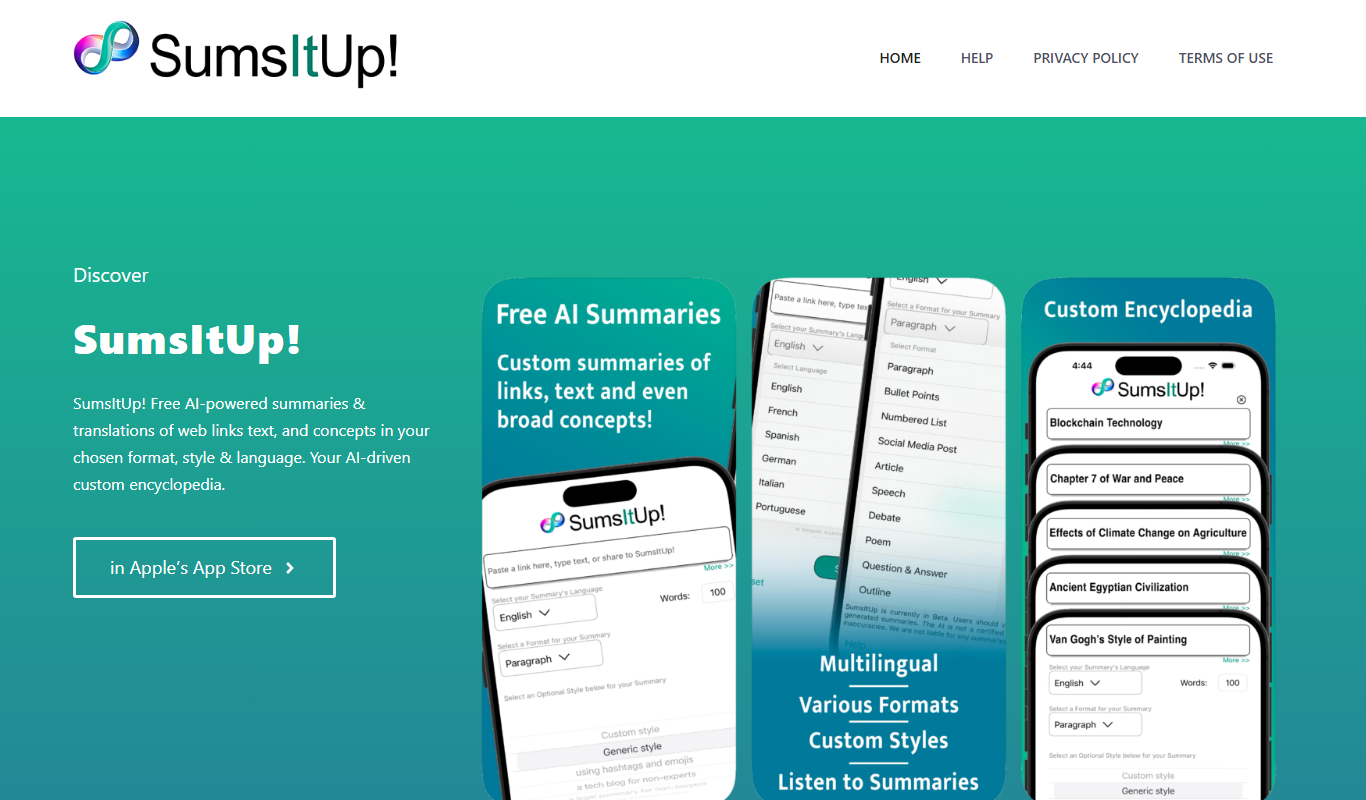
SumsItUp!
SumsItUp! is an AI-based tool that summarizes lengthy text into concise, easy-to-understand summaries, saving time and improving comprehension.

Free AI PDF Reader
Free AI PDF Reader is a web-based tool that allows users to upload PDFs and use AI to search and summarize document content quickly and for free.

Craft
Craft is a note-taking and documentation app designed for individuals and teams, offering nested pages, real-time collaboration, and multimedia embedding to enhance productivity.