

Create AI-Generated Quiz Videos for TikTok with QuizTok Tool
QuizTok is an AI-powered platform that generates interactive quiz videos optimized for TikTok, enabling users to create engaging content quickly without video editing skills.
- Best for
- Social Media Engagement
- Key capability
- AI-Powered Quiz Question Generation
Save QuizTok – AI Generated Quiz Videos for TikTok, follow its updates and vote on it — everything stays in your account.
Sign in or create a free account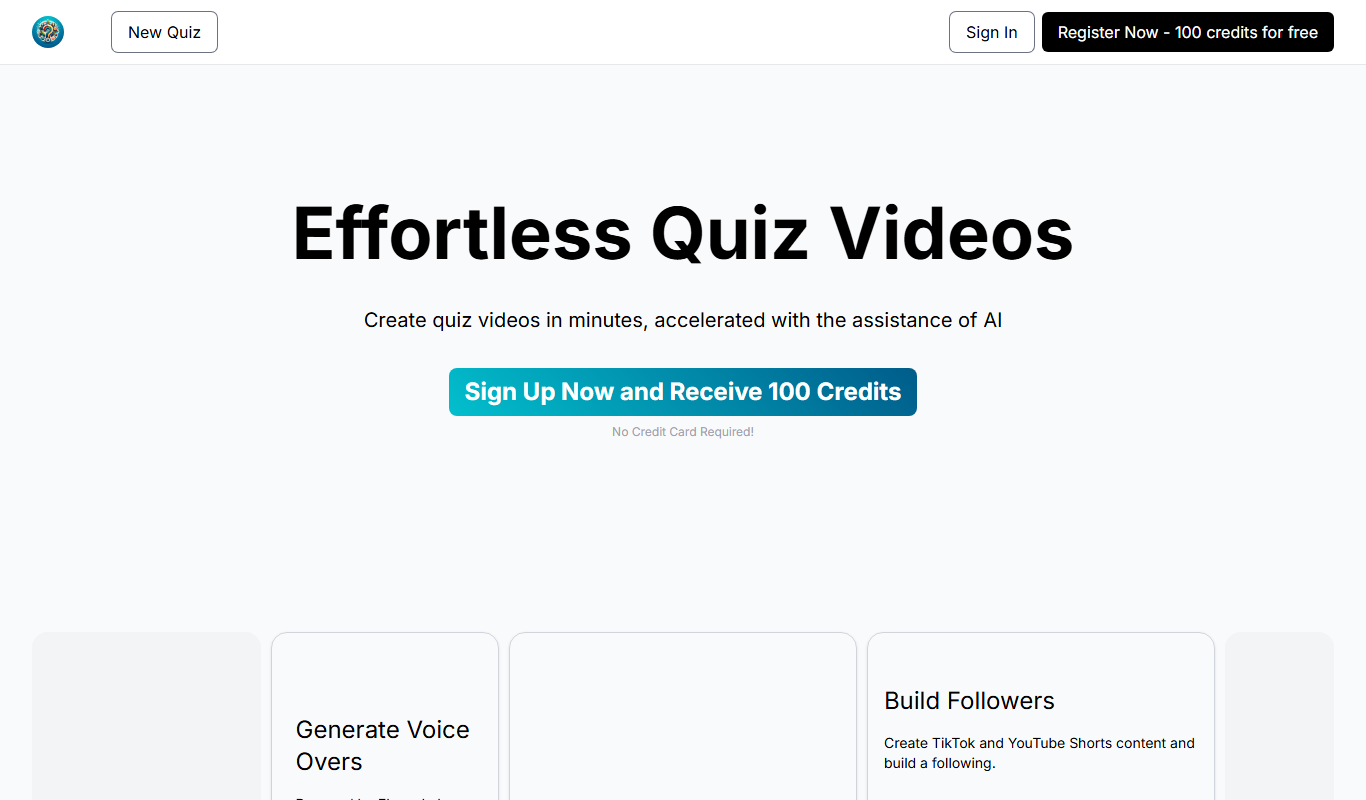
What is QuizTok – AI Generated Quiz Videos for TikTok?
QuizTok is a web-based AI-powered platform designed to help users create engaging quiz videos specifically tailored for TikTok. It automates the video creation process by generating quiz questions and corresponding video content, enabling creators, marketers, and influencers to produce interactive and shareable videos quickly without needing advanced video editing skills.
Key features of QuizTok – AI Generated Quiz Videos for TikTok
QuizTok offers AI-generated quiz question creation, customizable video templates, TikTok-optimized video formats, and easy export options. The platform focuses on simplifying the production of interactive quiz videos that drive engagement on social media.
AI-Powered Quiz Question Generation
Automatically creates relevant and engaging quiz questions based on user input.
TikTok-Optimized Video Templates
Pre-designed templates formatted for TikTok’s vertical video requirements.
Customizable Branding Options
Allows users to add logos, colors, and text styles to match their brand identity.
Easy Export and Sharing
Exports videos in formats ready for TikTok upload with minimal effort.
Pros and cons of QuizTok – AI Generated Quiz Videos for TikTok
Pros
- Simplifies quiz video creation with AI automation
- Optimized for TikTok’s video format
- Customizable templates and branding
- No video editing skills required
Cons
- Limited free trial features
- Currently supports only English language
Key use cases for QuizTok – AI Generated Quiz Videos for TikTok
Social Media Engagement
Create interactive quiz videos to boost engagement and follower interaction on TikTok.
Content Marketing
Generate quiz-based video content to attract and retain audience attention for brands.
Influencer Growth
Help influencers create unique, AI-powered quiz videos to grow their TikTok presence.
Educational Content
Produce engaging quiz videos that educate viewers in a fun and interactive way.
How QuizTok – AI Generated Quiz Videos for TikTok works
- 1
Sign Up
Create an account on the QuizTok website to access the video creation tools.
- 2
Input Topic or Keywords
Enter a topic or keywords related to the quiz you want to generate.
- 3
AI Generates Quiz Questions
The AI engine creates quiz questions and answers based on your input.
- 4
Customize Video
Select video templates and customize styles, colors, and branding.
- 5
Generate and Export
Produce the quiz video and export it in TikTok-compatible format for posting.
Who is using QuizTok – AI Generated Quiz Videos for TikTok
QuizTok – AI Generated Quiz Videos for TikTok pricing
Basic
$5 /month
Enough credits to try it out: 500 credits per month, AI image generation and AI generated voice overs.
Influencer
$10 /month
1000 credits per month, AI image generation, AI selected video backgrounds, AI generated voice overs and watermark removal.
Pro
$25 /month
2500 credits per month, everything included in the Influencer tier, higher quality images and theme customization.
Plans and prices are as published by the vendor and can change. Check the official site before you buy. Open the pricing page (opens in a new tab)
Frequently asked questions about QuizTok – AI Generated Quiz Videos for TikTok
Yes, while QuizTok is optimized for TikTok, you can export videos and use them on other social media platforms.
No, QuizTok automates video creation with AI and templates, requiring no prior video editing experience.
Usage is based on monthly credits: Basic includes 500, Influencer 1000 and Pro 2500 credits per month, and new accounts receive 100 credits on sign up.
It depends on your specific needs and how you plan to use the tool. The official website and documentation are the best sources for the latest details.
Yes, it can help with that use case depending on how you configure it and what features are available. You’ll get the best results with clear inputs and a defined goal.
Some tools offer a free plan or trial with limited features. Availability can vary, so confirm on the official website.
Conclusion
Short quiz videos for TikTok and YouTube Shorts are the output here, built from questions that are typed in manually or generated by AI for a selected topic. Each quiz uses multiple choice questions, and voiceovers powered by ElevenLabs plus AI curated background videos complete the clip. Themes, formats and difficulty levels can be adjusted, along with logos, colors and text styles that match a brand. Finished videos are exported for posting, and the page notes they can also be used on social platforms other than TikTok.
TikTok content creators, influencers and educators creating interactive content are the intended users, and no video editing experience is required. Usage is based on monthly credits, and the Influencer tier includes watermark removal and AI selected video backgrounds. New accounts receive 100 credits at sign up with no credit card required.
Sources
Sign in to review this tool.
Sign In to ReviewNo reviews yet
Be the first to share how this tool worked for you.
Ask about pricing, limits, or how it compares — or answer someone else.
Sign In to AskNo questions yet
Have a question about using or paying for this tool? Be the first to ask.
Featured on TiorAI



More AI Content Generation Tools tools
Other tools in the same category, for when this one is not quite the fit.

SEO GPT
SEO GPT is an AI tool that automates the creation of SEO-optimized content, including articles, meta titles, and descriptions, helping marketers improve search rankings efficiently.

BulkGPT.ai
BulkGPT.ai is a no-code AI workflow platform for web scraping, search enrichment, SEO operations, research and batch content generation.
inspirobot.me
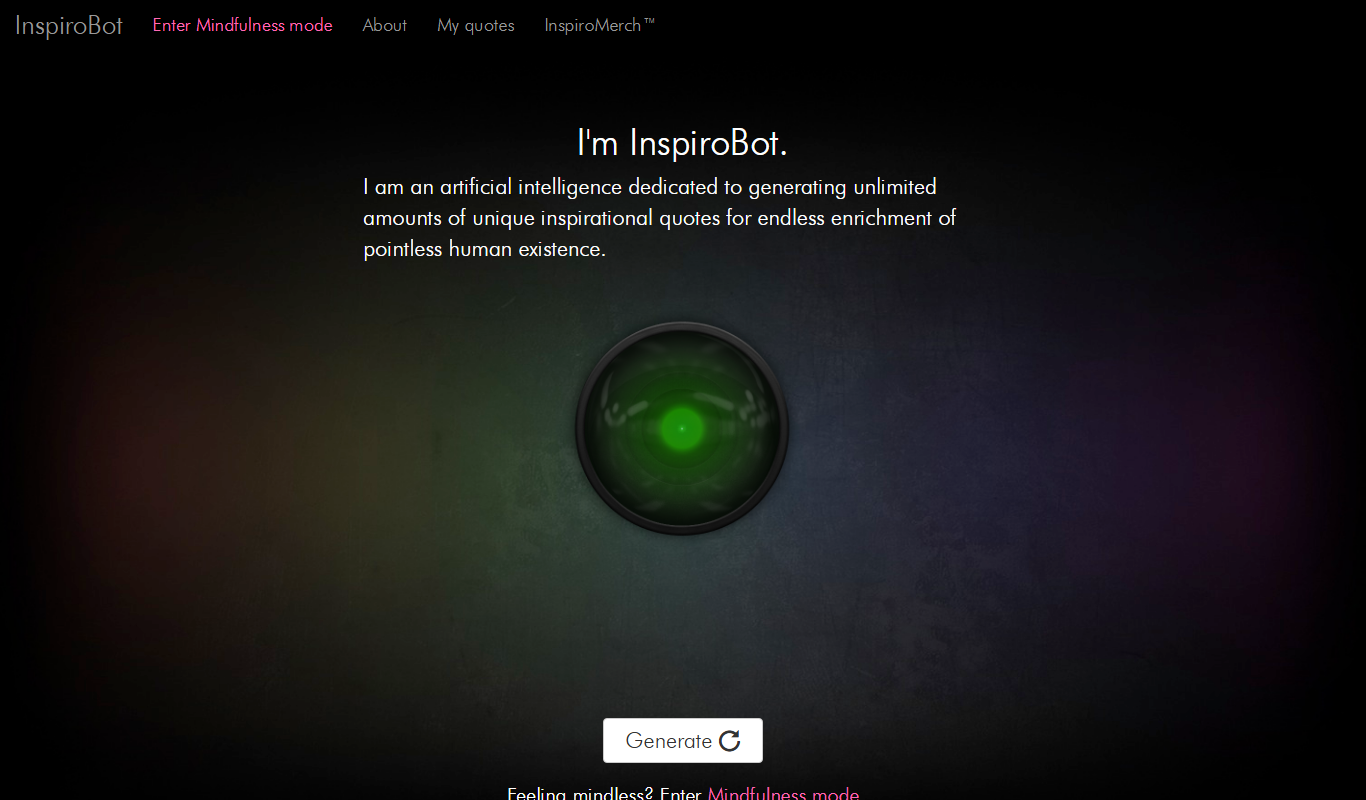
InspiroBot is a free AI-powered web tool that instantly generates unique inspirational quotes paired with images, ideal for social media sharing and creative motivation.

Write Me A Prayer – AI Prayer Generator
Write Me A Prayer is an AI tool that generates personalized prayers based on user input, helping individuals and religious leaders create meaningful spiritual texts quickly.

Once Upon A Bot
Once Upon A Bot lets users create children's stories with AI, with illustrations and a voice narrator.

Fablerr
Fablerr is a Chrome Extension that writes posts and comments on any website, such as Twitter, Reddit, Gmail and YouTube.
ArticleForge
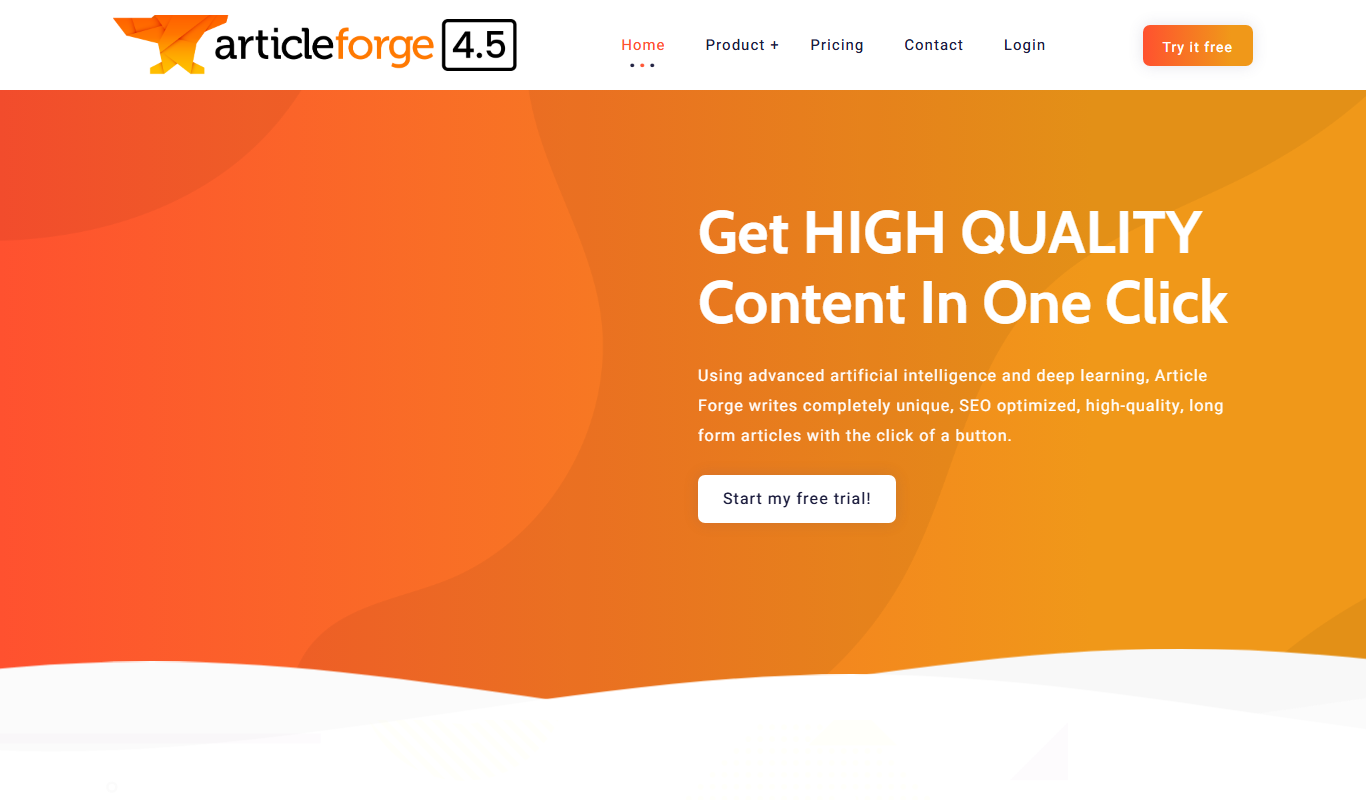
ArticleForge is an AI-driven platform that automatically creates unique, SEO-optimized articles based on user keywords, helping marketers and businesses automate content creation.

AI Text Generator
AI Text Generator is a web tool that uses AI to generate written content from user prompts, with a free playground and paid plans.