

Discord Communication Platform for Gaming, Communities, and Team Collaboration
Discord is a communication platform that provides voice, video, and text chat designed for gamers, communities, and remote teams, available on multiple platforms with free and premium plans.
- Best for
- Gaming Communication
- Key capability
- Voice and Video Chat
Save Discord, follow its updates and vote on it — everything stays in your account.
Sign in or create a free account
What is Discord?
Discord is a versatile communication platform designed for creating communities, gaming groups, and team collaboration. It offers voice, video, and text chat features that work seamlessly across devices. Users can join or create servers with multiple channels, customize roles and permissions, and engage in real-time conversations. Originally popular with gamers, Discord has expanded to serve a wide range of social and professional communities.
Key features of Discord
Discord’s main features include high-quality voice and video calls, persistent text chat channels, screen sharing, customizable roles and permissions, integrations with other apps, and bots for automation. It supports large communities with moderation tools and offers both free and premium subscription plans for enhanced capabilities.
Voice and Video Chat
High-quality, low-latency voice and video communication with push-to-talk and noise suppression.
Text Channels
Persistent chat rooms organized by topics with support for images, links, and file sharing.
Screen Sharing and Live Streaming
Share your screen or stream gameplay to others in your server.
Role Management and Permissions
Granular control over user permissions to manage access and moderation.
Bots and Integrations
Automate tasks, add games, and connect with external services through bots.
Pros and cons of Discord
Pros
- Robust voice and video communication with low latency
- Highly customizable servers with roles and permissions
- Cross-platform support including mobile and desktop
- Large ecosystem of bots and third-party integrations
Cons
- Can be overwhelming for new users due to many features
- Some advanced features require paid Nitro subscription
- Occasional server outages or voice connection issues
Key use cases for Discord
Gaming Communication
Provides low-latency voice and text chat for gamers to coordinate and socialize during gameplay.
Community Building
Enables users to create and manage communities with channels, roles, and moderation tools.
Team Collaboration
Supports remote teams with voice/video calls, screen sharing, and organized channels for project discussions.
Event Hosting
Facilitates live events, webinars, and group discussions with features like stage channels and live streaming.
Social Networking
Connects people with shared interests through public and private servers.
How Discord works
- 1
Create an Account
Sign up on Discord’s website or app using an email address.
- 2
Join or Create a Server
Join existing communities or create your own server with channels for different topics.
- 3
Customize Your Server
Set up roles, permissions, and channels to organize conversations and manage members.
- 4
Communicate
Use voice, video, or text chat to interact with others in real time.
- 5
Enhance with Bots and Integrations
Add bots for moderation, games, music, and connect with other apps like Twitch or YouTube.
Who is using Discord
Discord pricing
Free
$0/month
Access to core features including unlimited servers, voice, video, and text chat.
Nitro Basic
$2.99/month
Custom emoji anywhere, 50MB uploads and custom app icons.
Discord Nitro
$9.99/month
Everything in Basic plus custom profiles, HD video streaming, color app themes and Xbox Game Pass in select regions.
Plans and prices are as published by the vendor and can change. Check the official site before you buy. Open the pricing page (opens in a new tab)
Frequently asked questions about Discord
Yes, Discord offers a free tier with most core features available to all users.
Yes, Discord has apps for iOS and Android, as well as desktop and web versions.
Discord Nitro is a subscription service that provides enhanced features like higher upload limits and custom emojis.
Yes, servers can be set to private and invite-only with customizable permissions.
This tool is designed to help users accomplish its core tasks more efficiently. It is typically used by individuals or teams looking to improve productivity and workflow.
It depends on your specific needs and how you plan to use the tool. The official website and documentation are the best sources for the latest details.
It depends on your specific needs and how you plan to use the tool. The official website and documentation are the best sources for the latest details.
It depends on your specific needs and how you plan to use the tool. The official website and documentation are the best sources for the latest details.
Conclusion
Conversations live in servers: people join existing communities or create their own, with channels for different topics and roles and permissions to manage members. Voice, video and text chat run in real time inside those channels, and members can share a screen or stream gameplay to the server. Bots add moderation, games and music, and connect other apps like Twitch or YouTube. Apps exist for iOS and Android as well as desktop and web.
Gaming is where it started, and the same servers now host community managers, remote teams, streamers and hobby groups. Most core features are free for every user. Nitro is an optional membership in two tiers, Nitro Basic and Nitro, which add perks such as custom emojis, larger file uploads and HD screensharing. What Nitro costs varies by country and plan.
Sources
Sign in to review this tool.
Sign In to ReviewNo reviews yet
Be the first to share how this tool worked for you.
Ask about pricing, limits, or how it compares — or answer someone else.
Sign In to AskNo questions yet
Have a question about using or paying for this tool? Be the first to ask.
Featured on TiorAI



More Social Media tools
Other tools in the same category, for when this one is not quite the fit.

Outplayhq
OutplayHQ is a sales engagement platform that automates multi-channel outreach including email, calls, SMS, and social media, integrates with major CRMs, and provides analytics to improve sales team performance.

Fadr
Fadr is a music tech platform with a vocal remover, stem splitter, key and tempo detector, remix and mashup makers, a DJ controller and DrumGPT.
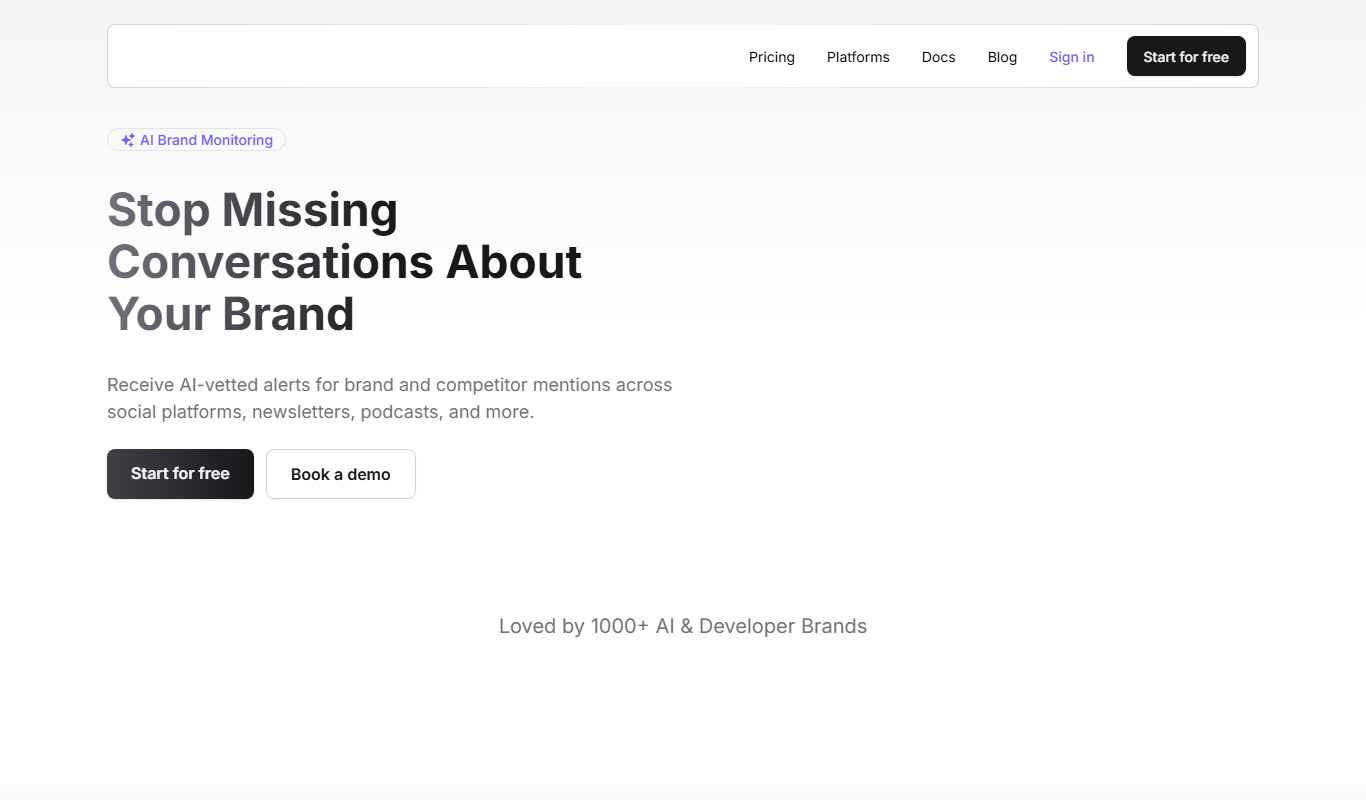
Octolens AI
Octolens is an AI social listening tool that tracks brand mentions across Reddit, X, LinkedIn and 10+ platforms, with API, MCP and webhooks on every plan.

Runecontent AI
RuneContent turns LinkedIn posts and articles into short educational videos for TikTok, YouTube Shorts and Instagram Reels, with no editing skills required.

Supermeme.ai
Supermeme.ai is an AI-driven meme generator that creates viral memes quickly using customizable templates and AI-generated captions, ideal for social media marketing and content creation.

ContentMod
ContentMod is an AI-powered API for text and image moderation that detects harmful content instantly.

Postly
Postly is an AI social media and blog scheduler that publishes across social media, blogs and email, with Postly CRM, Bio Pages and Analytics in one workspace.

LaunchPal
LaunchPal is an AI marketing partner that learns your brand, delivers content on auto-pilot and shares assets with clients through a portal, also on WhatsApp.