

VideoToPage: Turn Video and Audio into Blog Posts and Social Media Content
VideoToPage turns any video or audio into blog posts, articles and social media posts, ready to publish on WordPress, Notion, Ghost and more.
- Best for
- Video to blog posts
- Key capability
- AI transcription and analysis
Save VideoToPage, follow its updates and vote on it — everything stays in your account.
Sign in or create a free account
What is VideoToPage?
VideoToPage is a content repurposing tool that turns any video or audio into a blog post, article or social media post. Users record, upload or drop a YouTube link, and the AI transcribes the audio, identifies key themes and extracts visual content before generating blog posts, social media content and marketing materials.
Key features of VideoToPage
VideoToPage transcribes video and audio, identifies key themes, extracts visual content, generates blog posts, social media content and marketing materials, and can schedule content or publish it immediately with automation workflows.
AI transcription and analysis
The AI transcribes the audio, identifies key themes and extracts visual content, and uses OCR to capture text from video frames and images.
Multi-format content generation
One video becomes 10+ pieces of content: blog posts, social media posts, newsletters and more.
Direct publishing
Publish directly to WordPress, Shopify and connected social media accounts, or schedule content across platforms.
YouTube channel syncing
Automatically sync and process entire YouTube channels.
Pros and cons of VideoToPage
Pros
- One video becomes 10+ pieces of content
- Direct publishing to WordPress, Shopify and social media accounts
- Credits never expire and are a one-time purchase
- Supports up to 96 languages
Cons
- The free trial covers videos up to 5 minutes
- Payment details are required at signup for the free trial
Key use cases for VideoToPage
Video to blog posts
Upload a YouTube video or connect a YouTube channel and turn it into blog posts and articles.
Social media posts
Automatically generate platform-specific content for Twitter, Instagram, LinkedIn, Facebook and more.
Course material
Structure content into educational modules.
Documentation
Create technical documentation with code examples from recordings.
How VideoToPage works
- 1
Upload your video
Upload a video or audio file, drop a YouTube link or connect your YouTube channel for automatic syncing.
- 2
AI transcription and analysis
The AI transcribes the audio, identifies key themes and extracts visual content.
- 3
Generate, schedule and publish
Generate blog posts, social media content and marketing materials, then schedule content across platforms or publish immediately.
Who is using VideoToPage
VideoToPage pricing
Starter Pack
EUR 49 one-time
1400 credits total for content creators and small teams; credits never expire.
Creator Pack
EUR 199 one-time
6000 credits total for professional creators and agencies; credits never expire.
Business Pack
EUR 699 one-time
22000 credits total for large teams and enterprises; credits never expire.
Plans and prices are as published by the vendor and can change. Check the official site before you buy. Open the pricing page (opens in a new tab)
Frequently asked questions about VideoToPage
No technical skills are required. The app offers a simple interface and a chatbot assistant to guide you.
Yes, the app supports both audio and video inputs.
You can try the service for free with videos up to 5 minutes in length. Payment details are required during signup for the free trial.
Yes, you can share content as web pages, download it in markdown format or download SRT files for subtitles.
It automatically extracts key shots from videos and uses OCR to capture text from video frames and images.
The app supports up to 96 languages.
Yes, you can use the app for commercial purposes, and the generated content is yours to use as you see fit.
Conclusion
A recording goes in and written content comes out: a user uploads a video or audio file, or drops a YouTube link, and VideoToPage turns it into a blog post, article or social media post. The AI first transcribes the audio and identifies key themes, while OCR captures text shown in video frames so on-screen information is not lost. One video can become 10+ pieces of content, newsletters and course material included, and the chatbot will update the content when requests are described in natural language.
Publishing is part of the workflow rather than a copy-and-paste step, since finished pieces can go straight to WordPress, Shopify or connected social accounts, or be scheduled. Whole YouTube channels can also be synced so new videos are processed automatically, which is aimed at agencies and content teams. Up to 96 languages are supported. Credit packs are a one-time purchase whose credits never expire, and the free trial is limited to videos of up to 5 minutes with payment details required at signup.
Sources
Sign in to review this tool.
Sign In to ReviewNo reviews yet
Be the first to share how this tool worked for you.
Ask about pricing, limits, or how it compares — or answer someone else.
Sign In to AskNo questions yet
Have a question about using or paying for this tool? Be the first to ask.
Featured on TiorAI



Alternative Tools
Explore similar AI tools that might fit your needs

Vidyard
Vidyard is a video platform that helps businesses create, host, and share personalized videos for marketing, sales, and customer engagement with detailed analytics and CRM integrations.
More AI Content Creation Tools tools
Other tools in the same category, for when this one is not quite the fit.

Clarice.ai
Clarice.ai is an AI writing assistant that improves texts with suggestions on clarity, style, grammar and humanization.
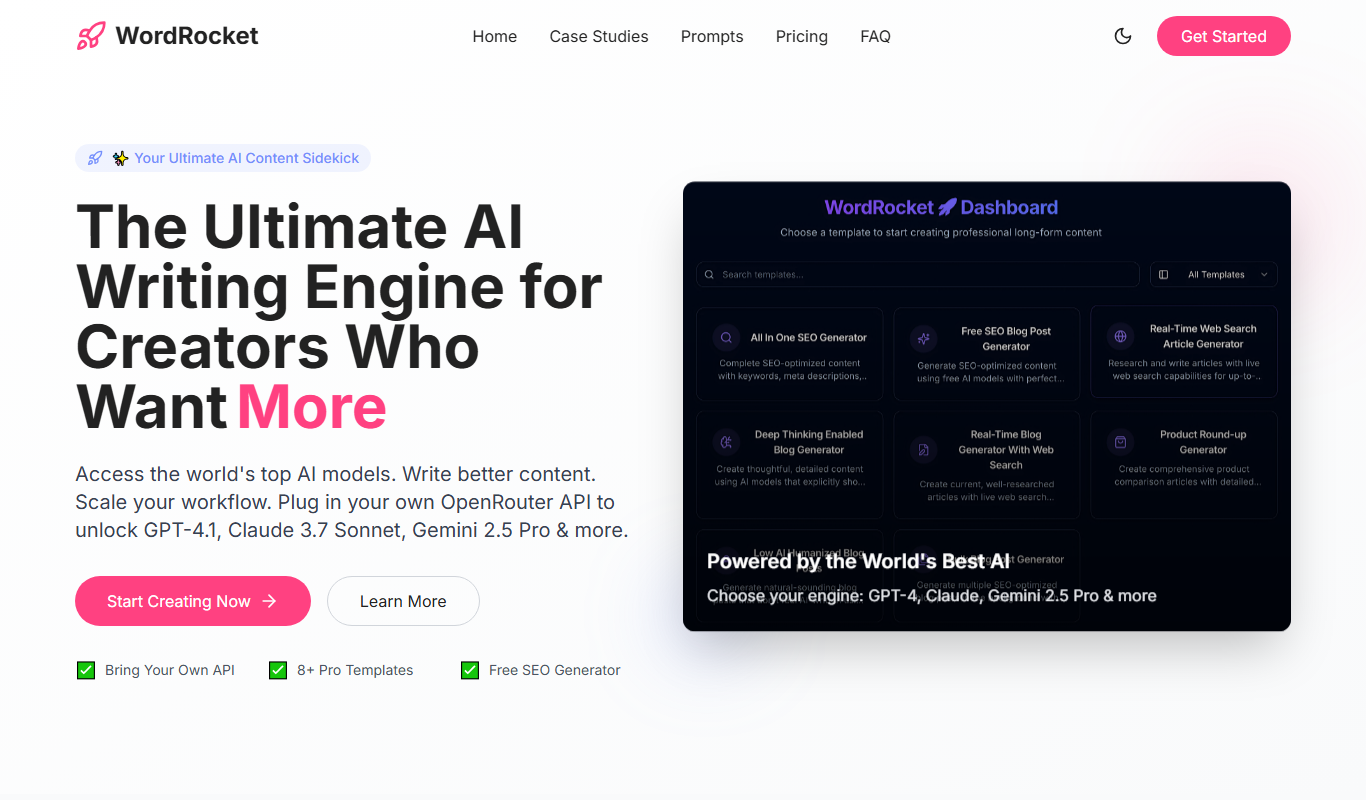
WordRocket AI
WordRocket AI is a web-based AI writing assistant that helps users generate SEO-optimized content, including blog posts and marketing copy, with customizable tone and style.

Origin
Origin is an all-in-one financial platform with AI-powered budgeting, spend tracking, investment tools, forecasting and estate planning, plus an AI financial advisor.
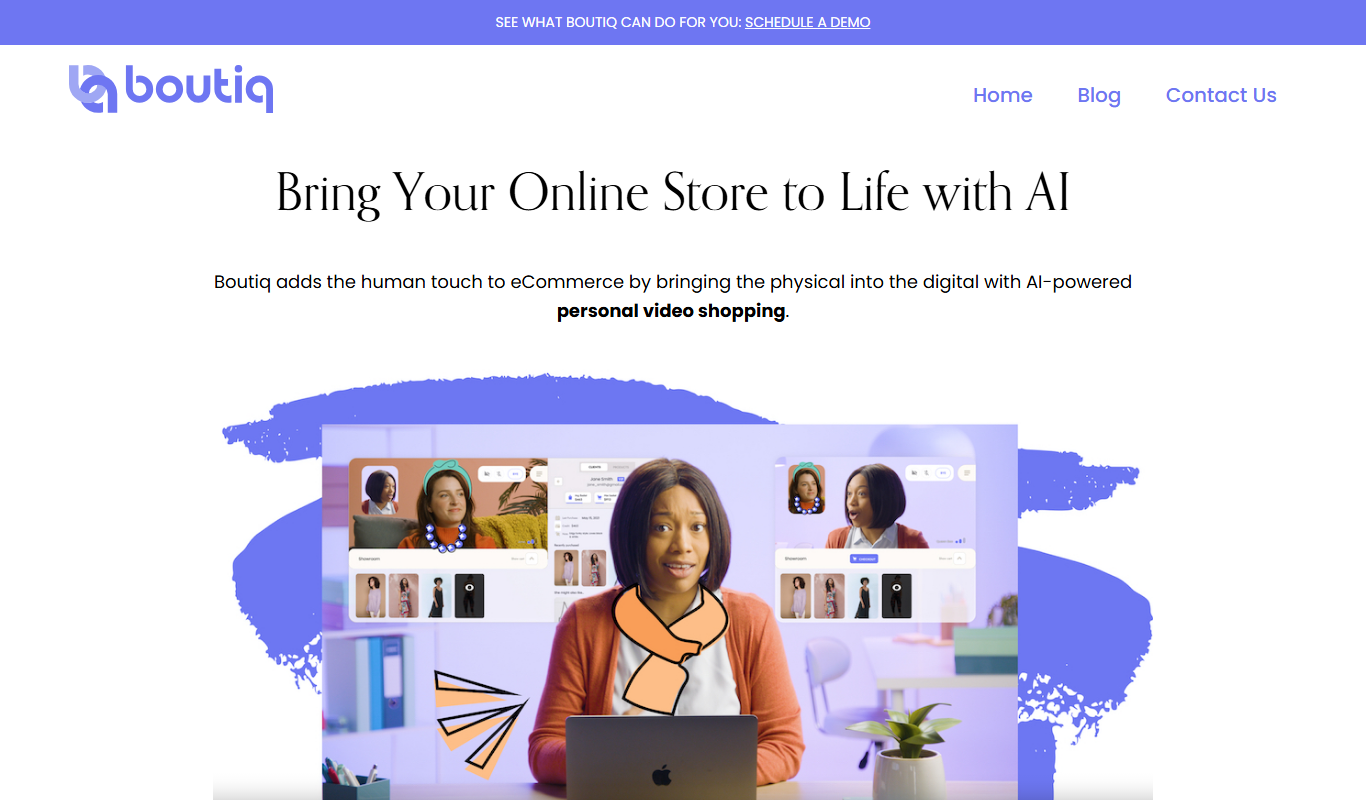
Boutiq
Boutiq adds AI-powered personal video shopping to Shopify stores: shoppers start or schedule a video chat with the store team, from discovery through checkout.

Quilter
Quilter uses physics-driven AI to automate PCB placement and routing, returning review-ready layout candidates in hours for designs from Altium, Cadence and Xpedition.

Talers
Talers is a collaborative writing application for books, novels, scripts and articles, with AI assistance.

Podcast Shownotes Generator
Podcast Shownotes Generator is an AI-powered web tool that creates detailed, SEO-optimized summaries for podcast episodes, helping podcasters save time and improve discoverability.

JotBot AI
JotBot AI is an AI writing assistant that writes in your personal style and helps you find and cite sources without leaving your document.