

StoryTok AI Video Generator for Engaging TikTok Content Creation
StoryTok makes faceless short videos for TikTok, Instagram Reels and YouTube Shorts, from Reddit-story videos and texting stories to captioned clips and highlight shorts, and can publish or schedule them to connected accounts.
- Best for
- TikTok Video Creation
- Key capability
- AI-Powered Text-to-Video
Save StoryTok, follow its updates and vote on it — everything stays in your account.
Sign in or create a free account

What is StoryTok?
StoryTok is a platform for making faceless vertical videos for TikTok, Reels and Shorts: narrated Reddit-style story videos over gameplay, texting-story videos, auto-captioned clips, split-screen videos and AI-picked highlight shorts cut from a long recording. Finished videos can be downloaded or published from StoryTok to connected accounts, and an automated mode can create and post a series of story videos.
Key features of StoryTok
StoryTok offers AI-driven video generation, customizable templates, text-to-video conversion, and social media optimization features that streamline the creation of captivating TikTok videos without requiring advanced video editing skills.
AI-Powered Text-to-Video
Automatically converts written stories or scripts into engaging video content.
TikTok-Optimized Formats
Creates videos in vertical format with pacing and style suited for TikTok audiences.
Customizable Templates
Offers a variety of video templates to tailor the look and feel of your videos.
Easy Editing Tools
Allows users to tweak video elements such as text, images, and timing before finalizing.
Direct Social Sharing
Enables quick sharing of videos to TikTok and other social media platforms.
Pros and cons of StoryTok
Pros
- Simplifies TikTok video creation with AI automation
- User-friendly interface suitable for beginners
- Offers customizable templates for branding
- Supports direct sharing to social media
- Pay-per-video credit packs with no subscription, and credits never expire
Cons
- Limited customization compared to professional video editors
- Trial videos carry a StoryTok watermark and cannot be published from StoryTok
- Currently supports only English language
Key use cases for StoryTok
TikTok Video Creation
Generate engaging, AI-powered short videos optimized for TikTok to boost social media presence.
Social Media Marketing
Create compelling video content quickly to support marketing campaigns and increase audience engagement.
Content Repurposing
Transform existing text or story ideas into dynamic video formats suitable for short-form platforms.
Brand Storytelling
Use AI to craft narrative-driven videos that communicate brand messages effectively on social media.
How StoryTok works
- 1
Input Your Story or Script
Enter your text, story, or script into the platform to serve as the video’s narrative foundation.
- 2
Customize Video Style
Select from various templates and styles to match your brand or desired video aesthetic.
- 3
AI Video Generation
The AI processes your input and automatically creates a short-form video optimized for TikTok.
- 4
Review and Edit
Preview the generated video and make any necessary adjustments before finalizing.
- 5
Download and Share
Download the video or share it directly to your TikTok or other social media channels.
Who is using StoryTok
StoryTok pricing
Mini
$5 one-time credit pack
20 credits: about 8 story videos rendered, or 5 to 6 rendered and posted to one account. Credits never expire.
Starter
$10 one-time credit pack
60 credits: about 24 story videos rendered, or about 17 rendered and posted to one account. Credits never expire.
Creator
$50 one-time credit pack
360 credits: about 140 story videos rendered, or about 100 rendered and posted, with room for a daily Autopilot series. Credits never expire.
Plans and prices are as published by the vendor and can change. Check the official site before you buy. Open the pricing page (opens in a new tab)
Frequently asked questions about StoryTok
Yes, StoryTok is designed for users of all skill levels, automating video creation with AI.
While optimized for TikTok, videos can be shared on other social media platforms supporting vertical video.
There is no free plan. Every new account starts with 3 free minutes of rendering, and those trial videos carry a small StoryTok watermark and cannot be published from StoryTok; renders made with a paid pack are watermark-free.
Yes, users can select and customize templates to fit their branding and style preferences.
It depends on your specific needs and how you plan to use the tool. The official website and documentation are the best sources for the latest details.
Some tools offer a free plan or trial with limited features. Availability can vary, so confirm on the official website.
Yes, it can help with that use case depending on how you configure it and what features are available. You’ll get the best results with clear inputs and a defined goal.
Yes, it can help with that use case depending on how you configure it and what features are available. You’ll get the best results with clear inputs and a defined goal.
Conclusion
A Reddit post, an original script or an uploaded clip is the starting material, and the user then picks a voice, a gameplay background and a caption style. Word-timed captions follow the narration, and an AI highlights mode cuts up to twenty captioned shorts from one long stream or podcast recording. Every output is a vertical 1080 x 1920 MP4 that can be downloaded or posted to connected TikTok, Instagram and YouTube accounts, now or on a schedule.
Autopilot goes further for Reddit stories: each cycle it finds a new post, rewrites it in original words and renders the video, while posting stays off until the user switches it on. Pricing is per video rather than per month, since credits come in one-time packs that never expire and pay for rendered minutes and for each account a video is posted to. New accounts get 3 free minutes of rendering, but trial videos carry a StoryTok watermark and cannot be published from StoryTok.
Sources
Sign in to review this tool.
Sign In to ReviewNo reviews yet
Be the first to share how this tool worked for you.
Ask about pricing, limits, or how it compares — or answer someone else.
Sign In to AskNo questions yet
Have a question about using or paying for this tool? Be the first to ask.
Featured on TiorAI



More AI Content Generation Tools tools
Other tools in the same category, for when this one is not quite the fit.

Fadr
Fadr is a music tech platform with a vocal remover, stem splitter, key and tempo detector, remix and mashup makers, a DJ controller and DrumGPT.

Remagine AI
Remagine AI is a web-based platform that uses artificial intelligence to generate marketing content and automate marketing workflows, helping businesses create SEO-friendly and brand-consistent materials efficiently.
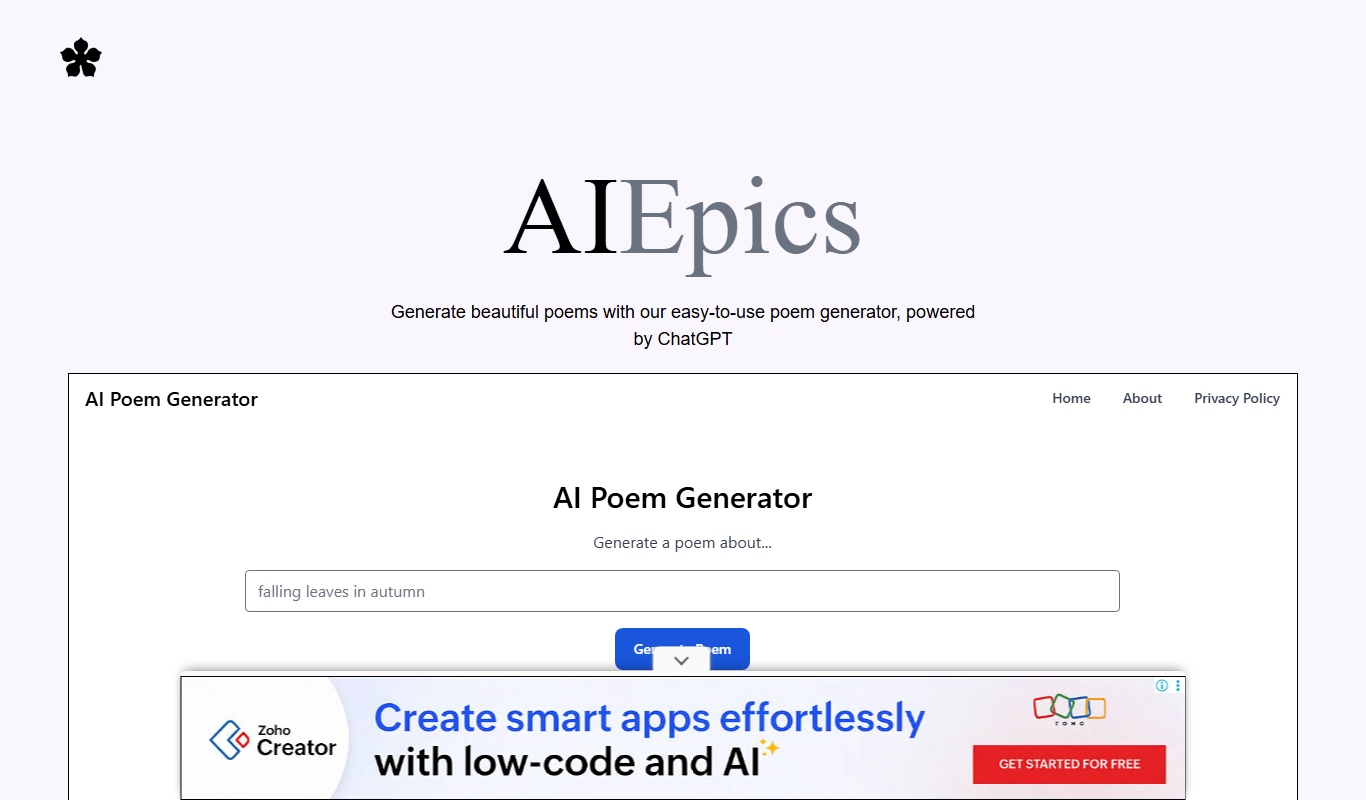
AI Poem Generator
AI Poem Generator is a web tool that creates original poems based on user input themes or keywords using AI technology.

Buzzli
Buzzli uses AI-powered agents to create LinkedIn content, optimize your profile and keep you visible to recruiters, clients and decision-makers.
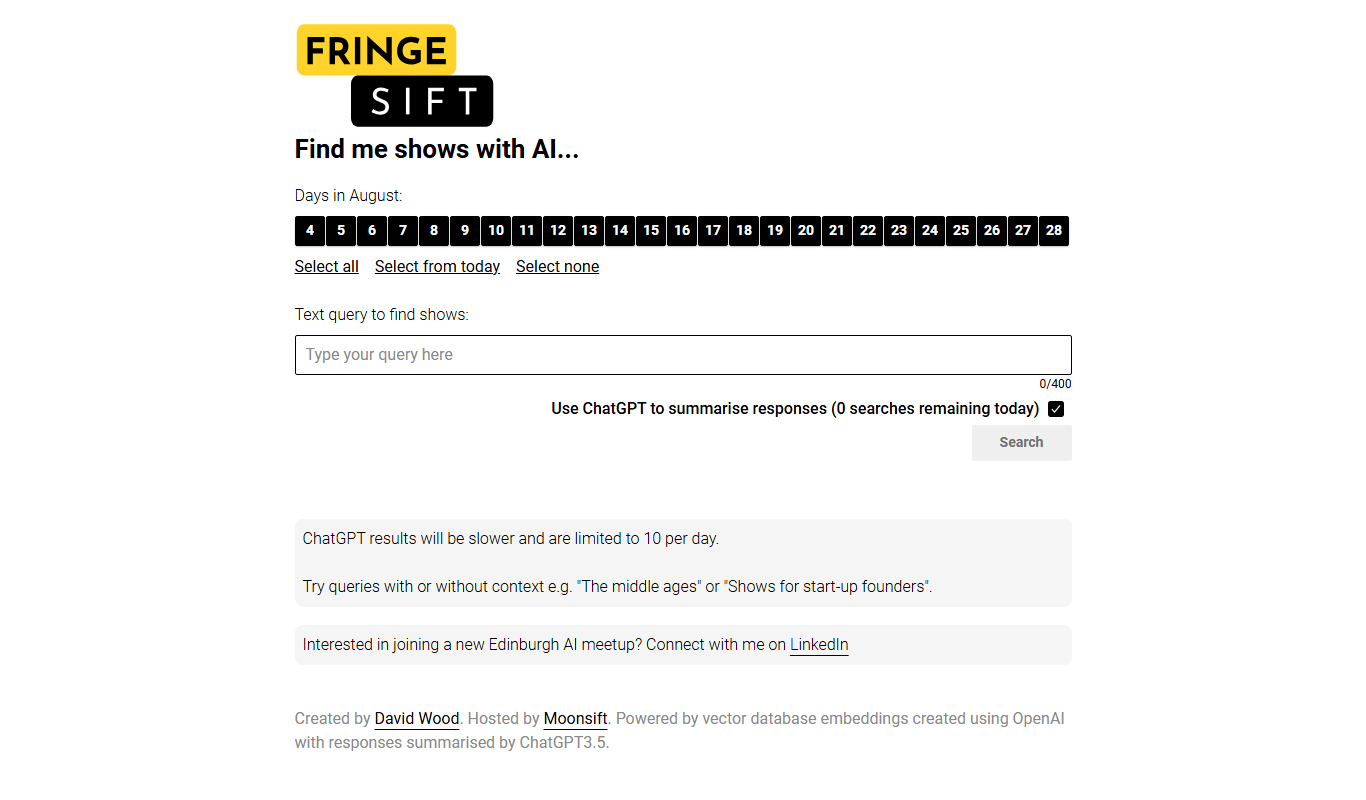
Fringe Sift
FringeSift is an AI search tool that finds Edinburgh Fringe shows from a text query and selected days in August.
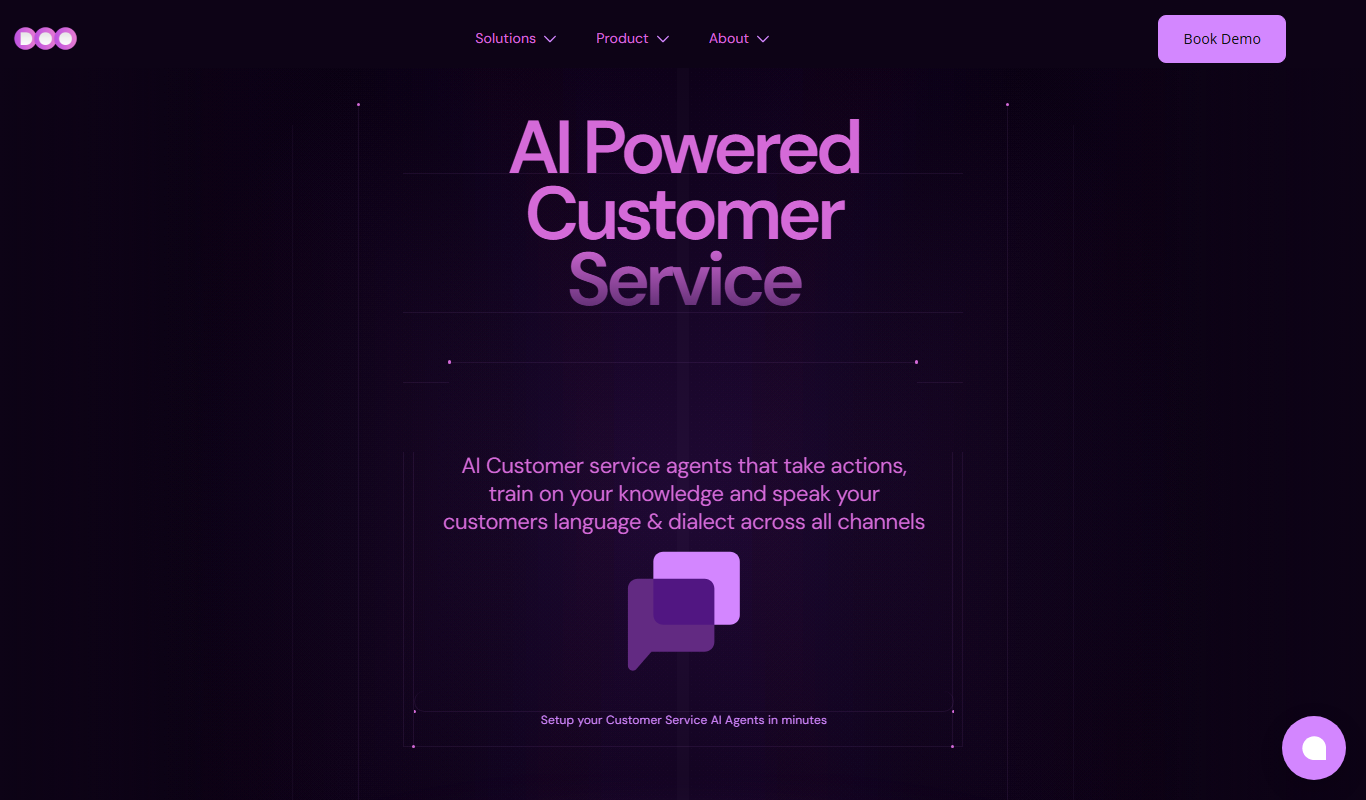
DOO
DOO is an AI customer experience platform: a unified inbox for email, chat, WhatsApp, Instagram and voice, with AI agents that take action and speak your customers' dialect.
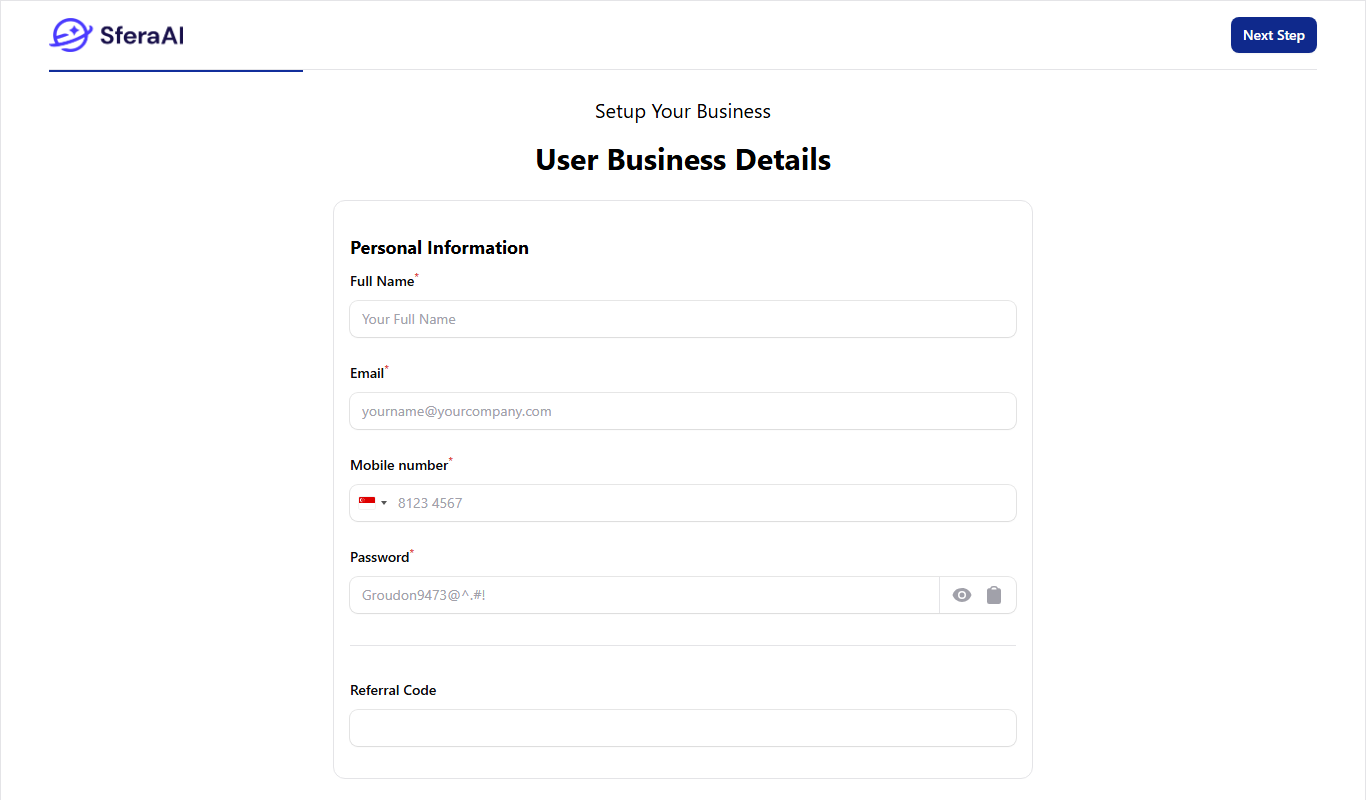
SferaAI
SferaAI is an all-in-one booking system for service businesses: booking website, appointment management, auto reminders, CRM, marketing, loyalty and rewards.
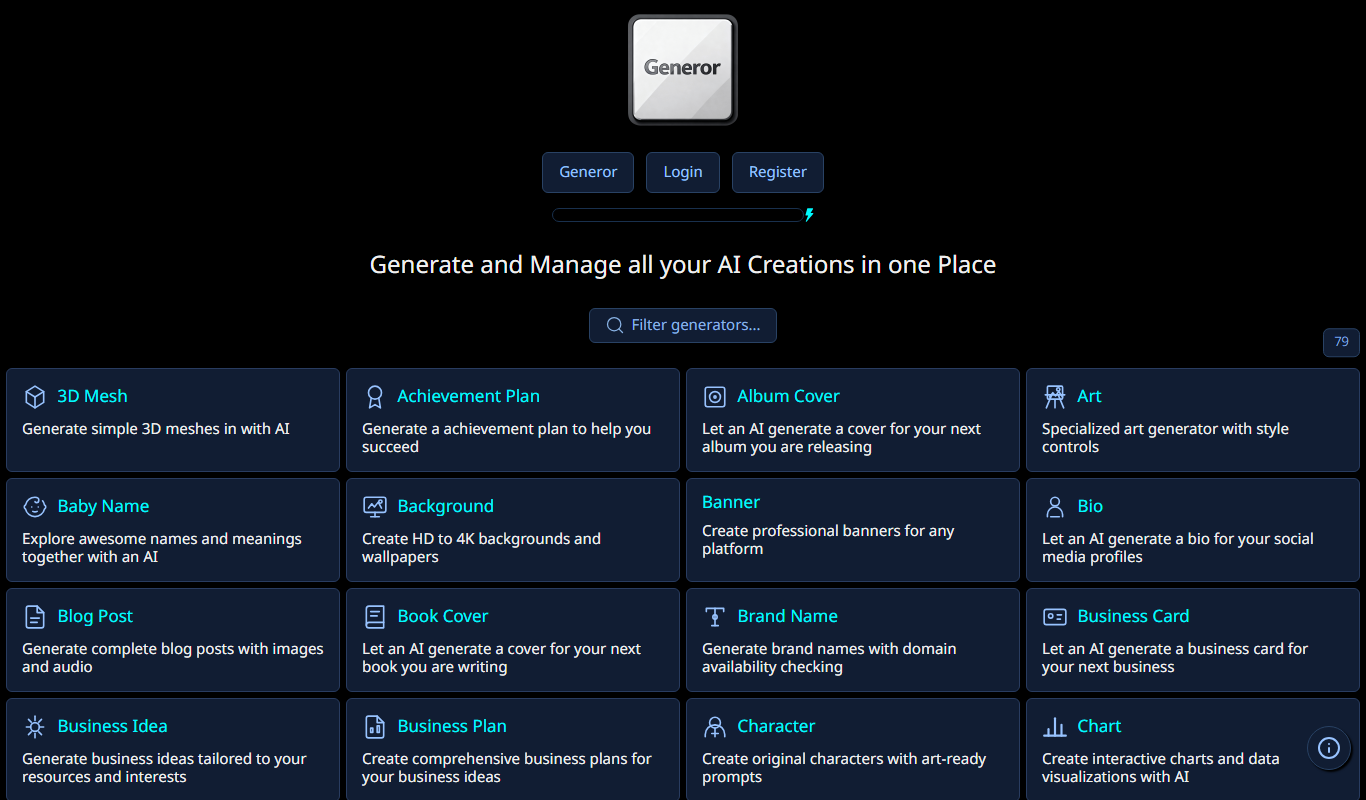
Generor
Generor is an AI generator web app with many generators for images, video, 3D meshes and text, plus a system for storing and sharing what you create.