
From my experience with DiffRhythm AI, I found it excels at quickly generating unique and creative music rhythms that can inspire both beginners and seasoned musicians. The platform’s intuitive web interface makes it accessible without requiring prior musical knowledge, which is a significant advantage for content creators and sound designers looking for fresh ideas. However, the lack of detailed public pricing and API options may limit integration for some professional workflows. Overall, if you need an easy-to-use AI tool for music composition and sound design experimentation, DiffRhythm AI delivers solid, innovative results.

DiffRhythm AI Music Generator for Creative Sound Design and Composition
DiffRhythm AI is a web-based platform that uses artificial intelligence to generate unique music rhythms and melodies, enabling creators to produce custom soundtracks and compositions easily.
What is DiffRhythm AI?
DiffRhythm AI is an AI-powered music generation platform designed to help creators produce unique rhythms, melodies, and soundscapes. It leverages advanced machine learning models to generate music that can be used for composition, sound design, and creative experimentation. The tool is accessible via a web interface, allowing users to quickly create and customize AI-generated music for various applications.
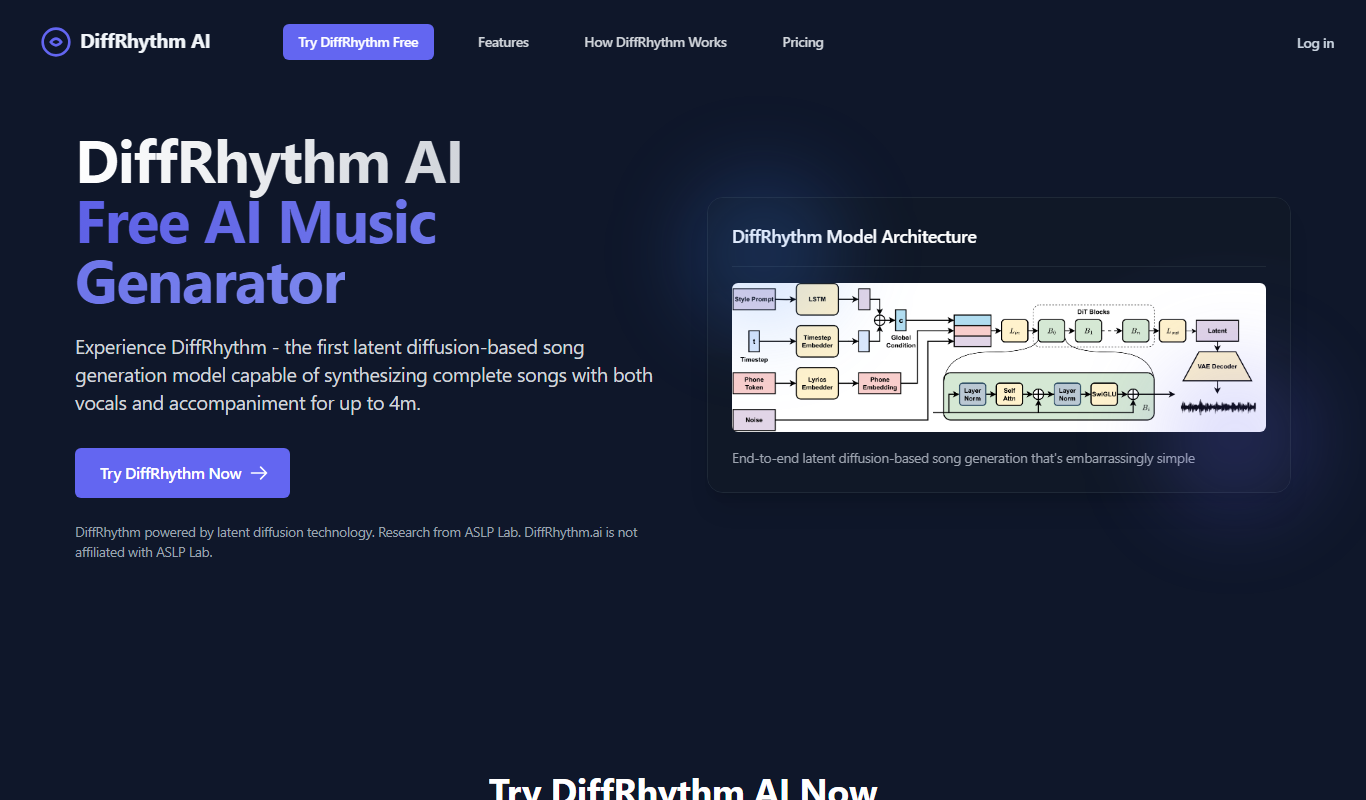
Key Features of DiffRhythm AI
AI-Powered Music Generation
Creates unique rhythms and melodies using advanced machine learning algorithms.
Customizable Parameters
Allows users to set tempo, style, and other musical attributes to tailor outputs.
Real-Time Audio Preview
Enables immediate listening to generated music for quick iteration.
Export Options
Supports downloading generated tracks in common audio formats for easy integration.
User-Friendly Web Interface
Accessible platform requiring no installation, suitable for creators of all skill levels.
Pros and Cons of DiffRhythm AI
Pros
- Generates unique and creative music quickly
- Easy to use with no prior musical knowledge required
- Customizable parameters allow tailored outputs
- Real-time previews speed up creative workflow
Cons
- Limited information on pricing details publicly available
- No disclosed API for integration
- Currently supports only English language interface
Key Use Cases for DiffRhythm AI
Music Composition
Generate unique music tracks and rhythms for personal or professional projects.
Sound Design
Create innovative soundscapes and audio textures using AI-driven tools.
Creative Experimentation
Explore new musical ideas and styles by leveraging AI-generated rhythms and melodies.
Content Creation
Produce background music for videos, podcasts, and other multimedia content.
Learning and Inspiration
Use AI-generated music to inspire musicians and producers in their creative process.
How DiffRhythm AI Works
-
1
Access the Platform
Visit the DiffRhythm AI website and create an account to start generating music.
-
2
Select Music Parameters
Choose style, tempo, and other settings to guide the AI in creating music tailored to your needs.
-
3
Generate Music
Use the AI engine to produce unique rhythms and melodies based on your selected parameters.
-
4
Preview and Customize
Listen to generated tracks and adjust parameters or regenerate to refine the output.
-
5
Export and Use
Download your AI-generated music for use in projects such as videos, podcasts, or compositions.
Who's Using DiffRhythm AI
Music producers
Content creators
Sound designers
Video editors
Podcasters
Musicians seeking inspiration
DiffRhythm AI Pricing
Free Trial
$0
Limited access to music generation features to explore the platform.
Subscription
Varies
Full access to all features with higher generation limits and priority support.
Frequently Asked Questions About DiffRhythm AI
Yes, music generated with DiffRhythm AI can be used commercially according to the platform’s licensing terms.
No, the platform is designed to be user-friendly for both beginners and experienced musicians.
You can export generated music in common formats such as WAV and MP3.
Currently, DiffRhythm AI is accessible via its web interface; API availability is not specified.
It depends on your specific needs and how you plan to use the tool. The official website and documentation are the best sources for the latest details.
Yes, it can help with that use case depending on how you configure it and what features are available. You’ll get the best results with clear inputs and a defined goal.
It depends on your specific needs and how you plan to use the tool. The official website and documentation are the best sources for the latest details.
Yes, it can help with that use case depending on how you configure it and what features are available. You’ll get the best results with clear inputs and a defined goal.
Share your review
Reviews are limited to one per logged-in user and are published after moderation.
You need an account to review this tool.
0.0
★
★
★
★
★
0 reviews
5 star
0
4 star
0
3 star
0
2 star
0
1 star
0
No reviews yet
Be the first to share how this tool worked for you.
Questions from the community
Read questions and answers about this tool, or ask your own.
No questions yet
Start the conversation by asking the first question about this tool.
Is this tool helpful?

Free
promptpanda
PromptPanda is an online marketplace where users can find, customize, and purchase AI prompts to enhance content creation and productivity with AI language models.
Free
WOV
WOV is a web-based collaborative video editing and feedback tool that enables teams to upload videos, provide time-stamped comments, and manage project versions efficiently.

Free Trial
neural frames
Neural Frames is an AI-powered platform that generates unique and stylized videos from user inputs, ideal for creative content and marketing.
Free
AI Music Maker
AI Music Maker is a free web-based tool that uses artificial intelligence to help users create original music tracks easily without requiring musical expertise.

Free
Sound Effect Generator
Sound Effect Generator is a free web-based tool that enables users to create and customize sound effects in real-time using adjustable audio parameters, ideal for quick sound design without software installation.

Free Trial
Tattoo Canvas
Tattoo Canvas is a web-based digital tattoo design software that provides tattoo artists with vector-based tools, customizable brushes, and stencil creation features to create and present professional tattoo artwork.

Free
IconWizardAI
IconWizardAI is a web-based AI tool that generates custom icons based on user input, offering easy customization and export options for designers and marketers.

Free
Openjourney Bot
Openjourney Bot is a free AI art generation tool operating via Discord, allowing users to create unique images from text prompts easily.